

Sider
Sider.AI · Writing · Coding · Productivity
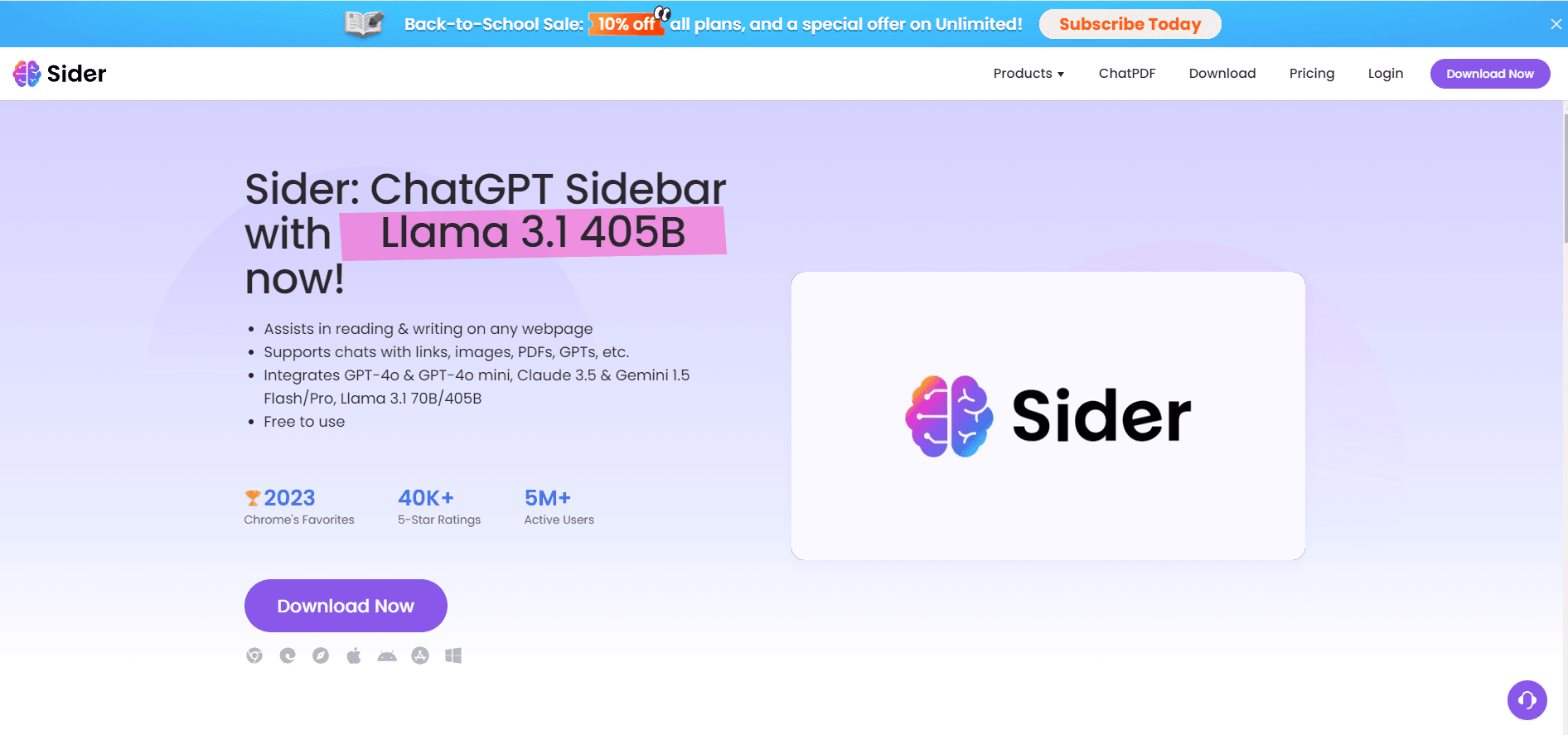
Sider is an AI browser sidebar that reads, writes, summarizes, and translates web pages, PDFs, and videos using ChatGPT, Claude, and Gemini models.
About Sider
What Is Sider
Sider is a browser sidebar and extension that puts several leading AI models in a panel next to whatever you're reading. Instead of bouncing between tabs to paste text into a chatbot, you open the sidebar on the page itself and ask it to summarize, explain, rewrite, or translate. It runs on Chrome and Edge as an extension, plus native Mac, Windows, iOS, and Android apps. Think of it as an AI assistant that lives where you already work. That's the whole idea.
The draw is consolidation. You get ChatGPT, Claude, Gemini, Grok, and DeepSeek through one interface, so you can switch models per task without paying for three separate subscriptions. It handles the reading chores most people repeat all day: pulling key points out of a long article, chatting with a PDF, summarizing a YouTube video, checking grammar, or rewriting a rough paragraph. Used right, it saves time. Used as a crutch, it just adds another tab.
It isn't a full replacement for a dedicated chatbot subscription. Heavy daily users still hit usage limits on the lower tiers, and the free plan caps how much you can run through the advanced models. Treat Sider as a productivity layer over your browsing rather than an unlimited AI account. The company behind it keeps a modest public profile, and plan names and quotas have shifted over time, so confirm the current lineup on the pricing page before you commit.
Getting Started
- Install the Sider extension from the Chrome Web Store or Edge Add-ons, or download the desktop and mobile apps.
- Pin the Sider icon and sign in with a Google account or email to sync your settings across devices.
- Open any article, PDF, or video and click the Sider icon to launch the sidebar on that page.
- Pick a task from the sidebar, such as summarize, translate, or chat with the document, or just type a question.
- Upgrade to a paid plan if you need more advanced model credits and higher daily quotas.
Product Information
A quick look at Sider's pricing, supported platforms, and performance.
Best for
The users, tasks, and scenarios where this tool fits best.
Users
- Students and researchers
- Writers and marketers
- Non-native English speakers
Tasks
- Summarizing long articles and reports
- Chatting with PDFs and documents
- Rewriting and proofreading
Scenarios
- Research sessions across many tabs
- Reading a YouTube video or lecture
- Quick translations on foreign sites
Key features
Multi-Model Chat in the Sidebar
Sider routes your questions to ChatGPT, Claude, Gemini, Grok, and DeepSeek models from a single panel. Yes, one panel. You can @-mention different bots in one thread and compare how each answers, which is handy when you want a second opinion on a tricky question without opening five tabs. For many people this replaces a standalone ChatGPT browser extension they used to keep pinned.
AI Reader and Page Summaries
The reader tools work as a webpage summarizer, pulling the main points out of articles, reports, and web pages and showing a condensed version beside the original. For anyone who reads for a living, that trims the scan-then-decide step down to a few seconds per source. It's a small win that adds up over a week.
Chat with PDFs, Images, and Links
You can drop a PDF, an image, or a link into the sidebar and ask questions about it. Sider reads the file, answers with the relevant passages, and keeps the conversation going, so a dense contract or slide deck turns into something you can actually interrogate. Skip the manual scrolling. Just ask.
AI Writer and Grammar Tools
The writing side covers drafting, rewriting, grammar checks, and tone adjustments. You select text on any page and ask for a cleaner version, a shorter version, or a more formal one, all without copying it into another app. No tab switching. No copy-paste.
YouTube and Video Summaries
Paste a video link or open it directly, and Sider generates a summary and transcript. That's useful for lectures, tutorials, and long interviews where you only need the takeaways. Accuracy depends on how clear the audio is.
Translation Across 50+ Languages
The translate tool works on a whole page or a highlighted passage and supports more than 50 languages. It handles the everyday case of landing on a foreign site and needing the content in your own language fast. Ever opened a page that loads in a language you can't read? This is the fix. One click, and you're reading.
Image and OCR Tools
Sider includes an image tool and OCR for pulling text out of screenshots and photos. That covers the small, annoying tasks, like extracting a quote from a screenshot or reading text off a scanned page, without a separate utility. Not glamorous, but you'll use it more than you expect.
Pros and cons
Pros
- Runs in the browser sidebar, so AI stays one click away on any page or PDF.
- Bundles several top models, so you can switch without multiple subscriptions.
- Reader, writer, translation, and PDF chat tools live in one place.
- Works across Chrome, Edge, and native desktop and mobile apps.
- Generous free tier with a trial to test the advanced models.
Cons
- Free and lower tiers hit usage caps on the advanced models quickly.
- Some tasks route to a default model unless you pick one yourself.
- Accuracy is inconsistent on badly scanned PDFs and noisy video audio.
- No public API, so it can't be wired into your own tools or workflows.
Frequently asked questions
Sider is an AI sidebar for your browser. It summarizes pages, chats with PDFs and images, translates text, summarizes videos, and helps you write and edit, all from a panel beside the page you're on.
Related content
Explore related tools, skills, and articles for Sider.
Sider Alternatives

Google EmbeddingGemma 2
Google DeepMind · Writing · Image · CodingGoogle EmbeddingGemma 2 is a 740M-parameter open model that turns text, code, images, audio, and video frames into vectors in one 768-dimension space, running on phones and laptops.

MePersona
MePersona, Inc. · Writing · Productivity · MarketingMePersona is an AI unified inbox for creators. It learns your voice, drafts replies to fan messages from 12 platforms, and sends only what you approve.

Fluence
Yay Software (Yannick Huchard) · Writing · Voice & Language · ProductivityFluence is an Android app that reads PDFs, EPUBs, Word files and web articles aloud, follows each sentence as it speaks, and answers questions about the text on the phone itself.