

Signal Watcher
Crustdata · Coding
Signal Watcher is a real-time B2B data API from Crustdata that watches people and companies for meaningful changes and pushes them to your team through webhook alerts. Instead of re-checking a database by hand, you subscribe to the updates you care about, like a job change, a funding round, or a headcount jump, and the tool tells you the moment something moves. It's built for sales, recruiting, and investment teams whose workflows depend on acting on fresh data. Timing is everything here.
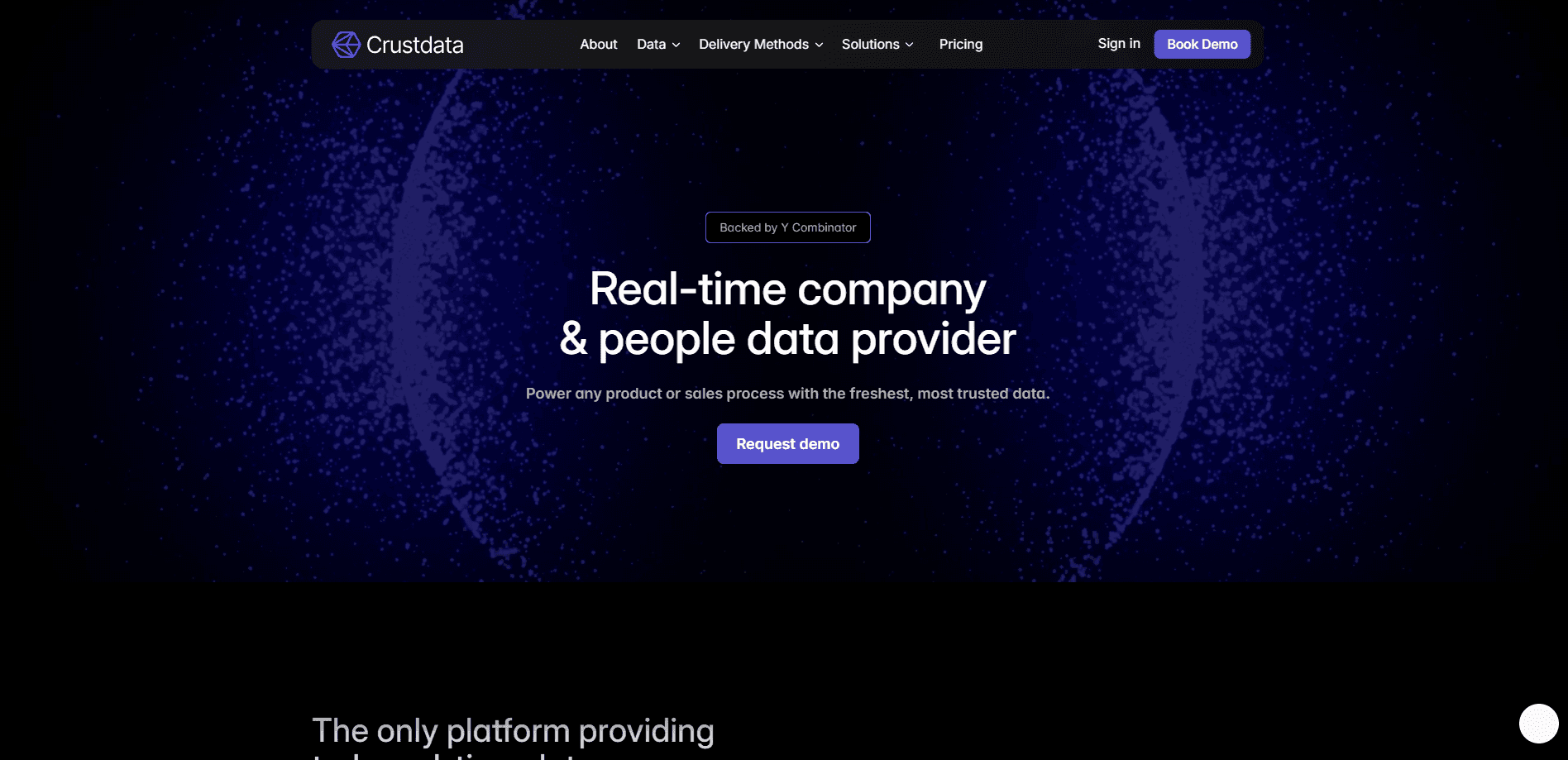
About Signal Watcher
What Is Signal Watcher
Signal Watcher is the monitoring layer inside Crustdata's B2B data platform. You set a "watch" on a person or a company, and the system checks the public web on your cadence, then fires a webhook whenever something changes. The underlying graph covers 1B+ people and 60M+ companies, so the signals you receive aren't limited to contacts you already have on file. That scope matters.
The point is timing. A prospect who just switched companies, or a startup that filed for a new funding round, is worth a message today and much less next quarter. Job change monitoring only pays off if it's early. Signal Watcher is meant to hand you that trigger before the window closes, so sales signals and follow-up land while the event is still relevant.
The obvious limit is that it's an API product, not a dashboard you can click around in a browser. If your team has no developer to wire up webhooks and receipts, the raw signal won't reach anyone. Pricing is credit-based and demo-led. There's no instant self-serve free tier to test on your own, so a raw API will sit unused without an owner. Worth knowing before you sign up.
Getting Started
- Request a demo through the Crustdata site and get API access with a key.
- Define what to track: an event type, a specific company, or a person profile.
- Set your check cadence and the destination URL that should receive the alert.
- Register the watch through the API so Crustdata starts monitoring that target.
- Consume the incoming webhook payloads in your CRM, ATS, or internal tool and trigger outreach.
Product Information
A quick look at Signal Watcher's pricing, supported platforms, and performance.
Best for
The users, tasks, and scenarios where this tool fits best.
Users
- Sales teams that need fresh triggers for outbound
- Recruiters tracking candidate movement
- Investors watching founders and portfolio companies
- RevOps and data teams maintaining a CRM
Tasks
- Watching for job changes
- Tracking funding rounds
- Monitoring headcount growth
- Building prospect lists that stay current
Scenarios
- A candidate database that drifts out of date
- A champion leaving a customer account
- Early-stage deal sourcing
- Day-to-day RevOps upkeep
Key features
Event Watchers for Specific Triggers
Event Watchers let you track a class of change across the whole dataset rather than one profile at a time. You can follow job postings that mention certain keywords in a given location, new funding announcements, or LinkedIn posts containing terms you care about. So who is this for? Teams whose signal isn't "this exact person" but "anyone matching this pattern."
Company and People Watchers
Company Watchers and People Watchers narrow the scope to a specific target. You can see when a company's headcount rises by a set percentage over a year, when a department's headcount falls in a range, or when the first person gets hired into a new team. On the people side, a watch fires when someone starts a new job or position. Simple as that. Between the two, you decide whether to cast wide or stay tight.
Eight-plus Tracked Event Types
The system distinguishes more than eight event types, including role or title change, company change, funding round, headcount growth, new job postings, and social posts. Each event carries its own meaning for outreach, so a funding alert and a title change can feed different playbooks. Company signal tracking also spans both people and firms in the same feed. That range is what makes the feed usable across several teams instead of one.
Webhook Delivery on a Set Cadence
Alerts arrive as webhooks the moment something changes, checked on a cadence you choose, commonly every 24 hours. You point them at your own endpoint, then decide what happens next inside your CRM, ATS, or messaging tool. Nothing about the delivery is locked to a Crustdata dashboard. It just slots into existing workflows.
A Live Graph of 1B+ People and 60M+ Companies
Crustdata indexes pages across the public web and resolves them into a single graph of people and companies. That's the source the watches read from, and it's pulled from more than 15 sources. Because the graph is re-verified continuously, a signal reflects what's currently public. No month-old snapshots.
API and MCP Access
You reach Signal Watcher through a REST API, and the same data layer is exposed to AI agents over MCP. That means an agent can subscribe to signals and act on them end to end, without a human copying rows between tools. Handy if you're building automated sourcing or outreach flows rather than running a manual process. No manual handoffs needed.
Pros and cons
Pros
- Near real-time alerts replace manual re-checking of stale databases.
- Covers both people and companies, so candidate and prospect tracking live in one feed.
- More than eight event types span sales, recruiting, and investing use cases.
- Webhook and API delivery fit into CRMs, ATSs, and custom internal tools.
- Backed by a graph of 1B+ people and 60M+ companies pulled from 15+ sources.
Cons
- No free or self-serve plan, so testing means booking a demo and talking to sales.
- Credit-based pricing isn't published up front, which makes budgeting harder before a demo.
- It's an API-first product, so teams without a developer can't use the raw feed directly.
- Alerts land as raw webhooks, meaning you handle deduplication and routing on your side.
Frequently asked questions
It tracks changes across people and companies, like a job change, a funding round, headcount growth, new job postings, and social posts. You pick the targets and event types, and the tool watches the public web on your behalf. You don't have to babysit it.
Related content
Explore related tools, skills, and articles for Signal Watcher.
Signal Watcher Alternatives
Forefront
Forefront · CodingForefront is a web platform for building with open-source AI. It lets you fine-tune leading open-source language models on your own data, evaluate how they perform, and run them through an API or export them to host yourself. Developers who want the convenience of a closed-source platform but insist on owning their models and data are the target audience here.

Startkit
StartKit.AI · CodingStartkit is a boilerplate for building AI SaaS and AI wrapper products. Think of it as an AI startup boilerplate with the boring parts already wired up: authentication, Stripe and Lemon Squeezy payments, usage limits, transactional email, and an AI API starter that talks to OpenAI, Anthropic, Groq, or Llama. You clone the repo, set your price, and start on the part of your product that people actually pay for. It's Next.js under React and Tailwind, so most of the boilerplate code already feels familiar.
Testim
Tricentis · CodingTestim is an AI-powered test automation platform for building and running end-to-end tests across web, mobile, and Salesforce applications. It leans on machine learning to keep tests stable when an interface changes, so teams spend less time fixing broken selectors. Not bad for an automated testing tool you can start using today. You create tests by recording actions in a browser, then optionally add JavaScript when you need more control. It's a solid pick for busy QA teams.