

Simple Fast Translation
WenJie Studio · Writing · Other
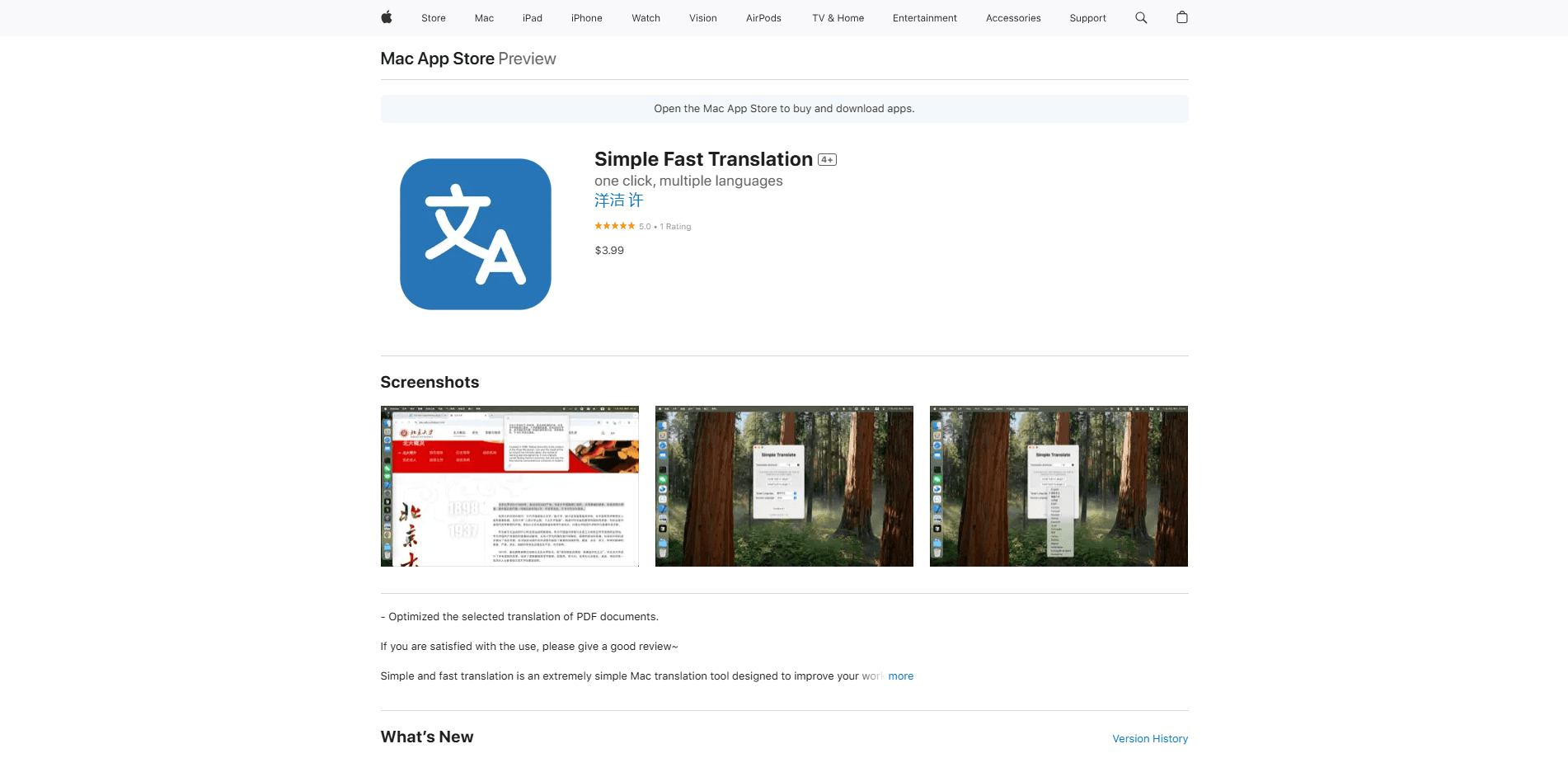
Simple Fast Translation is a Mac translation tool from WenJie Studio. It turns selected text into another language with one shortcut, works offline, and costs $3.99 once.
About Simple Fast Translation
What Is Simple Fast Translation
Simple Fast Translation is a small macOS translator that handles one job well: translating text you highlight on your screen. Select a sentence, press a shortcut, and the translation appears right away. There is no browser tab to open, no account to create, and no copy-paste shuffle between apps.
The app leans on the translation engine Apple already built into macOS. That means it works as an offline translator for Mac, and it keeps your text on your own machine. WenJie Studio built it for people who translate all day and don't want a heavyweight tool in the way, including students reading foreign papers, developers scanning documentation, and cross-border sellers handling messages in several languages. It works as a private translation app in the sense that nothing you run through it leaves your device.
The tradeoff is scope. This is not a document translator, a dictionary, or a voice interpreter. It does text only, it only runs on a Mac, and it leans on whatever languages macOS supports for its results.
Getting Started
- Buy and download Simple Fast Translation from the Mac App Store ($3.99, one-time).
- Launch the app and set your translation shortcut key and your target language in its preferences.
- Select text in any app, web page, or document, then press the shortcut.
- Read the translation in the pop-up panel, then copy it or close the panel.
- Adjust the shortcut or default languages any time from the same settings menu.
Product Information
A quick look at Simple Fast Translation's pricing, supported platforms, and performance.
Best for
The users, tasks, and scenarios where this tool fits best.
Users
- Students
- Developers
- Cross-border sellers
Tasks
- Reading a foreign article
- Translating a short email
- Checking a product listing
Scenarios
- Working offline on a flight or train
- Handling text you would rather not paste online
- Jumping between languages during a work session
Key features
One-Shortcut Translation
Highlight text anywhere on your Mac and press your shortcut key. Simple Fast Translation reads the selection and shows the translation in a small panel. There is no window to find and no app to switch to, which is the whole point of the tool.
Fully Offline Operation
The app runs entirely on your machine using macOS translation built in by Apple. It needs no internet connection, so it still works on a plane, in a secure office, or anywhere the network is unreliable. Because nothing is sent to a server, your text stays on your device.
Multilingual Support
Simple Fast Translation handles Chinese, English, Japanese, Korean, Russian, and other languages that macOS supports. You can translate selected text on Mac without opening a browser or a second app. You set a default target language, and the app can translate from whichever source language you feed it, so you don't have to reset it every time you switch.
System-Native Translation Engine
Results come from Apple's own translation frameworks rather than a third-party cloud service. That keeps the output consistent with what macOS offers across the system, and it means the app stays updated as Apple improves its language models.
Minimal, Distraction-Free Design
The interface is deliberately plain. There are no ads, no upsell screens, and no feature panels competing for attention. You open settings once to choose a shortcut and a language, then the app stays out of your way.
Privacy by Design
The app performs no data tracking and asks for no account. Since every translation runs locally, there is no traffic to log and nothing to hand over. For anyone translating client notes, contracts, or personal messages, that removes a real worry.
Pros and cons
Pros
- One-time $3.99 price, with no subscription and no in-app purchases
- Works without an internet connection, which few translators can claim
- Keeps text local, so sensitive content never leaves your Mac
- Very small install at roughly 300 KB, so it won't weigh down your system
Cons
- Mac only, so there is no iPhone, iPad, Windows, or Android version
- Text translation only, with no voice input, camera translation, or document handling
- Quality depends on Apple's macOS translation engine, which can lag behind dedicated cloud translators on tricky phrasing
- No shared settings or sync between machines, so setup is per-device
Frequently asked questions
Simple Fast Translation translates text you select on your Mac using a keyboard shortcut. It reads the highlighted passage and shows the translation in a pop-up panel, with no need to open a browser or paste text into another app.
Related content
Explore related tools, skills, and articles for Simple Fast Translation.
Simple Fast Translation Alternatives

Claude for Google Workspace
Anthropic · Writing · Productivity · BusinessClaude for Google Workspace puts Claude in a sidebar inside Google Docs, Sheets, and Slides, where it reads the file you have open and edits it in place.

Claude Haiku 5.5
Anthropic · Writing · Coding · ChatbotClaude Haiku 5.5 is Anthropic's fastest and cheapest small model, built for high volume tasks at $0.10 per million input tokens with a 1M token context window.

NoteWorthy
Suman Hansada · Writing · Productivity · AI AssistantNoteWorthy is a notes app for iPhone, iPad and Mac that writes titles, tidies formatting, summarizes long notes and files each one with on-device AI. No account, no upload, no network requests.