

Simular
Simular · Coding · Productivity
Simular is an autonomous computer agent platform whose flagship product, Sai, runs real machines to handle screen work. This computer-use agent clicks and types on Windows, macOS, and Linux.
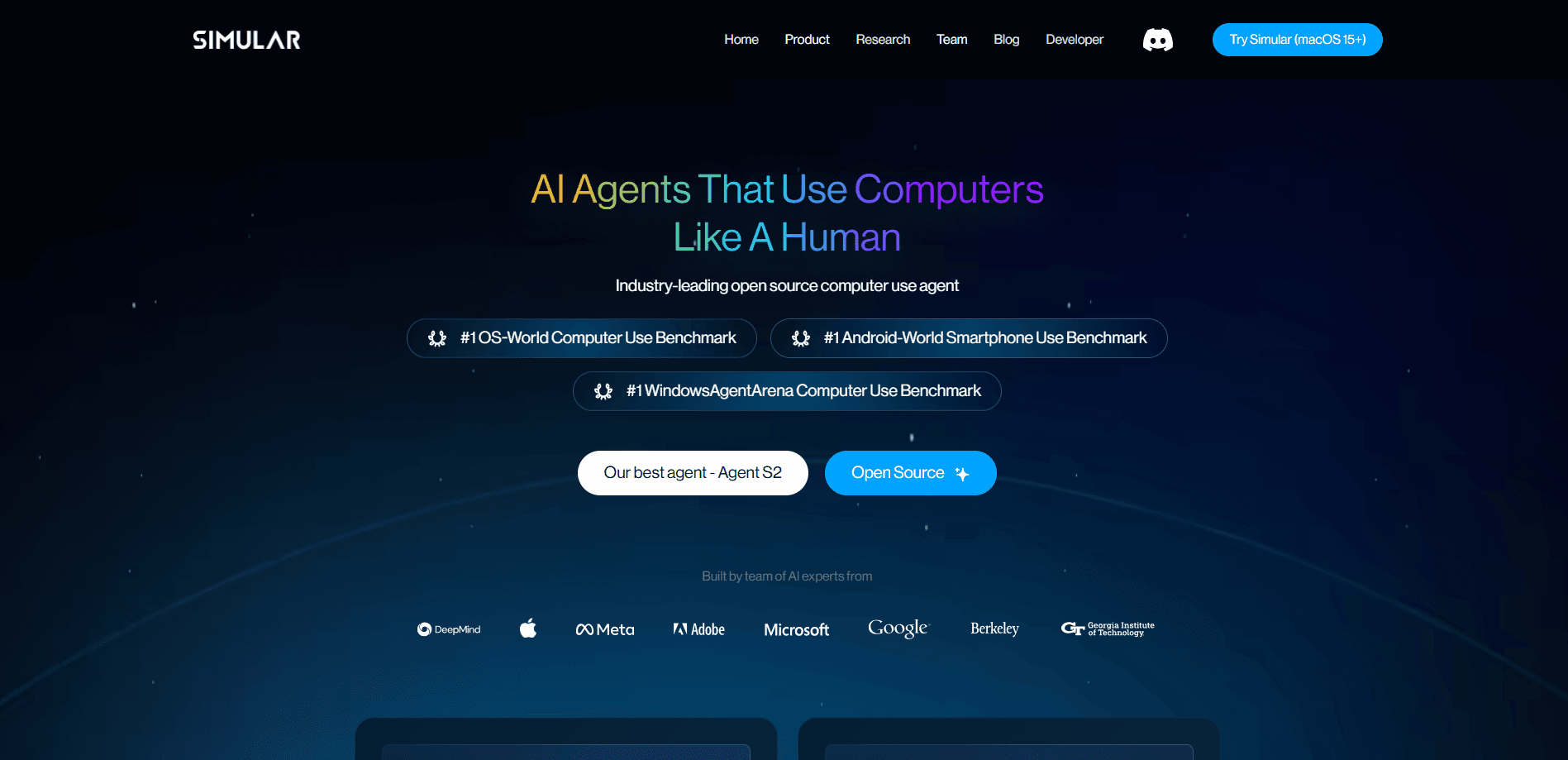
About Simular
What Is Simular
Simular is a research-driven AI company in Palo Alto, founded in 2023 by former Google DeepMind scientists. Its core idea is simple to state and hard to build: instead of another chatbot that answers questions, Simular builds agents that actually operate a computer. The agent sees the screen, moves the mouse, clicks buttons, and types, the same way a person would.
The flagship product is Sai, an AI agent for desktop work that the company calls a robosecretary. You describe a task in plain English, and Sai works through it on a real Windows, macOS, or Linux machine, whether that machine sits on your desk or in the cloud. In a crowded field of computer use automation tools, Simular's bet is that owning the whole PC beats controlling only a browser. That makes it useful for the jobs that never had an API to begin with, such as web apps behind a login, admin consoles, and desktop software.
The main limit is trust and scope. Sai runs autonomously, but sign-ins, passwords, and phone checks still route back to you as approval links. Long, complex tasks also cost real money per run, and the company admits the technology is still early. Simular is invite-only right now, so you can't simply sign up and start the same day.
Getting Started
- Join the invite list or try Sai, then sign in with a Google account to reach the platform.
- Create an API key on the Simular platform if you plan to drive Sai from a coding agent. Keys start with sapi_ and are shown only once.
- Describe your task in plain English, for example asking Sai to open a vendor portal, list last month's invoices, and report the totals.
- Review the run, and when a workflow works, save it as a replayable skill so future runs go faster and cost less.
Product Information
A quick look at Simular's pricing, supported platforms, and performance.
Best for
The users, tasks, and scenarios where this tool fits best.
Users
- Multitaskers buried in repetitive screen work
- Solo builders and small teams
- Developers using coding agents
Tasks
- Pulling data from portals that have no API
- Repeating a workflow on a schedule
- Reproducing bugs and testing sign-up flows
Scenarios
- Offloading the endless small tasks that quietly eat your day
- Automating high-volume business chores
- Checking on work while away from your desk
Key features
Plain-language task automation
You give Sai a task in everyday English, and it works through the steps on a real machine. There's no scripting language to learn first. That lowers the barrier for people who have work to hand off but no coding background.
Runs on real computers
Sai operates Windows, macOS, and Linux machines, and it can run on your own device or on a cloud computer. Because it drives the actual screen instead of a simulated one, it works in desktop apps and legacy software that ignore automation tools.
Save once, replay as code
After Sai finishes a workflow, you can ask it to save that task as a replayable skill with parameters. Next time, the code replays and the model only kicks in when the screen changes. Recurring tasks get faster, cheaper, and steadier with each run.
Neuro-symbolic planning
Simular's agents mix large models with coded steps rather than relying on the model for everything. The company says this cuts token use by around 90% on repeat work and needs fewer model calls per task. In practice that means lower cost per run and fewer chances for a step to go wrong.
Benchmark-leading performance
Sai reached a 73% success rate on OSWorld 2.0, a hard benchmark of long real-world tasks. According to Simular, that put it ahead of GPT-5.6 Sol and Claude Opus 5 while costing about two-thirds as much. Independent third parties haven't verified the numbers, so treat them as vendor figures.
Coding agent integration
Simular ships an MCP server that plugs Sai into coding agents like Claude Code, Codex, and Cursor. Developers can hand off computer tasks without leaving their workflow. It needs Node.js 22.12 or newer, and you supply your own API key.
Notifications and transparency
Sai keeps running after you close the laptop and notifies you through iMessage or Telegram when it hits a decision it can't make alone. You can watch the machine work in real time, which keeps the process out of a black box.
Pros and cons
Pros
- Operates real Windows, macOS, and Linux machines, so it works where no API exists.
- Letting you save a workflow as replayable code cuts both cost and flakiness on repeat tasks.
- Strong OSWorld 2.0 results that come from the company's own testing.
- API and MCP support fit neatly into existing developer tools.
- Free plan includes a cloud computer, so you can test before paying.
Cons
- Invite-only access means you can't just sign up and start today.
- Paid plans start at $50 per month, and long autonomous runs burn credits quickly, so costs add up for heavy use.
- Sensitive steps like passwords and phone checks still need your approval, which breaks fully unattended runs.
- The Windows agent and the broader platform are still maturing, so expect rough edges.
Frequently asked questions
Simular builds AI agents that operate real computers rather than just talk. Its product, Sai, opens apps, clicks, types, and completes desktop tasks on Windows, macOS, and Linux, which suits work that has no API to call.
Related content
Explore related tools, skills, and articles for Simular.
Simular Alternatives

Base Code
Base44 (Wix) · Coding · ProductivityBase Code is a shared cloud development environment from Base44. Teammates describe changes to an existing GitHub codebase in chat, preview them live and send them back as pull requests.

Google EmbeddingGemma 2
Google DeepMind · Writing · Image · CodingGoogle EmbeddingGemma 2 is a 740M-parameter open model that turns text, code, images, audio, and video frames into vectors in one 768-dimension space, running on phones and laptops.

GitGlow
GitGlow · Coding · ProductivityGitGlow is a local-first desktop Git client that lets independent developers review their own code and their AI agents' changes in one place before shipping.