

SiteAssist
SiteAssist · Marketing · Chatbot
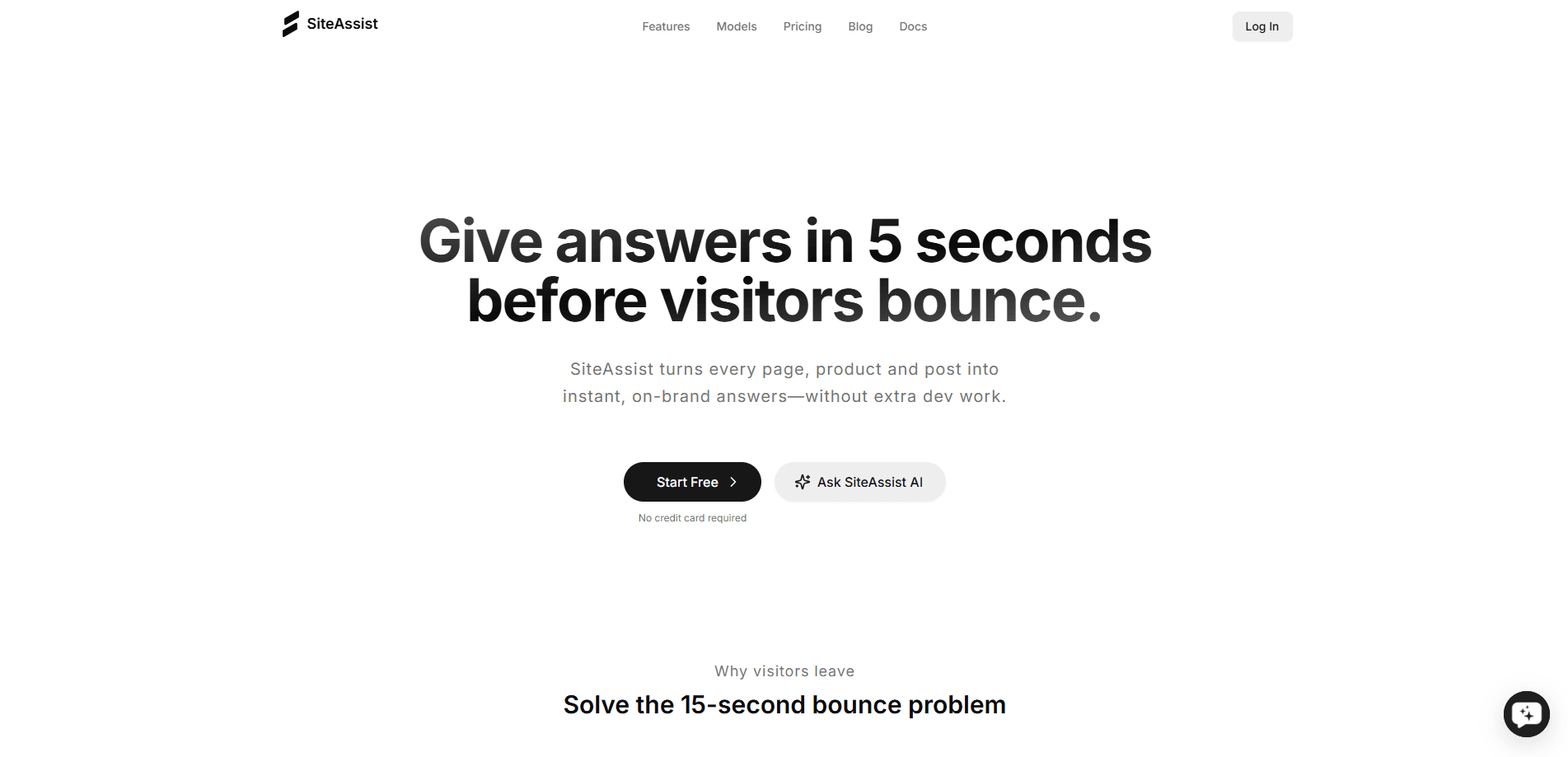
SiteAssist is an AI website assistant that reads your pages, docs, and FAQs, then answers customer questions with links back to the source. Setup takes about five minutes and needs no code.
About SiteAssist
What Is SiteAssist
SiteAssist is a no-code chatbot platform for websites. You paste a link, and it reads the pages, documents, and FAQs that are already public on your site. There's no training step, no data upload, and no setup wizard.
The problem it targets is a familiar one. Visitors ask the same handful of questions, and small teams either answer them by hand or lose the sale. SiteAssist tries to close that gap by putting an assistant on every page that responds in seconds and points to the exact page its answer came from.
The main limit is scope. SiteAssist only knows what's on your site, so an answer that isn't published anywhere becomes an "I don't know" plus an offer to pass the visitor to a human. That's a deliberate tradeoff: the tool favors citations over guesswork, but it can't fill gaps your own content leaves open.
Getting Started
- Paste your website link into SiteAssist and let it read your pages, docs, and FAQs. The site says this takes about five minutes.
- Review what it learned about your hours, prices, and policies, and fix anything it read wrong.
- Customize the widget's colors, logo, wording, and position so it matches your brand.
- Copy one script tag into your site builder, or send it to your developer.
- Watch the dashboard for incoming questions and hand off anything sensitive to a human.
Product Information
A quick look at SiteAssist's pricing, supported platforms, and performance.
Best for
The users, tasks, and scenarios where this tool fits best.
Users
- Small business owners
- Solo founders
- Support teams of one or two
Tasks
- Answering repeat questions
- Capturing leads off-hours
- Spotting content gaps
Scenarios
- Launching a first support assistant
- Testing support ideas on a side project
- Running assistants across many websites
Key features
Source-cited answers
Every reply links to the page on your site that it came from. You and your visitors can check the answer against the source instead of taking the bot's word for it. When an answer isn't on your site, the assistant says it doesn't know rather than inventing one.
Paste-a-link setup
There's no training step or data upload. You give SiteAssist your URL, and it reads your pages, documents, and FAQs on its own. The site says it learns your business in about five minutes and re-reads everything when your site changes.
Human handoff
For anything sensitive or unusual, you or your team can join the same chat from a phone. Customers get a person instead of a dead end, and you keep control over the conversations that matter most.
Lead capture
When a visitor looks ready to book or buy, the assistant can ask for a name, email, or number. Leads show up for your team instead of quietly leaving the page.
Conversation analytics
A dashboard shows every question visitors ask. That makes it easier to see what's confusing people and what they want to buy next, which is useful both for support and for planning content.
Brand-matched widget
You can adjust the chat widget's colors, logo, wording, and position. The aim is a widget that looks like part of your site rather than a generic bot bolted on.
Pros and cons
Pros
- Setup is genuinely light: one link in, one script tag out, no training or data uploads.
- Answers cite their source, which makes them easier to trust and to verify.
- The free Hobby plan needs no credit card, so you can test it on a live site first.
- Human handoff and lead capture turn support chats into something closer to a sales channel.
- Pricing scales by websites and monthly AI replies, so small sites aren't overpaying.
Cons
- Answers depend entirely on your published content, so thin sites get thin answers.
- The free plan caps you at 100 AI replies a month, which runs out fast on a busy site.
- The paid plans start at $32/mo, and the features most teams want, like analytics, sit above the free tier.
- API availability isn't stated on the site, so teams planning custom integrations need to ask first.
Frequently asked questions
It turns your website content into a chat assistant that answers visitor questions with links back to the source. You paste a link, it reads your pages and docs, and you add a small script tag to your site.
Related content
Explore related tools, skills, and articles for SiteAssist.
SiteAssist Alternatives

ngram 2.0
ngram · Video · Marketingngram 2.0 is an AI video generator for teams. It turns a prompt, a screen recording, or a product URL into a narrated explainer, product demo, or AI avatar video, and every scene stays editable.

shippedit.me
Krawlup · Marketing · Businessshippedit.me now redirects to Krawlup, a web platform that audits SEO, AEO and page speed every week, then hands the fixes to AI coding agents over MCP.

MePersona
MePersona, Inc. · Writing · Productivity · MarketingMePersona is an AI unified inbox for creators. It learns your voice, drafts replies to fan messages from 12 platforms, and sends only what you approve.