

SKI
SKI · Voice & Language · Coding
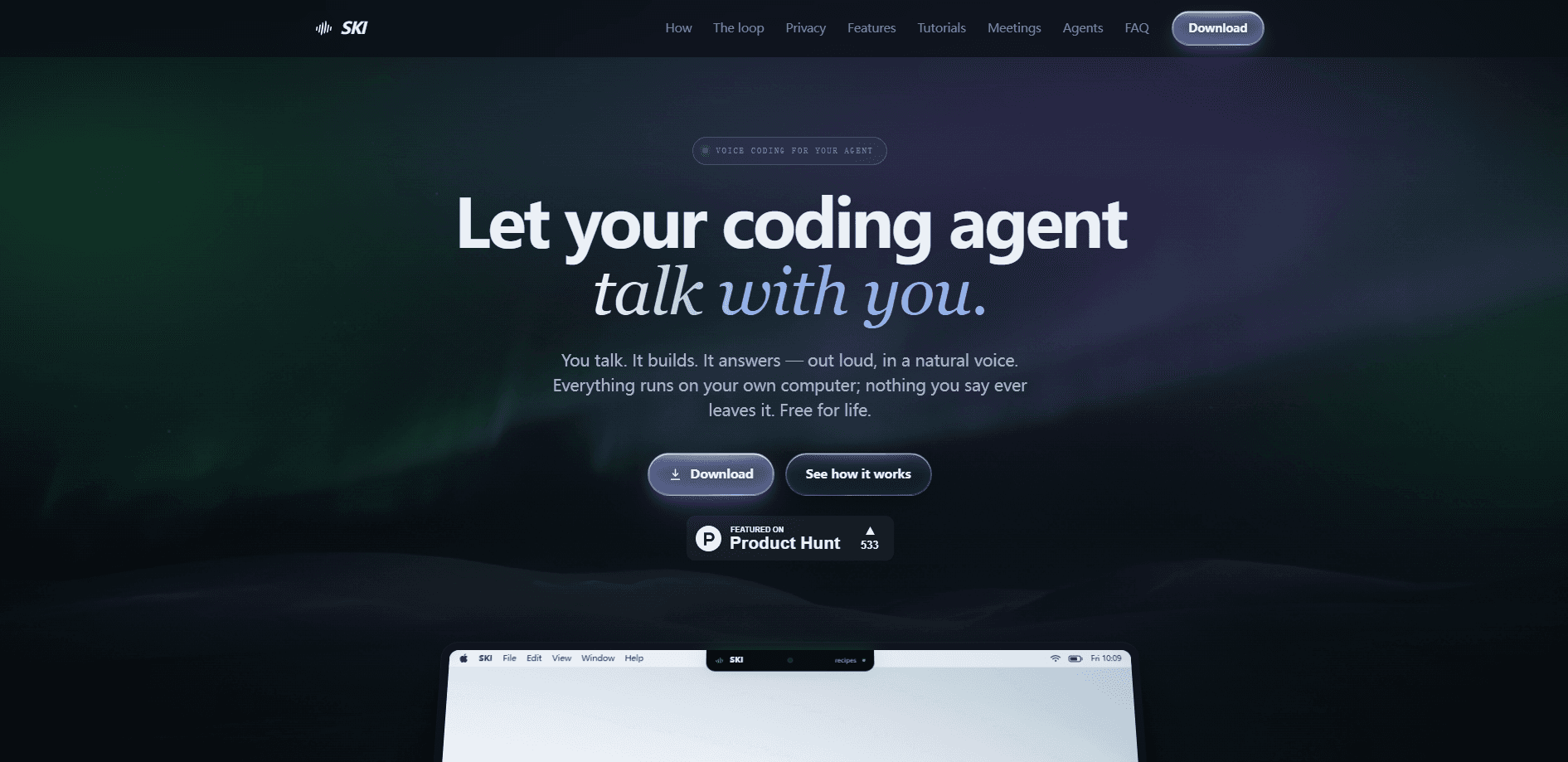
SKI is a free on-device voice assistant that puts a two-way spoken loop between you and your AI coding agent. Think of it as a voice assistant for AI coding agents: you speak the outcome you want, tools like Claude Code, Cursor, Codex, Gemini CLI, and OpenClaw do the work, and SKI reads the result back in a natural voice. Speech recognition and the voice itself run on your own machine, so audio and transcripts stay on your disk rather than in someone's cloud. It's voice coding turned into a conversation.
About SKI
What Is SKI
SKI is a desktop widget for macOS, Windows, and Linux built around one idea: talking to a coding agent should feel like a conversation, not dictation. Instead of typing prompts and reading responses, you describe what you want out loud and the agent answers you out loud. The app handles the speech-to-text on the way in and generates the spoken reply on the way out.
Here's the pull: speed and privacy. A spoken request is faster than typing one, and the whole loop runs locally, so your audio never gets uploaded. SKI is free for life, and it works offline once the local models are in place. For developers with repetitive strain injuries, or anyone who's tired of switching between keyboard and terminal, that combination is the point. Talk instead of type.
The limits are worth knowing up front. Everything depends on a local speech model and a local voice, which need decent hardware to run well, and the supported agent list is specific. If your tool of choice isn't on it, SKI can't help yet. Meeting transcription and calendar auto-join add more moving parts, and those are the areas most likely to need setup fussing.
Getting Started
- Download the installer from the official site: a DMG on Mac, an EXE on Windows. The setup wizard walks you through picking your mic, your voice, and a hotkey, no card needed.
- Open your coding agent (Claude Code, Cursor, Codex, or any supported one) and type
skiin the session to connect it to the widget. - Wait for the status dot to turn green, which confirms the agent can hear you and speak back.
- Speak your request out loud; your words land in the agent as text and it starts working.
- When it's finished, it answers out loud. Use the hover controls to mute the mic, switch to text-only replies, or attach a screenshot to your next sentence.
Product Information
A quick look at SKI's pricing, supported platforms, and performance.
Best for
The users, tasks, and scenarios where this tool fits best.
Users
- Developers who talk faster than they type
- Coders managing repetitive strain or hand pain
- Privacy-minded teams working on sensitive codebases
Tasks
- Describing a feature and letting the agent build it
- Reviewing changes hands-free
- Transcribing meetings locally
Scenarios
- Running several repos at once
- Letting an agent sit in a standup
- Working offline or on a locked-down network
Key features
Fully on-device speech and voice
Both halves of the conversation run on your computer: speech recognition listens, and a neural voice speaks. Nothing is uploaded because there's no cloud to send it to. The practical effect is that your audio and transcripts stay on your disk, and the local speech-to-text keeps the loop running offline. For anyone handling private code or client data, that removes a whole category of worry.
A real conversation, not dictation
Dictation tools stop at text-in. SKI closes the loop by speaking the agent's reply back. Full-duplex echo cancellation means you can interrupt it mid-sentence on open speakers and still be heard, so you don't need push-to-talk or a headset. It figures out when you've finished and sends the thought whole, which makes back-and-forth feel natural. No grammar to learn. Just talk.
Live agent status and multi-project routing
A green dot tells you the agent is actually listening, in real time rather than on a poll. You can bind several repos at once, even across different agents, and click the project name to switch. Each project answers in its own voice. In a session juggling three tasks, you can tell at a glance which one just responded.
Approve-before-send review mode
Turn this on and every transcript lands in an editable bubble first. Nothing reaches your agent until you hit the checkmark, which gives you a chance to fix a misheard word or kill a bad request before it runs. It's the kind of guardrail that matters when an agent can write and delete files on its own. Worth flipping on early.
Screenshots on demand
A hotkey grabs your screen, and the image rides along with your next spoken request. Your agent can also take a screenshot itself when it needs to see what you see, which matters because describing a layout bug or a visual glitch out loud is far slower than simply showing it. Why does that matter? Because a picture beats a paragraph every time.
Local meeting recorder and transcriber
SKI captures your mic plus the room audio and transcribes on-device, with speaker-tagged tracks and a live transcript while the call runs. Recording time and retention are unlimited, and you can export to Markdown or plain text. Because there's no bot joining the call, the other participants simply see you in the meeting, not a recorder.
Your agent in the call
Paste a meeting URL into the widget and your coding agent joins as a live participant: speaking, listening, presenting, or silently taking notes. It sees the screen, can screenshare, and reads and sends chat. Google Meet, Teams, and Zoom are supported, and you can spin up a meeting from the widget itself.
Works across your agent stack
One skill covers the agents developers already run: Claude Code, Cursor, Codex, Gemini CLI, OpenClaw, and more. Connecting is one click per agent, so if you switch tools between projects you don't lose the voice loop. That breadth is what makes it a habit rather than a single-tool trick.
Pros and cons
Pros
- Free for life with no account or credit card required to start. Install and go.
- Speech and voice both run on-device, so audio and transcripts never leave your machine.
- Supports a broad set of coding agents, including Claude Code, Cursor, Codex, and Gemini CLI.
- Full-duplex barge-in lets you interrupt the agent and be heard without push-to-talk.
- Unlimited local meeting recording and retention, with exports to Markdown or text.
Cons
- Running local speech and voice models well needs a reasonably capable machine, so older hardware may lag.
- No public API, which rules out building SKI-style voice into your own tools or pipeline.
- Agent support is a fixed list; if your coding tool isn't covered, there's no fallback.
- Meeting features like calendar auto-join need extra setup and a connected, active project.
Frequently asked questions
It adds a spoken two-way loop to your AI coding agent. You say what you want, the agent does the work in your project, and SKI reads the reply back in a natural voice. Everything runs on your own computer.
Related content
Explore related tools, skills, and articles for SKI.
SKI Alternatives

Prosp
Prosp · Writing · Voice & Language · MarketingProsp is an AI LinkedIn outreach tool built for agencies and sales teams, and it writes the message and the voice note in your own voice for each prospect so they actually reply. You connect your accounts, find leads, and let the AI draft and send personalized messages at scale, all from one inbox. It's built for people running outbound at volume. That's the whole pitch. Every touchpoint still has to feel human.

Wordly AI Translation
Wordly · Voice & Language · ProductivityWordly AI Translation is a real-time AI translation and captioning platform built for meetings, conferences, and events. It delivers live translation, captions, transcripts, and summaries in more than 60 languages, and attendees join by scanning a QR code or opening a link instead of using dedicated headsets. The platform works with Zoom, Microsoft Teams, Google Meet, and Webex, and it's designed for organizations that want multilingual access without hiring human interpreters for every session. Simple as that.
Musicful
Musicful AI · Voice & Language · VideoMusicful is an AI music generator and AI music video maker that turns text to music in minutes. Give it a text prompt, a set of lyrics, or a hummed melody and it returns a finished track with vocals and instruments. It also doubles as an AI song generator, produces music videos from the songs you create, and offers an AI cover tool plus a developer API. The platform runs in a web browser and through an Android app, so you can start a song on desktop and pick it up on your phone.