

Smith AI
Smith.ai · Voice & Language · Business
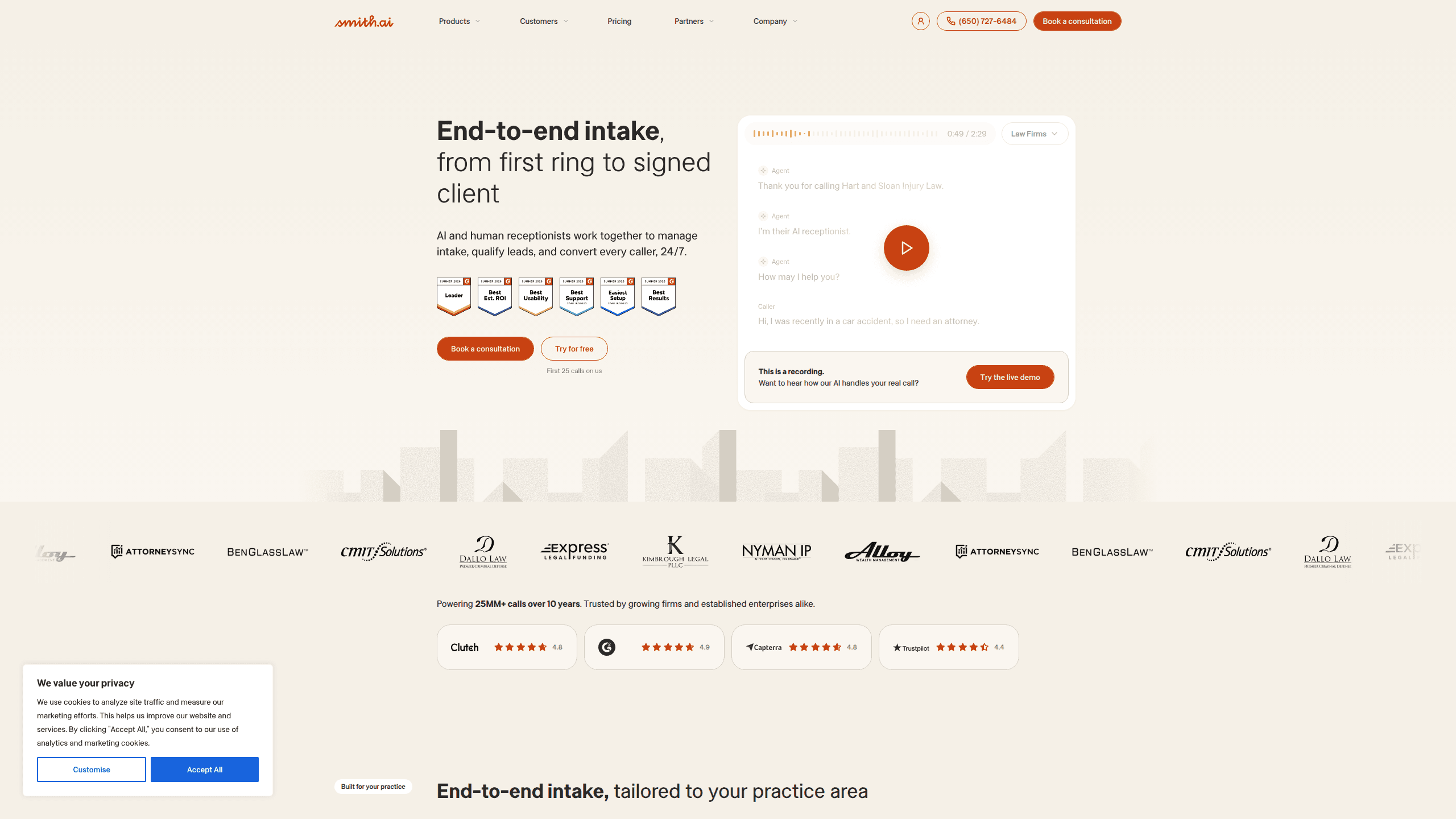
Smith AI is an AI receptionist and virtual receptionist service. It answers business phone calls around the clock, qualifies the caller, and books appointments without a person on your end picking up. For law firms, home services, and other small teams, it works as a front desk that never sleeps. The setup blends AI call handling with live North American agents when a call needs a human.
About Smith AI
What Is Smith AI
Smith AI is a call answering service built around a simple idea: most businesses lose leads because nobody picks up the phone. It has handled more than 25 million calls over 11-plus years, and the company says it serves over 5,000 law firms with a mix of AI receptionists and 500-plus live agents based in North America.
The product comes in three modes. AI-first lets a trained AI agent handle calls on its own. Hybrid routes the hard calls to live staff. Human-first keeps receptionists in charge the whole time. You pick the balance based on how complex your calls tend to be. Simple calls? Let the AI take them. Messy ones? Send them to a person.
The main limitation is pricing. Every plan caps the number of calls you get each month, and anything past the cap costs extra per call. Sounds fine until you have one busy month. That's when the bill jumps well past the quoted rate.
Getting Started
- Sign up for the free plan and pick the mode you want: AI-first, hybrid, or human-first.
- Train the agent on your business by uploading your FAQs, services, and screening questions.
- Test it in the Quality Studio so you can hear how calls get handled before going live.
- Connect your calendar and CRM so bookings and caller details land where your team works.
- Forward your business line to the number Smith AI gives you, then answer calls 24/7.
Product Information
A quick look at Smith AI's pricing, supported platforms, and performance.
Best for
The users, tasks, and scenarios where this tool fits best.
Users
- Small business owners
- Law firms
- Home and IT service providers
Tasks
- Answering inbound calls
- Qualifying and screening leads
- Booking appointments
- Capturing caller details into CRM
Scenarios
- Covering calls after business hours
- Handling a spike in inbound interest
- Replacing an in-house receptionist
Key features
AI Call Answering
The AI-first agent answers calls on its own, greeting each caller and working through your script. It handles questions about your hours, services, and pricing without handing off. The point is coverage. Calls get answered at 2 a.m. on a Sunday the same way they do at noon on a Tuesday.
Lead Qualification and Screening
You define the screening questions, and the agent asks them on every call, sorting genuine prospects from spam and tire-kickers that the company doesn't charge you for. That matters if you pay per call and don't want junk calls eating your monthly cap.
Live North American Agents
When a call needs a human, hybrid and human-first plans route it to live receptionists. The company staffs over 500 agents based in North America and says the agents are trained on your field. If your callers expect a real person for sensitive conversations, this is your fallback. Just be ready to pay for it.
Appointment Booking
The agent can book consultations and appointments live during the call, connecting to scheduling tools like Calendly so a caller can grab a slot before hanging up instead of waiting for a callback that may never come. For firms that live on booked consults, that shortens the path from ring to calendar.
CRM and Workflow Integrations
Smith AI plugs into CRM, billing, scheduling, and phone systems, including Clio, Zapier, and common VoIP providers, so caller details and call summaries flow straight into the tools your team already uses every day. That means less retyping after each call. Setup takes minutes rather than a full migration.
Quality Studio Testing
Before you go live, the Quality Studio lets you test how the AI handles calls and adjust the script. You hear the results first, then decide when to launch. It's a low-risk way to check the agent won't embarrass you on a real call.
Pros and cons
Pros
- Free plan with 25 calls a month, no time limit, so you can test real calls before paying.
- 24/7 coverage from AI plus live agents. Calls get answered on nights and weekends.
- Native integrations with Clio, Zapier, and many VoIP and scheduling tools.
- No setup fees and no charge for spam calls, so junk calls don't burn your budget.
- Shared by law firms and home services teams, with review scores around 4.8 on Clutch and Capterra.
Cons
- Monthly call caps mean high-volume months trigger per-call overage fees, so your bill can climb.
- The free tier tops out at 25 calls per month, which most active businesses will blow through quickly.
- Live agents are North America-based, which keeps quality up but adds to the cost compared with cheaper offshore services.
- The company doesn't publish a public API, so custom deep integrations depend on its team on higher plans.
Frequently asked questions
Smith AI answers your business phone calls, qualifies the caller, and books appointments, using a mix of AI agents and live North American receptionists depending on the mode you choose. It acts as a virtual front desk so your team doesn't have to stop work to pick up the phone.
Related content
Explore related tools, skills, and articles for Smith AI.
Smith AI Alternatives

Foley
Hanamori Labs, LLC · Voice & Language · Productivity · AI AssistantFoley is a voice to-do list that turns a spoken sentence into a filed task, complete with project, date and time, then helps you plan the day around what is already there.

HireKey
HireKey · Voice & Language · Productivity · LeaningHireKey is an AI job search copilot built by a former tech recruiter. It checks role fit, tailors resumes, runs interview practice and tracks every application.

Fluence
Yay Software (Yannick Huchard) · Writing · Voice & Language · ProductivityFluence is an Android app that reads PDFs, EPUBs, Word files and web articles aloud, follows each sentence as it speaks, and answers questions about the text on the phone itself.