

SmolAgents
Hugging Face · Coding
SmolAgents is an open-source agent framework from Hugging Face: a Python agent library where agents write their actions as code, run them in a sandbox, and use almost any AI agent framework model.
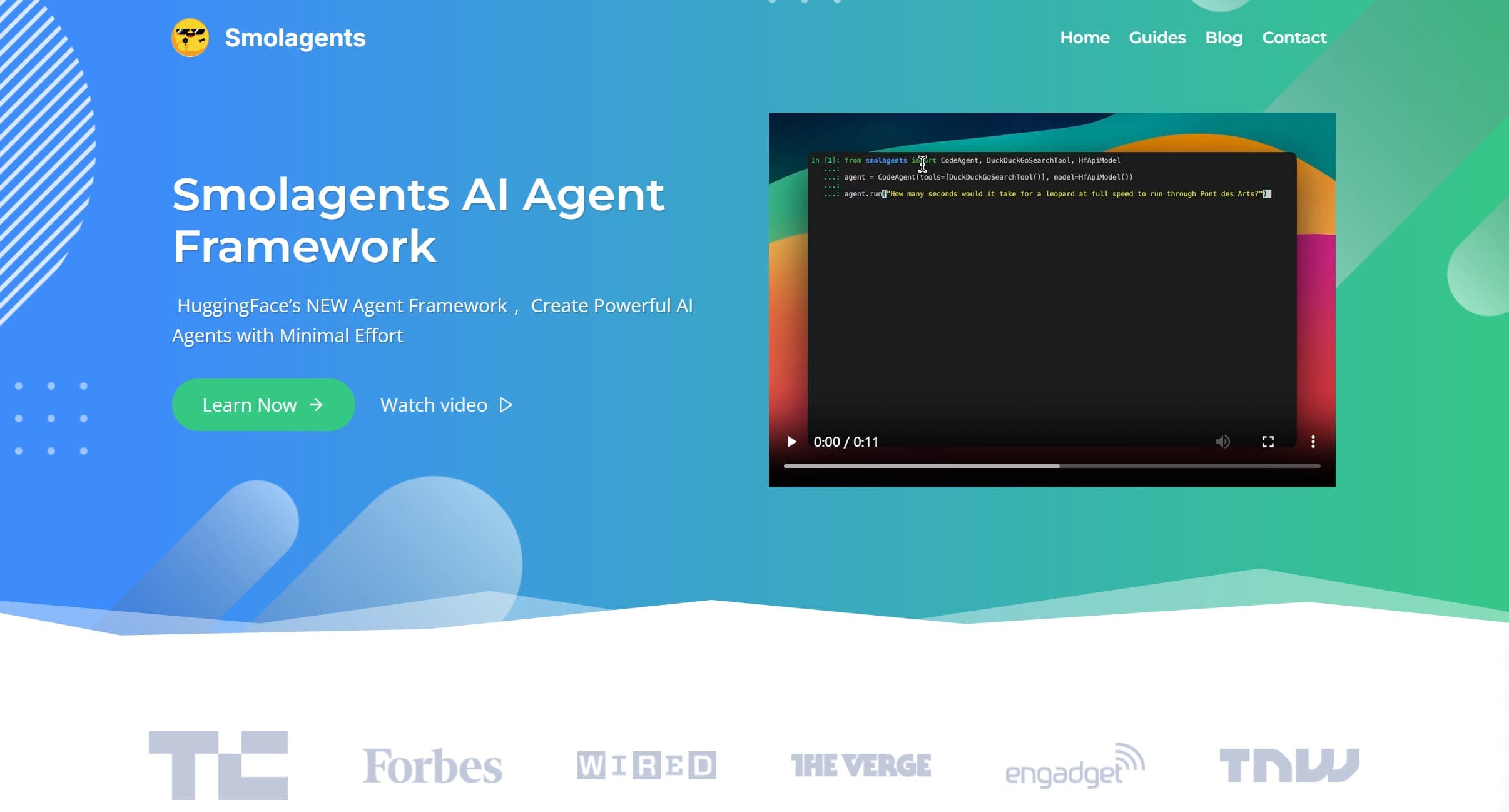
About SmolAgents
What Is SmolAgents
SmolAgents is a lightweight Python library for building AI agents. Hugging Face keeps the core agent logic under about 1,000 lines, so you read what the code does instead of learning a wall of abstractions. The project is open source and free to install with a single pip command.
The idea it's built around is simple: agents should act by writing code, not by filling out a JSON list of tool calls. Its CodeAgent writes a short Python snippet each step and runs it, which Hugging Face says cuts the number of steps and LLM calls needed for a task. A second agent type, ToolCallingAgent, keeps the classic JSON-style calling if you prefer it.
Because running model-written code is risky, SmolAgents pushes you toward real isolation. It supports managed cloud sandboxes like E2B, Blaxel, and Modal, plus self-hosted Docker. The built-in local Python executor only applies light restrictions, and the docs are blunt that it isn't a security boundary. One more thing to know: this is a developer tool. There's no point-and-click app here, so you need to be comfortable writing Python before it pays off.
Getting Started
- Install the package with
pip install "smolagents[toolkit]"to pull in a default set of tools. - Pick a model: a local transformers or Ollama model, a provider on the Hugging Face Hub, or anything reachable through the LiteLLM and OpenAI-compatible integrations.
- Create a CodeAgent, pass it your tools and model, and call
agent.runwith a plain-language task. - Run the agent inside a sandbox such as E2B or Docker before you let it touch anything important.
- Share the finished agent to the Hub with
push_to_hubso others can load and reuse it.
Product Information
A quick look at SmolAgents's pricing, supported platforms, and performance.
Best for
The users, tasks, and scenarios where this tool fits best.
Users
- Python developers
- AI engineers running local models
- Researchers and students
Tasks
- Automating multi-step research
- Building web-browsing agents
- Wiring in tools you already have
Scenarios
- Prototyping an agent idea fast
- Keeping sensitive work sandboxed
- Sharing a reusable agent with a team
Key features
Code agents that write Python actions
SmolAgents builds its default agent around code. Instead of emitting a JSON blob of tool names, the model writes a short Python snippet each step and the framework runs it. Hugging Face reports that this style uses about 30% fewer steps on some benchmarks and scores better on hard ones, and the same agent can loop over several searches or calculations in a single action.
Sandboxed code execution
Since the agent runs generated code, SmolAgents supports isolated execution through managed sandboxes such as E2B, Blaxel, and Modal, or a self-hosted Docker container. This keeps arbitrary code away from your host machine. The local Python executor adds some limits but the docs warn it isn't a security boundary, so sandboxing is the intended path.
Model-agnostic setup
The library doesn't lock you to one provider. It ships model classes for the Hugging Face Inference Client, LiteLLM, OpenAI-compatible servers like Together AI and OpenRouter, local transformers models, Azure, and Amazon Bedrock. Swapping engines is a one-line change, which matters when you're comparing cost or moving between hosted and local models.
Tool and modality flexibility
You can load tools from an MCP server, adapt LangChain tools, or even wrap a Hugging Face Space as a tool. Agents also accept more than text: the same framework handles vision, video, and audio inputs, so a browsing or image-reading agent fits without a separate library.
Hub sharing and reuse
Agents and tools push to and pull from the Hugging Face Hub. A finished agent becomes a Space repository you can call from anywhere, which turns personal scripts into shared building blocks. The Hub integration is what makes reuse practical across a team or a community.
CLI and multi-agent support
Two commands, smolagent and webagent, run agents straight from the terminal, with an interactive mode that walks through agent type, tools, and model setup. On top of that, SmolAgents supports multi-agent hierarchies where one agent manages another, so you can build a manager that delegates to a search agent or a code agent.
Pros and cons
Pros
- The core is about 1,000 lines, so the agent loop stays readable and easy to modify.
- Code agents cut steps and LLM calls compared with JSON tool calling, which lowers cost on longer tasks.
- It works with nearly any model, from a local Ollama instance to OpenAI, Anthropic, and Bedrock.
- Sandbox support through E2B, Blaxel, Modal, and Docker gives real isolation for generated code.
- Hub integration lets you publish and reuse agents and tools instead of rebuilding them.
Cons
- It's a developer library, not an app, so anyone without Python experience can't use it directly.
- The built-in local executor isn't a security sandbox, and running untrusted code without E2B or Docker is a real risk.
- The tiny abstraction layer means some wiring is on you, unlike heavier frameworks that ship more batteries included.
- Setup for a remote sandbox or a local model adds configuration before the first agent runs.
Frequently asked questions
SmolAgents is a Python library for building AI agents that complete tasks by writing and running code. Developers use it to automate multi-step jobs like research, web browsing, and tool calling, and to experiment with agent designs without a heavy framework.
Related content
Explore related tools, skills, and articles for SmolAgents.
SmolAgents Alternatives

Base Code
Base44 (Wix) · Coding · ProductivityBase Code is a shared cloud development environment from Base44. Teammates describe changes to an existing GitHub codebase in chat, preview them live and send them back as pull requests.

Google EmbeddingGemma 2
Google DeepMind · Writing · Image · CodingGoogle EmbeddingGemma 2 is a 740M-parameter open model that turns text, code, images, audio, and video frames into vectors in one 768-dimension space, running on phones and laptops.

GitGlow
GitGlow · Coding · ProductivityGitGlow is a local-first desktop Git client that lets independent developers review their own code and their AI agents' changes in one place before shipping.