
Songdo
Song.do · Writing · Voice & Language
Songdo is a browser-based AI song generator that turns a short text prompt or your own lyrics into a full song with vocals in seconds. A free daily credit covers casual testing.
About Songdo
What Is Songdo
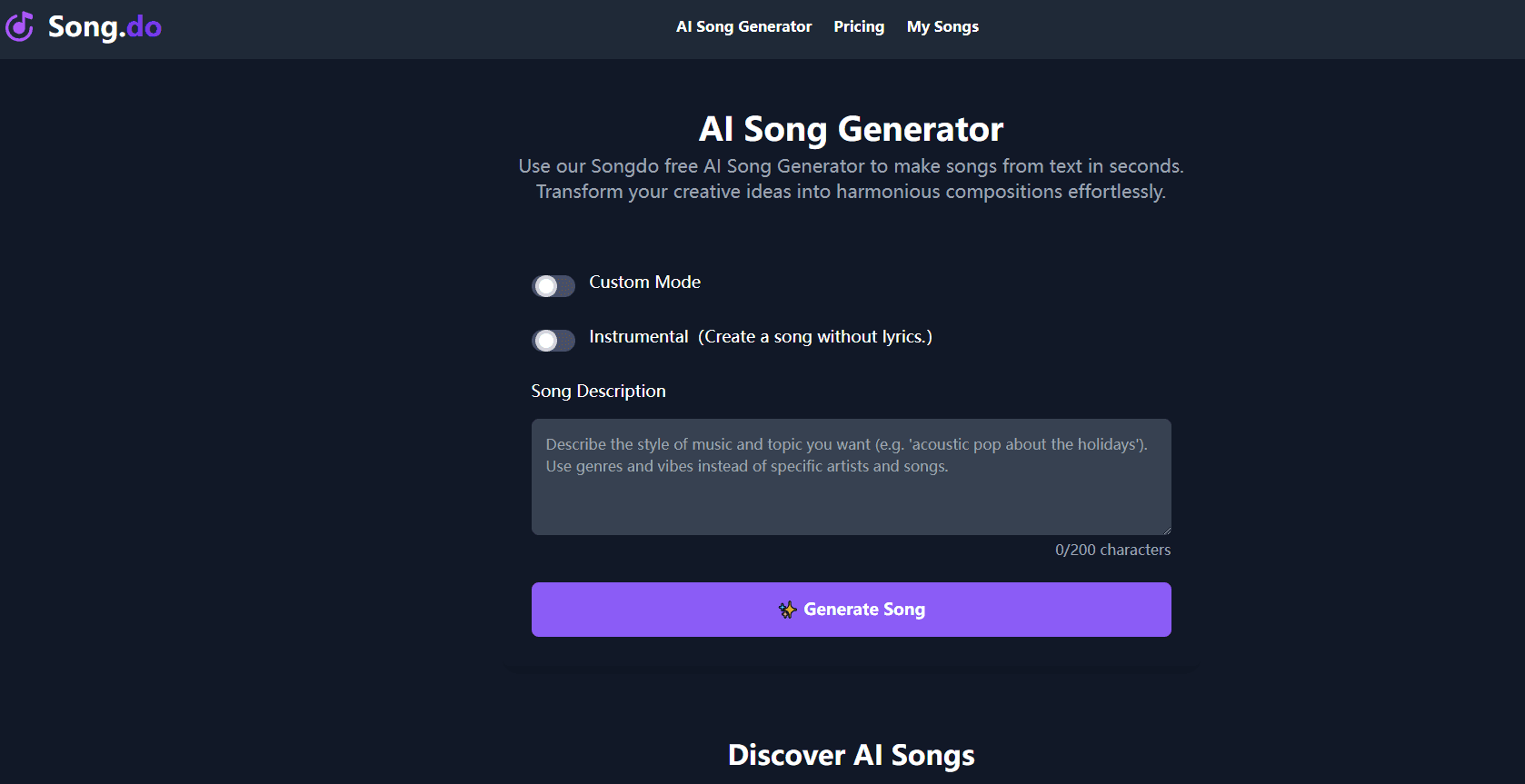
Songdo is a web app for making music without an instrument, a studio, or any theory background. You describe a mood, paste lyrics you already wrote, or let the AI write them for you. Then you pick a style and press generate. What comes back is a finished track with vocals and backing instruments, ready to play or download. For most people the appeal is having an AI song maker that needs no setup at all.
The draw here is speed and a low entry price. A free account gets one credit a day, and a generation usually lands in a minute or two. Nothing needs installing, and the standalone lyric writer works without an account at all.
The limits matter just as much. Free tracks are licensed for personal use only, the free tier keeps files for 30 days, and everything runs inside a browser tab. Songdo also works from preset styles instead of per-instrument control, so it fits quick ideas better than detailed production work.
Getting Started
- Open song.do in a browser and sign in with an email account. You can skip sign-in if you only want lyrics.
- Add a title, paste your own lyrics, or leave the lyric box empty and turn on Instrumental. Pick a style such as pop, rock, or lo-fi.
- Press Generate and wait for the track. Each run on a free account spends one credit.
- Preview the result, then download it as MP3 or share a link. WAV files come with paid plans.
Product Information
A quick look at Songdo's pricing, supported platforms, and performance.
Best for
The users, tasks, and scenarios where this tool fits best.
Users
- Hobbyist songwriters
- Video and podcast creators
- People making a gift
- Teachers and students
Tasks
- Text to song from a one-line brief
- Lyrics to song
- Drafting lyrics first
Scenarios
- A last-minute birthday greeting that needs to sound personal rather than store-bought.
- A rough demo for a pitch meeting, where the melody matters more than the mix.
- Filling a gap in a short video edit when a licensed track would cost more than the clip earns.
Key features
Text to Song From a Short Prompt
Type a few words about the mood, the genre, and who the song is for, and Songdo builds the melody, the arrangement, and the vocal in one pass. You don't need to write a note of music. This is the fastest route from an idea to something you can play for someone else.
Lyrics to Song With Your Own Words
Paste a finished lyric and Songdo sings it in whichever style you choose. The structure follows your line breaks, so verses and choruses land where you put them. Songwriters use this to hear how a draft sounds before booking studio time.
Style Coverage Across Eleven Genres
The style menu lists pop, rock, rap, EDM, metal, funk, jazz, blues, classical, instrumental, and other categories. Each preset changes the instrumentation and the vocal delivery rather than just the tempo. Picking a style close to your reference track gets you a better first take.
AI Lyrics Generator Without an Account
The lyric tool runs on its own page and needs no sign-up or card. You give it a theme or a storyline, and it returns a full lyric with a chorus. It handles English, Spanish, French, German, Italian, Portuguese, Japanese, and Chinese.
Song Extension and Private Generations
On paid plans you can extend a track that ended too soon and keep generations out of the public feed. Private mode matters if the song is for a client or contains a name you don't want indexed.
Downloads, Storage, and Lyric Videos
Every track plays in the browser, and paid plans unlock unlimited MP3 and WAV downloads plus 730 days of storage. Free accounts keep files for 30 days. Paid users can also render a lyric video for sharing on social platforms.
Pros and cons
Pros
- Free tier with no card required, which makes the AI song generator easy to test before paying.
- Full vocal and instrumental output from a single prompt, with no music training needed.
- Commercial license included on paid plans and kept even after a subscription ends.
- The AI lyrics generator works without an account, so you can draft words before committing a credit.
- Faster track option on paid tiers runs generation at roughly twice the standard speed.
Cons
- One credit per day on the free plan limits testing to a single idea, and a bad take costs the whole day.
- Free songs stay under Song.do's ownership and are licensed for personal use only, so they can't go into monetized videos.
- No mobile app, which means phone users have to work through a browser.
- Style presets replace instrument-level control, so mixing and arrangement edits stay out of reach.
Frequently asked questions
Yes. The free plan gives you one credit per day, enough for one generation, and it stores your files for 30 days. No card is needed to start, and the separate lyric tool costs nothing at all.
Related content
Explore related tools, skills, and articles for Songdo.
Songdo Alternatives

Google EmbeddingGemma 2
Google DeepMind · Writing · Image · CodingGoogle EmbeddingGemma 2 is a 740M-parameter open model that turns text, code, images, audio, and video frames into vectors in one 768-dimension space, running on phones and laptops.

MePersona
MePersona, Inc. · Writing · Productivity · MarketingMePersona is an AI unified inbox for creators. It learns your voice, drafts replies to fan messages from 12 platforms, and sends only what you approve.

Fluence
Yay Software (Yannick Huchard) · Writing · Voice & Language · ProductivityFluence is an Android app that reads PDFs, EPUBs, Word files and web articles aloud, follows each sentence as it speaks, and answers questions about the text on the phone itself.