

SpeakoFlow
SpeakoFlow · Writing
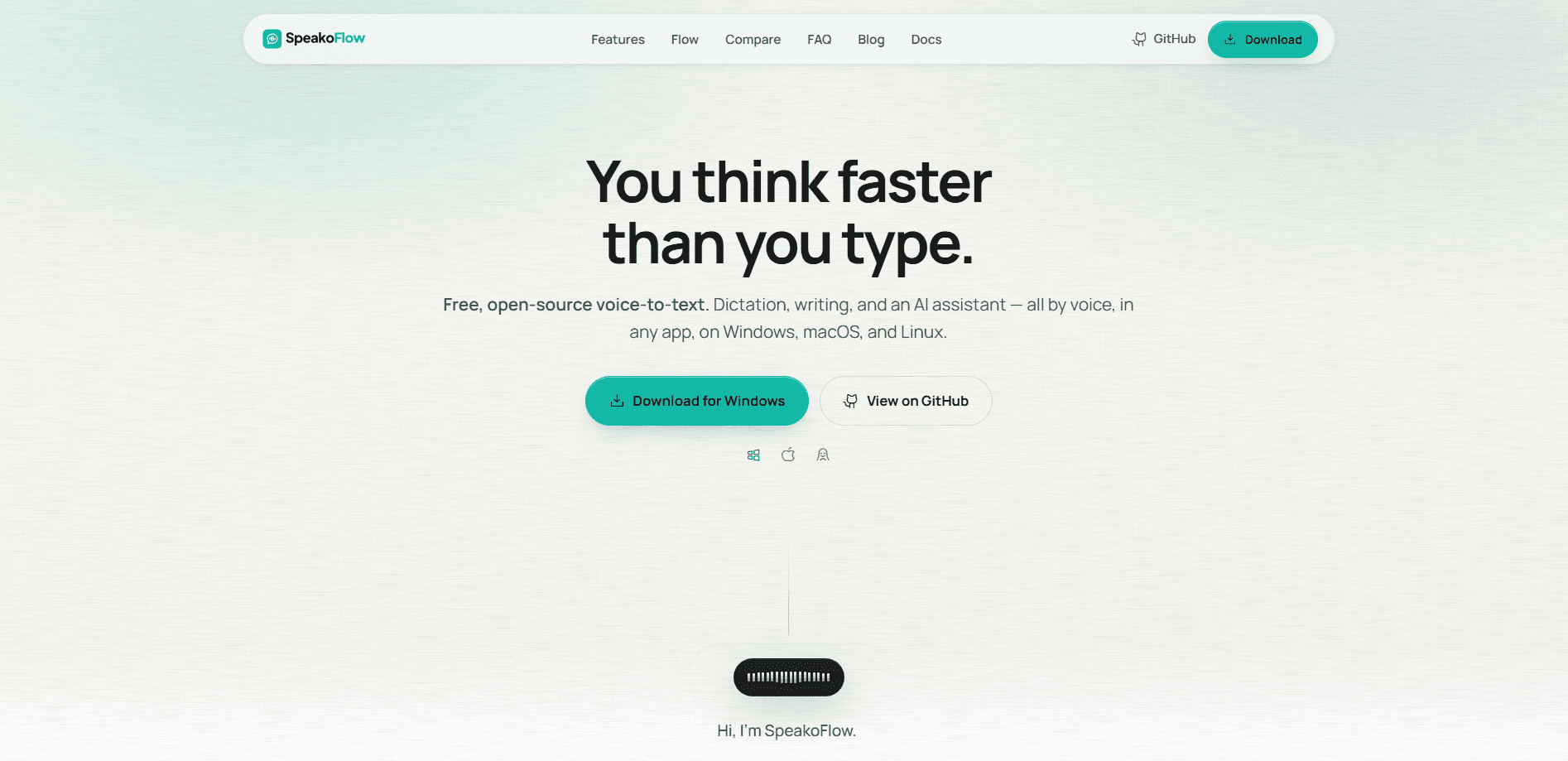
SpeakoFlow is a free, open-source voice-to-text app for Windows, macOS, and Linux that turns your speech into typed text inside any program you already use. Hold a hotkey, talk, and your words land in your email, editor, or chat window. Beyond plain dictation, it cleans up filler words, translates speech into English on your device, and offers an AI assistant you can ask about whatever's on your screen. It runs locally by default, needs no account, and costs nothing. So why pay for cloud dictation?
About SpeakoFlow
What Is SpeakoFlow
SpeakoFlow is a desktop dictation tool and voice assistant built around one idea: your voice shouldn't have to leave your computer to become useful text. You press a key combination, speak, and the words appear where your cursor sits, in whatever program is open. It works the same in a browser, a note-taking app, a code editor, or a chat window, so there's nothing new to learn per app. Think of it as a voice typing tool that stays out of your way.
The bigger pitch is what happens after transcription. SpeakoFlow can strip "um"s and false starts, rewrite your rambling into a cleaner paragraph, and match a tone you pick. Speak Spanish, Hindi, French, or Japanese and it types clean English instead. A separate assistant panel answers questions and can glance at your screen when a question needs that context.
The main limits are practical rather than hidden. It's desktop only, so there's no phone or web version. Because the strongest features lean on local models, the quality of translation and AI cleanup depends on your machine and which model or provider you point it at. Want heavy cloud processing with zero setup? This isn't built for that.
Getting Started
- Download the installer for your operating system from the official SpeakoFlow site. Windows, macOS, and Linux builds are all offered.
- Launch this speech to text desktop app and pick a speech model. It runs on-device by default, or you can point it at a local server or a provider you trust.
- Set your dictation hotkey and hold it to speak. Release it and the text drops into the active app.
- Turn on extras you want, such as AI cleanup, translation, or the Hey Flow generation trigger, and rename the trigger to whatever phrase suits you.
- If you want the assistant or screen-aware answers, enable memory and screen context, both of which stay off until you switch them on.
Product Information
A quick look at SpeakoFlow's pricing, supported platforms, and performance.
Best for
The users, tasks, and scenarios where this tool fits best.
Users
- Writers and note-takers
- Privacy-conscious users
- Non-native English speakers
Tasks
- Replying to emails and messages
- Drafting longer writing
- Asking quick questions while working
Scenarios
- Writing on a laptop where typing is slow or uncomfortable
- Working with multilingual clients or teams
- Debugging or reading on screen
Key features
Dictation Into Any App
SpeakoFlow types wherever your cursor is, so it works inside email clients, document editors, chat apps, and code editors without per-app setup. You hold a hotkey and speak, and the text appears live as you talk or all at once when you stop. The site claims speaking runs around 150 words a minute versus roughly 45 for typing. That's the pitch behind most dictation software, and here it holds up.
Hey Flow Generation
Saying "Hey Flow" switches SpeakoFlow from transcribing to writing. You ask in your own words, like "reply to this message" or "draft an email," and the result lands at your cursor. You can rename the trigger phrase if "Hey Flow" doesn't fit your habits. No account needed.
On-Device Translation
Speak in Spanish, Hindi, French, Japanese, or another language, and SpeakoFlow types clean English. The processing runs on your device. Your speech doesn't go to a remote server by default. That keeps the workflow fast and self-contained.
AI Cleanup With Tone Control
Messy speech is the normal case, and cleanup is built for it. It strips filler words and false starts, fixes grammar, and adjusts to a tone you select, such as Professional, Friendly, or Concise. You can also define your own tone if the presets don't match how you write.
Floating Assistant Panel
A hotkey summons a chat panel that streams answers without pulling you out of your current app. It remembers the conversation while it's open and collapses when you're done. You can also have it read answers out loud, with control over speaking pace and reply length. Prefer silence? Text only.
Screen-Aware Answers
The assistant can look at your screen when a question depends on what's visible, like an error message, a chart, or an email you're drafting. You choose the behavior: tell it to look, let it decide when a glance is needed, or skip screen access entirely so it works from your words alone.
Private Memory And Profiles
SpeakoFlow can remember how you write and keep separate profiles for different parts of your day. Memory is optional, editable, and off until you enable it. Each profile can have its own voice and reply length, so a quick-answer mode and a longer companion mode can coexist.
Open Source And Local-First
The app is MIT licensed, so you can read and inspect the source code. It works without an account, and by default your audio stays on your machine. You can run local models, connect your own server, or choose a provider, which gives you control over where processing happens. This is the core of open source dictation done right.
Pros and cons
Pros
- Free with no account required, and the source code is open for inspection.
- Dictation works in any desktop app, so you don't need separate tools per program.
- Local-first design keeps voice data on your machine by default. Your words stay yours.
- Extras like translation, AI cleanup, and a screen-aware assistant go well past basic speech to text, which is more than most rivals bundle at this price point.
Cons
- Desktop only, so there's no mobile or browser version for people working across devices.
- Quality of translation and AI cleanup depends on your hardware and the model or provider you choose, which adds setup for best results.
- Screen-aware and memory features need deliberate opt-in, so the most capable mode isn't the default.
Frequently asked questions
Yes. SpeakoFlow is listed at $0 with no account and no paid tier on its site. It's open source under the MIT license, so you can use it without paying or signing up. No catch.
Related content
Explore related tools, skills, and articles for SpeakoFlow.
SpeakoFlow Alternatives

Google EmbeddingGemma 2
Google DeepMind · Writing · Image · CodingGoogle EmbeddingGemma 2 is a 740M-parameter open model that turns text, code, images, audio, and video frames into vectors in one 768-dimension space, running on phones and laptops.

MePersona
MePersona, Inc. · Writing · Productivity · MarketingMePersona is an AI unified inbox for creators. It learns your voice, drafts replies to fan messages from 12 platforms, and sends only what you approve.

Fluence
Yay Software (Yannick Huchard) · Writing · Voice & Language · ProductivityFluence is an Android app that reads PDFs, EPUBs, Word files and web articles aloud, follows each sentence as it speaks, and answers questions about the text on the phone itself.