

Speech To Note - Voice To Text
Codesign FZ-LLC · Voice & Language · Productivity
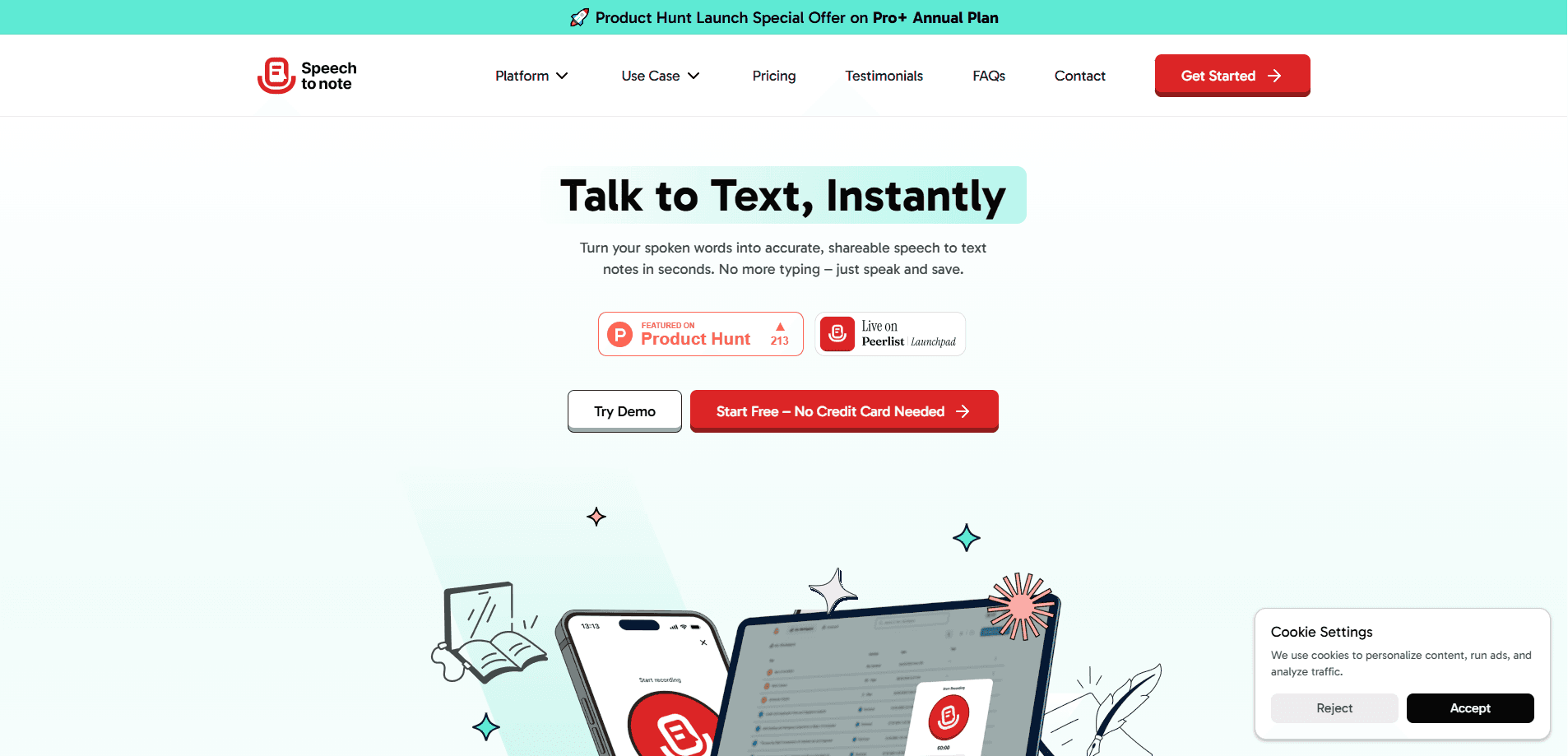
Speech To Note is a voice to text notes app that records your speech and turns it into written notes on Mac, Windows, mobile, and the web, using AI models like GPT-5 for transcription.
About Speech To Note - Voice To Text
What Is Speech To Note
Speech To Note is a transcription tool built for people who think faster than they type. You speak, or upload an audio file, and the app returns written notes you can edit, organize, and share. It works as a dictation app and a voice to text online tool at once, running on Mac, Windows, mobile, and the web, so you can capture a thought on your phone and pick it up on your laptop later.
The core idea is simple. Typing slows you down, so the app replaces the keyboard with your voice. Notes get transcribed with GPT-5 plus other models, translated across more than 100 languages, and saved into folders with tags. You can download the notes and the source audio, share a note by link, or convert it into one of 200+ note formats, from summaries to structured outlines.
There are limits worth knowing before you commit. The Mac and Windows apps are still in beta, so the most polished path is the web app and mobile. Transcription quality tracks your microphone and background noise, and any AI transcript still needs a read-through before you send it. Offline mode covers recording and saving, not cloud-grade accuracy.
Getting Started
- Create an account at speechtonote.com, or grab the mobile app for iPhone and iPad.
- On the web, click record and speak, or upload an audio file you already have.
- Pick the transcription model and the note format you want the output shaped into.
- Wait for the transcript, then edit the text and add tags or folders.
- Download the note or audio, or share the note with a link.
Product Information
A quick look at Speech To Note - Voice To Text's pricing, supported platforms, and performance.
Best for
The users, tasks, and scenarios where this tool fits best.
Users
- Students
- Writers and bloggers
- Professionals in meetings
- Journalists and researchers
Tasks
- Turning speech into a written note
- Transcribing uploaded audio
- Summarizing a long recording
- Multilingual note-taking
Scenarios
- Capturing a sudden idea while walking
- A meeting recap the same afternoon
- Working without internet
- Studying for an exam
Key features
Voice to text transcription
This is the heart of the product. You speak into the app or upload an audio file, and Speech To Note returns written notes. Transcription runs on GPT-5 plus other models like Claude Haiku 4.5 and Meta Llama 4 Versatile, which the maker says keeps spoken words accurate. For most users the practical win is speed: talking is 3 to 5 times faster than typing on the Mac and Windows apps.
Multilingual support across 100+ languages
The app transcribes more than 100 languages, so a bilingual classroom or an international team can keep notes in the language they actually speak. You record in one language and read back in the same one, without running the text through a separate translator. This matters most for interviews, lectures, and meetings that switch languages mid-session.
Offline mode
Offline mode lets you record and save your notes without an internet connection. That covers the moments when you can't reach the cloud, like a basement conference room or a flight. The tradeoff is that cloud-grade accuracy and heavier AI features wait until you're back online. It's a convenience, not a full offline transcription engine.
Smart note formats and organization
Rather than dumping raw text, Speech To Note offers 200+ smart note formats, from plain notes to structured outlines and summaries. You can file notes into folders, add tags, and search across everything later. This is what keeps a fast pile of dictated notes from turning into a mess you never open again.
Cross-device access and sharing
Notes live on Mac, Windows, mobile, and the web, so the device you record on isn't the only one you can read from. You can share a note with a link, export it, or download both the note and the source audio. For teams, link sharing replaces pasting transcripts into chat by hand.
Edit and organize features
After transcription you can edit the text directly, fix mistakes, and reshape the wording before you save or share. Combined with tags and folders, this turns a rough dictation app output into a finished note. You stay in control of the final copy, which matters for anything that goes to a client or a class.
Pros and cons
Pros
- Speaking beats typing for anyone who thinks out loud, and the apps claim 3 to 5x faster note capture.
- 100+ language support covers bilingual and international use without a separate translator.
- Offline mode handles recording and saving when there's no connection.
- 200+ note formats and folders keep a high volume of dictated notes organized.
- Available on web, Mac, Windows, iPhone, and iPad, so notes follow you across devices.
Cons
- The Mac and Windows apps are in beta, so desktop users should expect rough edges.
- Transcription accuracy depends on your mic and background noise, so a noisy room hurts results.
- Offline mode saves notes but doesn't deliver the same accuracy as the online models.
- There's no documented public API, so it won't drop into an existing pipeline without manual steps.
Frequently asked questions
Speech To Note is a voice to text notes app that records your speech or an uploaded audio file and turns it into written notes. You can edit the text, organize it with folders and tags, and share or export it.
Related content
Explore related tools, skills, and articles for Speech To Note - Voice To Text.
Speech To Note - Voice To Text Alternatives

Prosp
Prosp · Writing · Voice & Language · MarketingProsp is an AI LinkedIn outreach tool built for agencies and sales teams, and it writes the message and the voice note in your own voice for each prospect so they actually reply. You connect your accounts, find leads, and let the AI draft and send personalized messages at scale, all from one inbox. It's built for people running outbound at volume. That's the whole pitch. Every touchpoint still has to feel human.

Wordly AI Translation
Wordly · Voice & Language · ProductivityWordly AI Translation is a real-time AI translation and captioning platform built for meetings, conferences, and events. It delivers live translation, captions, transcripts, and summaries in more than 60 languages, and attendees join by scanning a QR code or opening a link instead of using dedicated headsets. The platform works with Zoom, Microsoft Teams, Google Meet, and Webex, and it's designed for organizations that want multilingual access without hiring human interpreters for every session. Simple as that.
Musicful
Musicful AI · Voice & Language · VideoMusicful is an AI music generator and AI music video maker that turns text to music in minutes. Give it a text prompt, a set of lyrics, or a hummed melody and it returns a finished track with vocals and instruments. It also doubles as an AI song generator, produces music videos from the songs you create, and offers an AI cover tool plus a developer API. The platform runs in a web browser and through an Android app, so you can start a song on desktop and pick it up on your phone.