

Speech to Text Converter Online
Speech-to-Text.co · Writing · Voice & Language
Speech to Text Converter Online is a free web-based transcription tool from Speech-to-Text.co. It turns recorded speech into editable text, so you can transcribe audio to text without installing a desktop app. Upload an audio or video file, or record a voice note in the browser, and the service returns a transcript you can fix up, copy, or export. It handles 45+ languages and common formats like MP3, WAV, MP4, and MOV. You can try a recording up to 5 minutes long without creating an account.
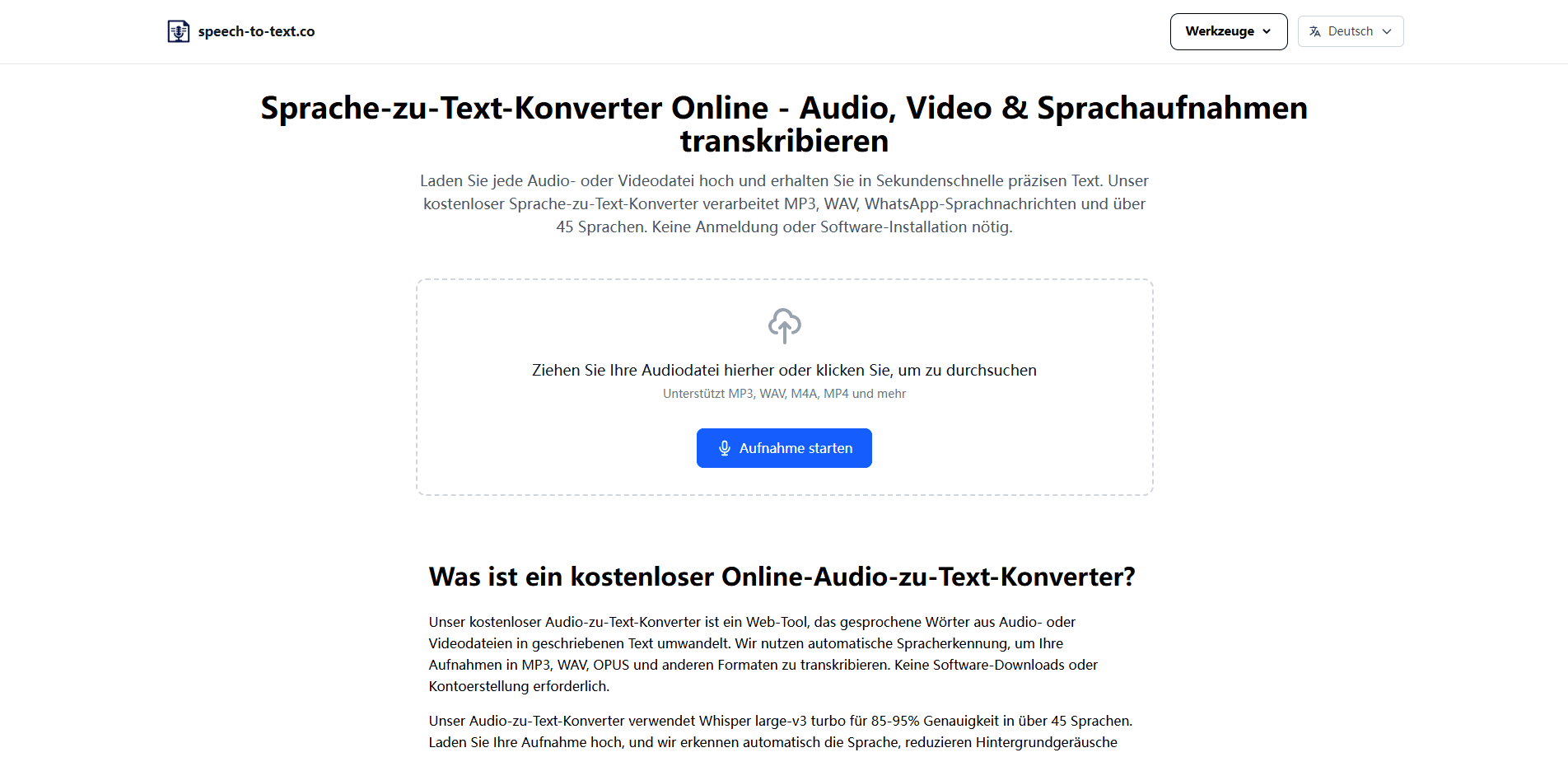
About Speech to Text Converter Online
What Is Speech to Text Converter Online
Speech to Text Converter Online is a browser-based speech recognition tool that converts spoken words from audio and video files into written text. There's nothing to install. You open the site, drop in a file or record a voice note, and wait for the transcript to come back. That file-first approach sets it apart from dictation apps that listen live as you talk. This tool wants a complete recording instead. More context, better guesses.
The product leans on AI models running on a remote transcription service, and it returns an editable transcript rather than a locked-down result. From there you can correct uncertain wording, copy the text, or export it. Free accounts get 15 minutes of transcription a day plus 10 AI actions for summarizing, translating, and asking questions about a transcript. So what does the free tier actually cover? Short clips, quick notes, and a handful of AI requests a day.
The biggest limitation is how the service handles your files. Uploads leave your device and pass through a Cloudflare-powered remote server and, for AI features, through OpenRouter. Not ideal for sensitive material. The site itself says not to upload regulated or highly confidential material unless those processing terms fit your needs. So it's a fine fit for interviews, lectures, and quick notes. It's a poor fit for anything under strict legal or medical compliance rules.
Getting Started
- Open the site and upload an audio or video file, or click the microphone to record a voice note.
- Choose Transcribe and let the file upload to the remote transcription service.
- Wait while the service analyzes the audio and predicts the matching words and language.
- Review the returned transcript in the editor, fixing names, abbreviations, and specialist terms.
- Copy the text or export it as TXT or JSON, or run it through the summary and translation tools.
Product Information
A quick look at Speech to Text Converter Online's pricing, supported platforms, and performance.
Best for
The users, tasks, and scenarios where this tool fits best.
Users
- Students
- Journalists and interviewers
- Podcasters and video creators
Tasks
- Transcribing a meeting recording
- Converting voice memos to text
- Translating a spoken clip
Scenarios
- Cleaning up a lecture before an exam
- Pulling quotes from a long interview
- Subtitle groundwork
Key features
File-Based Transcription for Audio and Video
The tool accepts a wide spread of containers, including MP3, WAV, M4A, FLAC, OGG, AAC, MP4, MOV, AVI, MKV, and WebM. That means you don't have to convert a screen recording or a phone video first. A complete file also gives the system more audio context than a live stream would.
Voice Note Recording in the Browser
If you don't have a file ready, you can record a voice note directly on the site using your microphone. The recording happens first and the words appear after you submit it. It's built for short clips and quick thoughts, not live dictation. Handy when you want to capture an idea without pulling out a separate recorder.
Editable Transcript Workspace
Every result opens in a workspace where you can change the text before you do anything else. Names, unusual abbreviations, and specialist vocabulary usually need a second look. The editor is where you fix them. No re-running the whole file just to correct one word.
AI Summary, Translation, and Q&A
Free accounts get 10 AI actions a day for summarizing a transcript, translating it, or asking questions about what was said. These run on top of the finished transcript through OpenRouter. They're separate from the transcription step. It's a light daily allowance. Still useful for skimming a long recording fast.
Export Options from TXT to SRT and VTT
Free users can export TXT and JSON. The comparison page lists SRT subtitles, VTT captions, PDF, and DOCX on higher plans, which matters if you're building captions or a formatted document. Starting with JSON gives you structured output if you plan to feed the text into another tool.
Pros and cons
Pros
- Works in the browser with no install and no account needed for clips up to 5 minutes.
- Supports 45+ languages and a broad range of audio and video formats.
- Produces an editable transcript, so you can fix errors before exporting.
- Free tier covers 15 minutes a day, enough for casual use.
- Pro runs about $9 a month with unlimited transcription and AI actions.
Cons
- Files leave your device and pass through remote servers, so sensitive or regulated content isn't a good fit.
- The microphone records first and shows no live words, so it won't replace a real-time dictation tool.
- Free export is limited to TXT and JSON, with SRT, VTT, PDF, and DOCX reserved for paid plans.
- Accuracy dips with noisy recordings, heavy accents, and uncommon names, which you'll have to clean up by hand.
Frequently asked questions
Yes. The online transcription is free for short clips. You can convert speech to text for up to 5 minutes without an account, and a free account gets 15 minutes a day plus 10 AI actions. Pro at $9 a month removes the daily cap and unlocks unlimited AI actions.
Related content
Explore related tools, skills, and articles for Speech to Text Converter Online.
Speech to Text Converter Online Alternatives

Google EmbeddingGemma 2
Google DeepMind · Writing · Image · CodingGoogle EmbeddingGemma 2 is a 740M-parameter open model that turns text, code, images, audio, and video frames into vectors in one 768-dimension space, running on phones and laptops.

MePersona
MePersona, Inc. · Writing · Productivity · MarketingMePersona is an AI unified inbox for creators. It learns your voice, drafts replies to fan messages from 12 platforms, and sends only what you approve.

Fluence
Yay Software (Yannick Huchard) · Writing · Voice & Language · ProductivityFluence is an Android app that reads PDFs, EPUBs, Word files and web articles aloud, follows each sentence as it speaks, and answers questions about the text on the phone itself.