

Speechka
Speechka · Voice & Language
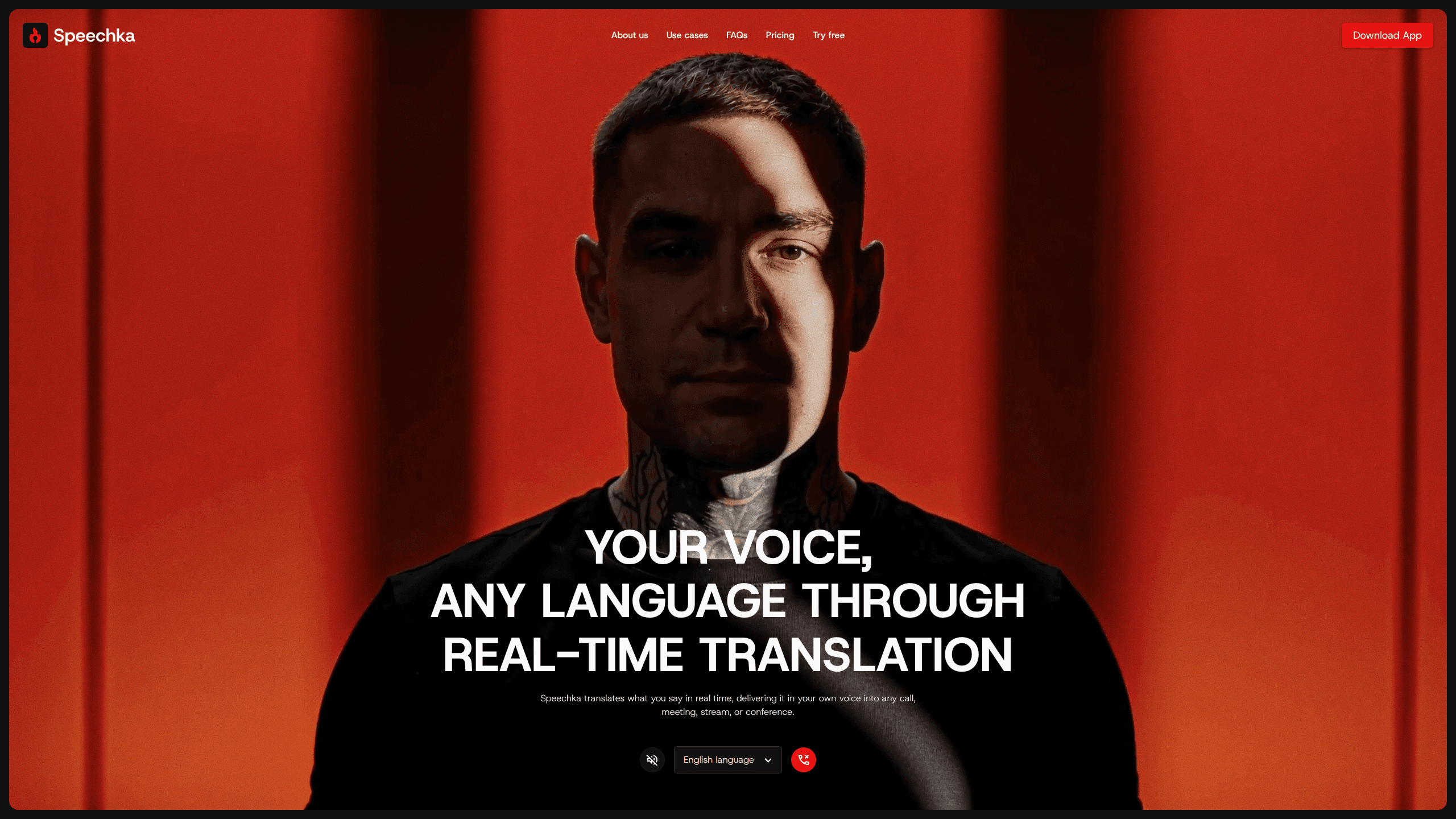
Speechka is a real-time voice translator that speaks your words in your own voice across 44 languages and sends the result into calls, meetings, streams, and conferences.
About Speechka
What Is Speechka
Speechka is a desktop and browser app that translates speech while you talk. You speak your own language. The app listens, translates each sentence as it lands, and outputs audio in a voice modeled on yours, a form of AI voice translation that keeps the speaker recognizable. In Broadcast mode that audio leaves through your microphone, so Zoom, Teams, OBS, or a conference system receives it as if you had spoken the other language yourself.
The product comes from Dmytro Ivanchenko, a UX designer who spent years in international meetings where English wasn't his first language. That origin shows in the design. There are no captions to read and no transcript panel to watch, so the other side listens to a voice instead of reading a screen.
Limits are worth knowing before you install. Support covers 44 languages, broad but not universal, and the app runs on macOS with Apple silicon and on 64-bit Windows 10 or 11, with a browser version for trials. Translation is processed on Speechka's servers, so a stable connection matters. Usage is metered in credits, and a busy week of calls can drain them faster than the monthly allowance suggests.
Getting Started
- Sign in at speechka.io with a Google account. The browser version gives you 5 free minutes of translation without installing anything.
- Record up to 10 seconds of your voice to create a personal voice profile. You can re-record or delete the sample at any time.
- Choose the source and target languages. Speechka translates both ways between any two of the 44 it supports.
- Pick Listen mode for headphones or Broadcast mode for a virtual microphone, then choose Faster or Higher quality for the session.
Product Information
A quick look at Speechka's pricing, supported platforms, and performance.
Best for
The users, tasks, and scenarios where this tool fits best.
Users
- Remote workers on international teams
- Livestreamers with viewers abroad
- Sales and support staff who take calls from several regions
Tasks
- Running a weekly cross-border meeting
- Presenting at a conference
- Recording voice messages
- Practicing pronunciation
Scenarios
- A job interview with a company in another country
- A Twitch or YouTube stream with a mixed audience
- A workshop where half the room is visiting from overseas
Key features
Personal Voice in Every Language
Speechka asks for a 10-second recording and builds a voice profile from it. Translations then come out in that voice rather than a generic narrator, so your tone and accent carry into Spanish, Japanese, or Arabic. The profile lives in your account, and you can record a new sample or delete the old one whenever you want.
Real-Time Translation with Ordered Playback
The app listens continuously and translates sentence by sentence as you speak. Each translated line is queued and played in the order it was spoken, which keeps a fast exchange readable even when two people talk over each other. Speechka's own figure for translation latency is 200ms.
Listen Mode and Broadcast Mode
Listen mode plays the translation into your headphones or speakers and leaves it there, which suits language practice, travel, and checking how a phrase sounds. Broadcast mode routes the translated audio into a virtual microphone so other participants hear it. The second mode is the one that replaces an interpreter in a live call.
Faster and Higher Quality Settings
Two presets trade latency against voice quality. Faster keeps the delay low for back-and-forth discussion. Higher quality spends more processing on intonation and expression, which matters for keynotes, interviews, and recorded content. You choose per session, so a quick call and a webinar don't have to use the same setting.
Works Alongside Your Current Call Tools
Speechka doesn't need a plugin for each platform. It presents itself as a microphone, so Zoom, Google Meet, Microsoft Teams, Discord, Slack, Webex, and OBS pick it up through their normal audio settings. The company puts the number of compatible apps above 100.
Context-Aware Speech Translation
The translator works from whole sentences rather than word by word. It reads context, sentence boundaries, and tone before producing speech, and it handles pauses so the output doesn't arrive chopped into fragments. The practical effect is a translated voice that sounds like someone talking, not a string of dictionary entries. Personal voice translation and the underlying voice cloning run on Speechka's servers, so neither needs a GPU on your desk.
Pros and cons
Pros
- The translated speech keeps your own voice, which matters more than raw accuracy when you're building trust on a call.
- Broadcast mode works with any app that accepts a microphone, so there's no integration list to check before a meeting.
- Listen and Broadcast modes cover both private practice and live conversation with one subscription.
- The 7-day trial includes 10 credits with no feature locks, enough to test a real meeting instead of a demo clip.
- Per-session quality settings let you spend latency where speed matters and voice quality where it doesn't.
Cons
- Credits are the real cost driver. 180 credits a month sounds generous until a week of long calls runs through them, and extra packs cost $9.99 to $39.99.
- macOS support stops at Apple silicon, so Intel Macs are left out, and there's no mobile app for calls taken on a phone.
- Translation depends on a server round trip, so a weak connection will show up as delay or dropped sentences.
- There's no published API, which rules it out for teams that want to bake translation into their own product.
Frequently asked questions
Speechka is a real-time voice translator for live conversation. It listens to your speech, translates it, and plays the result in a voice modeled on yours, either to your own headphones or into the microphone other people hear.
Related content
Explore related tools, skills, and articles for Speechka.
Speechka Alternatives

Foley
Hanamori Labs, LLC · Voice & Language · Productivity · AI AssistantFoley is a voice to-do list that turns a spoken sentence into a filed task, complete with project, date and time, then helps you plan the day around what is already there.

HireKey
HireKey · Voice & Language · Productivity · LeaningHireKey is an AI job search copilot built by a former tech recruiter. It checks role fit, tailors resumes, runs interview practice and tracks every application.

Fluence
Yay Software (Yannick Huchard) · Writing · Voice & Language · ProductivityFluence is an Android app that reads PDFs, EPUBs, Word files and web articles aloud, follows each sentence as it speaks, and answers questions about the text on the phone itself.