

Speechly
Speechly · Voice & Language
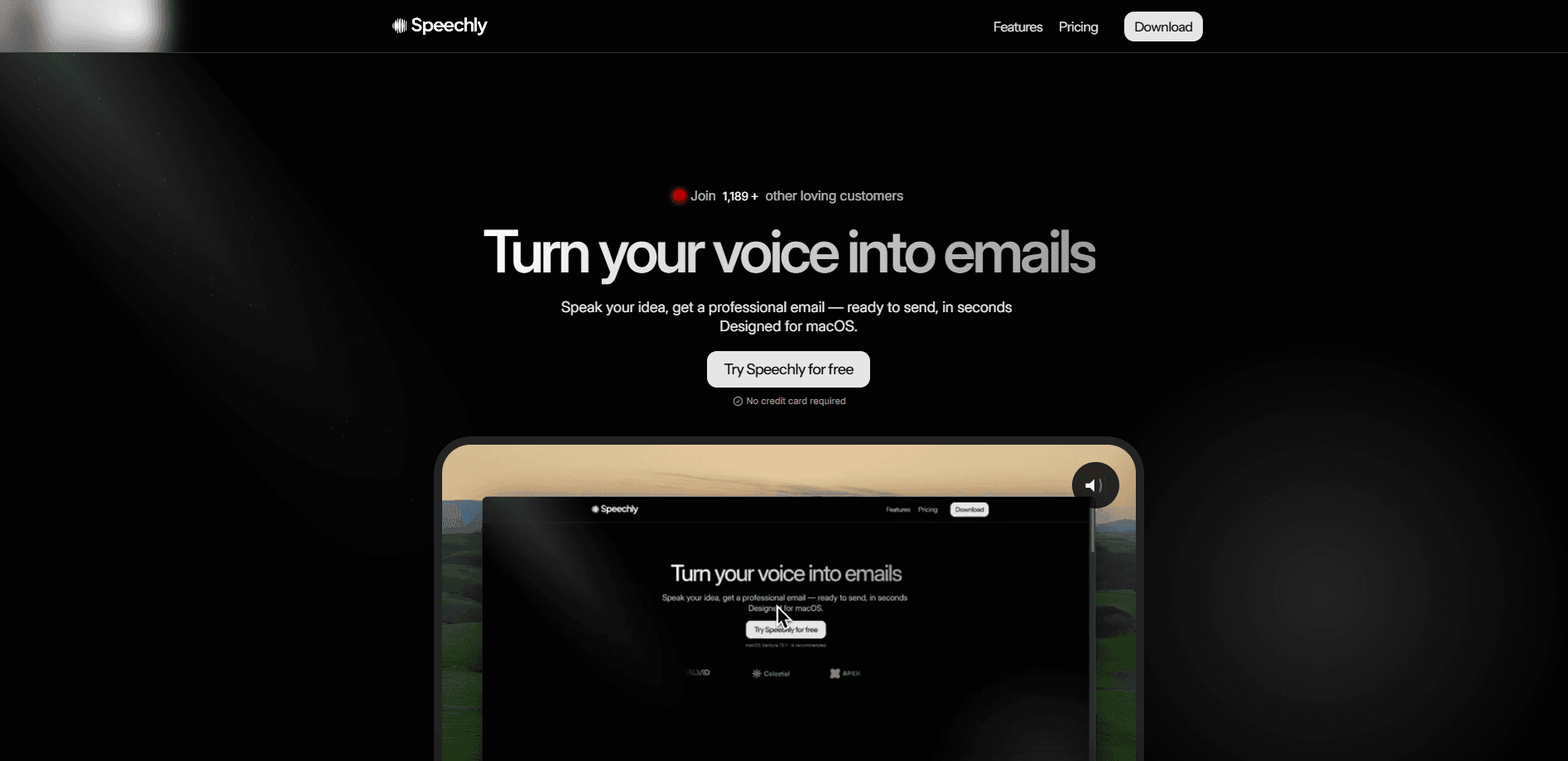
Speechly is a Mac voice-to-text app and AI voice to text tool that turns your speech into clean text in under 3 seconds. It's also a capable offline dictation app. It offers five writing modes, 150+ languages, and a private offline option.
About Speechly
What Is Speechly
Speechly is an AI speech to text app for macOS built by Speechly. It pairs a neural transcription app on your desktop with five smart modes, and it doubles as a fast dictation app for Mac. You hold a shortcut, talk, and release, and the tool drops a clean transcript wherever your cursor sits. The pitch is simple: people still type the way they did 50 years ago, and many of them talk far faster than they type.
The app leans on smart modes rather than raw dictation. Tell it you're writing an email, a message, a prompt, or a to-do, and it adapts punctuation and formatting on the fly. You can switch between cloud, local, and neural engines depending on whether you want speed, full privacy, or accuracy that learns your voice.
The main limits are platform and polish. Speechly is macOS-only, so Windows and mobile users are out of luck, and the best accuracy sits behind the Pro and Turbo plans. The free plan gets you started, but unlimited words and the advanced models require a subscription.
Getting Started
- Download Speechly for Mac from the official site and install it on a machine running a recent version of macOS.
- Create an account and pick a plan, or start on the free tier first.
- Set a keyboard shortcut that launches dictation, or switch on push-to-talk.
- Press the shortcut, speak naturally, and release to drop the transcript at your cursor in any app.
- Choose a mode such as Email or Prompt, and switch between Cloud, Local, and Neural engines to match your privacy and accuracy needs.
Product Information
A quick look at Speechly's pricing, supported platforms, and performance.
Best for
The users, tasks, and scenarios where this tool fits best.
Users
- Developers and founders
- Writers and marketers
- Anyone with typing strain or RSI
Tasks
- Writing emails and messages
- Drafting AI prompts
- Capturing quick to-dos
Scenarios
- Working in a private setting
- Multilingual work
- Long writing sessions
Key features
Five Writing Modes
Speechly splits dictation into Voice-to-Text, Email, Message, Prompt, and To-Do modes. Each one knows the shape of the text you want, so an email gets greeting and closing punctuation while a prompt comes out ready to paste into a chatbot. It's the feature that makes the app feel aware of context instead of dumping raw words.
Three AI Engines
The app bundles three engines you can switch between. Cloud handles fast everyday dictation, Local keeps transcription on your device for full privacy, and Neural adapts to your voice and accent over time. Picking the right engine lets you trade speed for accuracy or privacy depending on the task.
DeepLearn Voice Adaptation
DeepLearn is Speechly's learning layer on the Neural engine. The more you speak, the better it fits your pronunciation, vocabulary, and phrasing. For people with accents, jargon-heavy fields, or unusual names, that ongoing tuning is the difference between constant corrections and clean output.
Offline and Privacy Modes
Local transcription means your audio doesn't have to leave your Mac, which matters for client work, legal notes, or anything confidential. The Pro plan adds a Privacy Mode with zero data retention on top of the on-device engine. For privacy-conscious users, that combination is the main reason to pick Speechly over a cloud-only rival.
Translate to English and 150+ Languages
Speechly recognizes more than 150 languages and can translate what you dictate into English on the fly. You can switch languages mid-session, which suits bilingual users and anyone working with international clients. It's a quiet feature that saves a separate translation step.
Speed and Integrations
The app claims speeds well above 300 words per minute, far faster than most people type. It works across 150+ apps without a special plugin, so dictation drops into Slack, Notion, Gmail, Word, and code editors alike. Turbo raises the ceiling further with Neural Advanced and a precision-or-speed model selector.
Pros and cons
Pros
- Turns speech into clean text in under 3 seconds
- Five modes adapt output for email, messages, prompts, and to-dos
- Local and neural engines support offline, private transcription
- Works across 150+ apps and 150+ languages
- Free plan available, with a 3-day Pro trial and no credit card
Cons
- macOS only, so there's no Windows or mobile version
- The most accurate models and unlimited words need a paid plan
- No public API, which rules out custom integrations for developers
Frequently asked questions
Speechly is a voice typing app and dictation app for Mac. You hold a shortcut, speak, and release, and it writes a clean transcript at your cursor in whatever app you're using. It's built for people who talk faster than they type and want to skip the keyboard.
Related content
Explore related tools, skills, and articles for Speechly.
Speechly Alternatives

Prosp
Prosp · Writing · Voice & Language · MarketingProsp is an AI LinkedIn outreach tool built for agencies and sales teams, and it writes the message and the voice note in your own voice for each prospect so they actually reply. You connect your accounts, find leads, and let the AI draft and send personalized messages at scale, all from one inbox. It's built for people running outbound at volume. That's the whole pitch. Every touchpoint still has to feel human.

Wordly AI Translation
Wordly · Voice & Language · ProductivityWordly AI Translation is a real-time AI translation and captioning platform built for meetings, conferences, and events. It delivers live translation, captions, transcripts, and summaries in more than 60 languages, and attendees join by scanning a QR code or opening a link instead of using dedicated headsets. The platform works with Zoom, Microsoft Teams, Google Meet, and Webex, and it's designed for organizations that want multilingual access without hiring human interpreters for every session. Simple as that.
Musicful
Musicful AI · Voice & Language · VideoMusicful is an AI music generator and AI music video maker that turns text to music in minutes. Give it a text prompt, a set of lyrics, or a hummed melody and it returns a finished track with vocals and instruments. It also doubles as an AI song generator, produces music videos from the songs you create, and offers an AI cover tool plus a developer API. The platform runs in a web browser and through an Android app, so you can start a song on desktop and pick it up on your phone.