

Speechnotes
Speechnotes · Voice & Language · Productivity
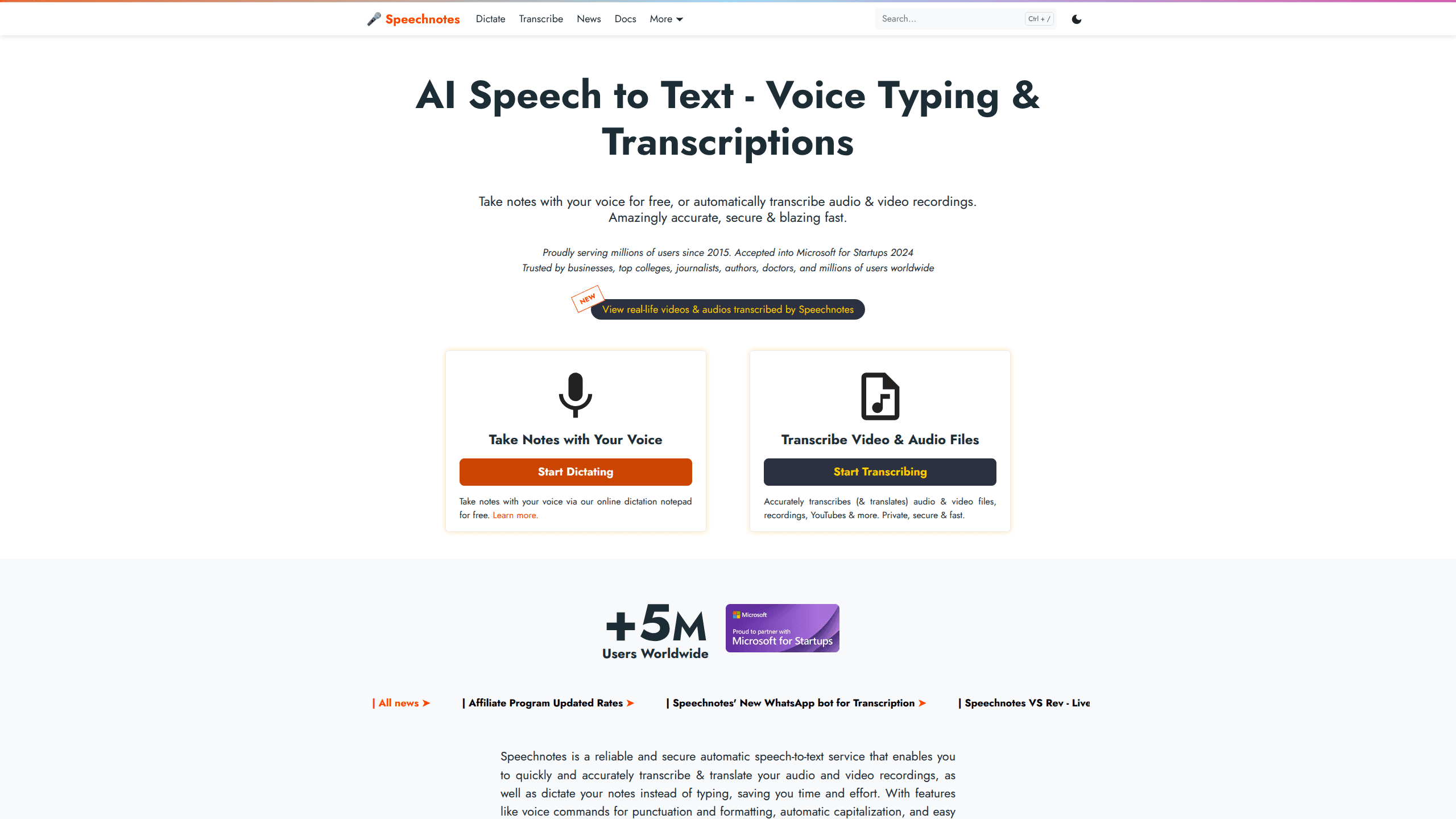
Speechnotes is a speech to text service that lets you dictate notes in your browser for free or upload audio and video files for automatic transcription. It runs as an online dictation notepad, a Chrome voice typing extension, and an Android app, so you can capture ideas without typing. The same platform handles longer recordings through paid transcription credits, an API, and Zapier automation for hands-free workflows.
About Speechnotes
What Is Speechnotes
Speechnotes is an automatic speech to text tool built for people who'd rather talk than type, and it's grown well past the browser notepad it started as. In its current form it handles audio and video files, YouTube links, and even phone calls alongside live dictation. The team says it's been serving millions of users since 2015.
The main appeal is simple. The core dictation tool costs nothing. You open the web page, allow microphone access, and start talking. Punctuation and capitalization get handled by voice commands and automation, so the text you get is closer to something you'd send than a raw wall of words. Need speech to text online for a quick note? That part is free.
The catch is that heavy lifting isn't all free. Long recordings, batch files, and automated workflows run on paid transcription credits sold as pay-as-you-go minutes. If you just want to dictate a memo, you never pay a cent. If you're transcribing hours of interviews every week, you'll be buying credits. That's the trade-off.
Getting Started
- Go to speechnotes.co and pick either Dictate for live voice typing or Transcribe for uploading files.
- Allow microphone access when your browser asks, then check that the correct input device is selected.
- Speak naturally. Use voice commands like "new line" or "period" to shape the text as you go.
- Edit the result in the notepad, then export it or copy it into your own document.
- For file transcription or API workflows, open an account on the Files service and buy credit when you need more minutes.
Product Information
A quick look at Speechnotes's pricing, supported platforms, and performance.
Best for
The users, tasks, and scenarios where this tool fits best.
Users
- Students
- Journalists
- People with hearing loss
- Writers and bloggers
Tasks
- Voice typing notes
- Transcribing interviews
- Captioning YouTube videos
- Summarizing meetings
Scenarios
- Taking notes during a busy workday
- Clearing a backlog of recorded calls
- Studying for exams
- Field work with limited typing
Key features
Free Online Voice Typing
The core notepad turns your speech into text as you talk, right in the browser. Voice commands handle punctuation and line breaks, and automatic capitalization cleans up the output. It's the fastest path from "I had an idea" to actually having it written down. No setup, no app install.
Audio and Video Transcription
Upload a recording and Speechnotes returns a typed transcript, with support for common audio and video formats as well as YouTube links. It also translates the results. Want to transcribe audio files in bulk? This is where the service earns its keep for anyone sitting on a folder of interviews or meeting recordings.
Speaker Tagging and Timestamps
Long recordings with multiple voices get labeled by speaker, and timestamps mark when each segment happens. That combination is what makes a transcript usable for editing, quoting, or cutting into captions. Without it, a two-hour group call is just an unreadable block of text. Simple as that.
Voice Typing Chrome Extension
The extension lets you dictate into forms and text boxes across the web, including Gmail. If you spend your day in a browser, this removes the copy-paste step that usually kills dictation workflows. Speak into the field you're already in. That's it.
Android App for Note Taking
The Android app brings the same notepad to your phone, and it's been downloaded more than 5 million times with a rating above 4.3 stars. It handles short bursts of dictation well. Desk work, less so.
Transcription API and Webhooks
The API accepts files through standard POST requests and sends results back to your server via webhook when they're ready. You set language, speaker count, and even start and end points so you only pay for the segment you need. Zapier adds a no-code path to the same idea. No manual uploads required.
Pros and cons
Pros
- Free voice typing in the browser means most casual users never pay anything.
- The API and webhooks let developers automate transcription end to end.
- Speaker tagging and timestamps make longer recordings actually usable.
- Pay-as-you-go credits avoid a subscription you might not use every month, which suits anyone whose transcription needs come in bursts rather than a steady weekly stream.
- Coverage across web, Chrome, and Android means the same account follows your device.
Cons
- File transcription runs on paid credits, so heavy users end up with real costs to track.
- The sister iOS app TextHear is billed separately, which complicates the "free" pitch for iPhone owners.
- Accuracy depends on audio quality and a decent internet connection, since all the processing happens online rather than on your device.
- Team and collaboration features are thin, so it's better suited to individuals than to shared workflows where several people need to edit the same transcript.
Frequently asked questions
Yes. The online dictation notepad and the voice typing extension are free. You only pay when you upload files for transcription or use the API, which runs on prepaid minutes.
Related content
Explore related tools, skills, and articles for Speechnotes.
Speechnotes Alternatives

Foley
Hanamori Labs, LLC · Voice & Language · Productivity · AI AssistantFoley is a voice to-do list that turns a spoken sentence into a filed task, complete with project, date and time, then helps you plan the day around what is already there.

HireKey
HireKey · Voice & Language · Productivity · LeaningHireKey is an AI job search copilot built by a former tech recruiter. It checks role fit, tailors resumes, runs interview practice and tracks every application.

Fluence
Yay Software (Yannick Huchard) · Writing · Voice & Language · ProductivityFluence is an Android app that reads PDFs, EPUBs, Word files and web articles aloud, follows each sentence as it speaks, and answers questions about the text on the phone itself.