

Spine Research
Spine AI (Y Combinator S23) · Business
Spine Research is a multi-agent AI platform that runs parallel agents to produce sourced research reports, decks and models for professionals.
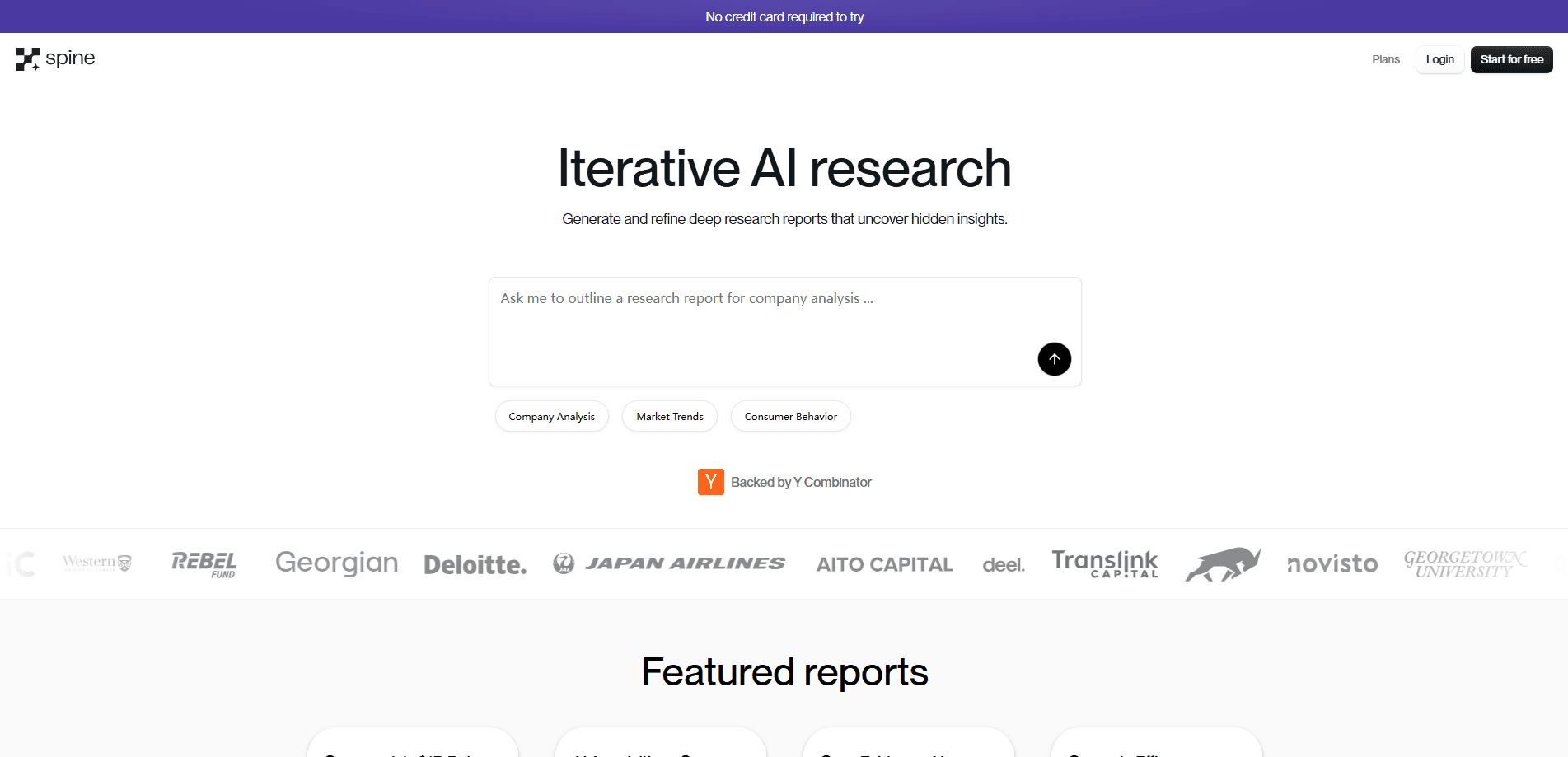
About Spine Research
What Is Spine Research
Spine Research is an AI research platform that treats deep research as a team job rather than a single prompt. Instead of asking one model to answer from memory, it dispatches a swarm of agents across 300+ AI models, has them search live sources, cross-check findings and assemble the result into a report, deck, spreadsheet or memo you can actually hand to someone. As a deep research tool, it aims for coverage a chat window can't reach.
The problem it targets is the gap left by chat-based research. A single chatbot answers fast but shallow, and it rarely shows where its numbers came from. Spine Research splits the work: a planning model decides what to search and where, a writing model turns the findings into a structured deliverable, and citations come along for the ride so you can verify the claims yourself.
The work happens on a visual canvas. You drop blocks for research, documents, slides or data onto an infinite board, connect the context they should read, and let agents run. Two limits are worth knowing up front. Credits, not requests, are the unit of cost, so heavy agentic blocks burn through a plan faster than a quick prompt. And it is built for people who need research as a work product, not for casual questions you could ask any chatbot.
Getting Started
- Sign up at getspine.ai and land on a blank canvas, or open a template for research, decks or data work
- Describe the outcome you want, or add blocks by hand and connect the files, links and sites the agents should read
- Launch the swarm and watch agents plan, search and build, or queue the task and come back later
- Review the deliverable, iterate on individual blocks without rerunning the whole workflow, then export or share by link
Product Information
A quick look at Spine Research's pricing, supported platforms, and performance.
Best for
The users, tasks, and scenarios where this tool fits best.
Users
- Investors and analysts
- Consultants
- Startup founders
- Legal and research teams
Tasks
- Deep research reports
- Market sizing and TAM/SAM/SOM models
- Competitive analysis
- Investor pitch decks
- Data tables and spreadsheets
Scenarios
- You need a due diligence report on a company by tomorrow
- A client asks for a market overview this week
- You swapped a key assumption in your model and need the impact
- You're preparing a fundraise and need defensible numbers
Key features
Multi-Agent Research Swarm
Spine Research spins up specialized agents across 300+ AI models and runs their work in parallel. You describe a project in plain language and agents plan, decompose and execute on the canvas, creating research, document and data blocks as they go. That parallelism is what lets research automation that would take days of manual sourcing land in hours.
The Visual Canvas
The canvas is an infinite workspace where you and the agents both work. You add blocks, connect the context they should read and branch in different directions from one starting point. Because the structure is visible, you can let agents do the heavy lifting and then pick a subset of blocks to refine by hand without rerunning the entire workflow.
Deep Research Block
The Deep Research block runs models in a loop behind the scenes: a planning model decides what and where to search, a writing model consolidates the findings. It browses the web and any documents on your canvas, supports include and exclude rules for domains and date ranges, and attaches source citations so you can check the claims.
Sourced, Editable Deliverables
Output lands as work products, not walls of text: reports, memos, slide decks, spreadsheets and data tables. Every run keeps its sources and reasoning attached, so the deliverable carries its evidence. You can edit any piece directly and share the whole canvas or a single artifact by URL.
Context Control and Plan Mode
Before a task runs, plan mode shows you the agent's proposed approach so you can adjust it, ask for something simpler or trim the scope. You can also feed documents, links and websites onto the canvas so agents read that context directly instead of searching for it, which keeps both cost and guesswork down.
API and Integrations
Beyond the visual app, Spine Research offers a research API that returns polished artifacts from a single call, with webhooks and polling for async runs. It also plugs into tools like Claude Code, Codex CLI, Cursor and OpenClaw, so agents in those environments can delegate research and deliverable generation back to Spine.
Pros and cons
Pros
- Runs research across hundreds of live sources in parallel, going well beyond what a single chat prompt can cover
- Citations are attached to the output, so numbers and claims can be traced back to their sources
- Deliverables come out as editable reports, decks and spreadsheets rather than raw text you have to reformat
- The canvas lets you iterate on one part of a project without rerunning everything, which saves both time and credits
- An API and developer integrations let you call the research engine from Claude Code, Cursor and other tools
Cons
- Credits are the unit of cost, so heavy agentic blocks can drain a plan faster than the sticker price suggests, and unused credits don't roll over
- The free tier's 2,000 monthly credits won't cover many deep research runs, so real use pushes most people onto a paid plan
- It assumes you have a research task and sources in mind, so there's little value for someone who just wants a quick factual answer
- Results still depend on how well you set up the task, and a weak prompt or thin sourcing produces a weaker deliverable
Frequently asked questions
Spine Research is used to produce sourced research work products such as deep research reports, market sizing, competitive landscapes, investor decks and data tables. It dispatches multiple AI agents in parallel and assembles their findings into an editable deliverable with citations.
Related content
Explore related tools, skills, and articles for Spine Research.
Spine Research Alternatives

Knocket
Knocket (Tencent RTC team) · Productivity · Business · ChatbotKnocket is a free live chat and contact page tool that lets visitors message you from your website, app, or a shareable link, with every reply handled from Telegram or one inbox.

shippedit.me
Krawlup · Marketing · Businessshippedit.me now redirects to Krawlup, a web platform that audits SEO, AEO and page speed every week, then hands the fixes to AI coding agents over MCP.

Ayven
Alknoma · Productivity · BusinessAyven is an AI control centre by Alknoma that turns a plain-language goal into a dated plan, hands the work to your people and AI agents, and asks for your approval only when the call is yours.