

Spokenly
Vadim Akhmerov · Voice & Language
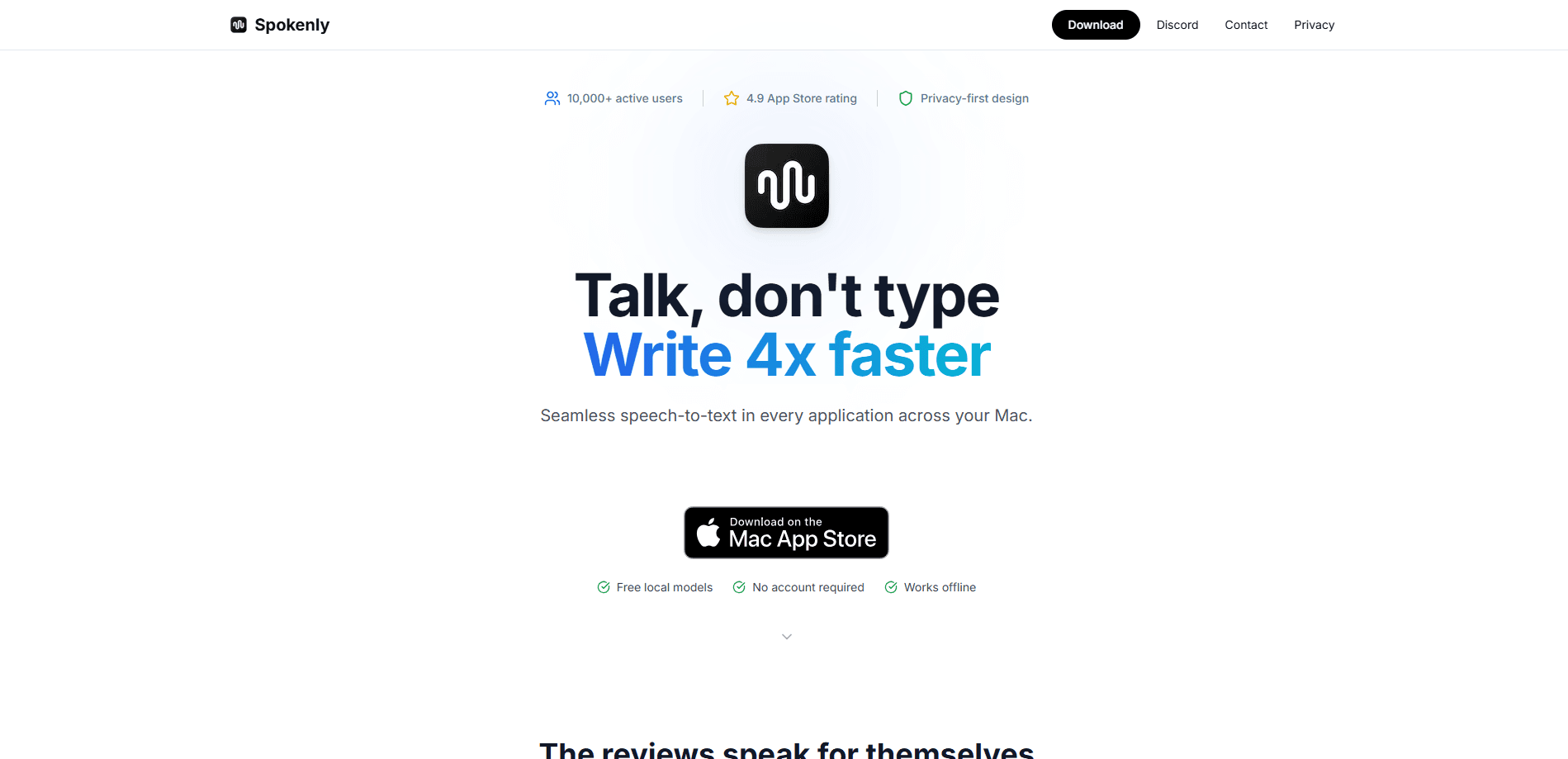
Spokenly is a voice to text dictation app for macOS, Windows, Linux, and iPhone. It turns speech into clean, punctuated text in any app, with free on-device models or cloud transcription.
About Spokenly
What Is Spokenly
Spokenly is dictation software that types what you say into whatever app you're already using. You hold a shortcut, speak in full sentences, and release. Your words drop into the active field with punctuation and formatting already handled, making speech to text feel as quick as thinking. It runs on macOS, Windows, Linux, and iPhone.
The app exists for people who think faster than they type. Instead of fighting a keyboard, you talk through emails, notes, documents, and chat replies, and Spokenly writes them down. Its AI transcription handles 100+ languages with automatic detection, so you can switch languages mid-sentence without digging through settings.
The interesting part is how Spokenly is paid for. Two of its three modes cost nothing forever. You can run free on-device Whisper or Parakeet models with no word limits, or plug in your own API keys and pay the provider directly. The paid Pro plan adds managed cloud models. The catch is that local models depend on your hardware, and the fastest cloud accuracy sits behind Pro or your own keys.
Getting Started
- Download Spokenly for your platform: macOS, Windows, and Linux builds are on the site, and the iPhone app comes from the App Store.
- Pick a dictation model. Choose a free local model like Whisper or Parakeet for offline use, or connect your own API keys for cloud accuracy.
- Set a keyboard shortcut and hold it to start listening, then speak naturally.
- Release the shortcut and your text appears in the active app. Review it in History if you want to check what was captured.
Product Information
A quick look at Spokenly's pricing, supported platforms, and performance.
Best for
The users, tasks, and scenarios where this tool fits best.
Users
- Writers and knowledge workers
- Developers
- Multilingual users
- Privacy-conscious users
Tasks
- Writing emails and messages
- Taking meeting notes
- Drafting documents
- Voice-controlled Mac automation
Scenarios
- Working in a quiet office or shared space
- Long typing sessions that strain your hands
- On-device work with no network
Key features
System-Wide Dictation Across Apps
Spokenly types into any app with a text field, not just its own window. That means browsers, IDEs, email clients, and chat tools all accept your voice typing. You set one shortcut and use it everywhere, so the workflow doesn't change from app to app, and the same shortcut drives windows dictation.
Free On-Device Whisper and Parakeet Models
You can dictate unlimited text for $0 by running local models on your own hardware. Audio stays on your machine, which keeps private notes off any server. Whisper dictation works fully offline once the model is downloaded. The tradeoff is speed and accuracy: results depend on your CPU or GPU, so older machines feel slower.
Bring Your Own API Keys
If you already pay for a transcription or language model provider, Spokenly adds no fee on top. You connect keys from providers like OpenAI, Deepgram, Groq, and ElevenLabs, and pay them at their usage rates. This suits people who want premium accuracy without a Spokenly subscription.
AI Text Processing with Modes
Modes apply AI Instructions to your dictation after you finish speaking. You can set a mode to summarize, rewrite, or reformat text using models like GPT-4, Claude, or Gemini. It saves a cleanup step when you want dictation that's ready to send, not raw.
Meeting Recording on Mac
Spokenly records both your microphone and system audio on Mac without sending a bot into the call. Recordings land in History, where you transcribe them later with a local or cloud model. It's a practical fit for people who want meeting notes without notifying everyone on the call.
MCP Voice Input for AI Agents
The macOS sideload app supports MCP voice input, so tools like Claude Code, Codex, and Cursor can ask for spoken answers during a task. You talk instead of typing into the agent, which is handy when you're away from the keyboard. It's a newer feature aimed at developers already working with coding agents.
Local Only Mode for Privacy
Local Only Mode restricts network access so audio never leaves your device. Combined with local models, it gives you a fully offline dictation setup. This matters for anyone handling sensitive material who can't send audio to a cloud service.
Pros and cons
Pros
- Two of the three modes cost nothing forever, with no word limits on local models.
- Runs on macOS, Windows, Linux, and iPhone from one product.
- Local models and Local Only Mode keep audio on your device for privacy.
- Bring-your-own-key support lets you use premium providers without paying Spokenly a markup.
- Automatic language detection across 100+ languages removes manual switching.
Cons
- Local model speed and accuracy depend on your hardware, so weaker machines see slower dictation.
- The best cloud accuracy needs Pro or your own API keys, which adds cost or setup.
- Some features, like meeting recording and MCP voice input, are Mac only, so Windows and Linux users miss out.
- Activation for Pro can require sign-in or linking a purchase, which adds a step on some platforms.
Frequently asked questions
Spokenly is a dictation app that converts your speech into text in any app on Mac, Windows, Linux, and iPhone. People use it to write emails, draft documents, take notes, and reply in chat without typing.
Related content
Explore related tools, skills, and articles for Spokenly.
Spokenly Alternatives

Foley
Hanamori Labs, LLC · Voice & Language · Productivity · AI AssistantFoley is a voice to-do list that turns a spoken sentence into a filed task, complete with project, date and time, then helps you plan the day around what is already there.

HireKey
HireKey · Voice & Language · Productivity · LeaningHireKey is an AI job search copilot built by a former tech recruiter. It checks role fit, tailors resumes, runs interview practice and tracks every application.

Fluence
Yay Software (Yannick Huchard) · Writing · Voice & Language · ProductivityFluence is an Android app that reads PDFs, EPUBs, Word files and web articles aloud, follows each sentence as it speaks, and answers questions about the text on the phone itself.