

spring.new
Play (formerly Spring) · Coding
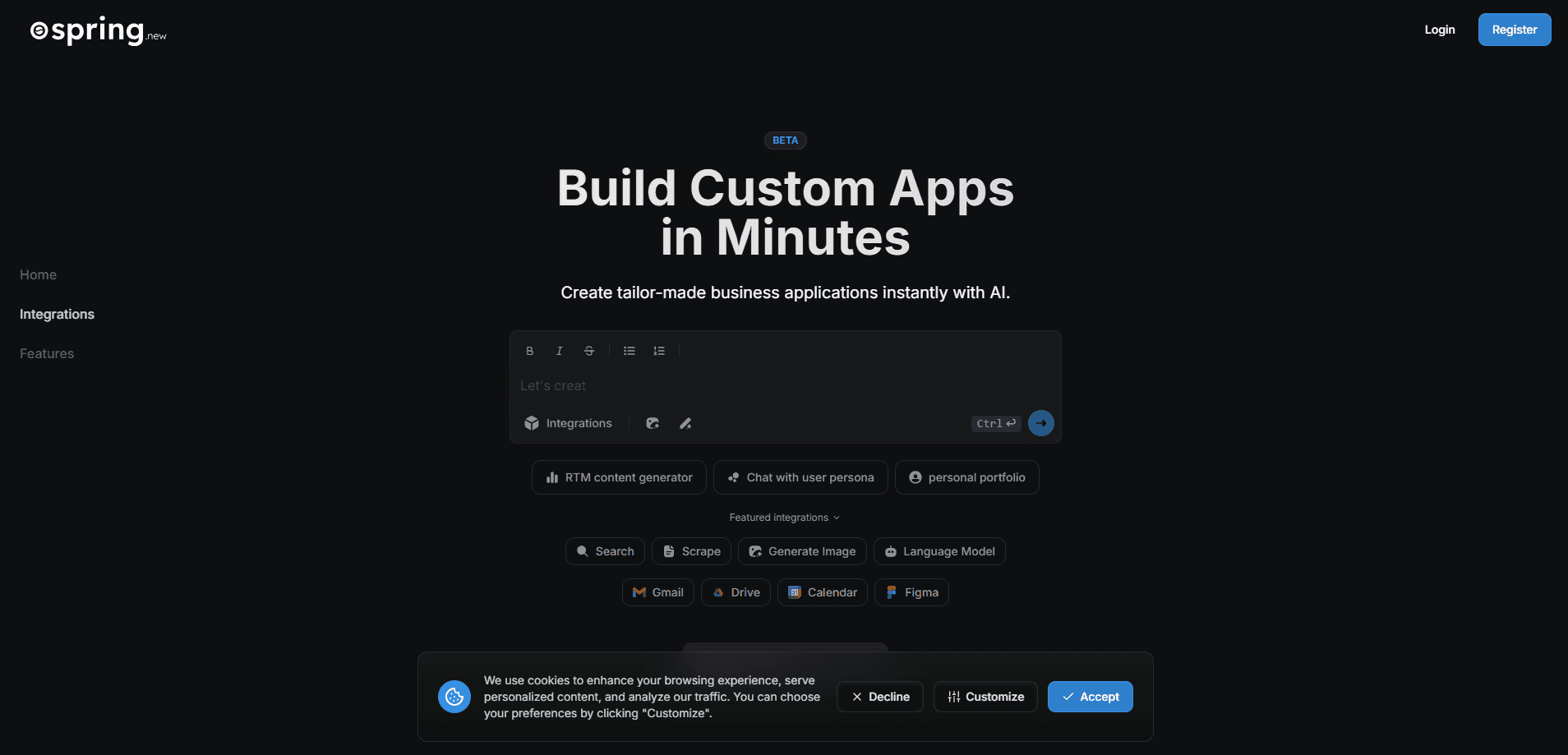
Play, formerly Spring, is an AI workspace where teams build apps, automate and delegate tasks to AI coworkers using plain English, with enterprise security built in.
About spring.new
What Is Play
Play is an AI workspace for teams that want to build and run their own business tools instead of waiting on a development backlog. You describe what you need in plain English, and the platform turns it into a working app, a dashboard, or an automated workflow. The company, which launched as Spring and now goes by Play, pitches it as a place where business teams stop competing for scarce engineering time and start making their own tools. The service lives at spring.new and play.fast.
The problem it targets is familiar. A marketing team wants a dashboard, sales wants lead tracking, operations wants an automated approval flow, and each request lands in the same queue behind a dozen other "urgent" tickets. Months pass. People give up and pile everything into spreadsheets. Play instead leans on AI models that generate functional code and execute tool calls, so a business user can go from an idea to a working internal tool in hours rather than quarters.
The trade-off is that this is an enterprise product, not a free playground. You sign up for a plan, and the deeper capabilities like multiplayer building, SSO, and custom deployment sit in the higher tiers. The workspace is also opinionated: it wants your data and tools inside its system, which is exactly why it can automate across them, and exactly why it asks for trust first.
Getting Started
- Start a workspace on play.fast and sign in, or pick a template if you want a head start on a dashboard, spreadsheet, or team app.
- Describe the tool you need in plain English, for example an approval tracker or a client dashboard, and let the builder draft the structure.
- Connect the outside tools and data you already use, like your CRM or a shared sheet, so the workspace pulls live information.
- Add AI coworkers and assign them routine jobs such as triage, follow-ups, or status updates.
- Refine the app in natural language as your process changes, and invite teammates to build and use it together.
Product Information
A quick look at spring.new's pricing, supported platforms, and performance.
Best for
The users, tasks, and scenarios where this tool fits best.
Users
- Business teams boxed out of the dev queue
- Operations and finance leads
- Security-conscious enterprises
Tasks
- Building internal apps without code
- Delegating routine work to AI coworkers
- Centralizing scattered tools
- Tracking operations in real time
Scenarios
- A team tired of three-month waits
- Fast-moving and regulated teams alike
- Rolling out AI without shadow IT
Key features
Build Apps by Describing Them in Plain English
The core of Play is a no-code app builder that turns a description into a functioning app. You explain the tool you want, and the platform handles the structure, the components, and the connections behind it. There is no syntax to learn and no ticket to file, which is the whole point: a business user with a clear idea can ship an internal tool without hiring anyone.
AI Coworkers That Take Over Routine Work
Play frames its agents as coworkers rather than assistants. They read your context, learn your patterns, and handle jobs like triage, follow-ups, and status updates on their own. The company says teams lose around eight hours a week to that kind of manual work, and the pitch is that you hand it off and keep the thinking for yourself.
An Adaptive Data Model That Fits Your Process
Most tools force your workflow into a fixed shape. Play does the opposite with a flexible data structure that you design and reshape as you go. That matters when a process changes, because you adapt the app instead of rebuilding it, and the team does not have to abandon the tool the moment the workflow moves.
One Governed System Instead of Many Apps
Play pulls your tools, data, and automation into a single system of work for business app development. You connect the stack you already use, centralize the data, and get one real-time view of operations. Replacing scattered apps and sheets cuts the copy-paste between them and gives everyone the same numbers.
Enterprise Security, Identity, and Deployment Controls
This is an enterprise AI platform built for companies with real compliance needs. Depending on your plan, you get single sign-on, SCIM provisioning, permission management, encrypted connectors, and the option to deploy in your own VPC or buy through AWS Marketplace. Play markets this as a way to adopt AI quickly without opening the door to shadow IT.
Start Free and Pay as You Use
Play lets you begin on a free tier and scale through Pro, Legend, Team, and Enterprise plans, with usage measured across the work you run. You can set per-user limits and top up when the team needs more. The higher tiers unlock multiplayer building, governance, and dedicated support, so you pay for control when you actually need it.
Pros and cons
Pros
- No coding required: a business user can describe a tool in plain English and get a working app, which sidesteps the usual wait for a developer.
- AI coworkers handle the busywork: routine triage, follow-ups, and status updates run without a person watching, which frees up real hours.
- Governed by design: SSO, SCIM, permissions, and VPC deployment mean IT can bless it, unlike an unmanaged no-code tool.
- One place for data and tools: connecting your stack into a single system cuts the copy-paste between apps and sheets.
- A free tier to start: you can try the workspace before committing to a paid plan.
Cons
- No public API: there is no developer API to build on, so deeper automation has to run through the workspace itself.
- Pricing scales with usage: the free tier is limited, and heavier teams will pay as their database rows, storage, and tasks grow.
- Best features sit in higher tiers: multiplayer building and full governance need Team or Enterprise, which affects the price for small teams.
- It wants your data inside: getting the automation payoff means moving your tools and data into Play, which is a real migration for some teams.
Frequently asked questions
Play is an AI workspace where teams build internal apps, automate workflows, and hand routine tasks to AI coworkers using plain English. It replaces the wait for developer time with a builder that turns a description into a working tool.
Related content
Explore related tools, skills, and articles for spring.new.
spring.new Alternatives

Base Code
Base44 (Wix) · Coding · ProductivityBase Code is a shared cloud development environment from Base44. Teammates describe changes to an existing GitHub codebase in chat, preview them live and send them back as pull requests.

Google EmbeddingGemma 2
Google DeepMind · Writing · Image · CodingGoogle EmbeddingGemma 2 is a 740M-parameter open model that turns text, code, images, audio, and video frames into vectors in one 768-dimension space, running on phones and laptops.

GitGlow
GitGlow · Coding · ProductivityGitGlow is a local-first desktop Git client that lets independent developers review their own code and their AI agents' changes in one place before shipping.