

SprintZen
SprintZen · Coding · Productivity
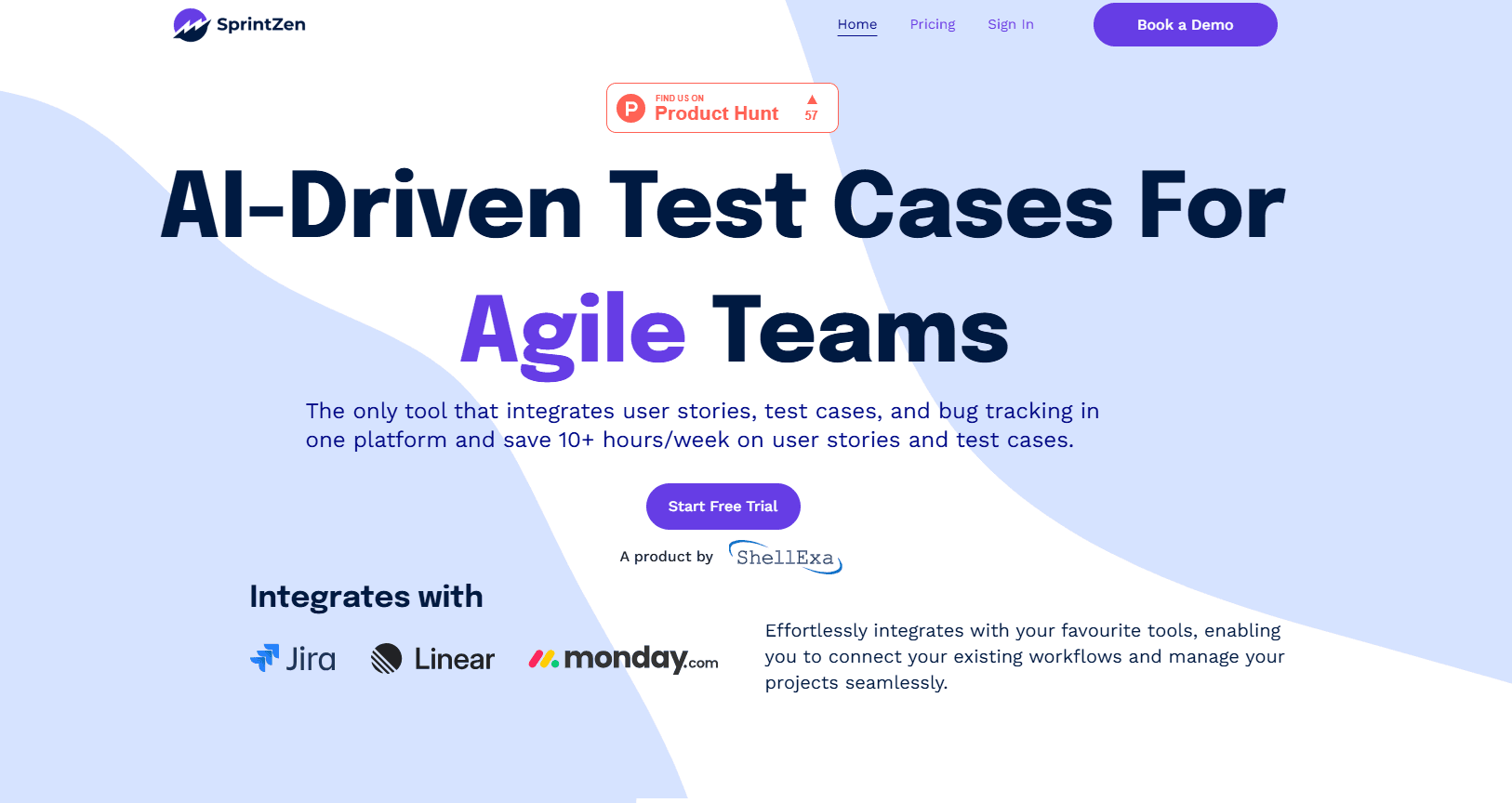
SprintZen was an AI QA automation tool that turned user stories and PRDs into acceptance criteria, test cases, edge cases, and browser checks. The standalone app is now shut down.
About SprintZen
What Is SprintZen
SprintZen was an AI-powered quality assurance tool built around one frustration: software testing took too much manual work. The team behind it wanted a user story or product requirements document to become structured acceptance criteria, test cases, edge cases, and browser checks without a QA engineer typing every line by hand.
The product targeted teams that shipped fast but lacked dedicated QA staff. Instead of writing test suites from scratch, a user could feed in requirements and let the tool draft the coverage, then review and adjust the output. That pitch put SprintZen in the same space as AI test generation platforms, where the promise is faster coverage from plain-language specs.
SprintZen is no longer active. In a note from the team, the makers said the market shifted: agentic tools, MCP-connected workflows, and the platforms teams already use moved quickly enough that a standalone QA app no longer felt like the right shape. The team said it is carrying the same thinking forward at shellexa. That means the original app is not available for new users, and anyone searching for it should treat it as discontinued rather than a live tool.
Getting Started
- Sign in to the SprintZen workspace through the web app.
- Connect a user story or PRD as the source, either by pasting text or importing it from your tracker.
- Generate acceptance criteria and test cases from the requirements, then review the drafted edge cases.
- Add browser checks to cover real flows, and export the results to your existing tools.
- Note: as of the team's shutdown notice, new signups are closed and the product is no longer maintained.
Product Information
A quick look at SprintZen's pricing, supported platforms, and performance.
Best for
The users, tasks, and scenarios where this tool fits best.
Users
- Small product teams without a dedicated QA engineer
- QA leads handling repetitive test design
Tasks
- Turning a PRD into acceptance criteria
- Expanding edge case coverage
- Drafting browser checks for key flows
Scenarios
- Sprint planning when specs arrive late
- Onboarding a new QA hire
- Early-stage QA setup
Key features
Requirement to Acceptance Criteria
SprintZen's core feature turned a user story or PRD into acceptance criteria. The idea was to skip the blank page and start from structured, checkable conditions that describe when a feature is done. Teams could then review the criteria instead of drafting them from zero.
Automatic Test Case Generation
From those criteria, the tool drafted test case generation around the main paths a feature needs to pass. This aimed to reduce the manual effort of writing suites by hand, and the output still needed a reviewer to confirm accuracy and fit.
Edge Case Discovery
Beyond happy paths, SprintZen surfaced edge cases that are easy to miss when designing tests under time pressure. That coverage gap is one of the most common sources of bugs that reach production, which is why the tool treated it as a first-class feature.
Browser Check Drafting
The product generated browser checks so teams could validate real UI flows, not just logic in isolation. That made browser checks part of the same workflow as the drafted acceptance criteria. This connected requirement-level thinking to the kind of checks that catch rendering and interaction problems before release.
Workflow Fit for Fast Teams
SprintZen was positioned as a QA tool for teams that ship often but do not have a full QA department. It focused on getting a usable first draft of coverage quickly, so small teams could keep pace without hiring dedicated testers.
Built Around Existing Sources
Instead of asking teams to start from a new format, the tool worked from the artifacts teams already had, such as user stories and PRDs. That is how it handled the PRD to test cases step without extra rewrite work. That lowered the setup cost, since there was no need to rewrite requirements before generating tests.
Pros and cons
Pros
- Turned plain requirements into structured acceptance criteria quickly
- Drafted test cases and edge cases from existing stories and PRDs
- Targeted small teams that lack dedicated QA staff
- Generated browser checks for real user flows, not just unit logic
- Recognized the limits of a standalone app and evolved beyond it
Cons
- The standalone product is shut down and no longer available
- Generated tests still needed human review before use
- No public pricing or free plan details remain online
- The team moved to shellexa, so there is no direct support path now
Frequently asked questions
SprintZen was an AI QA automation tool that turned user stories and PRDs into acceptance criteria, test cases, edge cases, and browser checks. Its goal was to cut the manual work of writing test coverage by hand.
Related content
Explore related tools, skills, and articles for SprintZen.
SprintZen Alternatives

Base Code
Base44 (Wix) · Coding · ProductivityBase Code is a shared cloud development environment from Base44. Teammates describe changes to an existing GitHub codebase in chat, preview them live and send them back as pull requests.

Google EmbeddingGemma 2
Google DeepMind · Writing · Image · CodingGoogle EmbeddingGemma 2 is a 740M-parameter open model that turns text, code, images, audio, and video frames into vectors in one 768-dimension space, running on phones and laptops.

GitGlow
GitGlow · Coding · ProductivityGitGlow is a local-first desktop Git client that lets independent developers review their own code and their AI agents' changes in one place before shipping.