

stackoverflow.ai
Stack Overflow · Coding
stackoverflow.ai is Stack Overflow's AI-powered developer search and discovery tool. It blends generative AI with the site's 16 years of human-verified answers, so you can ask a technical question in plain language and get a grounded response that points back to community knowledge. It runs in the browser, needs no install, and is free to use.
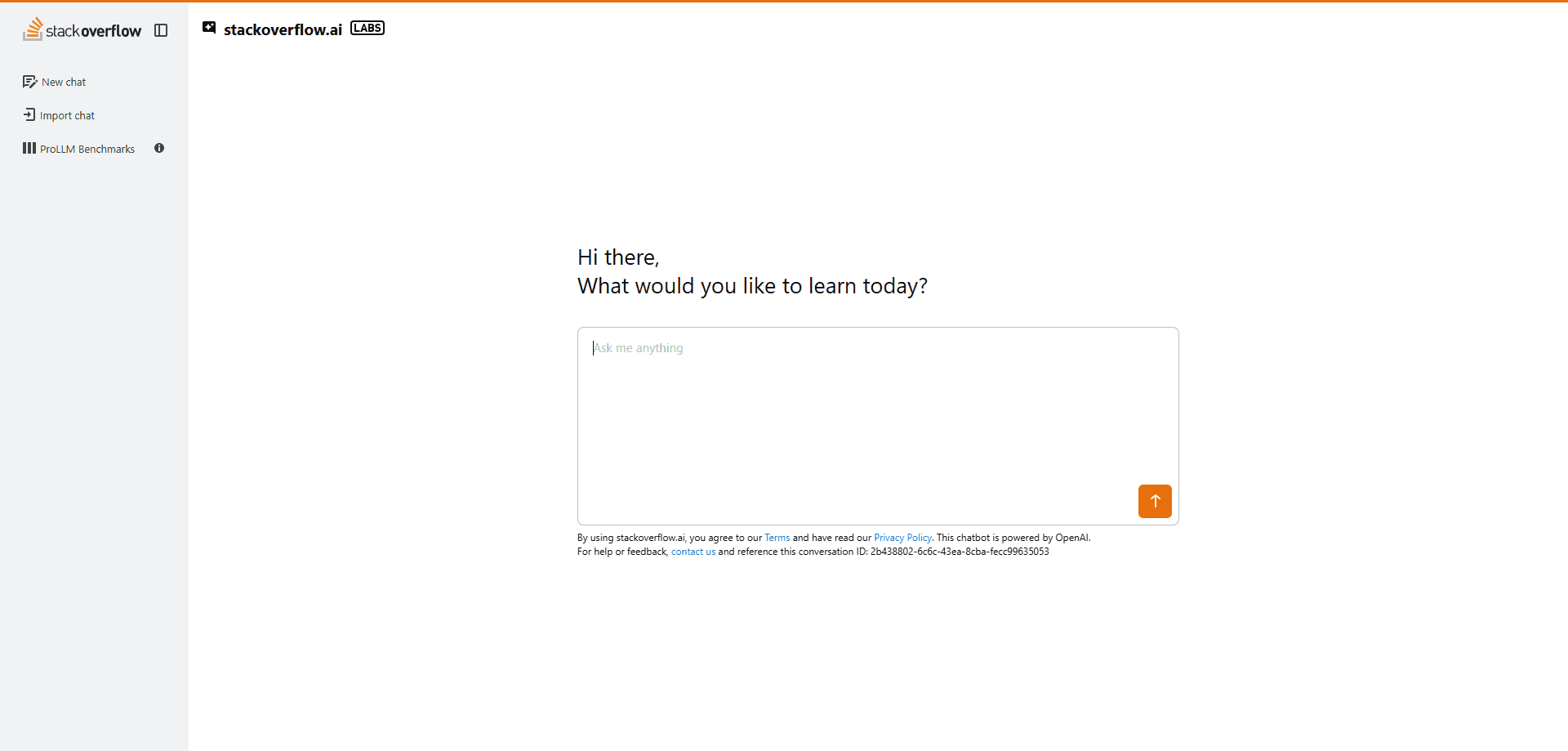
About stackoverflow.ai
What Is stackoverflow.ai
stackoverflow.ai is the AI search layer built on top of Stack Overflow, the developer Q&A site that's powered the industry since 2008. Instead of typing keyword queries and opening ten browser tabs, you describe your problem in natural language and the tool returns an answer drawn from trusted community content, with links to the original posts. The pitch is simple: the speed of a generative AI tool, the trust of a knowledge base that real developers wrote and voted on.
It's built by Stack Overflow itself, which since 2021 has been owned by the Dutch tech investment company Prosus. The tool grew out of OverflowAI, the company's 2023 generative AI roadmap, and took its current public form in late 2025 as AI Assist rolled out across the platform. Stack Overflow describes it as an entry point for developers who want answers with less friction, not as a replacement for asking the community. If the AI can't resolve your problem, there's a path to post a question the usual way.
What stackoverflow.ai doesn't do is write your whole project. It answers questions and explains code. It's a search and learning layer, not an autonomous coding agent, so work that needs long, multi-step reasoning still benefits from a human in the loop. Accuracy depends on the underlying content quality too. A well-tagged question with accepted answers gives far better results than a thin, unanswered one.
Getting Started
- Open stackoverflow.ai in your browser and sign in with your existing Stack Overflow account, or create one in a couple of minutes.
- Type your question the way you'd say it out loud, for example "why does my Python script hang on this socket call," rather than stuffing it with keywords.
- Read the generated answer and click through to the linked questions and answers to confirm the reasoning against the source material.
- If the response misses the mark, rephrase or add context like your language, framework, and error message.
- Head to the main Stack Overflow site to post your own question when the AI can't solve something.
Product Information
A quick look at stackoverflow.ai's pricing, supported platforms, and performance.
Best for
The users, tasks, and scenarios where this tool fits best.
Users
- Working developers who hit a stubborn bug and want a fast, grounded starting point before digging deeper
- Students and people learning to code who need plain-language explanations tied to real community answers, and who don't mind validating what they read
- Team leads and senior engineers who want to look up a specific API behavior without scrolling through search results
Tasks
- Debugging a specific error by pasting the message and getting pointed to the questions that already solved it
- Looking up how a library or language feature actually behaves, with links back to the accepted answer
- Getting a quick explanation of unfamiliar code, which helps when you inherit someone else's project
Scenarios
- Stuck at 2 a.m. on a production issue and you need an answer faster than a forum post will come back
- Ramping up on a new framework and want the questions other developers already asked about it
- Checking whether an approach you half-remember is actually correct before you ship it
Key features
Conversational technical search
You ask stackoverflow.ai a question in everyday language and it returns an answer instead of a wall of blue links. The model is grounded in Stack Overflow content, so responses cite the questions and answers they came from. That citation trail matters. It lets you check the reasoning against what other developers actually wrote. For anyone who's spent years refining keyword queries, it's a genuine shift in how you look things up.
Answers built on verified community knowledge
The tool leans on a knowledge base that's been peer-reviewed for more than a decade rather than scraping the open web. Stack Overflow has long argued that its human moderators and voting system make its content more trustworthy than raw model output, and the AI layer is designed to keep that advantage. In practice, you get an answer that's more likely to match what the community settled on, and you can trace it back when something looks off. Trust matters here. A wrong answer costs hours.
A bridge back to the community
When the AI can't crack your problem, the tool doesn't leave you stuck. There's a path from the answer straight to asking a human. So the AI works as a first pass, and the community remains the fallback. That design choice keeps stackoverflow.ai aligned with the site's roots. It's meant to reduce friction in finding answers, not to wall off the people who give them.
No install, no setup, no cost
It runs entirely in the browser and is free to use. You sign in with a Stack Overflow account and start asking. No desktop client. No API key. No paid tier standing between you and the basic tool. For a quick lookup on a borrowed machine or a locked-down work laptop, that low barrier to entry is the point.
Works alongside your existing tools
stackoverflow.ai doesn't try to replace your IDE, your AI coding assistant, or the main Stack Overflow site. It sits next to them as a search layer you reach for when you need a verified answer fast. In a typical day you might use a code-completion tool to write the function and stackoverflow.ai to confirm why that function behaves the way it does.
Access to 16 years of Q&A
The answer engine draws on roughly a decade and a half of technical questions and accepted answers, covering languages, frameworks, databases, and tooling that span the industry's history. That depth is hard to replicate, and it's the reason the results tend to be specific rather than generic. Newer or niche technologies may have thinner coverage. So what happens when the community hasn't answered your question yet? You fall back on asking directly, which is exactly the loophole the tool is built to leave open.
Pros and cons
Pros
- Answers come with links to the original questions and answers, so you can verify claims instead of trusting a black box
- Built on human-verified content, which cuts down on the confident-but-wrong answers that pure generative models produce
- Free and browser-based, with nothing to install and no subscription between you and the tool
- Natural-language queries save time over traditional keyword search and tab-juggling
- A clear path back to asking the community when the AI comes up short
Cons
- No API, so you can't wire it into your own editor, scripts, or internal tools
- Coverage is thinner for brand-new or niche technologies, where the community base is still small
- It answers questions rather than writing code for you, so it won't replace a full coding assistant
- Answer quality tracks the underlying content, which means poorly tagged or unanswered questions return weaker results
Frequently asked questions
Yes. The tool is free to use. You sign in with a Stack Overflow account, and there's no paid plan for the public search experience. The commercial products, like Stack Internal for enterprises, are separate offerings.
Related content
Explore related tools, skills, and articles for stackoverflow.ai.
stackoverflow.ai Alternatives
Forefront
Forefront · CodingForefront is a web platform for building with open-source AI. It lets you fine-tune leading open-source language models on your own data, evaluate how they perform, and run them through an API or export them to host yourself. Developers who want the convenience of a closed-source platform but insist on owning their models and data are the target audience here.

Startkit
StartKit.AI · CodingStartkit is a boilerplate for building AI SaaS and AI wrapper products. Think of it as an AI startup boilerplate with the boring parts already wired up: authentication, Stripe and Lemon Squeezy payments, usage limits, transactional email, and an AI API starter that talks to OpenAI, Anthropic, Groq, or Llama. You clone the repo, set your price, and start on the part of your product that people actually pay for. It's Next.js under React and Tailwind, so most of the boilerplate code already feels familiar.
Testim
Tricentis · CodingTestim is an AI-powered test automation platform for building and running end-to-end tests across web, mobile, and Salesforce applications. It leans on machine learning to keep tests stable when an interface changes, so teams spend less time fixing broken selectors. Not bad for an automated testing tool you can start using today. You create tests by recording actions in a browser, then optionally add JavaScript when you need more control. It's a solid pick for busy QA teams.