

Stepfun Diligence Check
Shanghai StepFun Intelligent Technology Co., Ltd. · AI Detection
StepFun is a Chinese AI company building the Step family of multimodal models and an OpenAI-compatible API, plus a free chat app for bots, image and video tasks, and coding help.
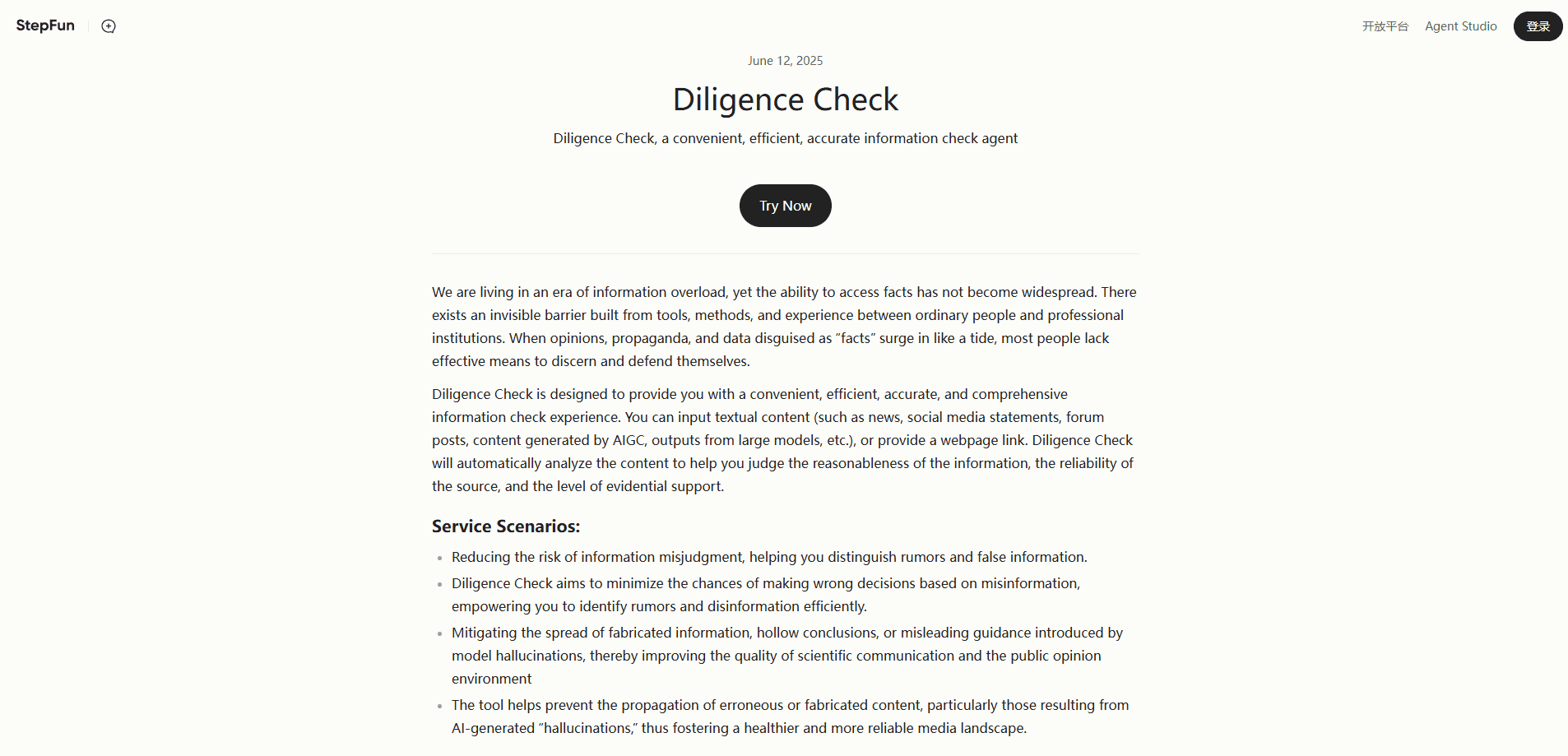
About Stepfun Diligence Check
What Is StepFun
StepFun, also written as Jieyue Xingchen, is a Shanghai-based AI company founded in April 2023 by Daxin Jiang, a former Microsoft global vice president. It develops the Step series of large models and packages them behind a developer platform that speaks the same API format as OpenAI.
That compatibility matters. If you already run code against OpenAI's SDK, you can point the base URL at StepFun and, in most cases, keep the rest of your setup intact. You swap two values: the API key and the model name.
The platform covers more than text. Recent flagship models read images and video alongside written input, which opens up tasks like reading a screenshot, summarizing a chart, or pulling answers out of a video clip. A separate consumer app puts the same models behind a chat interface on the web and on phones.
The main catch is language. Most documentation, community discussion, and support material is in Chinese, and the core service targets the Chinese market. If you don't read Chinese or your product serves users outside it, expect a rougher onboarding path.
Getting Started
- Create an account on the StepFun platform and complete real-name verification, which the platform requires before paid use.
- Generate an interface key from the account console so your requests can authenticate.
- Install the OpenAI SDK, then set the base URL to
https://api.stepfun.com/v1and plug in your key. - Pick a model ID such as
step-5-previeworstep-3.7-flash, send your first chat completion, and read the reply from the response. - Add retries, timeouts, and error handling before you ship to production.
Product Information
A quick look at Stepfun Diligence Check's pricing, supported platforms, and performance.
Best for
The users, tasks, and scenarios where this tool fits best.
Users
- Developers in China building AI features
- Teams that want multimodal input on a budget
- Curious general users
Tasks
- Chatbots and assistants
- Long-document analysis
- Screenshot and chart reading
- Coding help
Scenarios
- Prototyping a new AI product
- Supporting Chinese-language products
- Privacy-sensitive local work
Key features
OpenAI-Compatible API
The platform exposes a /v1/chat/completions endpoint that matches OpenAI's request and response shapes. You change the base URL and key, then most existing SDK code runs unchanged. That keeps switching costs low and lets you reuse libraries, tools, and agent frameworks you already trust.
Multimodal Reasoning Models
Step 5 Preview and Step 3.7 Flash are multimodal AI models that accept text, images, and video in the same request. The flagship handles up to 60 images per call and reads common video formats, so you can analyze screenshots, charts, or clips without a separate vision model.
Long Context Windows
The top model supports a 1M-token context window with up to 64k tokens of output. Large enough to load a full codebase, a stack of reports, or a long chat history in one pass. Step 3.7 Flash and Step 3.5 Flash sit at 256k tokens, which still covers most documents.
Adjustable Reasoning Effort
Models expose low, medium, and high reasoning settings. Cheap, fast answers for simple prompts, deeper multi-step thinking for hard problems. Tuning effort per request lets you trade speed and cost against accuracy instead of picking one fixed mode.
Tool Calling and Structured Output
The models call external tools and return JSON through JSON Mode or JSON Schema. Agents can pull live data, run code, or chain steps, and downstream systems get parseable output instead of free text. This matters for anything that feeds another program.
Step Plan Subscriptions
For developers who'd rather not meter every token, Step Plan bundles monthly credits across four tiers from ¥49 to ¥699. Each tier sets a call cap per five-hour window and routes across models automatically. A 15-day Mini trial is available to new accounts.
Pros and cons
Pros
- OpenAI-compatible API means minimal code changes if you're migrating from another provider.
- Multimodal models read text, images, and video, so one endpoint covers several task types.
- Token pricing is low by international standards, especially on the Flash models.
- The free chat app and a 15-day trial give you room to test before paying.
Cons
- Documentation and support lean heavily on Chinese, which slows down non-Chinese teams.
- Real-name verification is mandatory before you can use paid features.
- Image generation models were retired in October 2026, so text-to-image via API is no longer an option.
- Rate limits scale with how much you've topped up, so light accounts start with low concurrency.
Frequently asked questions
StepFun powers chatbots, document analysis, image and video understanding, and coding assistants. You reach the models through an API or through the consumer chat app, and several are open-weight for self-hosting.
Related content
Explore related tools, skills, and articles for Stepfun Diligence Check.
Stepfun Diligence Check Alternatives
Isgen AI
Isgen · AI DetectionIsgen AI is a web-based AI detector that scores text for machine authorship and shows you which sentences and phrases push the number up. It's built for teachers, editors, students, and writers. Their question is simple: did this draft come from ChatGPT, GPT-5, Claude, Gemini, DeepSeek, or another model? You paste or upload content, run a scan, and get a Human, AI, and Mixed breakdown in seconds. There's also a companion editor that scores text while you write it.
Humanizeai Tools
Humanizeai Tools · Writing · AI DetectionHumanizeai Tools is a web-based AI humanizer that rewrites machine-generated text so it sounds like a person wrote it, which is the whole point of the category it belongs to. Paste a draft from ChatGPT, Claude, or Gemini, run it through the tool, and it swaps out the phrases and sentence patterns that AI detectors flag. If your goal is to make AI text sound human before you publish it, this is the kind of tool built for exactly that. It suits students, bloggers, and marketers who need copy that reads naturally and clears tools like GPTZero, Copyleaks, and Winston AI after a single pass.

Hidemyai
Hidemyai · Writing · AI DetectionHidemyai is an AI content humanizer. It rewrites text from ChatGPT, Jasper, and similar tools so the result reads like a person wrote it. You paste your draft, pick a document type and tone, and the service returns a version meant to bypass AI detectors such as Originality.ai, Turnitin, and ZeroGPT. It targets writers, marketers, and students who lean on AI drafts but can't ship copy that sounds robotic. The promise is simple: make AI content undetectable.