
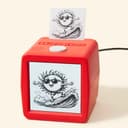
Stickerbox
Hapiko · Other
Stickerbox is a voice-to-sticker printer built for children by Hapiko. A kid presses a big white button, says an idea out loud like "a dinosaur wearing sunglasses," and the device generates an image and prints it as a real sticker in seconds. It's a screen-free creative toy. Once the sticker comes out, play moves offline into coloring, sharing, and collecting. The Stickerbox price is a one-time device cost, so there's no subscription hanging over every print.
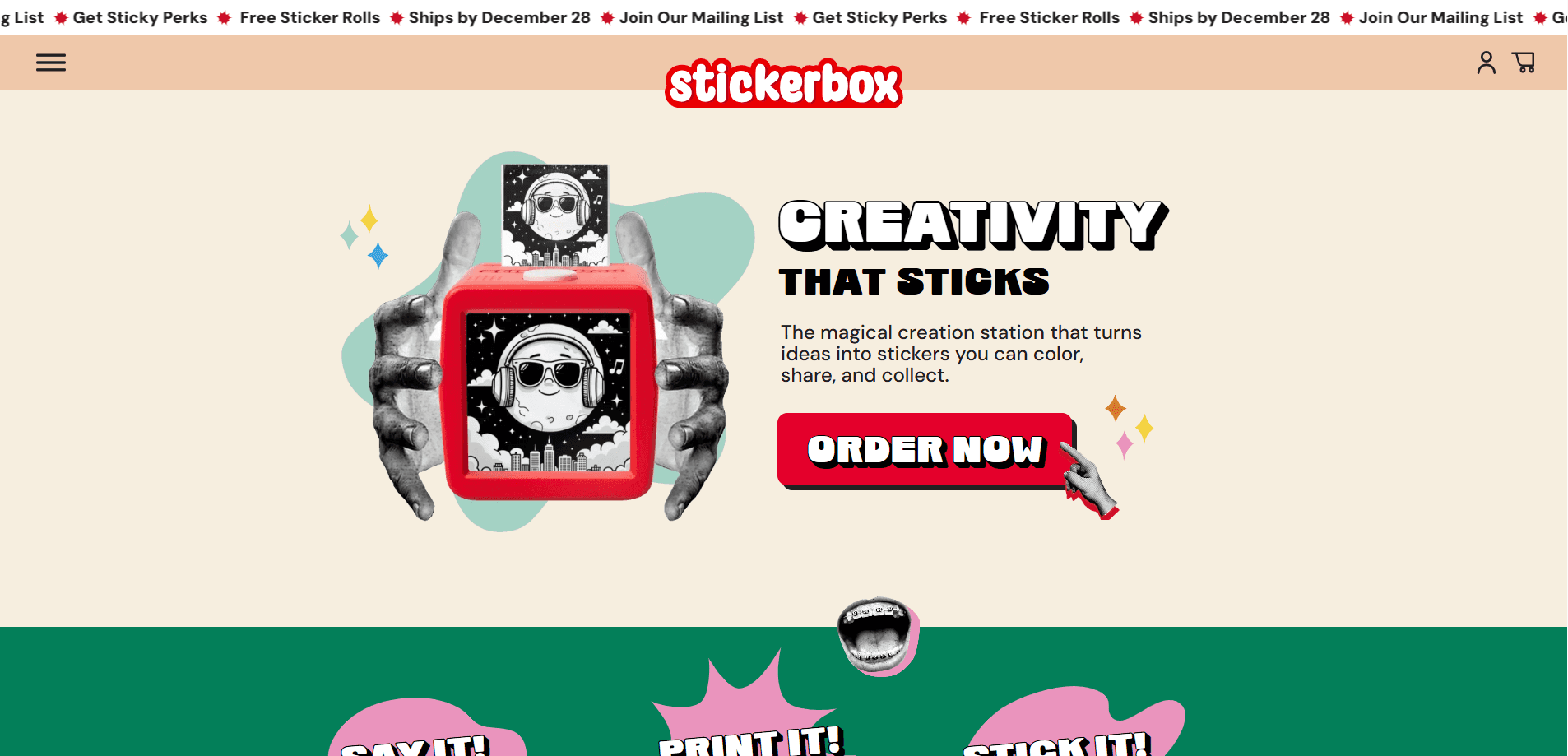
About Stickerbox
What Is Stickerbox
Stickerbox is an AI sticker printer from Hapiko, a Brooklyn-based startup, and it's built as a kids AI toy from the ground up. Instead of typing prompts into an app, a child holds a button and speaks. The device listens, an onboard AI model draws the picture, and a thermal print head pushes out a black-and-white sticker on the spot. Kids then color it with pencils and stick it wherever they want.
The point isn't teaching kids to be prompt engineers. It's giving them a fast loop between imagination and something they can hold. Parents set the device up once through the Stickerbox app, and the app also lets them review what their child has made. There's no ink to buy and no screen to stare at. That matters. For many families, screen-free creativity is the whole reason they pick this kids AI toy over a tablet drawing app.
The main limitation is what it can't do. Prints are monochrome thermal output, not full-color art, and the device needs wall power since there's no battery. So can a kid take it in the car? Not really. It's also aimed at younger kids, so older children may outgrow it fast. If you want a portable color printer, this isn't it.
Getting Started
- Unbox the kit and plug Stickerbox into a wall outlet using the included power adapter.
- Connect to the device's own Wi-Fi from your phone, then enter your home network details so it can go online.
- Open the Stickerbox companion app to finish setup, name the device, and adjust settings for your child.
- Have your child press the white button, speak an idea, and release it to generate and print the sticker.
- Peel the sticker off, color it with the included pencils, and stick it anywhere.
Product Information
A quick look at Stickerbox's pricing, supported platforms, and performance.
Best for
The users, tasks, and scenarios where this tool fits best.
Users
- Parents of kids roughly 4 to 10
- Families cutting back on screen time
- Grandparents and gift-givers
Tasks
- Turning a spoken idea into a finished sticker
- Making custom stickers for laptops, notebooks, and lunchboxes
- Running a rainy-day activity
Scenarios
- Weekend craft sessions at the kitchen table
- Birthday parties and playdates
- Road trips and quiet time, with the caveat that the device needs a power outlet.
Key features
Voice-to-Image Generation
The core of Stickerbox is its speak-and-print loop. A child presses the white button, describes what they want, and the built-in AI model turns the sentence into artwork. It handles loose, jumpy kid phrasing like "a cat riding a skateboard," which is exactly how children talk when they're imagining out loud. No typing. No spelling. Just talk.
Ink-Free Thermal Printing
Stickerbox is a thermal sticker printer, meaning it uses a heated print head instead of ink. That means no cartridge and no ink refills, which removes both the mess and the recurring ink cost that comes with most home printers. The tradeoff? Every sticker prints in black and white. That's why the kit ships with colored pencils for kids to fill in themselves.
Kid-Safe AI Filters
Before any image is created, Stickerbox runs the prompt through built-in safety checks that block adult or inappropriate terms. Prompts that don't pass get gently redirected, and kids are nudged to try a new idea instead of hitting a wall, which keeps the creative momentum going rather than ending the session on a flat refusal. The artwork itself uses kid-oriented styles and content filters, so what comes out stays age-appropriate. That's the part Hapiko leans on hardest.
Screen-Free Play
Once a sticker prints, the experience leaves the device completely. There's no feed, no suggested content, and no online risk. Kids move straight into coloring, storytelling, and decorating, which is the feature parents tend to care about most when comparing Stickerbox to a drawing app. It's simple, and that's the appeal.
Parent Companion App
The Stickerbox app gives parents a simple control panel. You use it to set the device up, review your child's creation history, and share or reprint favorite stickers. A built-in photo booth mode turns images into a classic photo strip. The app is available for iPhone and iPad, and it's the only place you manage settings, since the device itself has just one button.
BPA/BPS-Free Sticker Paper
Stickers print on thermal paper made without BPA or BPS, the two chemicals parents most often flag in receipts and thermal materials. The paper is designed for small hands, peels off cleanly, and works with the included pencils or the crayons and markers you already have. Refills are cheap. Not free, but cheap.
Multi-Language Voice Support
The AI model behind Stickerbox understands more than one language, so kids can describe ideas in the language they're most comfortable speaking. That makes it usable in bilingual households without setting up a separate profile or mode. Small thing. Big deal for some families.
Pros and cons
Pros
- Turns spoken ideas into printed stickers in seconds, with no typing or prompt writing.
- No ink, no cartridges, and no recurring consumable cost beyond replacement paper rolls.
- Clear privacy stance: COPPA-compliant, only listens when the button is pressed, and doesn't sell data.
- Genuinely screen-free once the sticker prints, which is the main draw for parents.
- Simple enough for a young child to operate after a one-time setup.
Cons
- Prints are black and white only, so anyone expecting color output will be disappointed.
- Needs a wall outlet every time, since there's no battery, which rules out use on the go.
- The $99.99 to $129.99 upfront price is steep for a single-purpose toy like this.
- Best suited to younger kids; children past about ten may lose interest quickly.
Frequently asked questions
It's a voice-driven AI sticker printer. A child holds the button, describes an image out loud, and Stickerbox generates the picture and prints it as a physical thermal sticker within seconds, after which the child can peel it off, color it with the included pencils, and stick it on a notebook, laptop, or lunchbox. No app interaction is needed from the kid.
Related content
Explore related tools, skills, and articles for Stickerbox.
Stickerbox Alternatives
BinkBink
BinkBink · OtherBinkBink is a free online game platform and AI game maker that lets anyone turn a short text description into a playable browser game. You can jump into hundreds of community-made games. Or describe your own idea and play it in seconds, then share it with friends. Want to create your own game? You don't need to code. No engine setup, no download, no hassle.

Audiogen
Audiogen Inc. · OtherAudiogen is an AI music generator built by Audiogen Inc., a small research team that spent about 2.5 years training its own generative music model and designing a web interface around it. Instead of a plain text box, this AI music tool turns the timeline into a beginner-friendly Generative Audio Workstation, or GAW, where inpainting, extending, remixing and stem editing work more like painting on a canvas. The product is still in beta, so access runs through a waitlist or an invite. Paid plans aren't published yet.

Aiml API
AIMLAPI OÜ · OtherAiml API is a unified AI model API that puts more than 1000 models from OpenAI, Google, Anthropic, and others behind one endpoint and one bill. You write code against a single OpenAI-compatible schema, then switch between chat, image, video, and audio models by changing a model string. It suits developers and small teams who want multi-model access without juggling a dozen separate provider accounts, and it removes the usual billing headache that comes with testing several vendors. One key covers it all.