

Storychat
StoryChat · Writing
Storychat is a browser-based AI character chat platform where you build characters, keep world details in a lorebook, and publish chats as stories. Paid plans start at $12/mo.
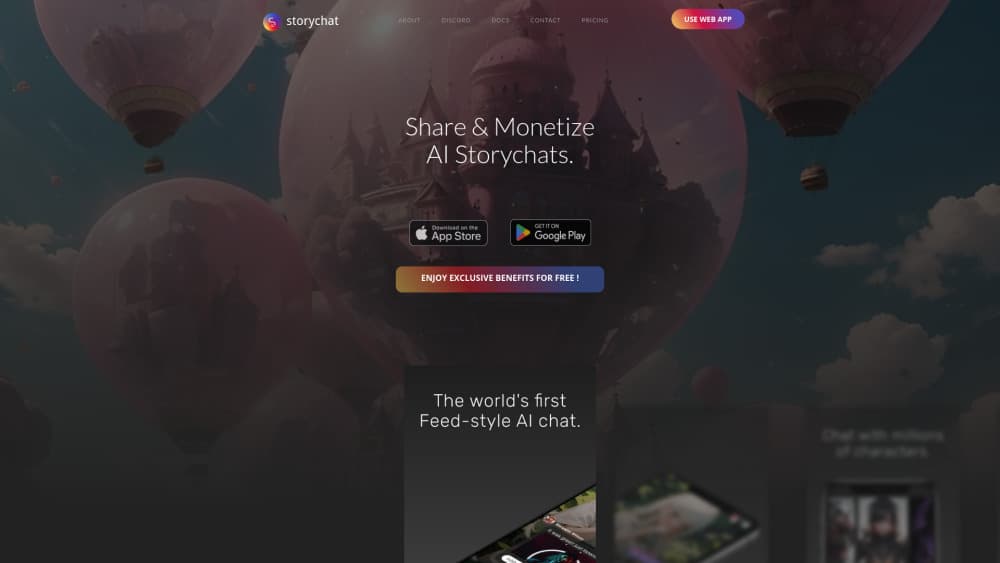
About Storychat
What Is Storychat
Storychat is an AI character chat site where the conversation itself is the content. You pick a character, run a scene with them, then package that chat as a story other people can open in the feed. That publishing step is what separates it from a plain chatbot window.
The building side goes further than most apps in the category. Characters carry appearance notes, traits, a greeting, hashtags, and a lorebook: a set of entries with trigger words that surface automatically when a matching term comes up in chat. You also get personas, so a character talks to the role you choose rather than to a blank user profile. Group rooms let three or four of them share a scene.
The limits are practical. Everything runs in a browser, there's no desktop app for Windows or Mac, and no public API for developers. Heavier extras such as voice cloning and audiobook rendering cost Story Points on top of whatever plan you already pay for.
Getting Started
- Create a free account with an email address, then confirm it before your first chat.
- Browse Explore for a public character, or open the creator and fill in a name, appearance, traits, and a greeting.
- Add a few lorebook entries with trigger words for places, side characters, and rules of the world.
- Start the chat, then use rewind, reroll, and the reply suggestions when a scene stalls.
- Publish the chat as a story, or link several chats into a series so readers can follow the arc in order.
Product Information
A quick look at Storychat's pricing, supported platforms, and performance.
Best for
The users, tasks, and scenarios where this tool fits best.
Users
- Roleplay regulars
- Web novel and webtoon readers
- Writers sketching a character voice
- Creators who want readers
Tasks
- Running a story arc across chapters
- Keeping a cast consistent
- Turning a chat into something readable
- Voicing a scene
Scenarios
- Picking up a story on a phone during a commute
- Building a character before you write a script
- A late-night group scene
Key features
Character Creator With Looks, Traits, and a Greeting
This AI character creator asks for a name, appearance notes, traits, a backstory, and a first message. Those fields matter more than they look: the greeting sets the tone the character returns to, and appearance notes keep image generation on-model. You can keep a character private or publish it so other users can chat with it.
Lorebook Entries That Hold the World Still
A lorebook is a list of facts with trigger words. Write an entry for a city, a sibling, or a house rule, and Storychat pulls it into context when that word appears. Entries can live on one character or in a shared library you reuse across a whole cast. Storage is capped per account, and the Gold tier raises that cap.
Stories and Series for Long Arcs
A story is a collection of chats you publish together with a title, thumbnail, and description. A series goes one step further and chains stories in order, which is how the platform handles serialized fiction. Readers open the series and move through chapters without hunting for the next part.
A Public Feed and Explore Page
Published work lands in a feed where other users can read, react, and start their own chat with the same character. Explore sorts characters by mood and genre, so you can find a scene type rather than scrolling a flat list. The profile also builds a banner collage from your most popular characters.
Voice Messages, Cloned Voices, and Narration
Characters can speak their replies as audio, and you can swap between community voices or clone your own. Cloning and audiobook-style narration are charged in Story Points, with a weekly allowance applied first. It's the fastest way to check pacing on dialogue, especially for scenes with several speakers.
Group Chats, Personas, and Message Controls
Group rooms let several characters share one conversation, and personas decide who you are inside it: a name, a description, maybe a role in the world. Rewind takes the chat back to an earlier message, reroll asks for a different reply, and the suggestion button offers lines you could say next. Small tools, but they're what keep a long scene from stalling.
Pros and cons
Pros
- Publishing is built into the product, so a good chat can become a readable story without exporting anything.
- The lorebook does real work on consistency, and reusable library entries save setup time on the second and third character.
- Series support is aimed at long fiction, which most character chat apps treat as an afterthought.
- A Discord bot lets you keep chatting with characters inside a server, if that's where your group already hangs out.
Cons
- No desktop app and no public API, so teams that want to build on top of it are stuck with the browser.
- Voice cloning and narration run on Story Points, which means the subscription isn't the whole bill.
- The free tier is a trial in practice: unlimited messages sit behind the $12 Silver plan, and memory quality is capped by tier as well.
Frequently asked questions
It's for AI roleplay and for publishing the result. You chat with a character, then turn that chat into a story or a series that other people can read in the feed.
Related content
Explore related tools, skills, and articles for Storychat.
Storychat Alternatives

Google EmbeddingGemma 2
Google DeepMind · Writing · Image · CodingGoogle EmbeddingGemma 2 is a 740M-parameter open model that turns text, code, images, audio, and video frames into vectors in one 768-dimension space, running on phones and laptops.

MePersona
MePersona, Inc. · Writing · Productivity · MarketingMePersona is an AI unified inbox for creators. It learns your voice, drafts replies to fan messages from 12 platforms, and sends only what you approve.

Fluence
Yay Software (Yannick Huchard) · Writing · Voice & Language · ProductivityFluence is an Android app that reads PDFs, EPUBs, Word files and web articles aloud, follows each sentence as it speaks, and answers questions about the text on the phone itself.