

Strata
Klavis AI · Coding · Other
Strata is a Model Context Protocol server from Klavis AI that helps AI agents discover and run tools across more than 100 prebuilt integrations without loading every tool definition into context. Instead of handing a model one flat list of hundreds of tools, Strata routes requests through a layered setup, so the agent explores what's available and only pulls in the tools it needs. You can run it as a cloud-hosted service, self-host it, or drive it from a Python or TypeScript SDK inside your own product.
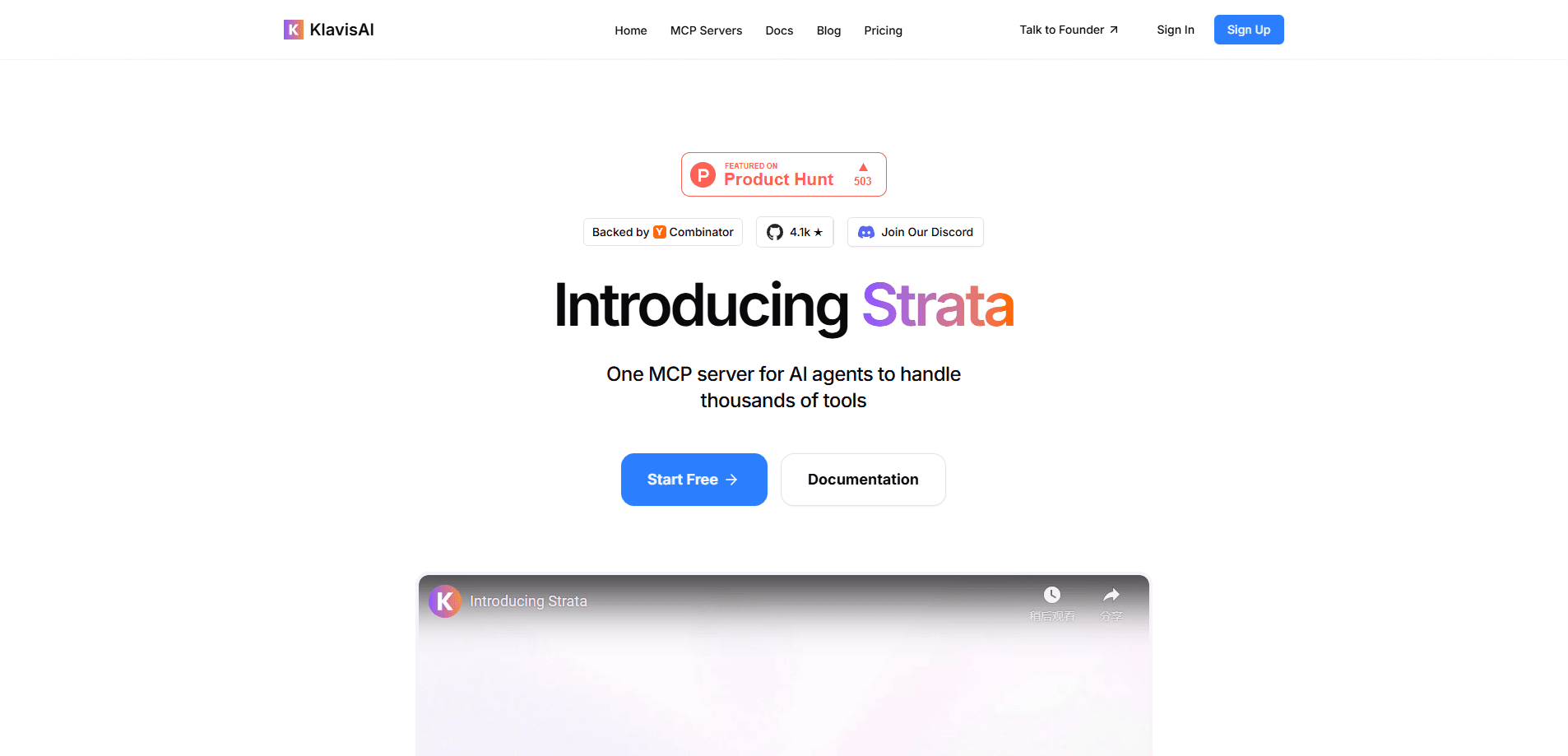
About Strata
What Is Strata
Strata is a progressive MCP server. If you've connected an AI assistant to external tools lately, you've probably run into the limits of the flat approach: give the model 50 tool definitions and the context window fills up before it answers anything. So what's the fix? Strata takes the other path. It sits between your agent and a large catalog of integrations, then exposes them in layers so the agent can drill down on demand.
The catalog covers 100+ prebuilt integrations with OAuth support, from Gmail and Slack to Notion, GitHub, and marketing tools like HubSpot. That breadth is the point. It means a developer building an agent doesn't have to write and host a separate MCP server for every service the product touches.
The main tradeoff is that you're working with developer infrastructure, not an end-user app. There's no friendly dashboard for non-coders. Self-hosting asks for Python or Node tooling, and cloud hosting runs through a Klavis API key with usage limits. Pick this up if you're building agents; skip it if you just want a chat app that talks to your calendar.
Getting Started
- Sign up at klavis.ai and create an API key for the hosted service, or install the open-source package locally with
pipx install strata-mcp. - Create a Strata instance and pass in the servers you want, for example Gmail and Slack together, using the Python or TypeScript SDK.
- Connect the instance to your MCP client, or point your own agent at the Strata endpoint.
- Let the agent list available tools and pull in only the ones a task needs, then call them through the same connection.
- Add or swap integrations from the catalog as your workflows grow.
Product Information
A quick look at Strata's pricing, supported platforms, and performance.
Best for
The users, tasks, and scenarios where this tool fits best.
Users
- Backend and AI developers
- Startup engineering teams
- Agent product builders
Tasks
- Connecting an agent to many SaaS tools at once
- Keeping context windows lean
- Shipping OAuth-based integrations faster
- Running agents against a self-hosted stack
Scenarios
- Building an internal assistant that reads tickets, sends mail, and updates a CRM in one chat session.
- Prototyping a customer-facing agent that needs a handful of integrations to feel useful on day one.
- Evaluating whether hosted MCP infrastructure beats maintaining your own connectors over a year of growth.
Key features
Progressive Tool Discovery
Strata doesn't dump every integration into the model's context. MCP tool discovery here happens in stages: the agent browses the catalog, then loads tool definitions only when a task calls for them. That keeps prompts smaller and leaves more room for the conversation itself. It matters most once you're past a dozen tools.
100+ Prebuilt MCP Integrations
The catalog ships with over a hundred connectors covering office suites, developer tools, CRMs, and analytics platforms. Each one is a hosted MCP server, so a new integration is a config change rather than a build project. OAuth is handled for you, which removes the most tedious part of connecting to services like Gmail or HubSpot.
Three Ways to Run It
You can use Klavis's cloud-hosted version, self-host the open-source package with a one-line install, or call it through the Python and TypeScript SDKs. The SDK path is the flexible one: you create a Strata instance in code, list the servers you want, and get back a single endpoint your agent can use.
Multi-Server Sessions
A single Strata instance can front several MCP servers at once. Ask for Gmail and Slack together and your agent gets both through one connection. Routing stays simple.
OAuth and Credential Routing
Because integrations are hosted, Strata manages the token dance for each service. You pass a user identifier when you create a server instance, and the platform keeps credentials tied to that user, so multi-user products don't each need their own auth plumbing.
Pros and cons
Pros
- Cuts context bloat by loading tools on demand instead of all at once, which helps longer agent sessions stay coherent.
- 100+ integrations with OAuth mean fewer connectors you have to build and maintain yourself.
- Runs hosted, self-hosted, or through an SDK, so you can match it to your data and deployment rules.
- A free tier and open-source package let you test the approach before paying.
- Open source under the Klavis project, so self-hosters can read and change the code.
Cons
- It's developer infrastructure with no no-code interface, so non-technical users can't set it up on their own.
- Progressive discovery adds a step to each tool call, and I'd expect a small latency cost compared with a smaller flat server.
- Pricing beyond the free tier isn't published in detail on the product page, so you'll need to check current rates before committing to a paid plan.
- Self-hosting means you own the upkeep: updates, hosting, and debugging all land on your team.
Frequently asked questions
It's an MCP server that sits between your AI agent and a large catalog of tools. The agent discovers and calls integrations through it, and Strata loads tool definitions in layers so the model isn't flooded with hundreds of options at once.
Related content
Explore related tools, skills, and articles for Strata.
Strata Alternatives
Forefront
Forefront · CodingForefront is a web platform for building with open-source AI. It lets you fine-tune leading open-source language models on your own data, evaluate how they perform, and run them through an API or export them to host yourself. Developers who want the convenience of a closed-source platform but insist on owning their models and data are the target audience here.

Startkit
StartKit.AI · CodingStartkit is a boilerplate for building AI SaaS and AI wrapper products. Think of it as an AI startup boilerplate with the boring parts already wired up: authentication, Stripe and Lemon Squeezy payments, usage limits, transactional email, and an AI API starter that talks to OpenAI, Anthropic, Groq, or Llama. You clone the repo, set your price, and start on the part of your product that people actually pay for. It's Next.js under React and Tailwind, so most of the boilerplate code already feels familiar.
Testim
Tricentis · CodingTestim is an AI-powered test automation platform for building and running end-to-end tests across web, mobile, and Salesforce applications. It leans on machine learning to keep tests stable when an interface changes, so teams spend less time fixing broken selectors. Not bad for an automated testing tool you can start using today. You create tests by recording actions in a browser, then optionally add JavaScript when you need more control. It's a solid pick for busy QA teams.