

Strawberry
Strawberry · Coding
Strawberry is an AI browser with built-in companions that use websites on your behalf. It automates repeating tasks, drafts visuals, and takes notes while you browse.
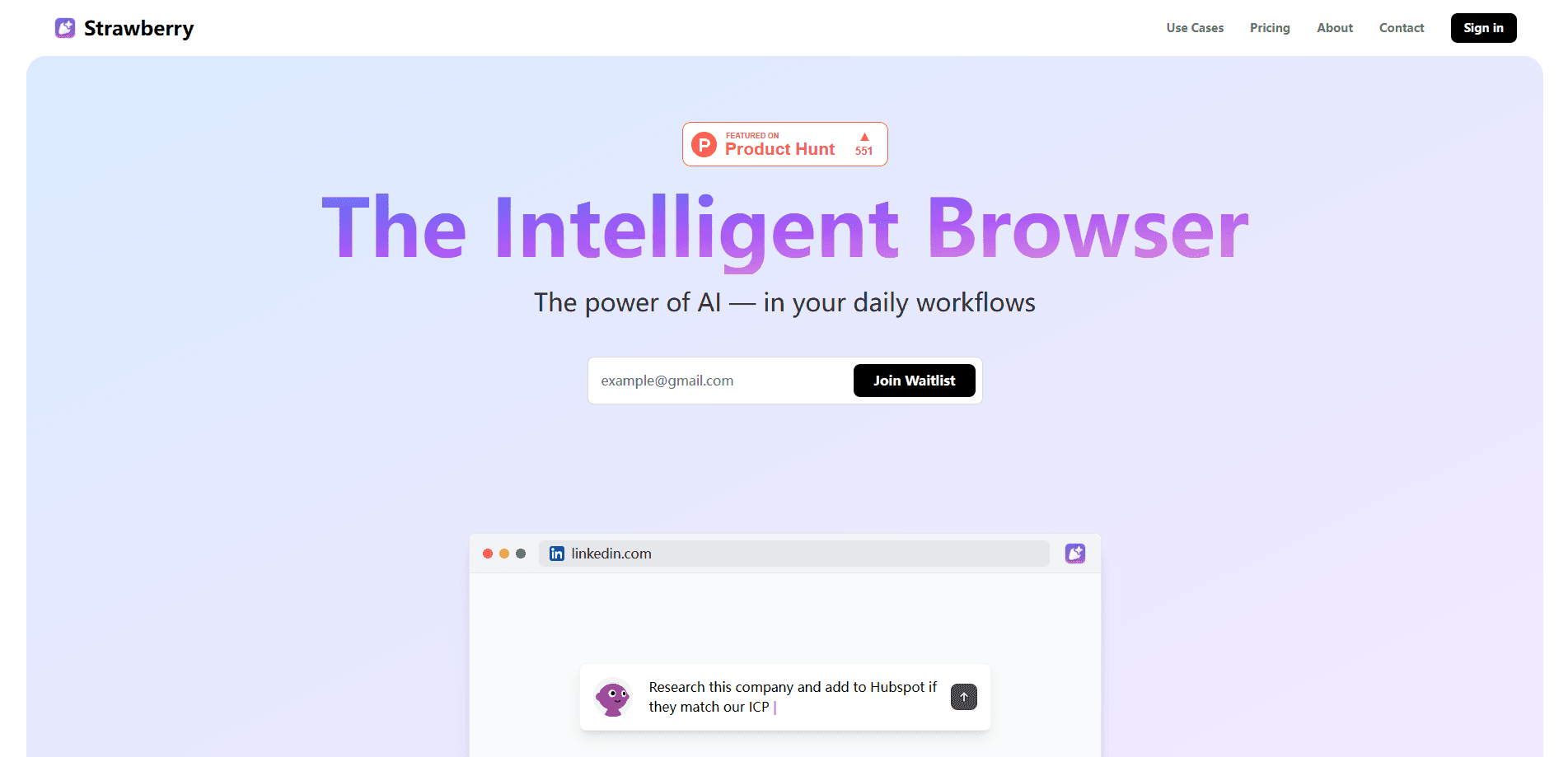
About Strawberry
What Is Strawberry
Strawberry is a desktop browser that puts AI agents inside the tabs you already use. You install it like a normal browser, import bookmarks, passwords, and Chrome extensions, then talk to a companion that follows you around the web. The pitch is simple: any task you can finish in a browser, the companion can try to finish for you.
Most AI assistants read the web but can't touch it. They answer questions from a page and stop there. Strawberry takes the extra step and acts. It clicks, fills forms, pulls data, and moves between sites with your logged-in sessions, which is why the company calls its approach an agentic browser rather than a chat sidebar.
The limits matter as much as the promise. Strawberry is a young desktop app for macOS and Windows only, so there is no mobile or web version. Automation costs credits, and the free tier is small. Companions check with you before irreversible steps, which keeps you in control but adds a pause to fast jobs.
Getting Started
- Install the free desktop app for macOS or Windows from the download page.
- Import your data from another browser, including bookmarks, passwords, and Chrome extensions.
- Meet your companion and walk through a few personalized use cases to teach it your setup.
- Give it a real task, like drafting a follow-up or extracting rows from a page, and review the steps it proposes.
- Approve risky actions when prompted, then set up a routine for any job you repeat each week.
Product Information
A quick look at Strawberry's pricing, supported platforms, and performance.
Best for
The users, tasks, and scenarios where this tool fits best.
Users
- Sales and recruiting teams
- Operations and marketing staff
- Researchers and analysts
Tasks
- Cross-site data pulls
- Drafting decks and reports
- Meeting notes and follow-ups
- Recurring triage
Scenarios
- Weekly reporting on autopilot
- Sourcing a shortlist before a call
- Turning a messy thought into a deliverable
Key features
AI Companions That Act on Websites
The core of Strawberry is a companion that works alongside you rather than waiting for prompts. It understands the page in front of you, remembers your tools and team, and can operate any site with your permissions. This is the line that separates it from a read-only assistant: as an AI agent browser, it doesn't just tell you what is on a page, it does the next thing on it.
Deep Personalization and Memory
Strawberry memorizes details, habits, people, and projects so you don't restart from zero each session. Ask for a follow-up and the companion already knows the voice you use and who you are writing to. That memory is what makes routines feel trained instead of scripted, and it carries across the sites you visit.
Visual Artifacts From Rough Ideas
Give the companion a messy sentence, like "show how the market is shifting," and it researches the topic, sketches a structure, and builds a first version. It can draft decks, research summaries, charts, and one-page explainers, including from sources behind login walls. The first pass is meant to be edited, so you iterate rather than build from scratch.
Meeting Notes Without a Meeting Bot
Strawberry records a meeting, voice note, or half-formed thought and turns it into a transcript, summary, and follow-up plan. The transcript stays attached to the companion chat, so you can ask for decisions, owners, or due dates later without hunting for a file. Because it runs as a browser, it doesn't need to join the call as a separate bot.
Routine Automation With Approval Points
A routine combines a trigger, a set of steps, and a clear stopping point. It can start from a new email, a calendar event, a Slack mention, a form submission, or a schedule, then move across browser tabs and connected apps. The companion pauses before irreversible steps, so you keep a review point before it sends a message or changes a record.
Browser Import and Local Security
Getting started is quick because Strawberry imports your bookmarks, passwords, and Chrome extensions from your current browser. On security, the company says it meets SOC 2 requirements and follows GDPR, keeps passwords encrypted on your device, and doesn't sell your data to advertisers or brokers. Browsing itself is free and never spends credits.
Pros and cons
Pros
- Agents take real action: companions click, fill, and move between sites with your sessions, so browser automation covers work a chat assistant can't touch.
- Memory cuts the setup: personalization carries people, projects, and tone across sessions, so recurring jobs need less retraining each time.
- Approval gate on risky steps: the companion asks before irreversible actions, which makes handing over a workflow less nerve-racking.
- Browsing is free: normal web use never spends credits, so you only pay when a companion steps in to help.
Cons
- Desktop only: there is no mobile or web version, so you can't use companions from a phone or a borrowed machine.
- Credits run out fast: every automated action spends credits, and the free tier offers 500 a month, which serious workflows will burn through quickly.
- Young product: the app and its automation surface are still early, so expect features and reliability to shift as it develops.
Frequently asked questions
Strawberry handles browser work that repeats or drags. People use it to pull data across sites, draft decks and reports, take meeting notes, and run weekly routines that would otherwise eat an afternoon of clicking.
Related content
Explore related tools, skills, and articles for Strawberry.
Strawberry Alternatives

Base Code
Base44 (Wix) · Coding · ProductivityBase Code is a shared cloud development environment from Base44. Teammates describe changes to an existing GitHub codebase in chat, preview them live and send them back as pull requests.

Google EmbeddingGemma 2
Google DeepMind · Writing · Image · CodingGoogle EmbeddingGemma 2 is a 740M-parameter open model that turns text, code, images, audio, and video frames into vectors in one 768-dimension space, running on phones and laptops.

GitGlow
GitGlow · Coding · ProductivityGitGlow is a local-first desktop Git client that lets independent developers review their own code and their AI agents' changes in one place before shipping.