

SubtitleBee
SubtitleBee · Writing
SubtitleBee is a browser-based AI subtitle generator that transcribes video in more than 120 languages, then lets you style, translate, and export captions as SRT files or burned-in video.
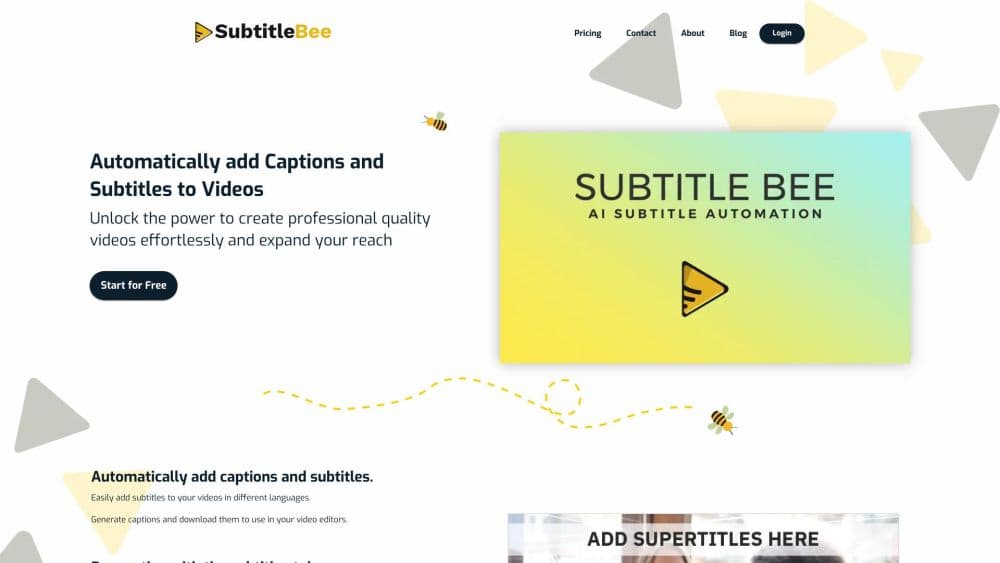
About SubtitleBee
What Is SubtitleBee
SubtitleBee is an online tool for people who need to add subtitles to video without editing software. You upload a file or paste a link, the AI writes the captions and syncs them to the speech, and a browser editor handles the fixes. The company started in 2019 after one of its founders got stuck watching a foreign video with no subtitles available.
The service runs as a web app only. There's no desktop install and no mobile app, so every job happens in a browser tab. The company reports 149,000 customers, 60+ remote staff, and 101 billion subtitles created, and it puts subtitle accuracy at 95% in its own marketing.
The trade-off is a metered model. Every plan caps video minutes per month, video length per file, translations per video, and the number of exports. The free tier handles a single 10 minute video, keeps files for 14 days, and blocks downloads until you pay.
Getting Started
- Create an account at subtitlebee.com and open the upload page. The free tier doesn't ask for a card.
- Upload an MP4, MOV, WMV, AVI, or WebM file, or paste a video link. Any resolution and aspect ratio works within your plan's length limit.
- Pick the spoken language and start the transcription. The editor opens with timed caption blocks once processing finishes.
- Fix wording, timecodes, font, color, size, and position. Add a logo, progress bar, or overlay text if the video needs it.
- Export the finished video as MP4, AVI, or MOV, or download the captions alone as SRT, ASS, VTT, or TXT.
Product Information
A quick look at SubtitleBee's pricing, supported platforms, and performance.
Best for
The users, tasks, and scenarios where this tool fits best.
Users
- Social media creators
- Course instructors and trainers
- Small marketing teams
Tasks
- Captioning a video for silent viewing
- Translating a finished video for another market
- Turning a podcast or interview into text
Scenarios
- Publishing a week of short form video
- Adding subtitles to a client video under deadline
- Making an old training library accessible
Key features
Automatic Subtitles With Timed Captions
The core job is speech to captions with timecodes attached. Upload a file or paste a link, choose the spoken language, and SubtitleBee returns caption blocks placed on the timeline. SubtitleBee puts accuracy at 95%, which leaves a short cleanup pass on names, jargon, and crosstalk. The editor lets you retime a block by dragging it, so a late line doesn't need a re-render.
Subtitle Translation in 120+ Languages
Once captions exist in the source language, the subtitle translator produces a new version in one click. The plan decides how many languages you get per video: 3 on Starter, 10 on Premium, 15 on Business. You can show the original and the translation together for bilingual viewing, which suits channels that publish the same video for several regions.
Caption Styling and Overlay Text
Font, color, size, opacity, and position are all editable, with 5 font styles on the free tier and 30 on Premium. Supertitles add separate text blocks for titles, calls to action, or quotes, with drag and drop placement and per-block animation. Paid plans raise the number of overlay captions per video, from 5 on Starter to 50 on Business.
Audio and Video Transcription
You can transcribe video to text, or run an audio file without a video track, which covers podcasts, interviews, and meeting recordings. The transcript can be downloaded as a subtitle file or plain text, and SubtitleBee says subtitle files are ready before the media export completes. That matters when you need the text for a blog post while the video is still rendering.
Cropping, Resizing, and Social Formats
The cropper reframes a horizontal video for vertical feeds and keeps captions inside the visible area. You can set several crop windows across one timeline, so a single recording yields a full version plus vertical cuts for different platforms. A compressor and converter sit in the same toolset for files that are too large or in the wrong container.
Logo, Progress Bar, and Brand Kit
Paid plans add a custom logo, a colored progress bar, and a watermark-free export. The Business plan bundles these into a brand kit, which saves re-editing when the same footage goes out under several brands. The progress bar is a small retention device for social video, and it scales with resolution instead of sitting at a fixed size.
Pros and cons
Pros
- One workflow for captions, translation, and export, which removes the handoff between a transcription service and a video editor.
- Subtitle files come in SRT, ASS, VTT, and TXT, so the output drops into YouTube, Premiere, or a learning platform without conversion.
- Translation quotas are per video, not per month, so a single clip can ship in 10 languages on Premium.
- The free tier needs no card and handles one 10 minute video, enough to judge accuracy on your own footage.
- Brand kit, custom logo, and watermark-free exports are included from Starter up, not held back for enterprise deals.
Cons
- Minute caps are strict for the price. Starter's 240 minutes a month runs out fast for weekly long form uploads, and extra credits cost $3 per 20 minutes.
- The free tier blocks downloads and deletes files after 14 days, so it works as a test and not as a working account.
- Browser only, with no mobile app or desktop client. Editing on a phone means using the web editor in a mobile browser.
- No public API or automation hook, so teams that need batch processing have to upload each file by hand.
Frequently asked questions
SubtitleBee adds captions to video, translates them, and exports either the captioned video or a subtitle file. It also transcribes audio, crops video for social platforms, and adds overlay text, a logo, or a progress bar.
Related content
Explore related tools, skills, and articles for SubtitleBee.
SubtitleBee Alternatives

Google EmbeddingGemma 2
Google DeepMind · Writing · Image · CodingGoogle EmbeddingGemma 2 is a 740M-parameter open model that turns text, code, images, audio, and video frames into vectors in one 768-dimension space, running on phones and laptops.

MePersona
MePersona, Inc. · Writing · Productivity · MarketingMePersona is an AI unified inbox for creators. It learns your voice, drafts replies to fan messages from 12 platforms, and sends only what you approve.

Fluence
Yay Software (Yannick Huchard) · Writing · Voice & Language · ProductivityFluence is an Android app that reads PDFs, EPUBs, Word files and web articles aloud, follows each sentence as it speaks, and answers questions about the text on the phone itself.