

Sudo AI
Sudo · Coding · Other
Sudo AI is a unified API that lets developers route requests across multiple large language models, including OpenAI, Anthropic, and Google, through a single endpoint. Instead of wiring up each provider separately, you send one call and Sudo handles model access, fast routing, and usage metering. It also adds context management and monetization tools like usage-based billing and in-app ads. The pitch is straightforward. A small team can launch and charge for an AI product without building billing from scratch.
About Sudo AI
What Is Sudo AI
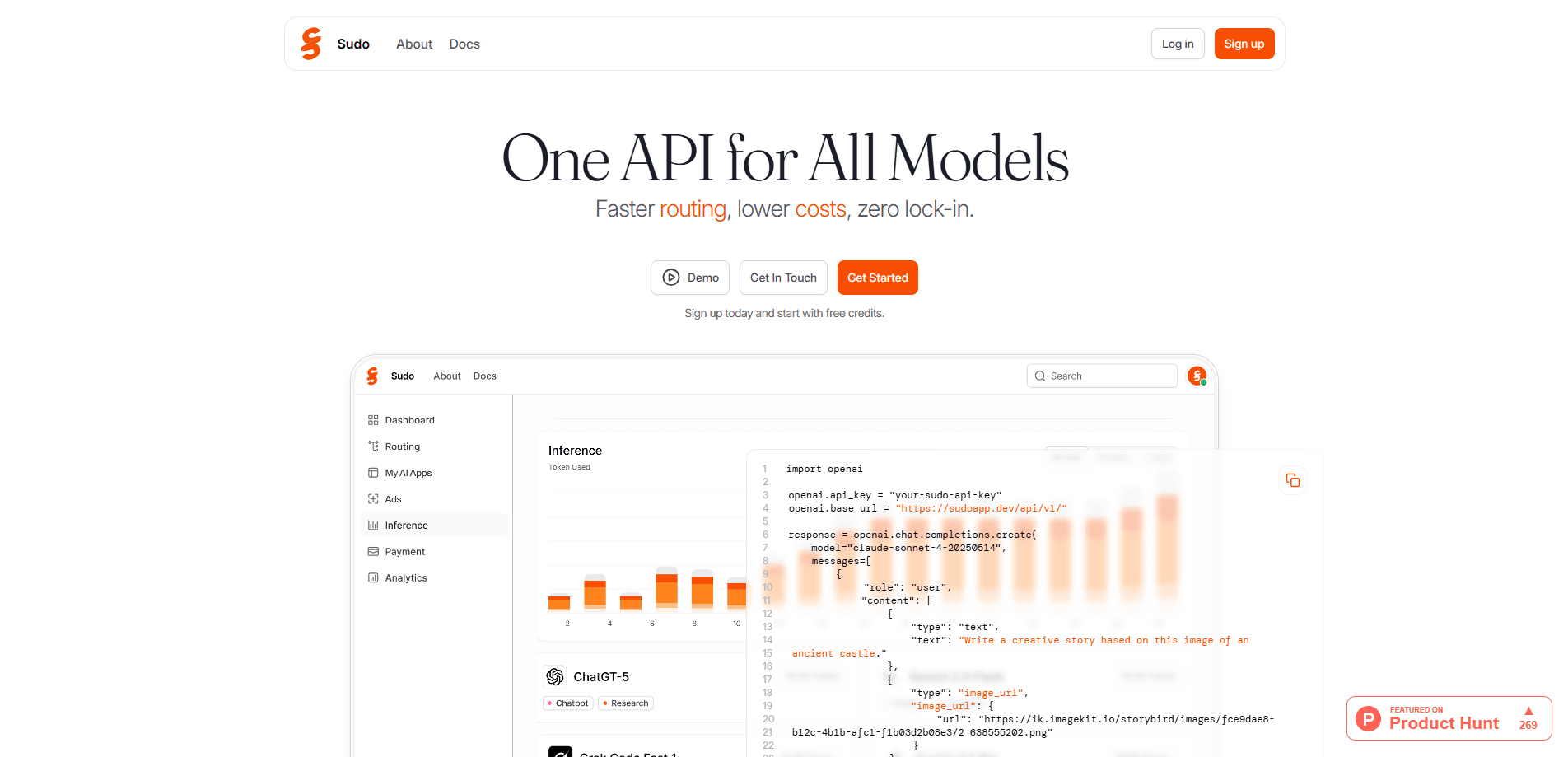
Sudo AI is an LLM router and developer platform built around one API for all models. The core idea is simple: your app talks to Sudo, and Sudo talks to every model provider behind the scenes, which means you can pull models from OpenAI, Anthropic, and Google without rewriting your integration or signing a separate contract with each one. That removes vendor lock-in. On the marketing site, Sudo claims its router cuts time to first token by roughly 10x compared with going through OpenRouter in one benchmark, and pushes higher throughput too. Those numbers come from Sudo's own benchmark repo, so treat them as the company's results, not an independent test.
The bigger pitch goes past routing. Sudo is extending into context engineering, where you attach documents, links, or instructions once and the platform keeps them consistent across every model call. It also bundles monetization: contextual ad placement and usage-based billing that let you earn from end users directly. That combination, routing plus context plus payments, is what Sudo markets as its all-in-one developer platform for AI apps. Whether all three pieces work as advertised is another question, and one only shipping code will answer.
The main limitation to keep in mind is maturity. This is a young platform aimed at builders, not casual users. There's no free tier advertised on the site, access runs through API keys and prepaid credits, and the monetization features are described as upcoming rather than fully shipped. If you want a drag-and-drop AI app, Sudo is the wrong tool. If you're a developer who wants to move fast and skip provider plumbing, it's worth a look.
Getting Started
- Open the Sudo developer portal and create a dev app to generate your API key.
- Add credits to your account through the billing settings page using a Stripe payment method.
- Install the SDK with
npm install sudo-aiorpip install sudo-ai, available for Python and TypeScript. - Send your first request to the chat completions endpoint, picking any supported model by name.
- Explore the API reference and model list to add image, audio, or additional text models to your app.
Product Information
A quick look at Sudo AI's pricing, supported platforms, and performance.
Best for
The users, tasks, and scenarios where this tool fits best.
Users
- Indie developers
- Early-stage startups
- Product teams evaluating models
Tasks
- Routing text, image, and audio generation calls
- Cutting response latency
- Handling model fallbacks
- Monetizing an AI app
Scenarios
- Launching an MVP in a weekend
- Keeping costs down as usage grows
- Adding a paid tier to a side project
Key features
One API for Every Model
Sudo exposes a single endpoint that reaches models from OpenAI, Anthropic, Google, and others. You change the model by name in the request body, so swapping from one provider to another doesn't mean a new integration. That alone saves real time. The docs put the catalog at 100+ models across text, image, and audio generation.
Fast Routing
The router picks a path to your chosen model and, according to Sudo, beats a direct or aggregated connection on speed. In Sudo's published benchmark, time to first token dropped to 1.72 seconds against 14.27 seconds through OpenRouter, and throughput hit 85.86 tokens per second versus 45.51. Big difference. Benchmark numbers from a vendor's own repo rarely survive contact with a real workload, so test against your own traffic.
Context Management
Sudo is building a layer that attaches documents, links, or instructions once and keeps them in sync across every model call. The promise is no more rewriting system prompts for each provider. It's billed as an upcoming capability. Check current docs before you build around it.
Built-In Monetization
The platform folds in contextual ad placement and usage-based billing so you can charge end users directly. That means a developer can grow revenue without standing up a separate payments and metering system. AI app monetization usually drags in a pile of extra work. Here it's built in.
Python and TypeScript SDKs
Sudo ships official SDKs installable through npm and pip, plus a plain REST endpoint that works with curl or any HTTP client. The API supports streaming, so you can push tokens to the user as they're generated. Familiar OpenAI-style request shapes keep the learning curve short, and if you've used the OpenAI SDK before, you already know most of what Sudo asks for.
Prepaid Credits and Stripe Billing
Access runs on credits you top up through the billing settings page with a Stripe payment method. There's no subscription gate, so you pay for what you use. For a hobby project or a pilot, that avoids a monthly commitment. No idle seats, no wasted spend.
Pros and cons
Pros
- One integration covers 100+ models, cutting the work of adding a second or third provider.
- Routing claims meaningful gains in latency and throughput, which matters for real-time chat.
- Built-in billing and ads reduce the backend you need to build to earn revenue.
- Python, TypeScript, and REST support fit most common stacks.
- No lock-in: you can point the same code at a different model by name.
Cons
- No free tier, so you must prepay credits before you can test anything.
- The platform is young, and the context and monetization features are still rolling out rather than finished.
- Performance claims come from Sudo's own benchmarks, so independent numbers are hard to find.
- You're adding a middle layer between your app and the model, which is another service that has to stay up.
Frequently asked questions
Sudo AI is used to call many AI models through one API. Developers use it to route requests across OpenAI, Anthropic, and Google, cut latency, and add billing and ads to an AI app without building those systems themselves.
Related content
Explore related tools, skills, and articles for Sudo AI.
Sudo AI Alternatives
Forefront
Forefront · CodingForefront is a web platform for building with open-source AI. It lets you fine-tune leading open-source language models on your own data, evaluate how they perform, and run them through an API or export them to host yourself. Developers who want the convenience of a closed-source platform but insist on owning their models and data are the target audience here.

Startkit
StartKit.AI · CodingStartkit is a boilerplate for building AI SaaS and AI wrapper products. Think of it as an AI startup boilerplate with the boring parts already wired up: authentication, Stripe and Lemon Squeezy payments, usage limits, transactional email, and an AI API starter that talks to OpenAI, Anthropic, Groq, or Llama. You clone the repo, set your price, and start on the part of your product that people actually pay for. It's Next.js under React and Tailwind, so most of the boilerplate code already feels familiar.
Testim
Tricentis · CodingTestim is an AI-powered test automation platform for building and running end-to-end tests across web, mobile, and Salesforce applications. It leans on machine learning to keep tests stable when an interface changes, so teams spend less time fixing broken selectors. Not bad for an automated testing tool you can start using today. You create tests by recording actions in a browser, then optionally add JavaScript when you need more control. It's a solid pick for busy QA teams.