

Suno API
Suno API · Voice & Language · Coding
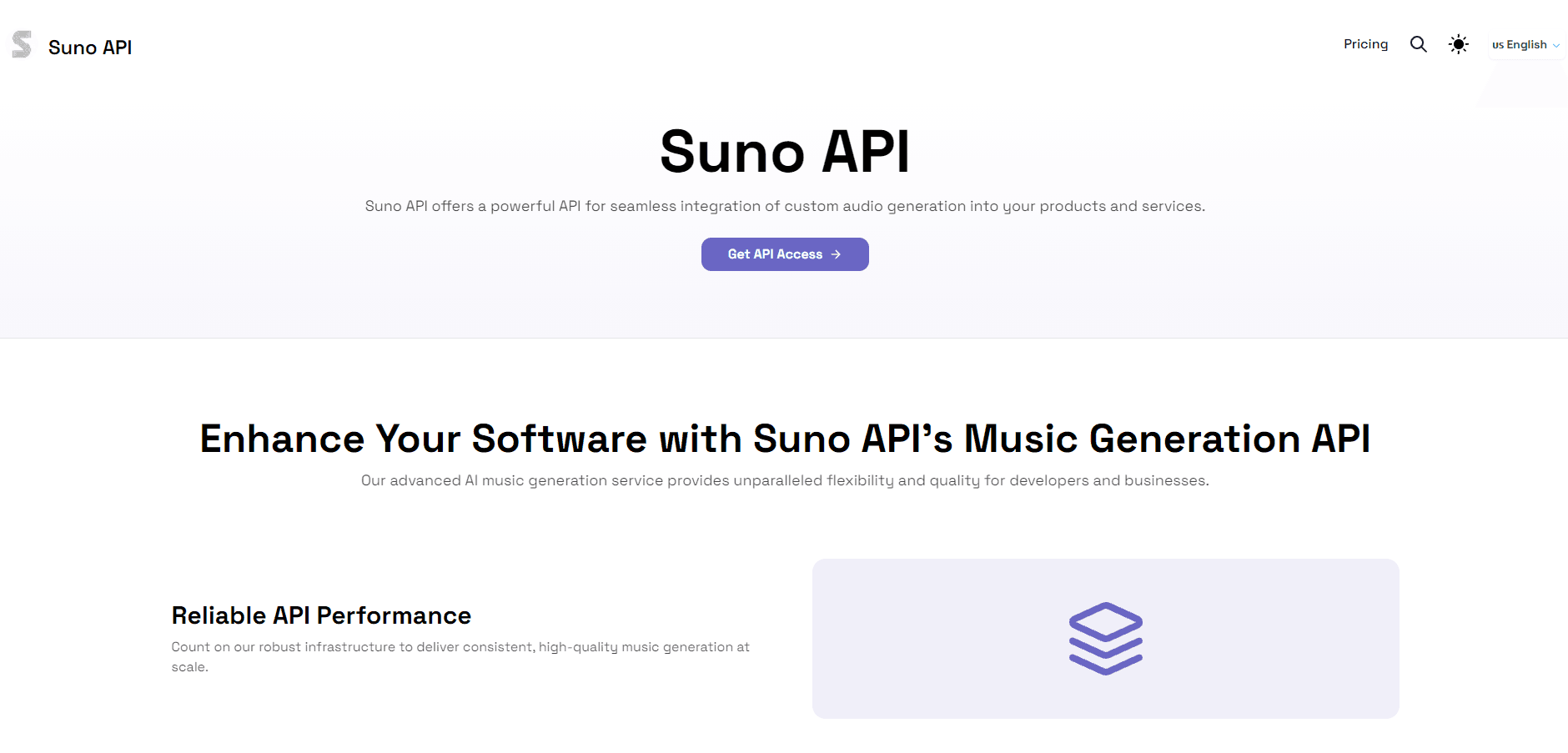
Suno API is a RESTful music generation API that lets developers add AI music and custom audio generation to their apps.
About Suno API
What Is Suno API
Suno API is a developer-facing service that wraps AI music generation into an HTTP interface. Instead of building your own model, you send a prompt or a set of musical parameters and get back a finished track you can drop into an app, game, or video pipeline. The site pitches it at streaming platforms, game studios, and video editing software. That's a fair read of who needs audio on demand.
The draw is workflow fit. Music generation stops being a separate tool somebody opens in a browser and becomes one more call in your stack. You describe a genre, mood, tempo, and instrumentation, and the service returns a composition that matches. Extend and concatenate calls exist too, so a 30-second clip can grow into a longer piece without starting over.
What it isn't is a plug-and-play toy. It's an API, so someone on your team has to handle keys, requests, and error cases. Fair enough. The official site leans on marketing language like "unparalleled flexibility," and I couldn't pin down a firm public launch date or the exact engineering team behind it from the site alone. So how much can you trust the numbers? Treat them as figures the vendor publishes rather than independent test results.
Getting Started
- Sign up on the Suno API site and grab an API key from your account dashboard.
- Read the REST docs and pick an SDK for your language, or call the endpoints directly over HTTP.
- Send a generation request with a text prompt, or switch to custom music mode and set genre, mood, tempo, and instrumentation.
- Poll or receive the track URL once generation finishes, then extend or concatenate it if you need a longer composition.
- Wire the returned audio into your app and monitor usage against your plan's credit allowance.
Product Information
A quick look at Suno API's pricing, supported platforms, and performance.
Best for
The users, tasks, and scenarios where this tool fits best.
Users
- Developers who need to add audio generation to an existing product without training a model
- Game and app studios that want background music generated at runtime
- Content teams producing soundtracks for videos, podcasts, or ads at volume
Tasks
- Generating background music from a text prompt inside an app or pipeline
- Producing custom tracks by setting genre, mood, tempo, and instrumentation
- Extending or concatenating short clips into longer, more complex pieces
Scenarios
- A music or streaming platform offering instant song generation to its own users
- A video editing tool that fills timelines with royalty-friendly generated audio
- Rapid prototyping when a team needs placeholder music before final production
Key features
Music Generation API
The core call takes a text prompt and returns a generated track, usually within seconds for short compositions. The vendor says a 30-second piece typically lands in 10 to 20 seconds depending on complexity. That speed is the point. It matters when you're iterating or generating on demand rather than batch-processing overnight.
Custom Music Mode
You can specify parameters like genre, mood, tempo, and instrumentation instead of relying on a free-text prompt alone. That control matters. A client needing "tense, slow, orchestral" won't accept anything else. It also makes output more predictable across repeated calls, which helps when you're building one consistent sound.
Flexible Integration Options
The service ships as a RESTful API with documentation and SDKs for common languages, so most teams can wire it in without a custom adapter. If your stack already speaks HTTP, the integration cost is mostly mapping your data to the request shape and handling the async result.
Extend and Concatenate
Generated music can be lengthened or joined with other segments. This is what turns a 30-second demo into a two-minute track, or stitches themed pieces together for a longer runtime. Without it, you'd be stuck regenerating and hoping for continuity.
Handles High Volume
The API is built to handle high request volumes, according to the vendor. That's the difference between a demo and something you can put in front of real users. Startups and larger operations run on the same endpoints.
Pros and cons
Pros
- RESTful design with SDKs means most teams can integrate without building a model
- Custom music mode gives direct control over genre, mood, tempo, and instrumentation
- Extend and concatenate calls let you build longer tracks from short generations
- A free tier lets you test output quality before committing to paid usage
Cons
- It's an API, so you need developer time for keys, requests, and error handling, which rules out non-technical users
- Pricing is metered per generation through a third-party supplier, so costs scale with volume and are harder to predict than a flat subscription
- Public details on the founding team and formal launch date are thin, which makes it harder to judge long-term support
Frequently asked questions
It's used to add AI music generation to software. Developers send a prompt or musical parameters and get back a finished track they can play inside an app, game, video tool, or streaming platform.
Related content
Explore related tools, skills, and articles for Suno API.
Suno API Alternatives

Foley
Hanamori Labs, LLC · Voice & Language · Productivity · AI AssistantFoley is a voice to-do list that turns a spoken sentence into a filed task, complete with project, date and time, then helps you plan the day around what is already there.

HireKey
HireKey · Voice & Language · Productivity · LeaningHireKey is an AI job search copilot built by a former tech recruiter. It checks role fit, tailors resumes, runs interview practice and tracks every application.

Fluence
Yay Software (Yannick Huchard) · Writing · Voice & Language · ProductivityFluence is an Android app that reads PDFs, EPUBs, Word files and web articles aloud, follows each sentence as it speaks, and answers questions about the text on the phone itself.