

Supafax
Supafax · Writing · Productivity
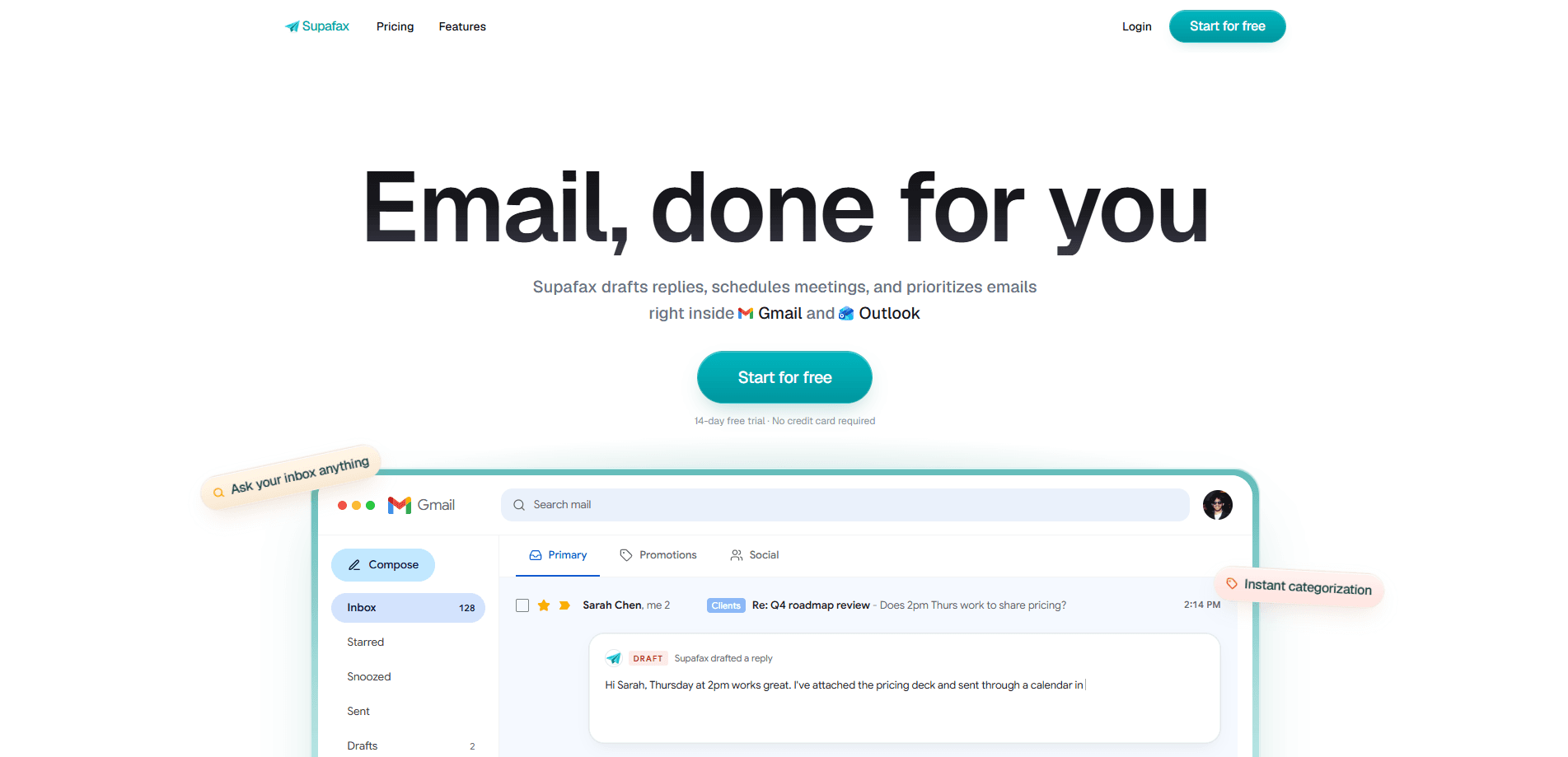
Supafax is an AI email assistant that runs inside Gmail and Outlook and handles the parts of your inbox you keep putting off. It drafts replies that match your tone, schedules meetings on your behalf, labels and prioritizes incoming mail, and turns recurring chores into plain-English rules that run on their own. There's no separate app to learn, since everything happens in the email client you already open every morning.
About Supafax
What Is Supafax
Supafax is a web-based tool that connects to your Gmail or Outlook account and works from inside the inbox rather than from a dashboard. It reads your past emails to learn how you write, then uses that voice to draft responses you can send, edit, or throw away. The pitch is simple: reclaim the two hours a day most people lose to email.
The product solves a familiar problem. Most people don't need another place to check. They need inbox management that shrinks the 60 messages waiting for them on its own. Supafax handles draft replies, meeting scheduling, and routine sorting so you can focus on the messages that actually need a human.
The main limitation is scope. Supafax only works with Gmail and Outlook, so anyone running a different mail provider is out of luck. There's also no free tier beyond a trial. After 14 days you pay per user, and the product makes no claim about whether it's right for highly regulated industries beyond the enterprise plan.
Getting Started
- Sign up at supafax.com and start the 14-day free trial. No credit card is required to begin.
- Connect your Gmail or Outlook account so Supafax can read your inbox history and learn your writing style.
- Check the drafts Supafax leaves for you and send or adjust them. The more you edit, the closer it gets to your voice.
- Describe a routine in plain English, such as "label anything from my landlord," and reply to confirm the rule. Supafax activates it right away.
- CC Supafax on meeting threads to let it find times, confirm, and send invites without the usual back and forth.
Product Information
A quick look at Supafax's pricing, supported platforms, and performance.
Best for
The users, tasks, and scenarios where this tool fits best.
Users
- Busy professionals
- Founders and small teams
- Sales and support staff
Tasks
- Drafting replies in your voice
- Scheduling meetings
- Sorting and labeling incoming mail
- Getting a morning brief
Scenarios
- Clearing a backlog after time off
- Managing a shared or high-volume inbox
- Keeping a consistent reply style
Key features
Replies Written in Your Voice
Supafax studies your old emails and drafts new replies that copy your phrasing and tone. You get a ready-to-send draft instead of an empty box, and you always keep the final say on what goes out. It's the feature most users try first, and the one that shows up in every plan.
Meeting Scheduling by CC
Loop Supafax into a thread and it takes over the coordination. It finds open times, confirms with the other side, and sends the calendar invite, so you skip the "does Tuesday work?" exchange entirely. This works on the same Gmail and Outlook accounts already connected.
Plain-English Automation Rules
You describe what you want in normal language, such as "archive newsletters after a week," and Supafax reads it, repeats it back for confirmation, and switches it on. There are no triggers to configure. No settings pages to dig through. You can edit or cancel any rule later just by replying. For most teams, this is the email automation that finally sticks.
Inbox Labeling and Prioritization
Supafax sorts incoming mail into labels and surfaces what matters, so important messages don't get buried under noise. For anyone juggling several projects, that means less manual filing and fewer missed threads. Good inbox management is mostly invisible. The sorting runs quietly in the background once rules are set.
Daily Digests and Recaps
Morning briefs and weekly recaps pull together what happened in your inbox on a schedule you set. Instead of scrolling to reconstruct the week, you read one summary. You can pause, change, or cancel a routine by emailing yourself.
Ask Your Inbox Anything
The Professional plan includes the ability to ask questions about your inbox and get answers drawn from your own messages. It's handy for finding a thread you half-remember or checking what someone last told you. This turns search into a conversation rather than a keyword hunt.
Pros and cons
Pros
- Works inside Gmail and Outlook, so there's no new app or dashboard to adopt
- Learns your tone from past emails instead of producing generic AI replies
- Plain-English rules skip the trigger-and-filter setup most tools demand
- Free 14-day trial with no credit card makes testing low-risk
- Enterprise tier adds SSO, SCIM, and custom integrations for larger organizations
Cons
- Only supports Gmail and Outlook, so other mail providers can't use it
- No permanent free plan, so costs start after the trial ends
- Heavy reliance on inbox history means new accounts may need time before drafts match your voice
- API availability isn't documented, which matters if you want to build on top of it
Frequently asked questions
Supafax manages email for you inside Gmail and Outlook. It drafts replies in your voice, schedules meetings, labels and prioritizes messages, and runs recurring inbox routines you describe in plain English.
Related content
Explore related tools, skills, and articles for Supafax.
Supafax Alternatives

Google EmbeddingGemma 2
Google DeepMind · Writing · Image · CodingGoogle EmbeddingGemma 2 is a 740M-parameter open model that turns text, code, images, audio, and video frames into vectors in one 768-dimension space, running on phones and laptops.

MePersona
MePersona, Inc. · Writing · Productivity · MarketingMePersona is an AI unified inbox for creators. It learns your voice, drafts replies to fan messages from 12 platforms, and sends only what you approve.

Fluence
Yay Software (Yannick Huchard) · Writing · Voice & Language · ProductivityFluence is an Android app that reads PDFs, EPUBs, Word files and web articles aloud, follows each sentence as it speaks, and answers questions about the text on the phone itself.