

Superhuman
Superhuman · Writing · Productivity
Superhuman is an AI email client for Gmail and Outlook that drafts replies, splits your inbox, and tracks follow-ups, built for people who live in their inbox.
About Superhuman
What Is Superhuman
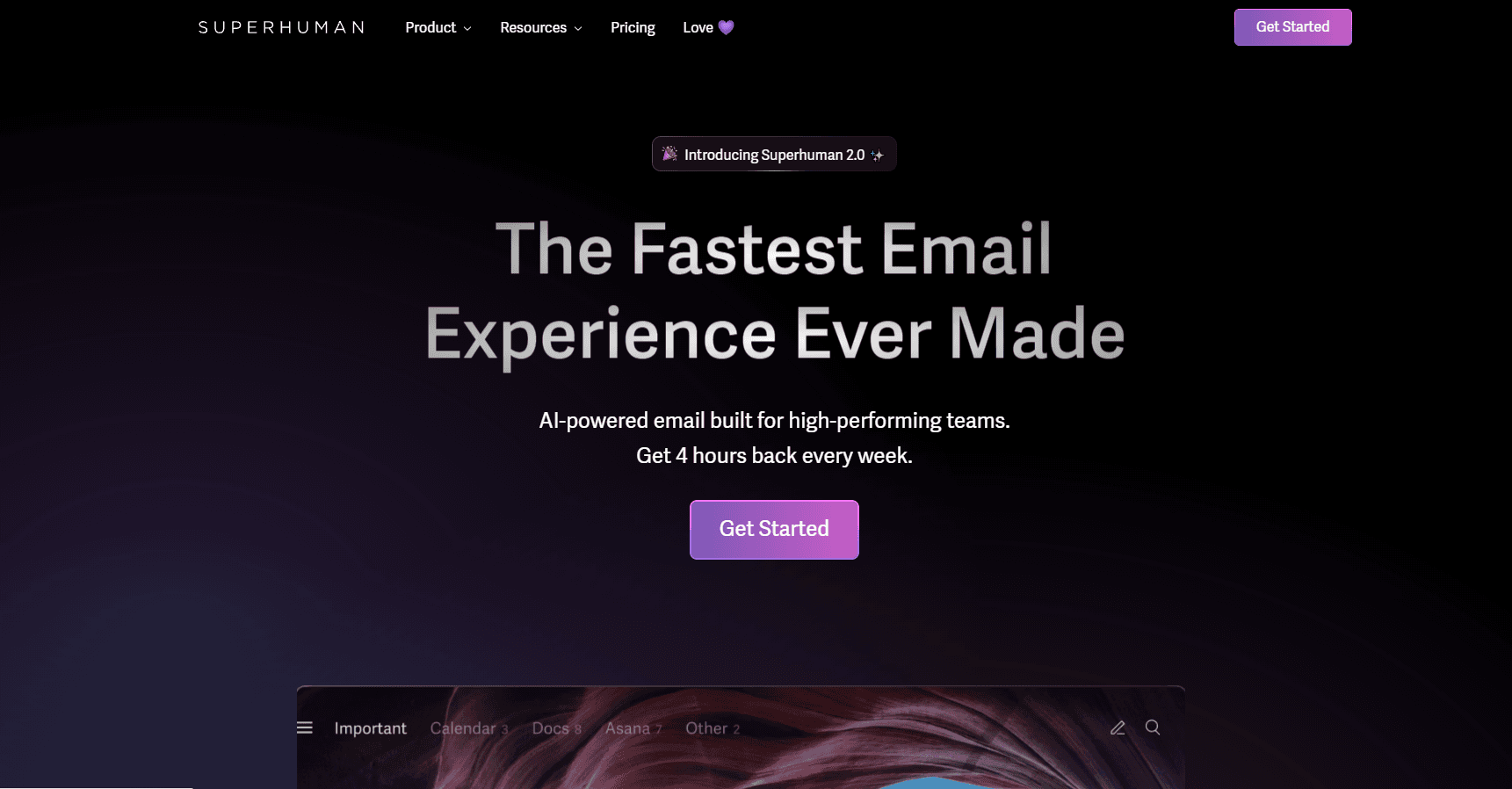
Superhuman is an email app for Gmail and Outlook accounts, and it leans on speed and AI over feature sprawl. The pitch is simple: clear your inbox in about half the time, then keep it that way. It runs on Mac, Windows, iOS, and Android, and it also reaches into the browser.
What sets Superhuman Mail apart is the Superhuman AI assistant sitting inside the inbox. It writes draft replies in your own voice, summarizes each thread in a line, and can send or schedule messages on your behalf. Beyond that, you get inbox splits that separate VIPs and tools from the noise, follow-up reminders that nag you at the right time, and shared email views your teammates can comment on.
The cost is the catch. Superhuman pricing starts at a monthly fee with no free tier, and the app is built for teams and high-volume senders, not a casual Gmail replacement. As an email client for teams, it expects a working workflow rather than a quick look. It needs a Gmail or Outlook account to work, and the AI features push you toward the business plans.
Getting Started
- Sign in with a Google or Microsoft account at superhuman.com and connect your inbox.
- Enable AI features and pick which accounts they run on.
- Set up Split Inbox to sort teammates, VIPs, and tool notifications into their own views.
- Turn on drafts and follow-up reminders so replies land without you tracking them by hand.
- Invite your team to share email views and comment on threads in place.
Product Information
A quick look at Superhuman's pricing, supported platforms, and performance.
Best for
The users, tasks, and scenarios where this tool fits best.
Users
- Executives and founders
- Sales and customer teams
- High-volume senders
Tasks
- Clearing a backed-up inbox
- Writing replies fast
- Following up without losing track
- Collaborating on email
Scenarios
- A morning triage sprint
- Closing a deal under time pressure
- Onboarding a team onto shared inboxes
Key features
AI Reply Drafts in Your Voice
Superhuman's AI reads the thread and drafts a reply based on your inbox, calendar, and the web, then leaves it for you to edit and send. It learns the way you write to each person, so drafts come out in your style rather than a generic template. For high-volume senders, that turns a stack of short replies into a quick review pass.
Split Inbox
Split Inbox sorts incoming mail into separate views for your team, your VIPs, and the tools you use, like Google Docs, Notion, and Asana. Instead of one long list, you get focused columns that surface what needs an answer. Auto Archive and Auto Labels move the rest out of your way without you filing anything.
Follow-Up Reminders and Send Later
When you send an important email, you pick a time, and Superhuman reminds you to follow up if nobody replies. Send Later holds a message until it's likely to be read, so it lands near the top of someone's inbox. Both remove the spreadsheet-and-memory routine of tracking replies yourself.
Shared Email and Team Comments
Superhuman lets you share a live view of any email, and teammates can comment on the thread even if they don't use the app. The view updates as the conversation moves, so there's no screenshot to refresh or forward. It's aimed at teams that discuss the same messages often.
Read Status and Instant Reply
Read statuses show when someone opened your email and on which device, which explains a silent thread before you chase it. Instant Reply speeds up common responses so a quick answer takes a keystroke instead of a paragraph.
Snippets and Shortcuts
Snippets automate phrases, paragraphs, and whole emails, and you can attach files or add people to CC. Shared Snippets give a team the same on-message responses for recurring outreach. Keyboard shortcuts cut clicks across the app, which is where a lot of the time savings comes from.
Pros and cons
Pros
- The AI drafting and Split Inbox cut real time off triage, which is the whole point for inbox-heavy users.
- Follow-up reminders and read receipts remove the guesswork of tracking whether someone replied.
- Shared email views and team comments keep collaboration inside the inbox instead of in screenshots.
- The interface is fast and built around keyboard shortcuts, so power users move quickly once they adjust.
Cons
- There's no free plan, so you can't test Superhuman before paying.
- It only works with Gmail and Outlook, which rules out people on other mail providers.
- The AI features and team sharing sit on the higher-priced plans, so the cheapest option is limited.
- There's a learning curve around shortcuts, and the habit takes a week or two to stick.
Frequently asked questions
Superhuman is an email app for Gmail and Outlook that helps you clear your inbox faster and stay on top of replies. It adds AI-drafted responses, a split inbox for sorting mail, and reminders that track follow-ups so nothing slips.
Related content
Explore related tools, skills, and articles for Superhuman.
Superhuman Alternatives

Google EmbeddingGemma 2
Google DeepMind · Writing · Image · CodingGoogle EmbeddingGemma 2 is a 740M-parameter open model that turns text, code, images, audio, and video frames into vectors in one 768-dimension space, running on phones and laptops.

MePersona
MePersona, Inc. · Writing · Productivity · MarketingMePersona is an AI unified inbox for creators. It learns your voice, drafts replies to fan messages from 12 platforms, and sends only what you approve.

Fluence
Yay Software (Yannick Huchard) · Writing · Voice & Language · ProductivityFluence is an Android app that reads PDFs, EPUBs, Word files and web articles aloud, follows each sentence as it speaks, and answers questions about the text on the phone itself.