

Superhuman Go
Superhuman · Writing · Productivity · Business
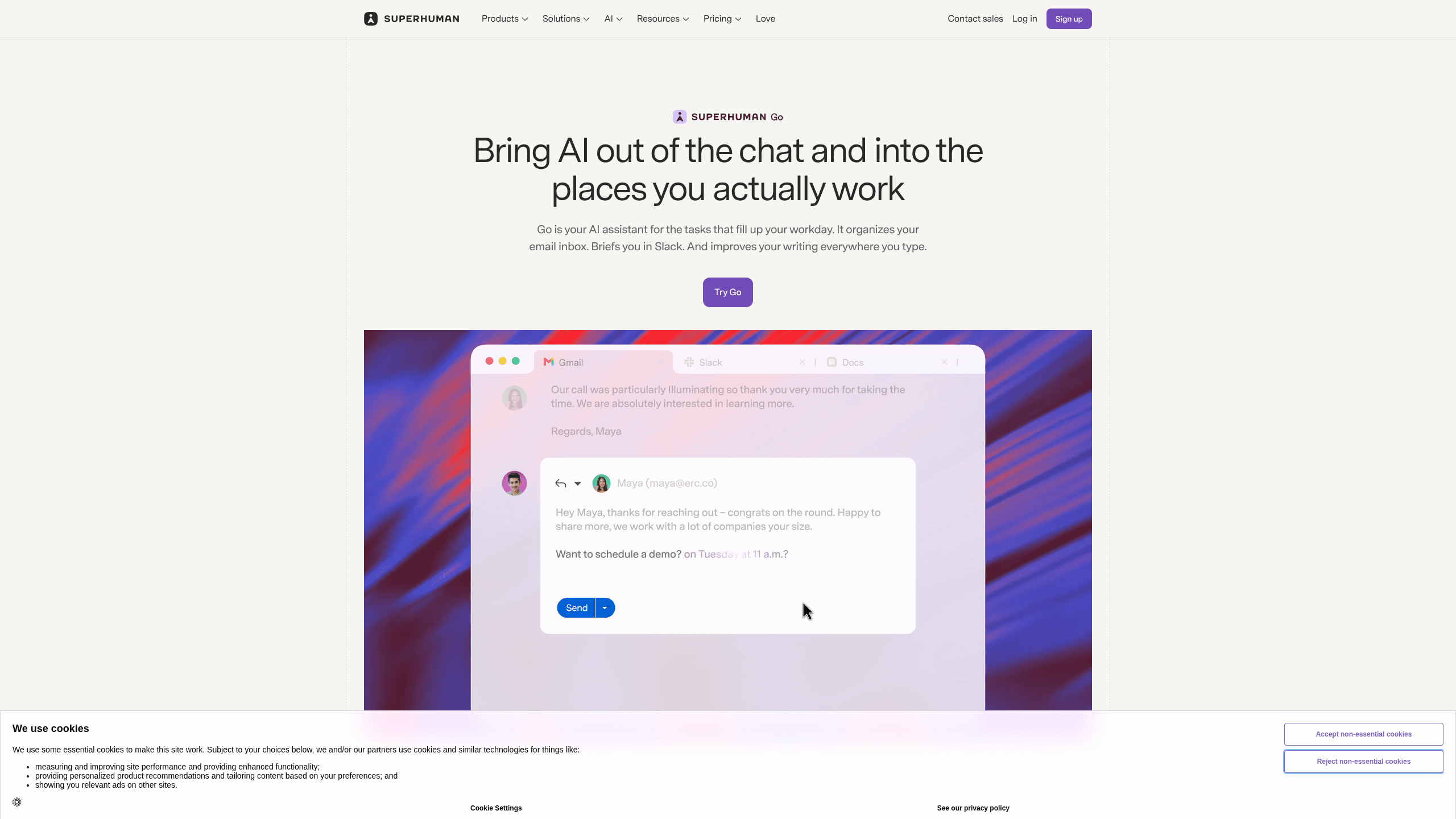
Superhuman Go is an AI assistant from the team behind Grammarly. It works in your browser, desktop apps, and Slack, offering proactive writing help and custom agents grounded in your work context.
About Superhuman Go
What Is Superhuman Go
Superhuman Go is the proactive AI assistant from Superhuman, the company that renamed itself from Grammarly in October 2025. Instead of asking you to open a separate chat window, it sits inside the apps and websites where you already type. Underlines appear in Google Docs, your inbox, a CRM record, or a Slack message, and the assistant offers a fix or a next step without a prompt.
It also carries the AI writing assistant people already know, which is why the underlines feel familiar. The pitch is about the detour. Most AI tools make you stop working, paste in context, wait, then copy the answer back. Go tries to remove those four steps. It reads the page you're on, connects to the apps that hold your company's data, and hands the task to whichever agent fits it.
Go 1.0, shipped in August 2026, turned it into a platform. You can build custom AI agents with no code, choose what triggers them, and pick which apps they can read. A prebuilt Agent Store covers sales, schoolwork, accounting, and other jobs, and developers can extend the same system with the Agents SDK.
The limits are mostly about plans and plumbing. Free accounts get basic suggestions and a capped chat. Connecting work apps and building custom agents needs a paid plan, and the deepest connectors, such as Salesforce, Workday, and ServiceNow, are Enterprise only. Agent runs also carry soft usage limits while Superhuman works out usage-based pricing.
Getting Started
- Create a Superhuman account at superhuman.com, or install the Go browser extension for Chrome or Edge and sign in with an existing Grammarly account.
- Pick your surfaces: the extension, the Go app for Mac, Windows, or iOS, the Android app, Go online at go.superhuman.com, or the Slack integration.
- Connect the apps Go should read, starting with email, calendar, and one document store. On Pro and above you can add Jira, Linear, Asana, Confluence, and Zendesk.
- Set the Grammarly agent's preferences so it stops flagging rules you don't care about, then try a cursor action on a paragraph you're already writing.
- Build a first agent from a plain description, give it a trigger such as a schedule or a new email, and review its output before you let it run unattended.
Product Information
A quick look at Superhuman Go's pricing, supported platforms, and performance.
Best for
The users, tasks, and scenarios where this tool fits best.
Users
- People who write for a living
- Sales and account teams
- Operations leads who repeat the same report
- School and university users
Tasks
- Editing an email before you send it
- Checking a claim against company data
- Turning a meeting into follow-up work
- Building a workflow agent
Scenarios
- A team that lives in Gmail, Slack, and Jira
- A consultancy with client docs in several systems
- A regulated workplace
Key features
Suggestions that show up before you ask
The core behavior is inherited from Grammarly. As you type in a supported app, Go underlines sentences it can improve and explains the change. You can tell the Grammarly agent which categories of feedback you find useful, and it adjusts over time. Small fixes are the entry point, not the ceiling.
A no-code agent builder with real triggers
Custom agents are the reason Go is more than a writing tool. You describe the job, choose whether it runs on a schedule, after an event such as a meeting ending, or whenever you start typing, then pick the apps it can read. The AI agent builder also offers a visual mode for people who prefer forms to conversation. Sharing works per teammate or through a company directory.
Connectors that decide how useful it can be
Go reads your work through prebuilt and custom AI connectors built on MCP. Gmail, Outlook, Calendar, Slack, Jira, Linear, Asana, Confluence, and Zendesk sit on the Business tier, while Salesforce, HubSpot, Workday, and ServiceNow sit on Enterprise. Without connectors, Go is a good editor. With them, it can answer questions about your own projects.
Prebuilt agents for email and daily briefing
Email Assistant, built by the Superhuman Mail team, sorts incoming mail, clears low-value threads, and drafts replies in your voice using your calendar and connected apps. Daily Brief assembles a morning report from Salesforce, Jira, and your task list. Both are starting points you can copy and modify.
One assistant across cursor, tab, Slack, and a full app
Go changes shape to fit the surface. Highlight text anywhere and a list of agent actions appears at the cursor. The side panel chats about the page you're reading. In Slack, you at-mention Go like a colleague. The Go app for Mac, Windows, and iOS is the home base for longer tasks, shared docs, and agent management.
Verification and control before anything ships
Knowledge Checker compares claims in a draft against your connected sources and corrects dates, stats, and compliance language inline. Nothing leaves your account without approval, and you can review an agent's run history. Consumer accounts can opt out of model training, and Enterprise accounts have training switched off by default.
Pros and cons
Pros
- Works inside the apps you already use, so there's no new tab to remember or context to paste.
- Custom agents run on schedules and events, which covers recurring reports and meeting follow-up rather than one-off chat.
- The free tier is usable for inline suggestions and basic chat, and Pro costs $12 per member per month on annual billing.
- Grounding through connectors makes answers specific to your projects instead of generic model output.
- Enterprise training is off by default, and the company carries Grammarly's security history, including SOC 2 Type 2.
Cons
- Connectors and custom agents require a paid plan, so the free version shows the idea without the workflow payoff.
- Usage limits on agent runs are soft for now, and Superhuman plans to introduce usage-based pricing, which makes long-term cost hard to model.
- Value depends on how much of your work lives in supported apps. A team on unsupported tools gets little beyond editing.
- No Linux desktop app, and the deepest connectors are locked to Enterprise.
Frequently asked questions
There is a free plan at $0. It covers basic inline suggestions from Grammarly and other agents, chat with your tabs, and shareable docs. Superhuman Go pricing starts at $0 for the free tier. Pro costs $12 per member per month billed annually, or $15 monthly. Business runs $33 annually or $40 monthly, and Enterprise is quoted by sales.
Related content
Explore related tools, skills, and articles for Superhuman Go.
Superhuman Go Alternatives

Google EmbeddingGemma 2
Google DeepMind · Writing · Image · CodingGoogle EmbeddingGemma 2 is a 740M-parameter open model that turns text, code, images, audio, and video frames into vectors in one 768-dimension space, running on phones and laptops.

MePersona
MePersona, Inc. · Writing · Productivity · MarketingMePersona is an AI unified inbox for creators. It learns your voice, drafts replies to fan messages from 12 platforms, and sends only what you approve.

Fluence
Yay Software (Yannick Huchard) · Writing · Voice & Language · ProductivityFluence is an Android app that reads PDFs, EPUBs, Word files and web articles aloud, follows each sentence as it speaks, and answers questions about the text on the phone itself.