

superscribe.io
Superscribe · Voice & Language · Productivity
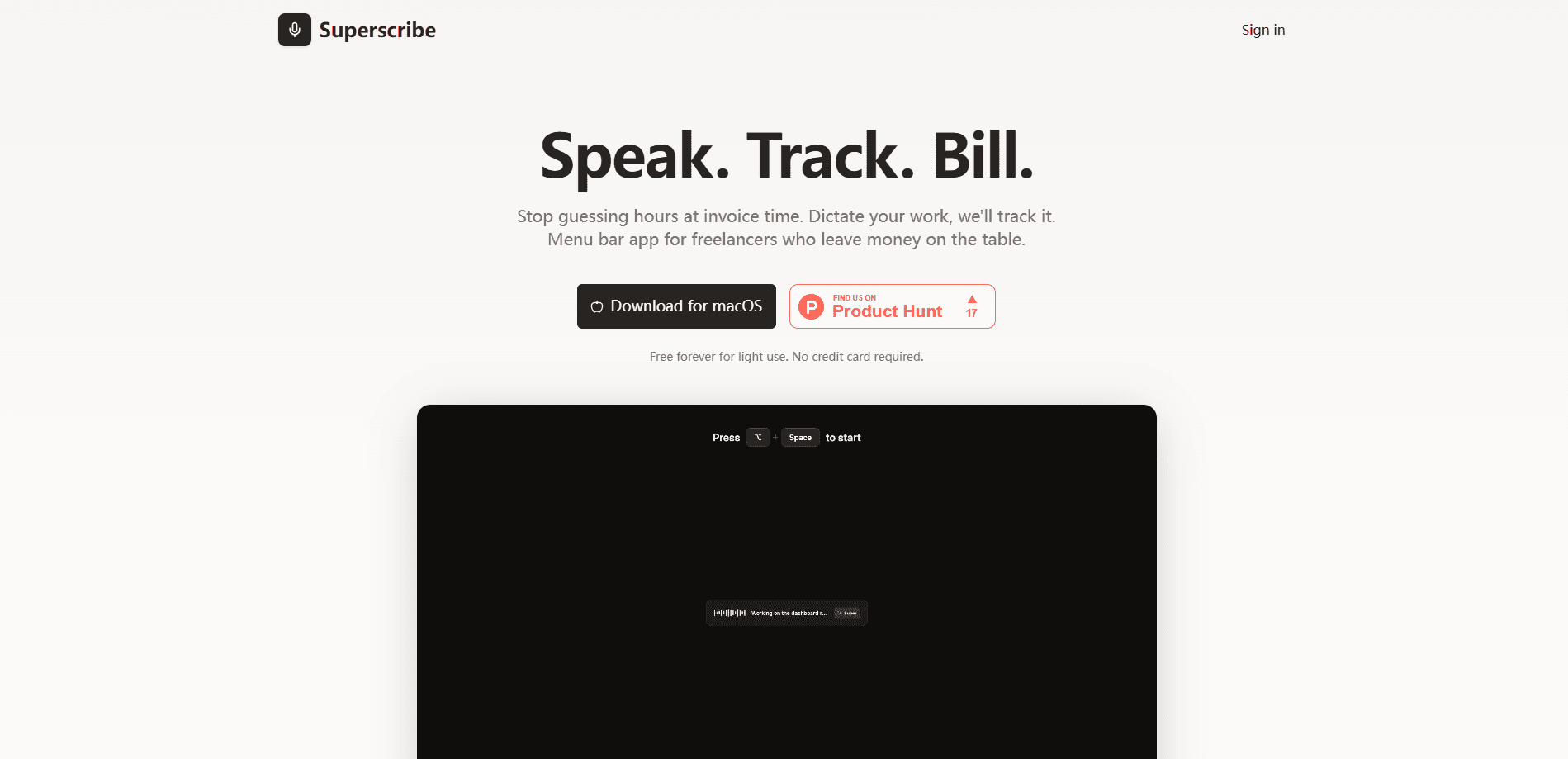
superscribe.io is an AI voice time tracking and note-taking tool that captures your spoken words and turns them into billable hours, CRM notes, and follow-ups. It listens to your calls and dictation on your own phone number, transcribes them on your device or in the cloud, and writes the paperwork you usually skip after hanging up. Freelancers, consultants, and sales teams use it so the admin work happens while they're already on the next call.
About superscribe.io
What Is superscribe.io
superscribe.io is a productivity tool built around voice. You talk the way you always do, and the app takes notes, tracks time, and drafts the follow-ups. It has grown past its original framing as a simple dictation-to-invoice app: today it covers desktop dictation, business call capture, time tracking, and CRM updates in one workflow. Why does that matter? Because the writing-up is where most of the day quietly disappears.
The core idea is simple. Talking is the cheap part. The expensive part is remembering what you promised, writing the note, sending the follow-up, and logging the billable minutes. superscribe.io handles that layer, so the record is done before the details fade.
The main limit is geography and hardware. Business Voice works on an iPhone and needs you to forward your existing number to the service, and it's only a home market in 29 countries. France, Italy, Spain, Finland, and Belgium aren't supported as home markets yet, so clients there can't reach you on a local cloud number. On-device dictation is free and private, but the cloud features (auto language detection, templates, call history) need a plan.
Getting Started
- Install the Superscribe Phone app on your iPhone, or download the desktop app for macOS or Windows.
- For business calls, tap Activate in the app and dial the short code it gives you to forward your existing number to superscribe.io.
- Turn on pay-per-minute calling in Settings if you want outbound calls to keep going once you hit your monthly minute allowance.
- Talk on your calls the way you normally would, or start a meeting from the desktop app to capture the room.
- Open the after-call record to review the transcript, summary, tasks, and follow-up drafts the app has written for you.
Product Information
A quick look at superscribe.io's pricing, supported platforms, and performance.
Best for
The users, tasks, and scenarios where this tool fits best.
Users
- Freelancers and consultants who bill by the hour
- Sales reps who live on the phone
- Solo lawyers, recruiters, and advisors
Tasks
- Turning calls into CRM notes
- Tracking billable hours from speech
- Drafting follow-up emails
- Cleaning up dictation
Scenarios
- A day of back-to-back client calls
- Working from a phone while traveling
- Writing up notes at the desk
- Pulling a month of billable hours together
Key features
Voice-to-Text Time Tracking
You describe the work you just finished, and superscribe.io logs it as billable time. There's no timer to start and forget, which is the usual reason freelancers under-bill. In that sense it's a billable hours tracker that runs on speech, not on a stopwatch. The entries roll into reports so you can see where the hours went. No spreadsheets required.
AI Call Notes on Your Own Number
The app works behind the number your clients already have, so you don't hand out a new one or change carriers. You forward your line to superscribe.io with a short code, answer as usual, and the transcript, summary, and follow-ups get written for you. There's no bot joining the call as a third participant.
Meeting Capture Without a Bot
Start a meeting from the desktop app and everyone who calls in lands in the same transcript. In meetings the app separates each speaker and names the people who introduce themselves. That structure is what makes long meeting notes readable later.
Dictation Into Any App
Superscribe Pro streams clean text straight into the tools you already use, including Cursor, Slack, Linear, Gmail, and Notion. You hold a key, talk, and the polished text appears where your cursor is. No copy-paste. No cleanup pass. That's the whole pitch, and it holds up.
After-Call Records and Tasks
Every call produces a record of what happened, what mattered, and what should happen next. In practice it's call notes automation: the app turns the conversation into tasks and handoff context, so follow-up work moves forward without you retyping it from memory.
On-Device Dictation With a Free Tier
Speech models that run on your own Mac or PC cost nothing on any plan and even work with no account at all through Superscribe Lite. That dictation stays on your machine unless you switch on cloud sync. That's a rare offer. Free and private, with no catch.
CRM and Workflow Integration
superscribe.io writes entries you can move into a CRM such as Pipedrive, alongside follow-up drafts and tasks. It's aimed at people whose work crosses calls, meetings, travel, and desktop follow-up, not at teams who never leave one screen.
Pros and cons
Pros
- Keeps your existing phone number and carrier, so there's nothing new for clients to learn.
- Dictation into apps like Cursor and Notion removes the copy-paste and cleanup step.
- On-device speech recognition is free and private, with a no-account Lite option.
- Time tracking happens from speech, which closes the gap where billable minutes get lost.
Cons
- Business Voice needs an iPhone, and call capture requires forwarding your number, which adds a setup step.
- Home-market coverage stops at 29 countries, and calling from your own number doesn't work in France, Italy, Spain, Finland, or Belgium yet.
- Samples in special-rate destinations like Malta and Slovenia burn up to five included minutes per minute talked, which can drain a plan faster than expected.
Frequently asked questions
It turns your voice into records. You talk on calls or dictate at your desk, and the app writes transcripts, summaries, tasks, and follow-up drafts, while logging your billable hours. Think of it as a note-taker and time tracker that works from speech instead of typing.
Related content
Explore related tools, skills, and articles for superscribe.io.
superscribe.io Alternatives

Foley
Hanamori Labs, LLC · Voice & Language · Productivity · AI AssistantFoley is a voice to-do list that turns a spoken sentence into a filed task, complete with project, date and time, then helps you plan the day around what is already there.

HireKey
HireKey · Voice & Language · Productivity · LeaningHireKey is an AI job search copilot built by a former tech recruiter. It checks role fit, tailors resumes, runs interview practice and tracks every application.

Fluence
Yay Software (Yannick Huchard) · Writing · Voice & Language · ProductivityFluence is an Android app that reads PDFs, EPUBs, Word files and web articles aloud, follows each sentence as it speaks, and answers questions about the text on the phone itself.