

Surfn AI
Surfn · Coding · Chatbot
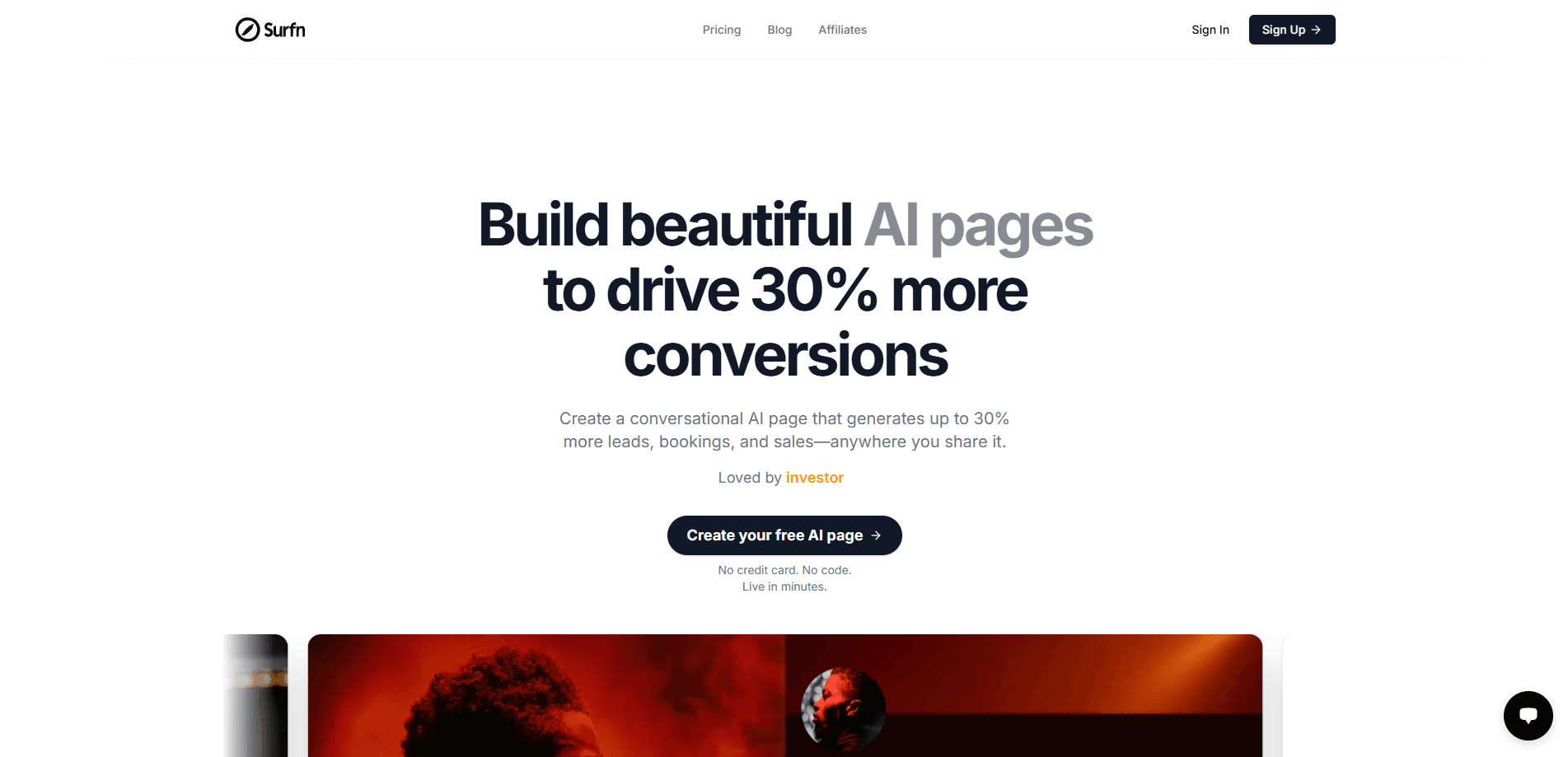
Surfn AI is a no-code builder for conversational AI agent pages that answer visitor questions, qualify leads, and push people toward a booking or a purchase. You connect your existing content (FAQs, pricing pages, service docs, PDFs, videos) and the agent replies in your brand voice on its own, around the clock, even while your team sleeps. The pitch is simple: instead of sending traffic to a static page that sits there waiting to be read, you send that same traffic to a page that answers back and moves people toward the next step. That's the whole idea.
About Surfn AI
What Is Surfn AI
Surfn AI is a web platform for turning your business content into an interactive AI agent page. You feed it the material you already have, and it builds a page that answers visitor questions, handles objections, and guides people to the next step without a human on the other end.
The problem it targets is a familiar one. Traffic lands, skims for ten seconds, and leaves because the answer to their one specific question isn't on the page. Surfn AI's answer is to let visitors just ask. No guesswork. Surfn claims this setup lifts conversions by as much as 30%. That's the company's own number, so treat it as a ceiling rather than a promise. Your results will depend on the content you feed it and where you place the page.
The biggest limitation is scope. Surfn AI is a conversion and lead-capture tool, not a full chatbot framework or a CRM. So what happens when you need deeper plumbing? You stitch it together with other tools. It's built for people who want a working agent page today, not a system to maintain.
Getting Started
- Sign up at surfn.ai, free to start and no credit card required.
- Connect your content by linking FAQ pages, pricing, service descriptions, PDFs, or videos so the agent has something real to work from.
- Set the brand voice and tone so replies match how your business actually talks.
- Publish the AI page and share it wherever your audience already is, from email and DMs to social posts and QR codes.
- Review the questions visitors ask most, then add missing content so the agent gets sharper over time.
Product Information
A quick look at Surfn AI's pricing, supported platforms, and performance.
Best for
The users, tasks, and scenarios where this tool fits best.
Users
- Founders and small teams who need traffic to convert without hiring a sales rep
- Brand and marketing managers who want consistent, on-brand answers across channels
- Course creators and coaches who want to turn written material into a 24/7 interactive guide
Tasks
- Capturing leads from a landing page
- Booking meetings
- Answering pre-sale questions
Scenarios
- Sharing a page link in an email newsletter
- Promoting a product in an Instagram or X post
- Onboarding new customers
Key features
Content-Connected Answers
Surfn AI pulls from the content you connect, so answers reflect your actual FAQ, pricing, and service descriptions rather than generic model output. You're not writing prompts from scratch. You're pointing the agent at material you already trust. The quality of the replies rides on how complete that material is. Garbage in, vague answers out.
No-Code Page Builder
You build the page without touching code, which is the whole reason non-technical teams can use it. Setup runs through a guided flow rather than a blank canvas, so a marketer can ship a working agent page in an afternoon. No developers needed. The trade-off is that you give up fine-grained control over layout and behavior compared to a coded solution, so power users who want to tune every detail will feel the ceiling sooner.
Conversion Focus
The page isn't a plain Q&A box. Every part of it points at a goal: capture the lead, book the meeting, or close the sale. The agent can qualify visitors and surface case studies or testimonials at the moment interest peaks. That framing is what separates it from a plain support chatbot.
Multi-Channel Sharing
One page works across email, direct messages, social posts, QR codes, and your own website. That means every touchpoint can route to the same interactive experience instead of a dead-end link. If you run campaigns in several places, you're not rebuilding the page each time. One asset, many doors.
24/7 Availability
The agent keeps answering when your team is offline, so interest that shows up at 2 a.m. doesn't go cold. For solo founders and lean teams running campaigns across several channels at the same time, this is the practical draw that keeps routine questions handled without adding headcount: coverage without staffing. That's a real edge. It won't match a senior rep on a complex deal, but it handles the routine questions that eat the day. Night shifts? Covered.
Brand Voice Control
You set the tone, and the agent replies in it, which matters when your brand voice is part of the sell. Instead of a robotic script, answers read like your business talking. Same voice, every channel. Consistency across channels is the point, since the same agent handles every visitor.
Pros and cons
Pros
- Setup is fast and needs no coding, so marketing teams can launch without engineering help.
- Answers come from your own content, which keeps replies accurate and on-brand.
- One page covers multiple channels, cutting the work of building per-channel experiences.
- Built around conversion, not just answering questions, so the page pushes toward a lead or a booking.
- Runs around the clock, which matters most for small teams without coverage.
Cons
- Output quality depends on the content you connect, so thin source material means thin answers and you have to invest in documentation first.
- No clear published API means you can't easily plug it into a larger stack or automate data flow.
- Limited integration depth compared to full chatbot platforms, so teams with complex routing or CRM needs will tack on other tools.
- Pricing details aren't easy to find before signing up, which makes budgeting harder for teams comparing options.
Frequently asked questions
It builds a conversational landing page that answers visitor questions and guides them toward a lead, a booking, or a sale. You connect your content, and the agent handles the conversation. Think of it as a no-code AI page that talks back instead of sitting still.
Related content
Explore related tools, skills, and articles for Surfn AI.
Surfn AI Alternatives
Forefront
Forefront · CodingForefront is a web platform for building with open-source AI. It lets you fine-tune leading open-source language models on your own data, evaluate how they perform, and run them through an API or export them to host yourself. Developers who want the convenience of a closed-source platform but insist on owning their models and data are the target audience here.

Startkit
StartKit.AI · CodingStartkit is a boilerplate for building AI SaaS and AI wrapper products. Think of it as an AI startup boilerplate with the boring parts already wired up: authentication, Stripe and Lemon Squeezy payments, usage limits, transactional email, and an AI API starter that talks to OpenAI, Anthropic, Groq, or Llama. You clone the repo, set your price, and start on the part of your product that people actually pay for. It's Next.js under React and Tailwind, so most of the boilerplate code already feels familiar.
Testim
Tricentis · CodingTestim is an AI-powered test automation platform for building and running end-to-end tests across web, mobile, and Salesforce applications. It leans on machine learning to keep tests stable when an interface changes, so teams spend less time fixing broken selectors. Not bad for an automated testing tool you can start using today. You create tests by recording actions in a browser, then optionally add JavaScript when you need more control. It's a solid pick for busy QA teams.