

SwiftyMenu
Lex Tang · Coding · Other
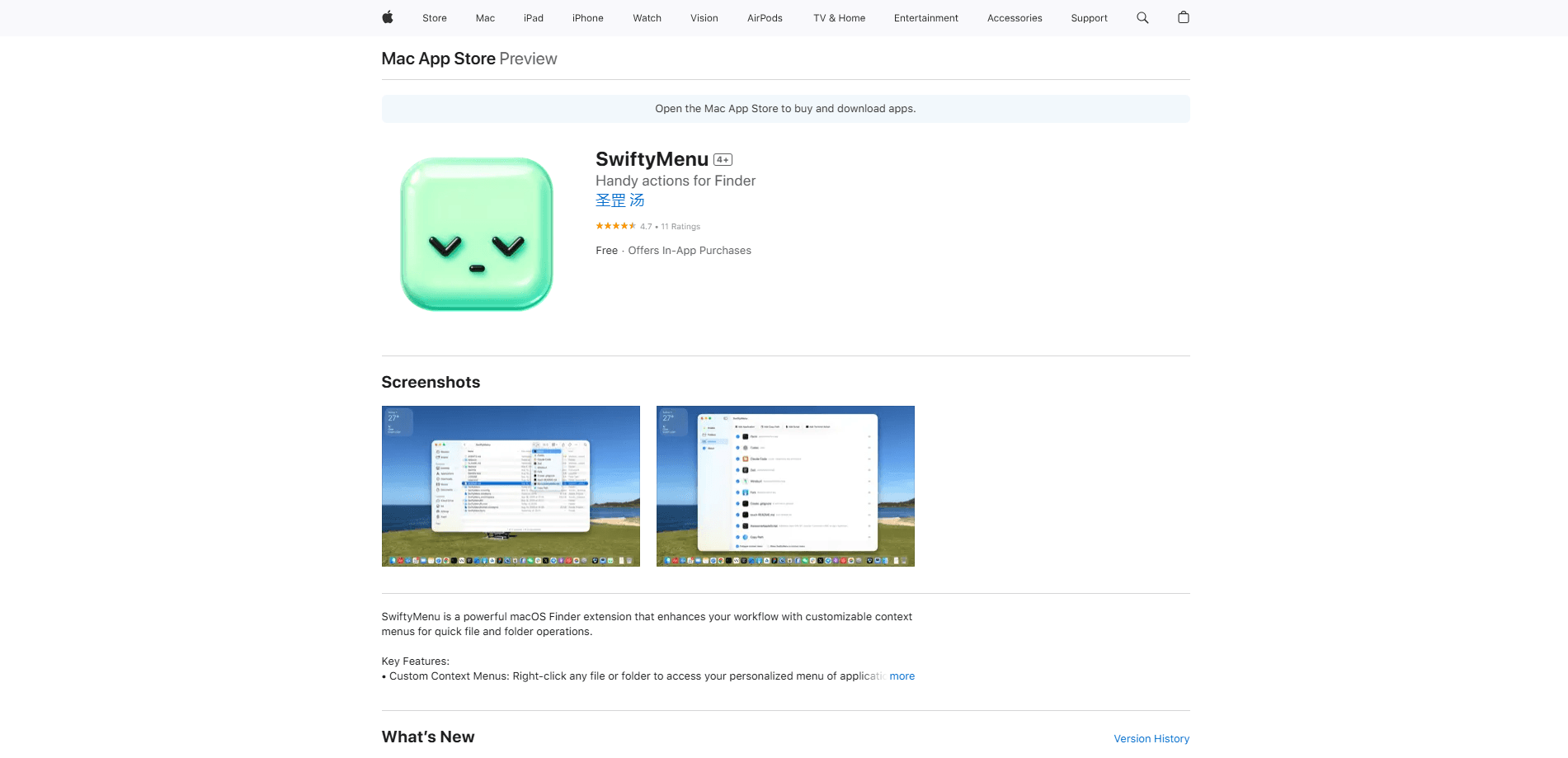
SwiftyMenu is a free macOS Finder extension that drops the tools, scripts, and terminal commands you use every day into the Finder right-click menu. Instead of hunting through apps, you right-click a file or folder and open it with a specific app, run a shell script, fire off an AppleScript, or launch a terminal session with the selected paths already passed in. For a developer workflow macOS users actually want, that's the whole point. Fewer menus. Less retyping. It's built for people who live inside Finder, mostly developers, and it stays out of the way when you don't need it.
About SwiftyMenu
What Is SwiftyMenu
SwiftyMenu is a lightweight macOS Finder extension with one job: cut the number of steps between you and the action you actually wanted. Right-click any file or folder, and instead of a short default menu you get a set of actions you defined yourself. That covers everything from opening a file in a specific app to running a shell or AppleScript command against it. The idea is simple. You already know what you want to do. The menu should too.
The app is clearly made by and for developers. It inspects common project files such as package.json, Makefile, Fastfile, Tuist, and Rakefile, then builds context-aware menus so the right tasks show up next to the right project. It also plays nicely with terminal and AI command-line tools, so you can jump straight into Claude Code, Codex, Copilot CLI, Kimi, or Vim in the current directory.
Privacy is a real selling point here, not a footnote. There's no always-on background process, and the developer states that the app doesn't collect, transmit, or store any personal data or file contents. Everything runs locally on your Mac.
One thing to know before you install: SwiftyMenu requires macOS 26 or later, so older Macs can't run it. The app is free, with no paid tier or in-app purchases listed.
Getting Started
- Open the App Store listing for SwiftyMenu and download it. It's free and weighs in at roughly 12 MB.
- Launch the app once, then head to System Settings and enable the SwiftyMenu Finder extension so it can appear in Finder's right-click menu.
- Open the SwiftyMenu settings and create your actions. You can add shell scripts (bash or zsh), AppleScripts, terminal commands, or simple "open with this app" entries.
- Right-click any file or folder in Finder to try your new actions. Use the number keys 1 through 9 to trigger your top nine actions instantly.
- Edit any action to turn on the output HUD if you want to see command results or error logs without leaving Finder.
Product Information
A quick look at SwiftyMenu's pricing, supported platforms, and performance.
Best for
The users, tasks, and scenarios where this tool fits best.
Users
- Developers who work inside Finder all day and want project tasks one right-click away
- Terminal and AI CLI users who jump between Claude Code, Codex, Copilot CLI, Kimi, or Vim
- Mac users who want a cleaner file-management routine
Tasks
- Running a shell or AppleScript command on a selected file
- Opening a file or folder with a specific app instead of the default
- Cutting and moving files in Finder
- Inspecting project output
Scenarios
- Starting a coding session
- Repeating a fixed file operation
- Keeping a workspace tidy
Key features
Smart Commands for Developers
SwiftyMenu reads common project files such as package.json, mise.toml, Makefile, Fastfile, Tuist, CocoaPods, and Rakefile, then builds context-aware menus for the project in front of you. So why does this matter? Because the tasks you care about show up next to the right folder instead of a generic list you have to sift through. It's the feature that separates it from simpler right-click tools.
Terminal and AI CLI Launchers
The app has built-in support for Terminal, iTerm2, and Ghostty. You can launch Claude Code, Codex, Copilot CLI, Kimi, or Vim in the current directory with a single click, and the selected paths are passed in automatically as arguments. This is the fastest way to run terminal commands from Finder. If your workflow leans on command-line tools, it saves constant retyping of paths.
Four Custom Action Types
You can build actions in four flavors: Shell scripts using bash or zsh, AppleScript, terminal commands, and opening items with specific applications. That range covers most everyday automation without any coding beyond a short script. Each action is defined once and reused from the right-click menu.
Real Cut and Move
Finder still doesn't offer a true cut-and-paste for files, and SwiftyMenu fills that gap. Add files and folders to a visual cut list, navigate anywhere in Finder, then move them into the current folder with one click. No dragging. No second window. For anyone who reorganizes folders often, it removes a lot of friction.
Action Output HUD
Command results and error logs appear in a floating HUD so you can check what happened without leaving Finder or opening a separate terminal window. It's a small thing. It keeps your attention in one place, especially when you're testing a new script.
Keyboard Shortcuts
Your top nine actions are bound to the number keys 1 through 9, so frequent operations don't need a mouse trip through menus. Pick a key. Press it. Once muscle memory kicks in, common tasks become nearly instant.
Lightweight and Private
There's no resident background daemon and no claimed battery drain. SwiftyMenu runs on demand through a private XPC service, and the developer states that it doesn't collect, transmit, or store personal data or file contents. Everything stays local on your Mac.
Pros and cons
Pros
- Free to download, with no paid tier or in-app purchases listed.
- Deep developer focus: it recognizes common project files and surfaces the right tasks automatically.
- Covers four action types, so you rarely need a separate automation tool for simple jobs.
- Runs on demand with no background daemon, which keeps it light on resources.
- Local-only processing, according to the developer, with no data collection.
Cons
- Requires macOS 26 or later, so it won't run on older Macs.
- There's no public API, so you can't hook SwiftyMenu into other software; its power lives inside the Finder menu.
- The developer-facing features assume some comfort with terminal tools and scripts, which can be a hurdle for casual users.
- The developer has no separate documentation site beyond the App Store listing, so learning the action options takes some clicking around.
Frequently asked questions
It adds custom actions to the Finder right-click menu on macOS. You can open files with specific apps, run shell scripts or AppleScripts, launch terminal sessions, and cut or move files, all without leaving Finder.
Related content
Explore related tools, skills, and articles for SwiftyMenu.
SwiftyMenu Alternatives
Forefront
Forefront · CodingForefront is a web platform for building with open-source AI. It lets you fine-tune leading open-source language models on your own data, evaluate how they perform, and run them through an API or export them to host yourself. Developers who want the convenience of a closed-source platform but insist on owning their models and data are the target audience here.

Startkit
StartKit.AI · CodingStartkit is a boilerplate for building AI SaaS and AI wrapper products. Think of it as an AI startup boilerplate with the boring parts already wired up: authentication, Stripe and Lemon Squeezy payments, usage limits, transactional email, and an AI API starter that talks to OpenAI, Anthropic, Groq, or Llama. You clone the repo, set your price, and start on the part of your product that people actually pay for. It's Next.js under React and Tailwind, so most of the boilerplate code already feels familiar.
Testim
Tricentis · CodingTestim is an AI-powered test automation platform for building and running end-to-end tests across web, mobile, and Salesforce applications. It leans on machine learning to keep tests stable when an interface changes, so teams spend less time fixing broken selectors. Not bad for an automated testing tool you can start using today. You create tests by recording actions in a browser, then optionally add JavaScript when you need more control. It's a solid pick for busy QA teams.