

Swytchcode
Swytchcode · Coding
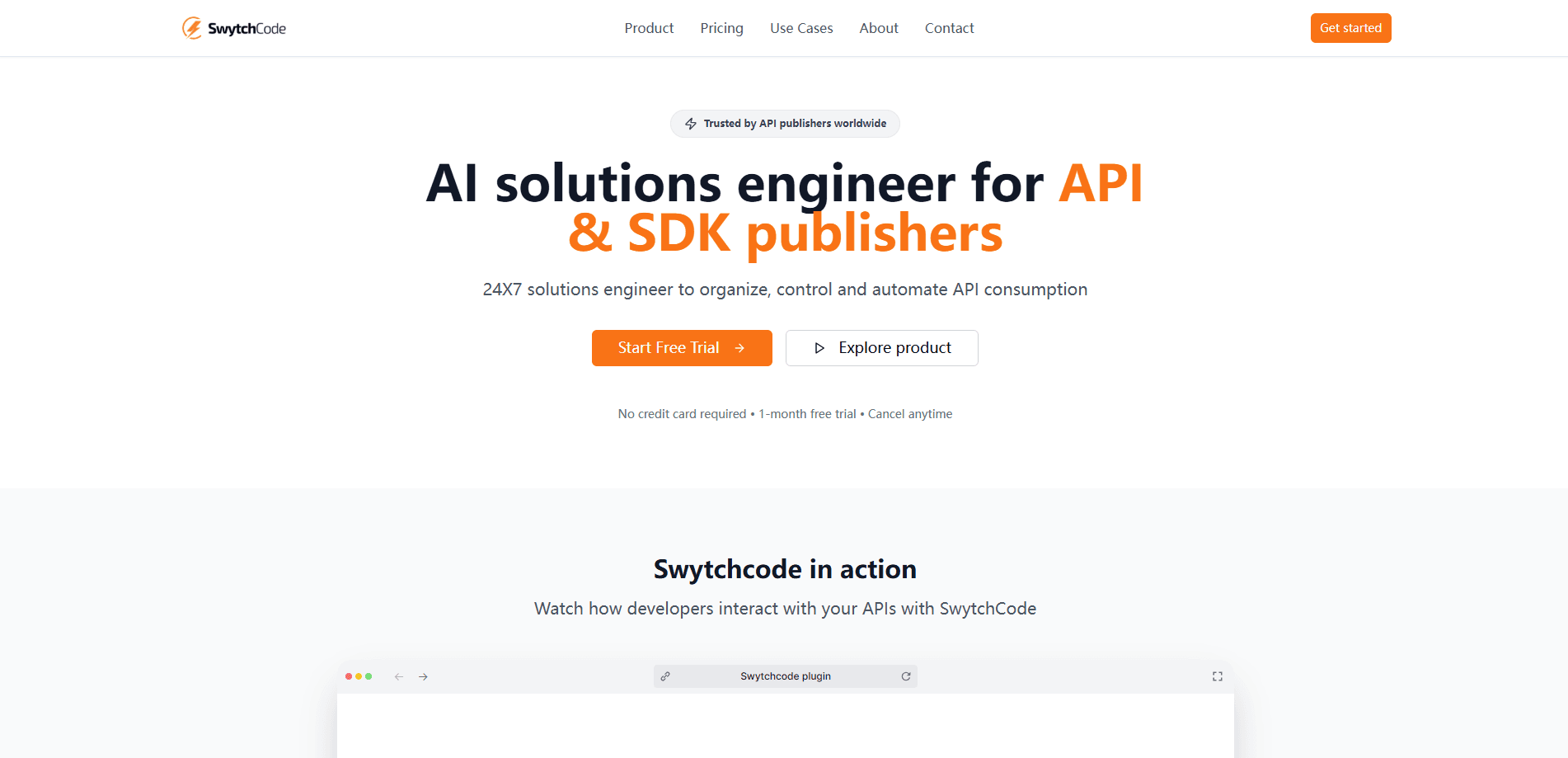
Swytchcode is an AI agent API integration tool, built as a CLI execution runtime for agents that call real-world APIs. It supplies agents with the implementation knowledge vendors never wrote down, like which endpoint version fits a workflow and which field combinations are actually valid, then governs every call through authentication, validation, retries, idempotency, and audit. It works with any LLM and any agent framework, so you don't have to rewrite your stack to use it.
About Swytchcode
What Is Swytchcode
Swytchcode is a developer tool for teams whose AI agents need to run business workflows against enterprise APIs. A legacy API tool at heart, it tackles a familiar mess: years of versions, docs that are often wrong, and call sequences nobody documented. Swytchcode packages that knowledge as a manifest, then runs each action through a controlled execution layer inside your own infrastructure.
The core problem it addresses isn't writing a REST call. A language model does that easily. The hard part is knowing which endpoints to hit, in which order, with which valid field combination. Swytchcode treats that as the real bottleneck and ships the answer as a manifest your agent can pull and execute.
The biggest limitation is scope. This is a CLI-and-runtime product aimed at developers and platform teams, not a no-code gateway. So who is it for? Anyone comfortable in a terminal, with an API key, and with a workflow worth governing. You need all three before it earns its place. Model and framework agnostic is the selling point, but it also means you bring your own agent.
Getting Started
- Run
npx swytchcodeto install the CLI in one command, with no separate SDK setup. - Describe the business workflow you need, not the endpoint you hope is correct.
- Pull a corrected manifest for the service you want, such as
swytchcode get stripe, which updates the policy file and marks the service ready to execute. - Run an action with
swytchcode exec, which validates the call against policy and executes it with audit. - Review the structured response, which reports status and the ID of the action that ran.
Product Information
A quick look at Swytchcode's pricing, supported platforms, and performance.
Best for
The users, tasks, and scenarios where this tool fits best.
Users
- Backend and platform developers
- Engineering teams shipping agent features
- Founders integrating a vendor API under deadline
Tasks
- Running multi-step business workflows
- Compliance checks before a transfer
- Bug escalation chains
- Calling an unfamiliar API safely
Scenarios
- Onboarding a new SaaS vendor
- Regulated fintech flows
- Weekly reporting automation
Key features
One CLI for any API
Most agent stacks accumulate a separate SDK for every service they touch, and each one drags in its own setup, versioning, and glue code that eventually breaks. Instead, Swytchcode exposes one CLI that calls any API you bring a manifest for. You can supply your own OpenAPI spec or use an integration the team already relies on. Fewer dependencies. Less glue code. That's the promise, and for teams juggling a dozen vendored SDKs, it's the reason they look at Swytchcode in the first place.
Guided execution with validation and retries
Agents break in production for boring reasons: a missing field, an expired token, a version that shifted overnight without a changelog entry anyone noticed. Every action in Swytchcode passes through authentication, validation, retries, idempotency, and policy before it runs. Retries are designed to be safe, so a repeat never fires a real action twice. Validation overhead stays under 50ms, which keeps policy checks from slowing down the workflow. Not bad.
Implementation knowledge as a manifest
This API manifest tool ships the sequence and field-combination knowledge that vendor docs leave out. Pull it with a single command and the policy file updates to match. That's what lets an agent call an API it has never seen without guessing at the right version or parameter set.
Credentials held outside agent code and context
Authentication is resolved at the runtime, not inside your agent or the model context. Tokens and credentials never sit in agent code, which lowers the risk of leaking them through logs or prompts. Expired tokens and undocumented changes get caught before the call goes out. That's the whole point.
Built-in audit of every action
The runtime records what was requested, what policy allowed, and what actually ran. That record answers the question of whether agent tool calls truly succeeded, since a 200 response can still hide a failed operation in its body. For teams running agents in production, this is the difference between logging a win and knowing one happened.
Model- and framework-agnostic
Swytchcode works with any LLM and any agent framework, so you don't rebuild your agent to adopt it. Connect over MCP for integration context, run the CLI directly, or call the runtime from the SDK you already use. The agent keeps its own brain. Swytchcode handles the execution and governance layer.
Pros and cons
Pros
- Catches silent failures that a 200 response with an error body would otherwise hide.
- Keeps credentials out of agent code and model context by resolving authentication at the runtime.
- Model- and framework-agnostic, so existing agents don't need a rewrite.
- Free tier includes 1,000 execution calls a month with no credit card required.
- Audit records make agent actions reviewable, which matters for compliance workflows.
Cons
- Aimed at developers. Teams without a terminal workflow get little value from it.
- The free tier's 1,000 calls a month run out fast on high-volume agent workloads, pushing you to the $29 Pro plan before you've had much chance to prove the concept on a real workload.
- Enterprise governance features like SSO and self-hosted runtime sit behind custom pricing. Smaller teams can't self-serve them.
Frequently asked questions
It gives AI agents the implementation knowledge needed to call enterprise APIs correctly, then governs each action through authentication, validation, retries, idempotency, and audit. In practice, it turns an API an agent has never seen into a workflow it can run reliably. Simple as that.
Related content
Explore related tools, skills, and articles for Swytchcode.
Swytchcode Alternatives
Forefront
Forefront · CodingForefront is a web platform for building with open-source AI. It lets you fine-tune leading open-source language models on your own data, evaluate how they perform, and run them through an API or export them to host yourself. Developers who want the convenience of a closed-source platform but insist on owning their models and data are the target audience here.

Startkit
StartKit.AI · CodingStartkit is a boilerplate for building AI SaaS and AI wrapper products. Think of it as an AI startup boilerplate with the boring parts already wired up: authentication, Stripe and Lemon Squeezy payments, usage limits, transactional email, and an AI API starter that talks to OpenAI, Anthropic, Groq, or Llama. You clone the repo, set your price, and start on the part of your product that people actually pay for. It's Next.js under React and Tailwind, so most of the boilerplate code already feels familiar.
Testim
Tricentis · CodingTestim is an AI-powered test automation platform for building and running end-to-end tests across web, mobile, and Salesforce applications. It leans on machine learning to keep tests stable when an interface changes, so teams spend less time fixing broken selectors. Not bad for an automated testing tool you can start using today. You create tests by recording actions in a browser, then optionally add JavaScript when you need more control. It's a solid pick for busy QA teams.