

Tabnine
Tabnine (acquired by Tricentis) · Coding
Tabnine is a private AI coding assistant you run inside your own environment. It autocompletes code, answers questions about your repo, and runs agents that can be self-hosted or fully air-gapped.
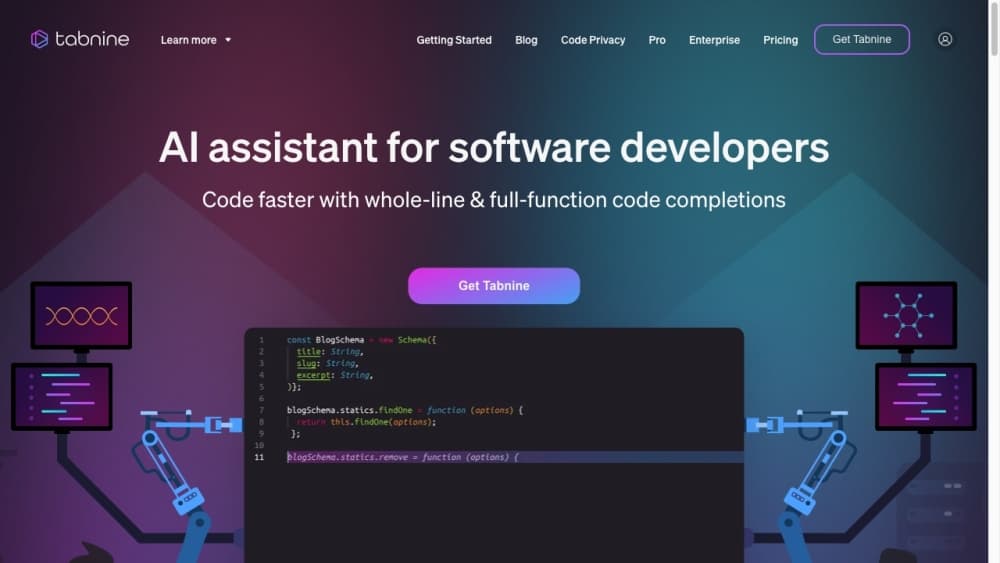
About Tabnine
What Is Tabnine
Tabnine is an AI coding assistant built for teams that can't send their source code to someone else's cloud. It installs as a plugin in the editor you already use, suggests code as you type, chats about your files, and runs agent tasks like refactors or tests. The selling point is control: you decide where the models and your code live.
The company started in Tel Aviv in 2013 under the name Codota, founded by Dror Weiss and Eran Yahav around years of code-analysis research. It acquired the open-source TabNine completion tool in 2019 and rebranded to Tabnine in 2021. In 2026 the company was acquired by Tricentis, which folded Tabnine's Enterprise Context Engine into its software testing platform.
What sets it apart from Copilot and Cursor is deployment, not flashy demos. Tabnine runs as hosted SaaS, inside your own virtual private cloud, on your own servers, or in a completely air-gapped setup with no internet. That same flexibility reaches the admin side too, where a team can pin which AI models are allowed and keep code out of third-party servers.
Getting Started
- Install the Tabnine plugin from your editor's marketplace, such as VS Code, a JetBrains IDE, Eclipse, or Visual Studio 2022.
- Sign in with your work account, and on a team plan your admin assigns you a seat.
- Start typing in a file and accept a grey inline suggestion with Tab, or open the chat panel to ask about your code.
- Point the agent at a task, such as writing tests or refactoring a function, and approve its edits as it works.
- Admins can connect repositories through the Context Engine and choose which models your team can use.
Product Information
A quick look at Tabnine's pricing, supported platforms, and performance.
Best for
The users, tasks, and scenarios where this tool fits best.
Users
- Enterprise engineering teams
- Developers who keep their current editor
- Security-conscious leads
Tasks
- Writing repetitive code
- Understanding an unfamiliar codebase
- Refactoring and test generation
Scenarios
- Air-gapped development
- Standardizing AI across a large org
- Multi-repo engineering
Key features
Inline Code Completions
Tabnine's core job is suggesting the next line, whole functions, or code from a comment as you type. Suggestions appear as grey text you accept with a keystroke, and they adapt to your coding style over time. This completions layer is powered by Tabnine's own model and works in VS Code, JetBrains IDEs, Eclipse, and Visual Studio 2022.
Tabnine Chat
A chat panel inside your IDE answers questions about your code without leaving the editor. You can ask it to explain a function, write a snippet, or suggest a fix, and it pulls in your selected code, the open file, and relevant workspace files for context. It's built for code questions, not general chit-chat.
Agentic Task Automation
Tabnine Agent takes a stated goal, like refactoring a module or generating tests, and works through it across multiple steps. It accounts for project state and dependencies, makes edits, and pauses for your approval before big changes. Developers can drive it from the IDE or the Command Line Interface.
Enterprise Context Engine
The Context Engine extends the agent's reach beyond the file on your screen. It indexes connected remote repositories and can generate summaries of services, dependencies, and architecture, so the agent understands how your systems fit together. Access happens through native MCP tools in the IDE or CLI.
Your Choice of AI Models
Completions run on Tabnine's own proprietary model, while Chat and Agent can optionally use third-party ones. The list includes models from Anthropic Claude, OpenAI GPT, Google Gemini, Mistral Devstral, MiniMax, GLM, and Qwen, and it changes often. Admins decide which models their organization can offer.
Private and Air-Gapped Deployment
Tabnine runs as hosted SaaS, in your own virtual private cloud on GCP, AWS, or Azure, on your own servers, or in a fully air-gapped environment. In the private setups Tabnine has no access to your environment, and no code or personal data goes to Tabnine's servers. That deployment range is the main reason regulated teams pick it.
Broad Language and Editor Coverage
The underlying models cover more than 600 languages, libraries, and frameworks, so most codebases get useful suggestions. Full plugin support spans VS Code, JetBrains IDEs like IntelliJ, PyCharm, and WebStorm, Eclipse, and Visual Studio 2022 across Windows, macOS, and Linux.
Pros and cons
Pros
- Runs self-hosted, in your VPC, or fully air-gapped, which few AI coding assistants offer.
- Fits the editor you already use, so there's no migration to a new IDE.
- Let admins pick and restrict models, giving real governance over AI in a large org.
- The Context Engine gives the agent awareness of remote repos, not just the open file.
- Native Enterprise APIs cover usage metrics, audit logs, and administration.
Cons
- There's no free or individual plan, so small teams and solo developers have to look elsewhere.
- It costs more per user than mainstream coding assistants, starting around $39 per user per month.
- The strongest features, like private deployment and the Context Engine, sit on enterprise plans and need admin setup.
- Third-party chat models may have different privacy terms than Tabnine's own, which matters if you research in a private repo.
Frequently asked questions
Tabnine is an AI coding assistant for writing and understanding code. It autocompletes code as you type, answers questions about your files in a chat panel, and runs agent tasks like refactoring or generating tests.
Related content
Explore related tools, skills, and articles for Tabnine.
Tabnine Alternatives

Base Code
Base44 (Wix) · Coding · ProductivityBase Code is a shared cloud development environment from Base44. Teammates describe changes to an existing GitHub codebase in chat, preview them live and send them back as pull requests.

Google EmbeddingGemma 2
Google DeepMind · Writing · Image · CodingGoogle EmbeddingGemma 2 is a 740M-parameter open model that turns text, code, images, audio, and video frames into vectors in one 768-dimension space, running on phones and laptops.

GitGlow
GitGlow · Coding · ProductivityGitGlow is a local-first desktop Git client that lets independent developers review their own code and their AI agents' changes in one place before shipping.