

TalkNote
TalkNotes · Writing · Productivity
TalkNotes is an AI voice note app that records your speech, transcribes it, and reshapes rambling into clean, structured notes you can edit and export.
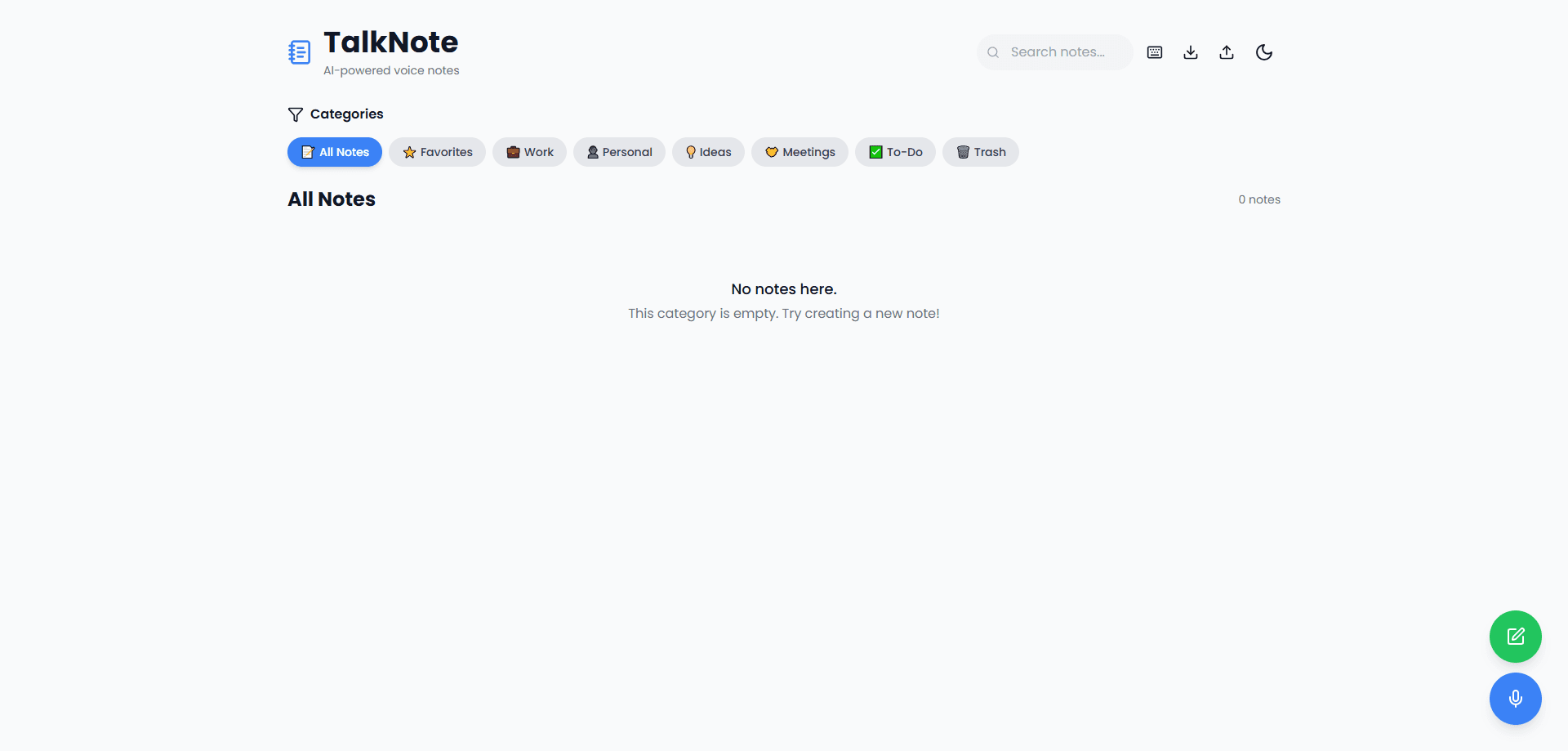
About TalkNote
What Is TalkNotes
TalkNotes is a voice-to-text notes app from TalkNotes that turns spoken words into written ones. You record a thought, a meeting, or a video script out loud, and the tool transcribes the audio, then rewrites it into a structured note with a title, headings, and formatting. It sits somewhere between a voice recorder and a note-taking app, aimed at people who talk faster than they type.
The pitch is speed for anyone who thinks out loud. Instead of jotting fragments, you speak for a minute and get back a readable note you can organize, search, and export. The site leans on AI templates, so the same recording can come back as a to-do list, an email draft, or a blog outline depending on the style you pick.
The clearest limit is the internet connection. TalkNotes needs one to run its full feature set, so it isn't an offline recorder. The free tier is a short trial, and the paid plan carries the standard recording and upload caps you'd expect from a consumer app.
A second thing to know is how it handles privacy. According to TalkNotes, audio files are deleted after transcription and your notes aren't used to train the AI, which matters if you record client calls. It supports 50+ languages, so it doubles as a rough transcription app for multilingual meetings.
Getting Started
- Sign up on the TalkNotes website or install the iOS or Android app.
- Start a recording from the mic button, or upload an audio file you already have.
- Wait while TalkNotes transcribes the audio and rewrites it into a note.
- Pick a style or template to shape the output, then edit the text to fit.
- Export, share, or file the note where you need it.
Product Information
A quick look at TalkNote's pricing, supported platforms, and performance.
Best for
The users, tasks, and scenarios where this tool fits best.
Users
- Content creators
- Busy professionals
- Multilingual users
Tasks
- Turning a brain dump into notes
- Drafting in your own voice
- Transcribing a call or video
Scenarios
- Capturing an idea mid-walk
- Wrapping up a client call
- Prepping a video script
Key features
Voice to text notes
Record live or upload audio and TalkNotes converts speech into written text. The transcript is the starting point, not the final product, since the app rewrites it into a structured note with a title and sections. You can edit both the note and the raw transcript, so nothing you said gets lost.
AI note templates
TalkNotes offers customizable styles that reshape the same recording into different formats. One pass can come back as a to-do list, another as an email or a blog post, depending on the template you choose. That flexibility is the main reason people use it for drafting rather than plain transcription.
50+ language support
The app recognizes more than 50 languages, from English and Spanish to Japanese, Hindi, and Welsh. Multilingual input works smoothly, which helps if you switch languages in a single meeting or record someone speaking a language you don't type well. As an AI note taker it covers a wide range, so cross-border calls rarely fall apart mid-transcript.
File uploads
Beyond live recording, you can upload your own audio files to transcribe. This makes it useful for phone or Zoom calls you already have on disk, so you can turn an existing recording into notes without replaying it manually.
Organizing and exporting
Notes are stored in one place where you can rename, search, and sort them, which makes it a serviceable voice memo organizer for people who accumulate recordings fast. You can export to text, mail, a URL, and other formats, so the output moves into whatever tool you actually work in instead of staying locked in the app.
Privacy-minded handling
According to TalkNotes, audio files are deleted once they're transcribed and your notes aren't used to train the AI. That design choice matters for anyone recording sensitive calls who'd rather not leave audio sitting on a server.
Pros and cons
Pros
- Turns messy speech into structured, editable notes instead of a raw wall of transcript.
- Custom templates let one recording become a to-do list, email, or outline.
- Supports 50+ languages, useful for multilingual meetings and imports.
- File uploads handle calls and videos you've already recorded.
- Clean phone apps for iOS and Android, so capture works on the move.
Cons
- Needs an internet connection, so it can't transcribe offline on a plane or in a dead zone.
- The free tier is a seven-day trial, so there's no permanent free option.
- Pro recording and upload limits apply to longer sessions, which can get tight for all-day events.
Frequently asked questions
TalkNotes turns spoken words into written notes. You record or upload audio, it transcribes the speech, then rewrites it into a structured note with a title and sections. People use it for meeting notes, brain dumps, and drafting emails or scripts out loud.
Related content
Explore related tools, skills, and articles for TalkNote.
TalkNote Alternatives

Emailwritr
Emailwritr · Writing · MarketingEmailwritr is an AI email copywriting tool built for affiliates, course creators, and online businesses that want more revenue from the list they already own. Instead of blank pages or generic chatbot prompts, this AI email writer generates welcome sequences, launch campaigns, cart recovery emails, and promo series from frameworks modeled on well-known direct-response copywriters. You connect your autoresponder, answer a few questions about your offer, and it writes the copy for you.

Swms
Swms AI · Writing · Productivity · BusinessSwms is an AI safety compliance tool that turns a plain description of a job into ready-to-use safety documents. Describe your project, trade, and known hazards, and it writes a safe work method statement, job hazard analysis, safe work procedure, RAMS, or safety data sheet in seconds. It also ships with Oscar, a chat assistant that answers workplace safety questions in any language. Teams in construction, mining, transport, and warehousing use it to cut the paperwork that usually eats into a workday.

Prosp
Prosp · Writing · Voice & Language · MarketingProsp is an AI LinkedIn outreach tool built for agencies and sales teams, and it writes the message and the voice note in your own voice for each prospect so they actually reply. You connect your accounts, find leads, and let the AI draft and send personalized messages at scale, all from one inbox. It's built for people running outbound at volume. That's the whole pitch. Every touchpoint still has to feel human.