

Task Sentry
Task Sentry · Other
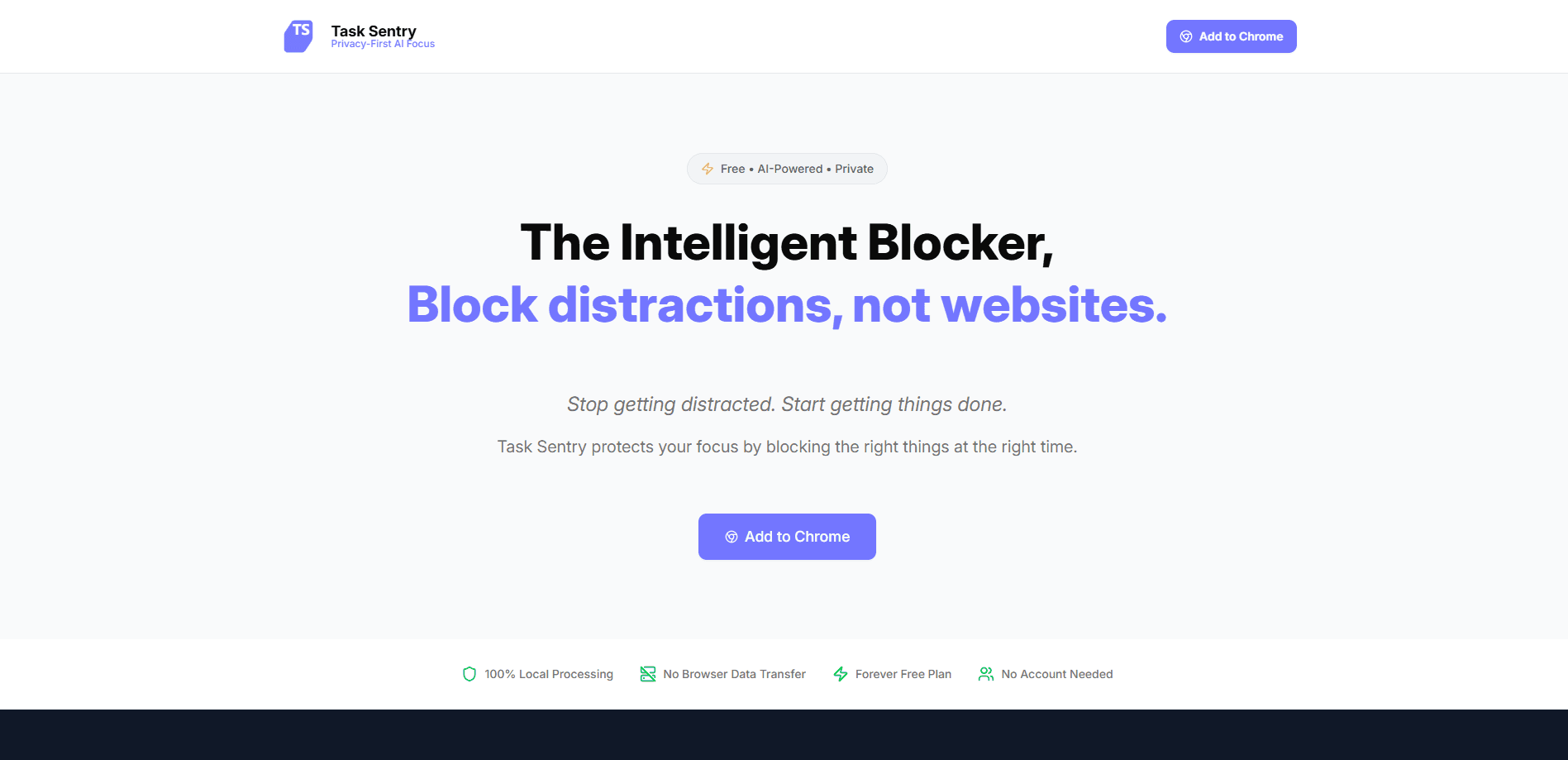
Task Sentry is a free, AI-powered browser extension that blocks distracting websites at the moment you'd otherwise give in. Most focus apps rely on a static blocklist. Task Sentry reads the context of what you're doing and only steps in when a site would pull you off task. It works as a private website blocker too, because everything runs locally on your computer. So your browsing data never gets uploaded anywhere.
About Task Sentry
What Is Task Sentry
Task Sentry is a focus tool that takes a different angle from the classic website blocker. Most blockers work like a locked door, they cut off a fixed list of sites whether you need them or not. Task Sentry watches the situation instead. It understands the difference between watching a video for work and drifting into a random clip, then blocks the second case without touching the first.
It's built for people who find hardline blockers too rigid and self-control too unreliable. You set profiles and tasks. The extension then acts as an external bit of willpower that catches impulsive clicks in real time, which is the exact moment when a scheduled block or a locked list tends to fail you.
So who is it really for? Anyone who treats a distraction blocker as an AI focus tool rather than a locked door. The design leans on judgment, not force.
The biggest trade-off is that it leans on an on-device AI model, so quality depends on your machine rather than a cloud server. It's also a browser extension, which means it guards what happens in your browser and not apps running outside it.
Getting Started
- Install the Task Sentry extension in your browser from the official site.
- Create a profile that reflects how you work, such as "Deep work" or "Study".
- Add the tasks you want to focus on and the sites that tend to pull you away.
- Let the local AI watch your browsing and block distractions as they come up.
- Review what got blocked and fine-tune your tasks so the blocking stays accurate.
Product Information
A quick look at Task Sentry's pricing, supported platforms, and performance.
Best for
The users, tasks, and scenarios where this tool fits best.
Users
- Students with long reading or study sessions who lose time to short videos and social feeds.
- Remote workers who need guardrails during work hours but still want to open YouTube for a real task.
- People with ADHD or short attention spans who want an external source of willpower without a complicated system.
Tasks
- Deep work sessions
- Writing and coding
- Studying
Scenarios
- A quick check that turns into a scroll session
- Busy days that feel unproductive
- Research sessions where YouTube is useful but mindless clips aren't
Key features
Context-Aware Blocking
Task Sentry doesn't just block a website. It looks at what you're doing when you open it. That makes it a smarter distraction blocker than a plain list, because a tutorial for a work task passes through while an unrelated clip gets blocked. That difference is the whole point. It means you keep the sites you actually need.
On-Device AI Processing
All the analysis happens on your own computer. Your browsing data isn't sent to a server or uploaded anywhere, which matters a lot if you're blocking sites tied to work or personal accounts. This on-device approach is also what earns it the AI website blocker label, since the intelligence sits in your browser rather than in the cloud. The trade-off is simple. Performance tracks your hardware, not a data center.
Profile and Task Setup
You organize blocking around profiles and tasks instead of one giant list. A "Study" profile and a "Deep work" profile can allow different sites, so the same browser behaves correctly depending on what you're doing. It's easy to run. The free plan covers one profile with five tasks, while the paid plan lifts both limits.
Real-Time Impulse Blocking
The extension reacts at the exact moment a distracting click happens. Not after the fact. That timing is what makes it useful on low-motivation days, when a daily report or a scheduled block wouldn't be enough, and it stays proactive in a way that tools you have to trigger yourself never quite manage.
Built for Distractible Minds
Task Sentry is pitched at people who are bright but easy to pull off course. Rather than a heavy system with dashboards and rules, it keeps the setup small and lets the guardrails do the work. Fewer moving parts means you're more likely to keep it running.
Pros and cons
Pros
- Free plan covers the basics. One profile and five tasks per profile, at no cost.
- Context-aware blocking keeps useful sites like YouTube open when they're part of a task.
- Everything runs locally, so browsing data stays on your device.
- Fast setup with profiles and tasks instead of a long blocklist to maintain.
- Blocks in real time, catching impulsive clicks as they happen.
Cons
- Limited to the browser. It can't block distracting desktop apps or phone use.
- Blocking quality depends on your computer's processing power, since the AI runs locally.
- Pro pricing isn't clearly listed on the site, so you may need to check at checkout.
- Task syncing across devices is still marked as coming soon, so settings stay on one machine for now.
Frequently asked questions
It's a browser extension that blocks distracting websites based on context. Unlike a fixed blocklist, it decides whether a site fits what you're working on right now and blocks it only when it doesn't.
Related content
Explore related tools, skills, and articles for Task Sentry.
Task Sentry Alternatives
BinkBink
BinkBink · OtherBinkBink is a free online game platform and AI game maker that lets anyone turn a short text description into a playable browser game. You can jump into hundreds of community-made games. Or describe your own idea and play it in seconds, then share it with friends. Want to create your own game? You don't need to code. No engine setup, no download, no hassle.

Audiogen
Audiogen Inc. · OtherAudiogen is an AI music generator built by Audiogen Inc., a small research team that spent about 2.5 years training its own generative music model and designing a web interface around it. Instead of a plain text box, this AI music tool turns the timeline into a beginner-friendly Generative Audio Workstation, or GAW, where inpainting, extending, remixing and stem editing work more like painting on a canvas. The product is still in beta, so access runs through a waitlist or an invite. Paid plans aren't published yet.

Aiml API
AIMLAPI OÜ · OtherAiml API is a unified AI model API that puts more than 1000 models from OpenAI, Google, Anthropic, and others behind one endpoint and one bill. You write code against a single OpenAI-compatible schema, then switch between chat, image, video, and audio models by changing a model string. It suits developers and small teams who want multi-model access without juggling a dozen separate provider accounts, and it removes the usual billing headache that comes with testing several vendors. One key covers it all.