

TaskWand
TaskWand · Coding · Productivity
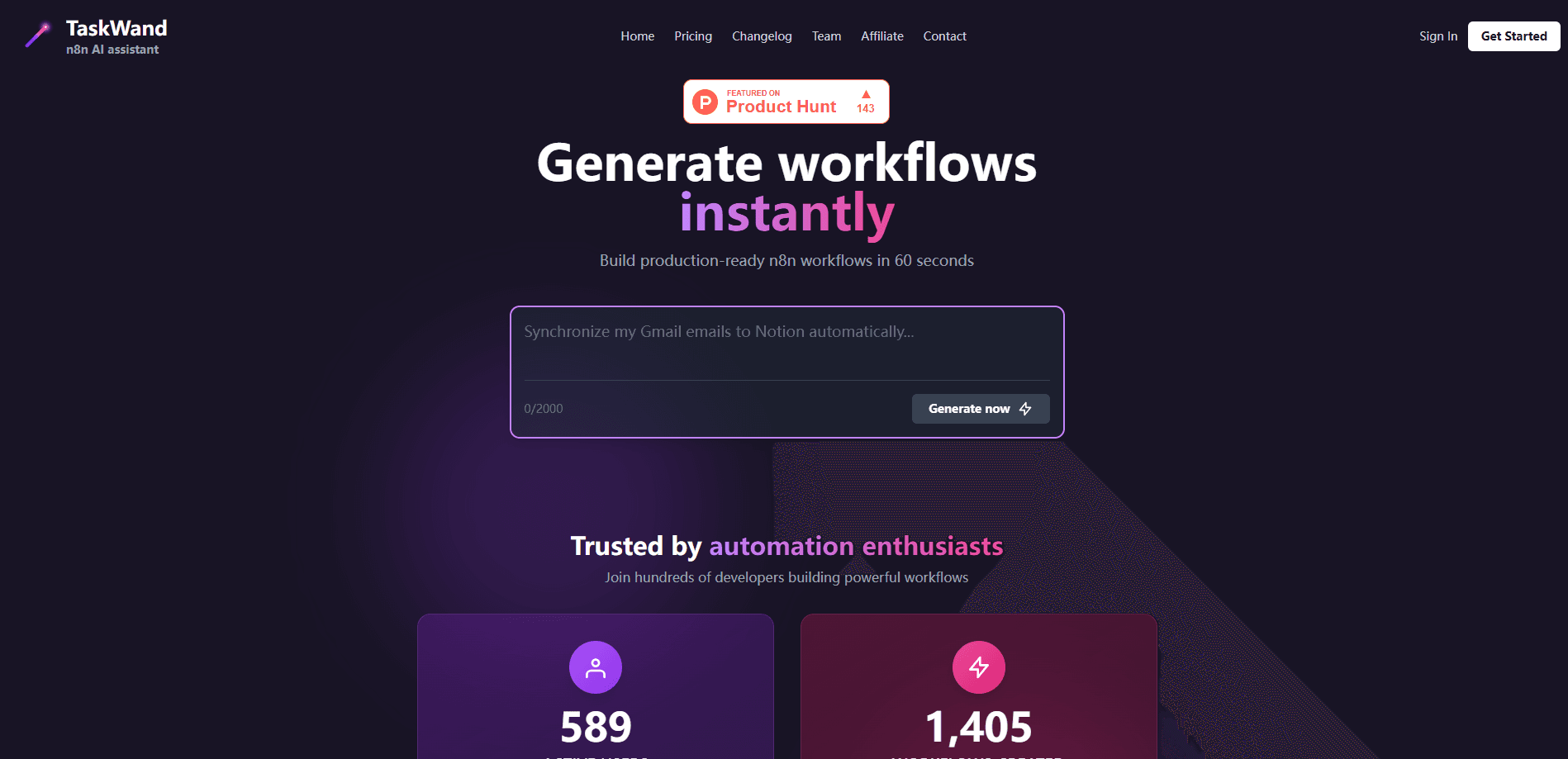
TaskWand is an AI tool that turns plain-English prompts into import-ready n8n workflows with conditions, loops, and error handling in seconds.
About TaskWand
What Is TaskWand
TaskWand is an AI automation tool for people who already use n8n and don't want to build every automation by hand. You type what you want, like "create a Telegram AI chatbot connected to Google Calendar," and it returns a full workflow you can import and run.
The problem it fixes is the first mile of automation work. Mapping triggers, nodes, and branches yourself eats hours, and generic chatbots make it worse by inventing nodes that n8n doesn't have or breaking the JSON so it won't import. TaskWand acts as an n8n workflow generator that indexes roughly 2,000 real, working n8n workflow templates and grounds each answer in those examples, which cuts down on the junk.
The catch is scope. TaskWand only writes n8n workflows, so it's dead weight if you use Zapier or Make. It's also young, so the template library and community tips are thinner than what you'd find around a mature platform.
Getting Started
- Sign up at taskwand.io with Google or email. New accounts get a couple of free tokens to test generation right away.
- Describe your automation in plain language. Name the trigger, the apps involved, any branches, and what should happen when something fails.
- Hit Improve if your prompt is rough. TaskWand rewrites it into a more detailed, technical spec before it generates.
- Review the workflow in the built-in visual preview. Ask questions about any node or branch you don't recognize.
- Export the JSON, import it into your n8n instance, and add your credentials before going live.
Product Information
A quick look at TaskWand's pricing, supported platforms, and performance.
Best for
The users, tasks, and scenarios where this tool fits best.
Users
- Freelancers and solo founders
- Automation beginners
- Ops and growth teams
Tasks
- Turning an idea into a first draft
- Building conditional and looping logic
- Debugging before you build
Scenarios
- Prototyping a client automation
- Standardizing a team's workflows
- Learning n8n by example
Key features
Instant n8n workflow generation
Describe the automation and TaskWand returns a complete n8n workflow with conditions, loops, and error handling already wired. You get something you can import and run, not a sketch you have to finish. It's the core reason people use it over a general chatbot.
RAG engine on 2,000+ real workflows
The generator pulls from an index of about 2,000 verified, production-ready n8n workflows and grounds its output in those examples. That's what keeps it from inventing nodes or parameter names that n8n rejects. For anyone who's fought with unimportable JSON, this is the difference maker.
Prompt refiner
The Improve button takes a vague request like "sync HubSpot to Slack" and rewrites it into a detailed, technical prompt tuned for the generator. Better input means fewer wasted tokens and less back-and-forth. Prompt refining itself doesn't burn tokens.
Interactive workflow Q&A
An Ask copilot answers questions about the nodes and logic in a generated workflow, so you can understand what's going on before you export. It's useful when a flow looks right but you can't tell why. Questions and clarifications are free and unlimited.
Visual workflow preview
Instead of raw JSON, TaskWand renders the workflow in the browser using the official n8n visualization, so you can verify the logic before touching your own instance. Seeing the shape of the flow first catches mistakes early.
Export-ready self-hostable JSON
Output downloads as standard n8n JSON you can import into a self-hosted instance or n8n Cloud, and keep wherever you like. That fits the self-hosting crowd n8n attracts, since nothing forces you onto TaskWand's servers to run the result.
Pros and cons
Pros
- Grounding in real workflows cuts the hallucinated nodes and broken parameters that plague general chatbots.
- Conditions, loops, and error handling come out wired, so the draft is closer to deployable.
- Prompt refining and workflow Q&A cost nothing, so you only spend tokens when you actually generate.
- Export-ready JSON keeps you free to self-host and run the workflow wherever you want.
Cons
- It only writes n8n workflows, so it's useless if your stack runs on Zapier or Make.
- The free tier starts with just a couple of tokens, and the paid pricing isn't spelled out up front.
- As a young tool, its template library and community knowledge are small next to longer-standing options, and highly custom logic may still need manual rework.
Frequently asked questions
TaskWand generates n8n workflows from a text description. You describe the automation you want, and it produces a full, import-ready workflow with branching, loops, and error handling.
Related content
Explore related tools, skills, and articles for TaskWand.
TaskWand Alternatives

Base Code
Base44 (Wix) · Coding · ProductivityBase Code is a shared cloud development environment from Base44. Teammates describe changes to an existing GitHub codebase in chat, preview them live and send them back as pull requests.

Google EmbeddingGemma 2
Google DeepMind · Writing · Image · CodingGoogle EmbeddingGemma 2 is a 740M-parameter open model that turns text, code, images, audio, and video frames into vectors in one 768-dimension space, running on phones and laptops.

GitGlow
GitGlow · Coding · ProductivityGitGlow is a local-first desktop Git client that lets independent developers review their own code and their AI agents' changes in one place before shipping.