

Tempo
Tempo Labs · Coding
Tempo is an AI app builder from Tempo Labs that turns plain prompts into working React web apps. This prompt to app flow combines multi-agent planning, a visual editor for React, and clean code export.
About Tempo
What Is Tempo
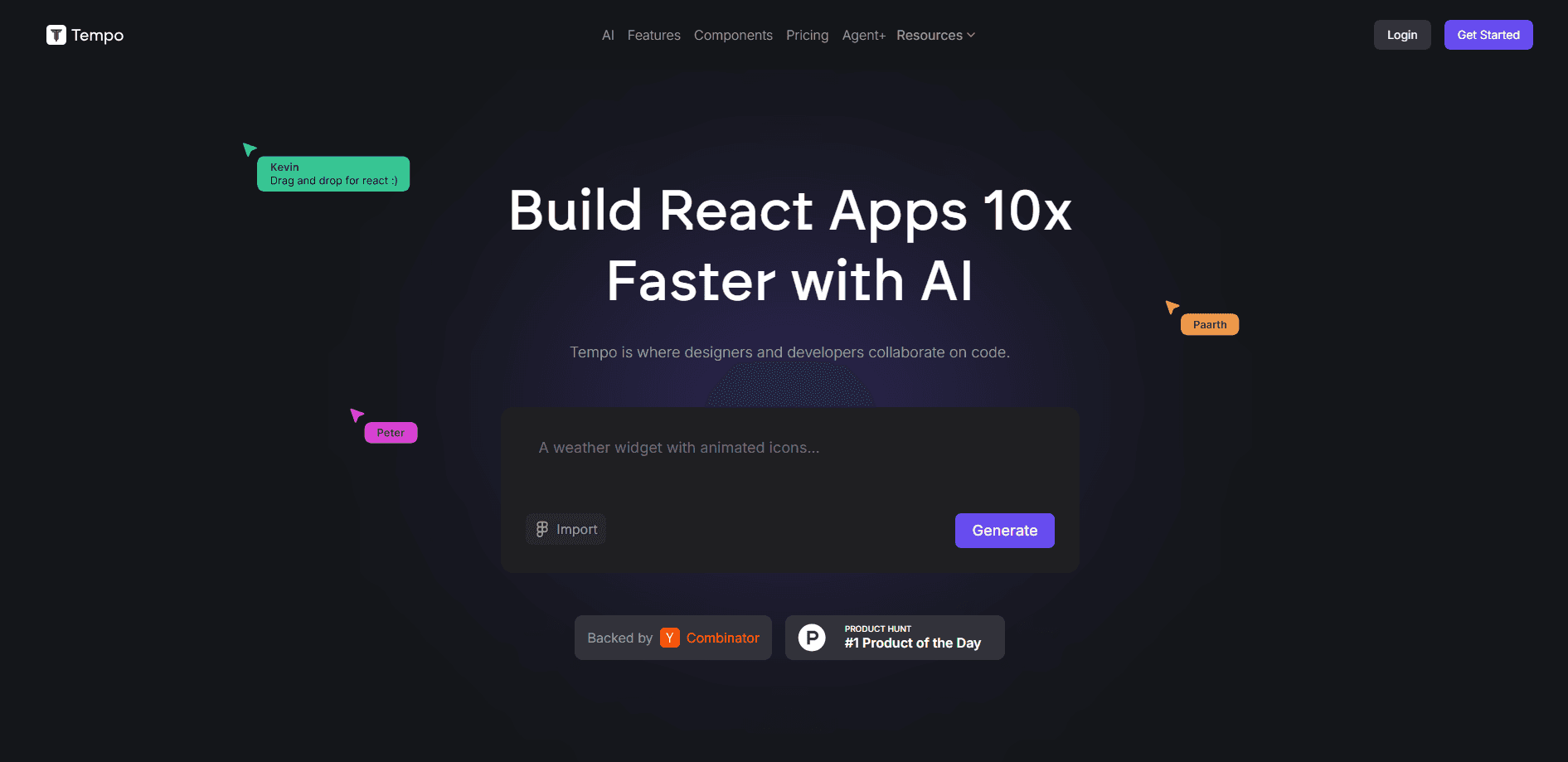
Tempo is an AI app builder built for React. You describe what you want in plain language, and a set of AI agents plans the screens, writes the code, and hands you a real app you can keep editing. It comes from Tempo Labs, a Toronto startup that went through Y Combinator in 2023.
Most AI coding tool users know the tradeoff between speed and control. Tempo sits between a no-code website builder and a full coding environment. You get the speed of prompt-driven generation, but the output is standard React code you can push to GitHub and self-host. Tempo Labs built it for indie developers, small product teams, and designers who want to ship a front-end without waiting on a long design-to-development handoff.
The main limitation is focus. Tempo only builds React apps. If your team works in Vue, Svelte, or Angular, this tool won't fit your stack. It's also browser-based, so you work inside Tempo's editor rather than your own local setup.
Getting Started
- Sign up at tempo.new with an email or a Google account, then create your first project.
- Describe the app you want in the prompt box, for example a dashboard with a login screen and a data table.
- Review the plan and flow diagrams the agents produce, then adjust them before generation begins.
- Build the app, then tweak layouts, colors, and components in the visual editor.
- Deploy with one click or export the React code to push to GitHub and host it yourself.
Product Information
A quick look at Tempo's pricing, supported platforms, and performance.
Best for
The users, tasks, and scenarios where this tool fits best.
Users
- Indie developers
- Product designers
- Small product teams
Tasks
- Prototyping a SaaS dashboard
- Turning a Figma design into React code
- Shipping a landing page or internal tool
Scenarios
- Validating an app idea before hiring engineers
- Adding a feature to an existing React project
- Building under a deadline
Key features
Multi-Agent Planning
Tempo doesn't jump straight to code. Several AI agents work out a plan first, producing user flow diagrams and screen breakdowns. You review and adjust that plan before the build starts, which cuts down on dead-end projects that look fine at first but stall as you add features.
Visual React Editor
Once the code exists, you edit it visually. Drag elements, change layouts, and adjust styles while the underlying React code updates in step. Developers spend less time on CSS, and designers can make UI changes without touching code directly.
Figma Sync and Figma to Code
Tempo connects to Figma. You can copy a design from Figma and paste it into Tempo, and the agents rebuild it as components instead of leaving you to redo the work by hand. For teams that already design in Figma, this removes a chunk of the manual handoff.
One-Click Deploy and Code Export
Tempo can host your app directly, or you can export the full codebase. The output is standard React and Next.js, so it runs on Vercel, Netlify, or your own server. You aren't locked into Tempo's hosting, which matters if you plan to hand the project to a developer later.
MCP App Store
The MCP App Store lets you add integrations without writing glue code. You can bolt on payments through Stripe, email through Resend, and AI agents or messaging, then keep building on top. It works like a plugin marketplace for the apps you generate.
Prompt-Based Iteration
You keep chatting with Tempo after the first build. Ask it to change the login flow, swap a color scheme, or add a settings page, and it keeps the earlier context so you don't restart from zero. Per-prompt billing means a fix costs one prompt, not a variable pile of tokens.
Pros and cons
Pros
- React output is real, editable code you can export and self-host, so there's no lock-in.
- Multi-agent planning catches structural problems before you spend prompts on a build.
- The visual editor suits both developers and designers, which smooths team handoffs.
- Per-prompt pricing is more predictable than token-based billing on rival tools.
- Figma sync and a clean GitHub push fit teams that already design and code together.
Cons
- React only. Teams on Vue, Svelte, or Angular can't use it.
- Free plan is capped at 5 prompts a day, so serious work needs a paid tier.
- Mobile support leans on Expo as a secondary feature, and store submission still falls to you.
- Running complex agentic loops can burn prompts faster than expected, which raises real cost.
Frequently asked questions
Tempo builds React web apps from text prompts. You describe an app, review the plan the agents produce, and get a working front-end you can edit visually and deploy.
Related content
Explore related tools, skills, and articles for Tempo.
Tempo Alternatives

Base Code
Base44 (Wix) · Coding · ProductivityBase Code is a shared cloud development environment from Base44. Teammates describe changes to an existing GitHub codebase in chat, preview them live and send them back as pull requests.

Google EmbeddingGemma 2
Google DeepMind · Writing · Image · CodingGoogle EmbeddingGemma 2 is a 740M-parameter open model that turns text, code, images, audio, and video frames into vectors in one 768-dimension space, running on phones and laptops.

GitGlow
GitGlow · Coding · ProductivityGitGlow is a local-first desktop Git client that lets independent developers review their own code and their AI agents' changes in one place before shipping.