

Tenorshare AI Bypass
Tenorshare · Writing · AI Detection
Tenorshare AI Bypass is a free AI humanizer that rewrites AI text so it sounds human, then checks it with a built-in detector. Students and writers use it to clear tools like GPTZero and Turnitin.
About Tenorshare AI Bypass
What Is Tenorshare AI Bypass
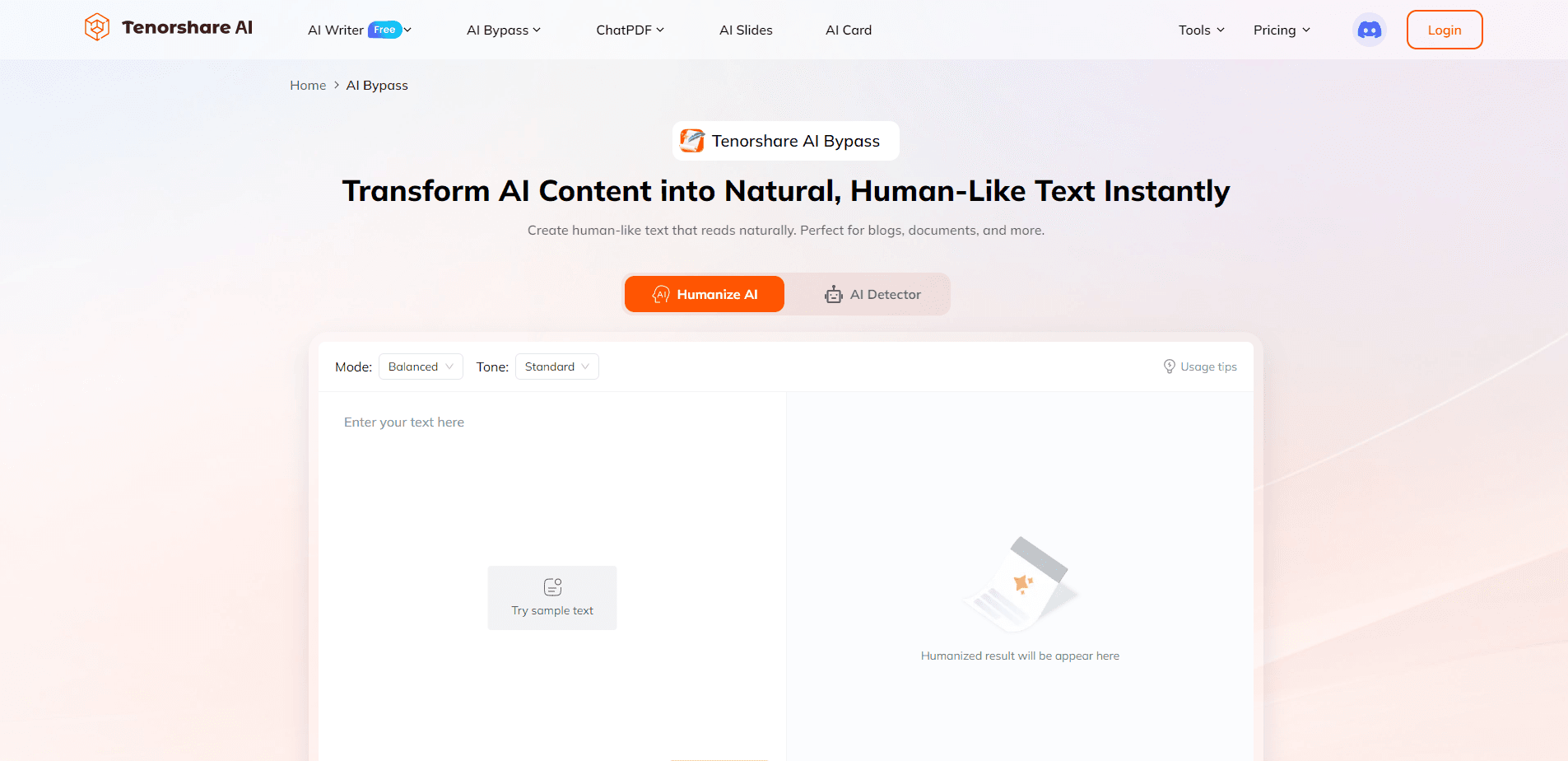
Tenorshare AI Bypass combines a humanizer and a detector in one browser page. You paste text from ChatGPT, Gemini, or another model, and the tool reworks the wording and sentence rhythm so the output stops tripping AI detection rules. The same page tells you how likely a passage is to be flagged before you submit it anywhere.
The product targets a real problem: detectors now flag polished, uniform prose, even when the ideas are genuinely yours. Reworking a draft by hand takes hours. Tenorshare AI Bypass automates that rework in seconds while trying to hold on to your original meaning.
It is not a magic eraser. Rewriting can still shift nuance, long academic passages may need a second pass, and no humanizer guarantees a pass on every detector. Treat the output as a strong first draft, not a finished submission.
Getting Started
- Open the Tenorshare AI Bypass page in your browser and register a free account.
- Paste your AI-generated or flagged text into the input box.
- Click Humanize and wait for the tool to rewrite the passage.
- Run the built-in detector to see whether the new text still reads as machine written.
- Copy the result into your essay, article, or report before you submit it.
Product Information
A quick look at Tenorshare AI Bypass's pricing, supported platforms, and performance.
Best for
The users, tasks, and scenarios where this tool fits best.
Users
- Students
- Content writers
- Non-native English speakers
- International applicants
Tasks
- Lowering an AI detection score
- Reworking a ChatGPT draft
- Quick proofreading
- Multilingual editing
Scenarios
- Late-night essay fixes
- Blog pipelines
- Class assignments
- Job and school applications
Key features
AI Humanizer
The core of the tool takes AI-written text and rebuilds it to make AI text sound human. It reworks phrasing, sentence length, and word choice while holding on to the original point. You get output that reads more like a first draft from a human than a model completion.
Built-in AI Detector
A detector sits next to the humanizer, checking whether text reads as machine written. It scans for patterns that tools like GPT, Gemini, and Claude tend to produce. The goal is undetectable AI text, and running the checker right after a rewrite tells you whether to humanize again before you submit.
Meaning Preservation
The humanizer runs semantic analysis so the rewrite keeps your argument intact rather than swapping in unrelated synonyms. That matters for essays and reports, where a garbled sentence costs marks. It is not perfect, so read the output once before you send it.
Error Correction
While it reworks a passage, the tool also cleans up grammar, spelling, and awkward phrasing. That makes it useful even when detection is not your worry. A student with a rough draft can walk away with tighter prose in one step.
50+ Language Support
The humanizer handles more than 50 languages, so it works for multilingual writers and non-English assignments. You can humanize a Spanish essay or a French report rather than being limited to English. The detector covers the same range.
Browser-Based Workflow
Everything runs in the browser with no install, which suits quick edits on a school laptop or a borrowed machine. There is no app to update and no desktop setup. You paste, click, and copy the result.
Pros and cons
Pros
- Free tier lets you test the humanizer before paying anything
- Humanizer and detector sit on the same page, so you check and fix in one pass
- Supports more than 50 languages, which helps multilingual writers
- Runs in the browser with no install, so it works on any machine
- Handles grammar and phrasing cleanup alongside the rewrite
Cons
- No humanizer can guarantee a pass on every detector, and rules change often
- Long academic passages may need a manual read to protect nuance
- Relying on it for graded work can run against school academic honesty rules
- No public API, so it does not slot into a content pipeline
Frequently asked questions
It rewrites AI-generated text so it reads like human writing, then checks the result with a built-in AI detector. The goal is text that sounds natural and clears tools like GPTZero or Turnitin.
Related content
Explore related tools, skills, and articles for Tenorshare AI Bypass.
Tenorshare AI Bypass Alternatives

Claude for Google Workspace
Anthropic · Writing · Productivity · BusinessClaude for Google Workspace puts Claude in a sidebar inside Google Docs, Sheets, and Slides, where it reads the file you have open and edits it in place.

Claude Haiku 5.5
Anthropic · Writing · Coding · ChatbotClaude Haiku 5.5 is Anthropic's fastest and cheapest small model, built for high volume tasks at $0.10 per million input tokens with a 1M token context window.

NoteWorthy
Suman Hansada · Writing · Productivity · AI AssistantNoteWorthy is a notes app for iPhone, iPad and Mac that writes titles, tidies formatting, summarizes long notes and files each one with on-device AI. No account, no upload, no network requests.