
Termi Protocol
The Termi Protocol · Coding
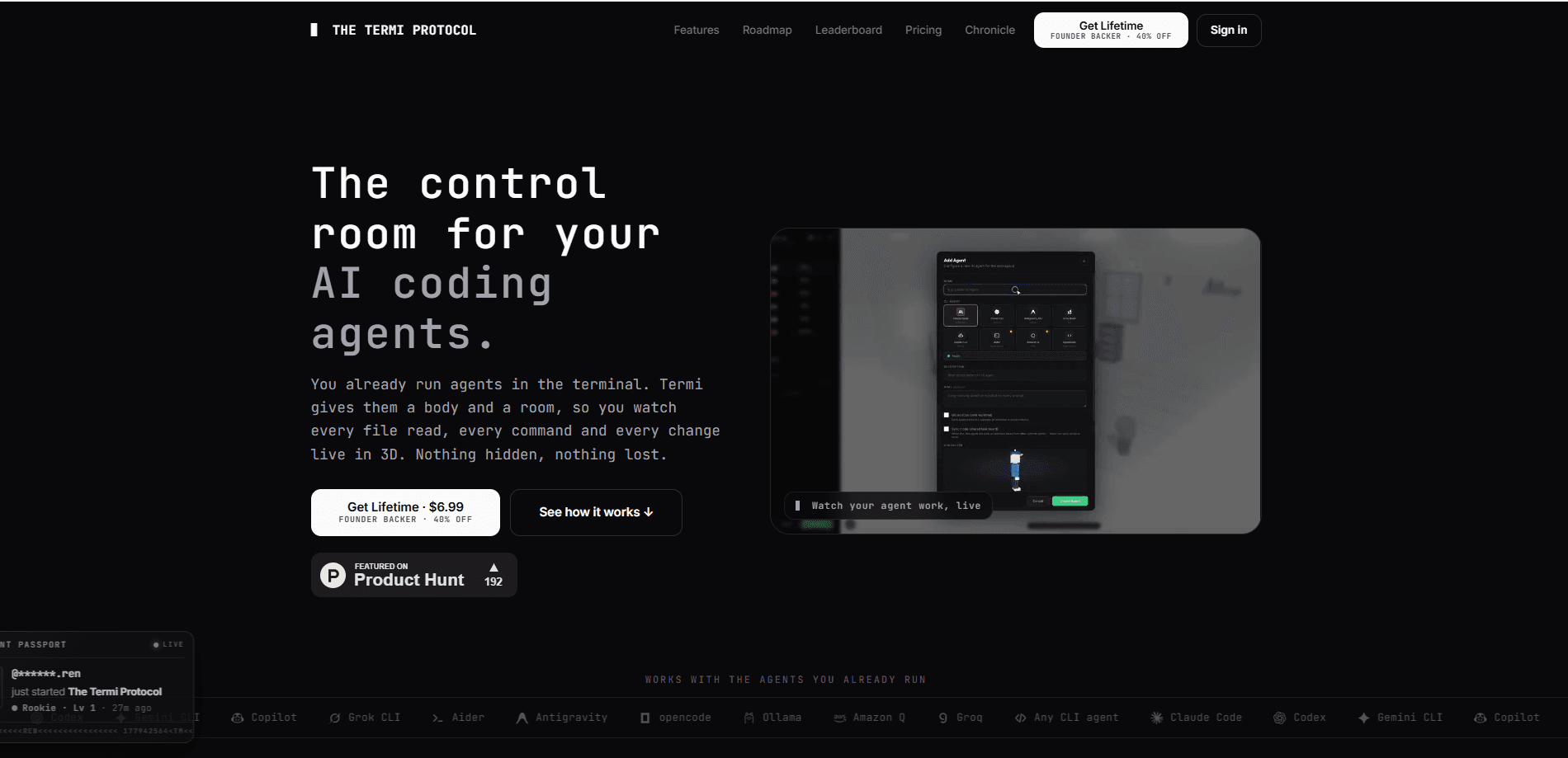
Termi Protocol is a local-first AI tool that turns your existing AI coding agents into a live 3D workspace. You connect a CLI agent like Claude Code, Codex or Gemini CLI, and Termi gives each one a body and a room so you can watch AI code run. Every file read, every command and every change shows on screen instead of a wall of scrolling text. It's an AI agent workspace built for vibe coding and agentic coding alike, running locally on macOS, Windows and Linux. It costs a one-time $7.99 as an early backer, and keeps task boards, checkpoints and project memory saved between sessions.
About Termi Protocol
What Is Termi Protocol
Termi Protocol is a control room for AI coding agents. The idea is simple: agentic coding already happens on your machine, but the output is a single stream of terminal text that's hard to follow. Termi takes that same work and renders it as a 3D scene, where each agent walks to a cabinet to read files, sits at a desk to write them, and runs commands in a real shell. Nothing about the underlying workflow changes. You still bring your own agent and your own API keys.
It's built for people who run agents but don't fully trust them yet. The app layers three things on top of a normal CLI session: visibility, persistence and steering. You watch what happens, you keep your context when you close the app, and you can stop, pause or approve any step before it lands. Think of it as an AI coding assistant that sits beside your agent rather than replacing it.
The main limitation is that Termi isn't an agent itself. It has no model of its own and doesn't sell API access. If you don't already run a coding CLI, the app has nothing to visualize. The other eight roadmap chapters beyond the current Milano release are also still coming, so what ships today is the first slice of a larger plan.
Getting Started
- Buy the Lifetime Pass, then download the desktop app for macOS, Windows or Linux.
- Install whatever coding CLI you prefer and make sure your own API keys are set up.
- Open the room and connect your agent so Termi can pick up its workflow.
- Watch the agent work in 3D, or open the Command Center panel for the real shell, tasks, cost and memory.
- Pause, approve or rewind any step, then close the app whenever you like. Your boards and checkpoints stay saved.
Product Information
A quick look at Termi Protocol's pricing, supported platforms, and performance.
Best for
The users, tasks, and scenarios where this tool fits best.
Users
- Solo developers who run coding agents daily
- Small teams moving to agentic coding
- Developers who are uneasy about autonomous edits
Tasks
- Watching a multi-file refactor
- Auditing what an agent cost you
- Resuming a long task after a break
Scenarios
- Overnight or long-running agent sessions
- Running several agents at once on one project
- Learning how a coding agent actually operates
Key features
Live 3D Visualization of Agent Work
Every terminal step becomes a 3D action. The agent walks to a cabinet to read a file, sits at a desk to write code and runs commands in a real terminal, all in real time. It's the core of the product and the reason the app exists: you stop guessing from a wall of scrolling text and just watch what happens. So what does that look like? Your agent walks to a cabinet, opens a file, and the change appears on the desk. Live.
Command Center Panel
Behind each desk is a full control panel. It has a genuine shell built on xterm and PTY, a task board, checkpoints, live cost tracking and the agent's saved memory. The terminal is a real shell, not a replayed log. Type into it yourself when you need to.
Tasks and Checkpoints
Agents drive a kanban board, so plans turn into finished items you can see. Every change is snapshotted, which means a bad edit can be rewound in seconds. No digging through git by hand. Both stay saved when you close the app.
Live Cost Tracking
Termi shows token and dollar cost per agent and per session while the work is running. Hover any agent and you get a passport with its name, model, goal and current spend. An expensive run becomes visible. No waiting for the bill.
Project Memory
Each agent builds up knowledge about your project, and Termi saves that memory automatically. Reopen the room later and the agent's history is intact, so you're not re-explaining the same context from scratch every session.
Multi-Agent File Locks
File locks keep two agents from editing the same file at once. That matters when you run several agents on one codebase, because a collision usually means one agent silently overwrites another's work. It's the feature that makes a true multi-agent workspace practical instead of a gamble.
Approval Alerts
When an agent pauses for your approval, Termi plays an alert and pops a notification. You can leave the screen. The app pulls you back only when a decision is actually needed.
Room Editor and Pet System
The workspace is customizable. You arrange desks, furniture and focus tools around the room, and a pet system grows alongside your real coding days. It's a light game layer. Still, it makes a tool you sit in all day nicer to use.
Pros and cons
Pros
- Turns opaque agent sessions into something you can actually watch, which lowers the anxiety of letting agents edit your code.
- Local-first design means your code and keys stay on your machine, and the developer states it doesn't see your code.
- One-time $7.99 early-backer price with no subscription, no usage caps and every future protocol included.
- Real shell and real task board, so it adds visibility without replacing the CLI workflow you already have.
- Checkpoints and saved memory solve the common pain of losing context every time you close a terminal.
Cons
- It has no agent of its own and no API access, so it's useless if you don't already run a coding CLI.
- Eight of the nine roadmap chapters aren't out yet, so paying now means backing a product that's still filling in.
- All sales are final with no refunds except where law requires, which is a real risk on an early-stage app.
- The 3D and game layer won't appeal to everyone, and some developers will just want the command panel.
Frequently asked questions
You need your own AI coding CLI, such as Claude Code, Codex or Gemini CLI, plus your own API keys. Termi runs those agents on your machine and visualizes their work in 3D. It doesn't include a model or provide API access of its own.
Related content
Explore related tools, skills, and articles for Termi Protocol.
Termi Protocol Alternatives
Forefront
Forefront · CodingForefront is a web platform for building with open-source AI. It lets you fine-tune leading open-source language models on your own data, evaluate how they perform, and run them through an API or export them to host yourself. Developers who want the convenience of a closed-source platform but insist on owning their models and data are the target audience here.

Startkit
StartKit.AI · CodingStartkit is a boilerplate for building AI SaaS and AI wrapper products. Think of it as an AI startup boilerplate with the boring parts already wired up: authentication, Stripe and Lemon Squeezy payments, usage limits, transactional email, and an AI API starter that talks to OpenAI, Anthropic, Groq, or Llama. You clone the repo, set your price, and start on the part of your product that people actually pay for. It's Next.js under React and Tailwind, so most of the boilerplate code already feels familiar.
Testim
Tricentis · CodingTestim is an AI-powered test automation platform for building and running end-to-end tests across web, mobile, and Salesforce applications. It leans on machine learning to keep tests stable when an interface changes, so teams spend less time fixing broken selectors. Not bad for an automated testing tool you can start using today. You create tests by recording actions in a browser, then optionally add JavaScript when you need more control. It's a solid pick for busy QA teams.