
Testim
Tricentis · Coding
Testim is an AI-powered test automation platform for building and running end-to-end tests across web, mobile, and Salesforce applications. It leans on machine learning to keep tests stable when an interface changes, so teams spend less time fixing broken selectors. Not bad for an automated testing tool you can start using today. You create tests by recording actions in a browser, then optionally add JavaScript when you need more control. It's a solid pick for busy QA teams.
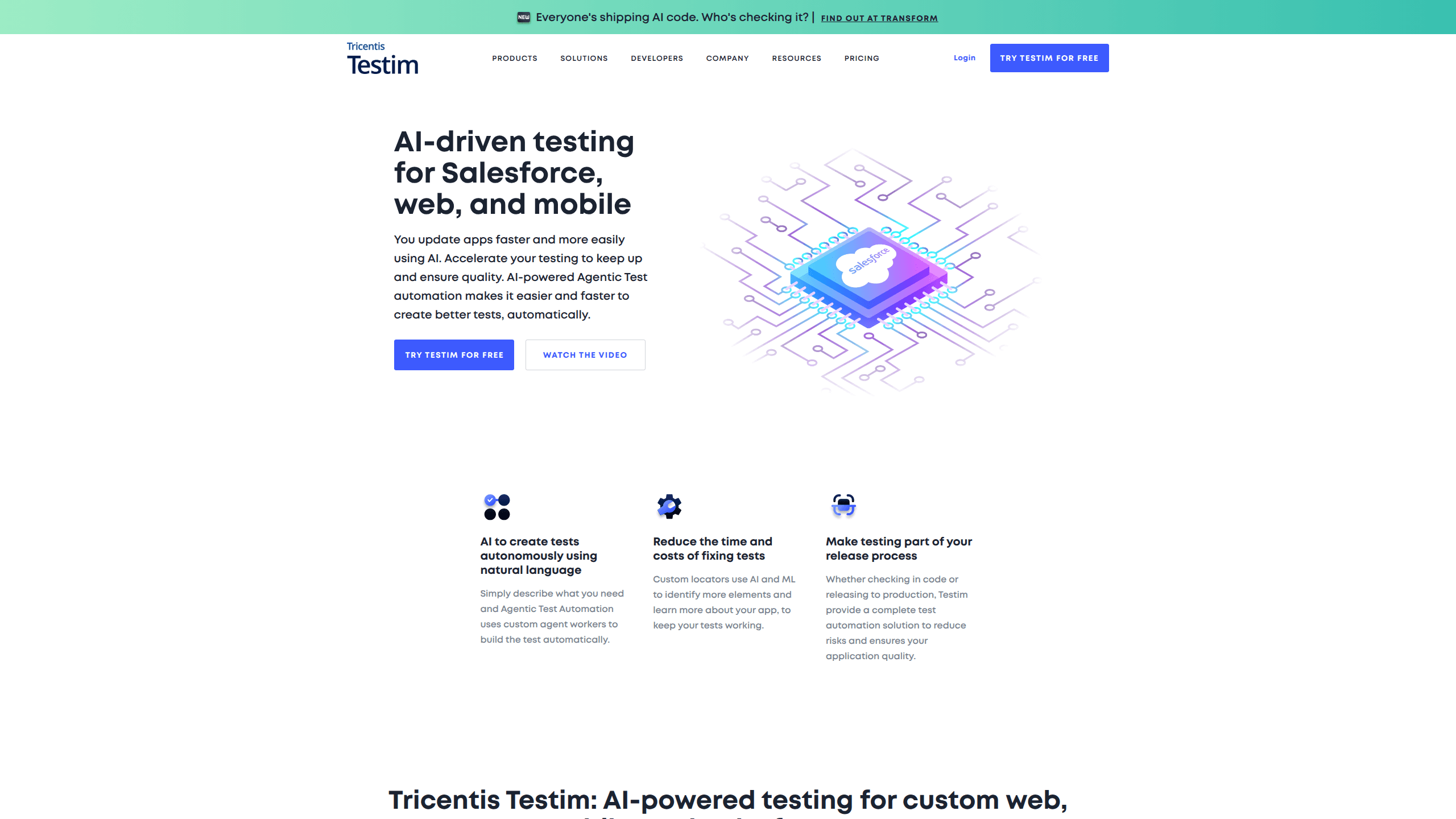
About Testim
What Is Testim
Testim is an automated testing platform that helps QA engineers and developers author, run, and maintain end-to-end tests without babysitting every selector. The core idea is simple: instead of hard-coding a single CSS path that breaks the moment a button moves, Testim generates several locators per element and picks the most reliable one at run time. According to the company, that approach is what keeps a suite alive through constant UI changes.
The product is now part of Tricentis, the enterprise testing vendor that acquired it, so the platform shows up as Tricentis Testim in current material. Testim pricing isn't published as a self-serve tier list. Testim sells a free Community plan after a trial, then routes larger needs through a sales conversation. That matters if you're used to clicking a plan and paying by card.
The biggest practical limit is the cloud dependency of parts of the workflow. Testim Mobile runs in the cloud, and parallel execution across browsers depends on a grid, so teams with strict data-residency rules need to check the deployment options before committing. Can you host it yourself? Not for mobile. The recorder also favors browser-based apps, so desktop-only software is a poor fit.
Getting Started
- Sign up at testim.io with an email, GitHub, or Google account, then verify your address.
- Install the Testim browser extension for Chrome or Firefox, since recording depends on it.
- Create a project, name it, and set the base URL of the app you want to test.
- Record your first test by clicking through the app, then review the generated steps and locators.
- Run the test on Testim's cloud grid or your own Selenium Grid, and wire it into CI when it passes.
Product Information
A quick look at Testim's pricing, supported platforms, and performance.
Best for
The users, tasks, and scenarios where this tool fits best.
Users
- QA engineers who maintain large end-to-end suites and want fewer broken selectors
- Agile teams without dedicated automation specialists
- Salesforce admins
Tasks
- Regression testing after every release
- Cross-browser checks
- Mobile app testing
- Root-cause triage
Scenarios
- A checkout flow that changes weekly
- Onboarding a manual tester into automation
- Fitting tests into a release pipeline
Key features
AI-Powered Smart Locators
Testim builds several locators for each element and scores them, then uses the most dependable one when a test runs. When a developer renames a class or shifts a layout, the test often keeps working instead of failing on a stale path. That's the feature most teams cite for lower maintenance. It just works.
Low-Code Test Authoring
You record actions in the browser and Testim turns them into editable steps. Non-coders can build a working test quickly, and engineers can drop into JavaScript when a scenario needs loops, conditions, or custom waits. The mix is what makes it approachable without being a dead end. Yes, it really is low-code.
Cloud and Selenium Grid Execution
Tests run on Testim's cloud grid or any Selenium Grid you already own. Parallelization spreads runs across machines, which shortens the wait between a change and a verdict. You get to keep existing infrastructure rather than rip it out. That saves money.
Mobile Testing in the Cloud
Testim Mobile covers native and hybrid apps on real and virtual devices, with support for third-party device grids and hundreds of iOS and Android device types. Flutter and React Native are supported through the Virtual Mobile Grid. Reach for it when you can't maintain a device lab. No device lab needed.
Root-Cause Analysis
When a run fails, Testim surfaces which step broke and what changed, instead of dumping a wall of logs. Teams spend less time reproducing a failure by hand. The visual detail is the part that saves the most minutes. Big difference on a tight deadline.
CI/CD and Tool Integrations
Testim connects to CI systems and issue trackers, so a failing test can kick off a build gate or open a ticket. That keeps QA inside the release loop instead of a separate phase. Wiring it in is a config step, not a rewrite. Simple as that.
Salesforce Testing
A dedicated Salesforce workflow lets you validate orgs without hand-clicking every field. Admins can record a check once and rerun it after each change. For teams living in Salesforce, that's often the reason they pick Testim over a generic tool. Fair enough.
Pros and cons
Pros
- Smart locators genuinely reduce the time spent patching tests after UI changes, which is the biggest ongoing cost in automation.
- The recorder lowers the entry barrier, so manual testers can contribute automated coverage.
- Runs on your own Selenium Grid as well as the cloud, so existing infrastructure isn't wasted.
- Mobile and Salesforce workflows are built in, not bolted on as an afterthought.
Cons
- Pricing isn't published as a self-serve plan, so you can't estimate cost without talking to sales.
- Cloud-dependent mobile and grid execution can conflict with strict data-residency rules, which blocks some regulated teams.
- Complex scenarios still need JavaScript, so the "no-code" label only stretches so far.
- Browser-recorder-first design means desktop-only applications get little value here.
Frequently asked questions
Testim automates end-to-end testing for web, mobile, and Salesforce apps. You record or write tests and run them repeatedly, using AI-driven locators to keep them stable when the interface changes.
Related content
Explore related tools, skills, and articles for Testim.
Testim Alternatives
Forefront
Forefront · CodingForefront is a web platform for building with open-source AI. It lets you fine-tune leading open-source language models on your own data, evaluate how they perform, and run them through an API or export them to host yourself. Developers who want the convenience of a closed-source platform but insist on owning their models and data are the target audience here.

Startkit
StartKit.AI · CodingStartkit is a boilerplate for building AI SaaS and AI wrapper products. Think of it as an AI startup boilerplate with the boring parts already wired up: authentication, Stripe and Lemon Squeezy payments, usage limits, transactional email, and an AI API starter that talks to OpenAI, Anthropic, Groq, or Llama. You clone the repo, set your price, and start on the part of your product that people actually pay for. It's Next.js under React and Tailwind, so most of the boilerplate code already feels familiar.

Screenshot to Code
Abi Raja · CodingScreenshot to Code is an AI code generator that turns a screenshot, a mockup, a Figma design, or a screen recording into working front-end code. Drop in an image, pick a stack such as HTML with Tailwind, React, or Vue, and it builds a clean first draft of the page. You can convert a screenshot to code in minutes. The tool runs as a hosted app at screenshottocode.com, and the source is open, so you can also self-host it and plug in your own model keys.