

TestLabs
Altx Internet Private Limited · Coding
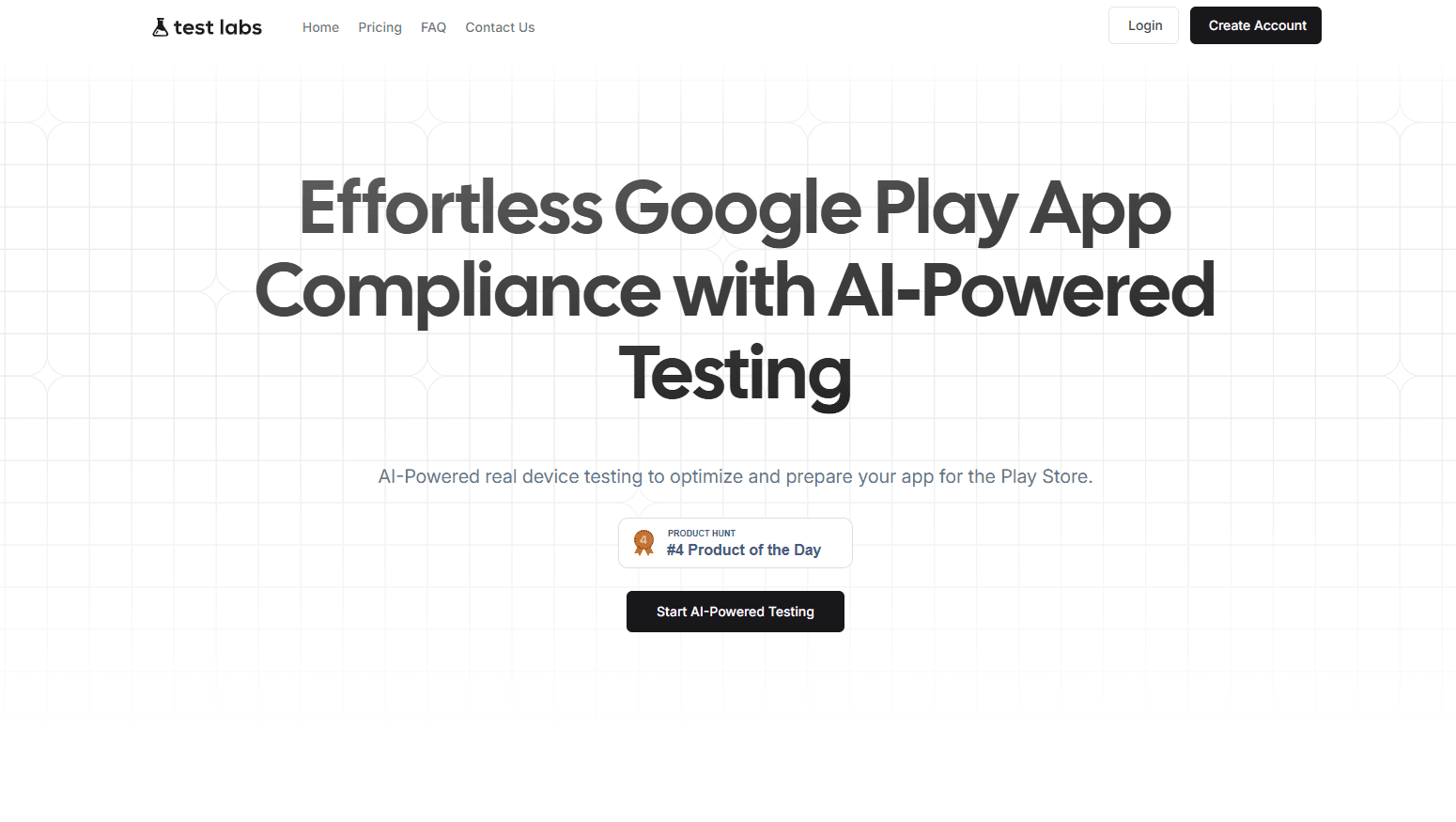
TestLabs is an automated app testing service that runs Android apps on 20 real devices for 14 days, helping developers pass Google Play's 20 tester closed-testing rule before launch.
About TestLabs
What Is TestLabs
TestLabs is a service for Android developers who need to satisfy Google Play's 20 real device testing requirement. The rule asks new personal developer accounts to run a closed test with at least 20 testers for 14 consecutive days before an app can go live. TestLabs takes that job off your plate by testing on real hardware and filing the reports Google wants to see.
The platform is built by Altx Internet Private Limited, a developer studio based in India. Instead of asking you to recruit testers and chase them for feedback, TestLabs collects your app's package ID and Play Store link, adds real devices to the test track, and runs the app daily until the window closes. You get logs, screenshots, and performance notes along the way.
The main catch is geography. Testing happens in India only, and expansion is described as a future plan rather than a shipped feature. Payment and support are also thin compared with big QA vendors, so the product suits developers who want the compliance box ticked at a low price, not a full managed QA program.
Getting Started
- Pick a plan on testlabs.ai. Plans start at INR 1,999 (about $19) for a basic slot and rise to INR 4,999 (about $49).
- Submit your app's package ID and Play Store URL so TestLabs can identify the build.
- Send closed-testing invites from your Play Console to the tester addresses TestLabs provides.
- TestLabs verifies the details, adds the devices to your closed test, and runs testing across the 14-day window.
- Review the logs, screenshots, and performance reports, then submit the app for review once the tester requirement is met.
Product Information
A quick look at TestLabs's pricing, supported platforms, and performance.
Best for
The users, tasks, and scenarios where this tool fits best.
Users
- Indie Android developers
- Startups shipping their first Play Store app
- Gaming studios
- Freelance developers delivering client apps
Tasks
- Meeting Google Play's 20-tester policy
- Real device compatibility checks
- Collecting crash and performance evidence
- Pre-release regression testing
Scenarios
- Publishing a first app under a personal developer account
- Launching on a tight budget
- Preparing a client handoff
- Testing a large game build
Key features
Automated real device testing
TestLabs runs your app on real Android phones rather than emulators. The device pool mixes mid-range and high-end models, so compatibility problems tied to specific chipsets or screen sizes show up the way they would on a user's phone. Setup is handled by the service once you share your package ID.
Google Play 20-tester compliance
The service is built around one specific Google Play rule: a closed test with at least 20 testers for 14 consecutive days. TestLabs manages the testers and the schedule so the app compliance testing finishes inside the window Google checks, which is the whole reason most developers sign up.
14-day test window
Testing runs for the full 14 days Google requires, not a shortened trial. Daily runs mean the app is exercised repeatedly across the window, which matters for catching issues that only appear after sustained use or on a cold start days into a test cycle.
Detailed reports and logs
Every plan includes test logs for debugging, screenshots of issues and test scenarios, and notes on performance, responsiveness, and errors. That evidence is useful both for fixing bugs and for showing a client or teammate that the closed test actually ran.
No app size limit
There's no cap on the size of the app under test. Lightweight utilities and data-heavy games go through the same process, so studios don't have to trim assets or ship a stripped build just to get it tested.
Progress tracking
You can follow the run in real time through logs and progress reports instead of waiting blind for two weeks. Live updates make it easier to tell whether the closed test is on track and to plan the release date.
Flexible one-time plans
Pricing is split into three tiers rather than a subscription, and the entry point is low. You can also test more than one app by buying separate slots, which suits developers managing several releases at once.
Pros and cons
Pros
- Low entry price: the basic plan is about $19, well below what a managed QA engagement costs.
- No app size cap: large games and heavy builds don't need to be trimmed to fit a testing limit.
- Real hardware, not emulators: running on actual devices catches crashes and performance issues that simulations miss.
- Built for one clear goal: the service focuses on the 20-tester Google Play rule, so the workflow is simple rather than a sprawling QA suite.
- Detailed evidence: logs, screenshots, and performance notes give you something to fix against and to show stakeholders.
Cons
- India-only testing: runs happen in India, and wider regions are only planned, so developers wanting testing in other markets won't get it yet.
- Thin trust signals: developer reports on forums mention slow support and crypto-only payment, which is a risk to weigh before paying.
- No free tier: every plan is paid, so there's no way to trial the flow before committing money.
- Web-based hand-off, not an integrated pipeline: there's no documented public API, so the service doesn't slot into a CI/CD setup the way a code-first testing framework would.
Frequently asked questions
TestLabs runs Android apps on real devices to satisfy Google Play's 20 real device testing policy, which requires a closed test with at least 20 testers for 14 consecutive days before an app from a personal developer account can be published.
Related content
Explore related tools, skills, and articles for TestLabs.
TestLabs Alternatives

Base Code
Base44 (Wix) · Coding · ProductivityBase Code is a shared cloud development environment from Base44. Teammates describe changes to an existing GitHub codebase in chat, preview them live and send them back as pull requests.

Google EmbeddingGemma 2
Google DeepMind · Writing · Image · CodingGoogle EmbeddingGemma 2 is a 740M-parameter open model that turns text, code, images, audio, and video frames into vectors in one 768-dimension space, running on phones and laptops.

GitGlow
GitGlow · Coding · ProductivityGitGlow is a local-first desktop Git client that lets independent developers review their own code and their AI agents' changes in one place before shipping.