

Testsigma
Testsigma Technologies Inc. · Other
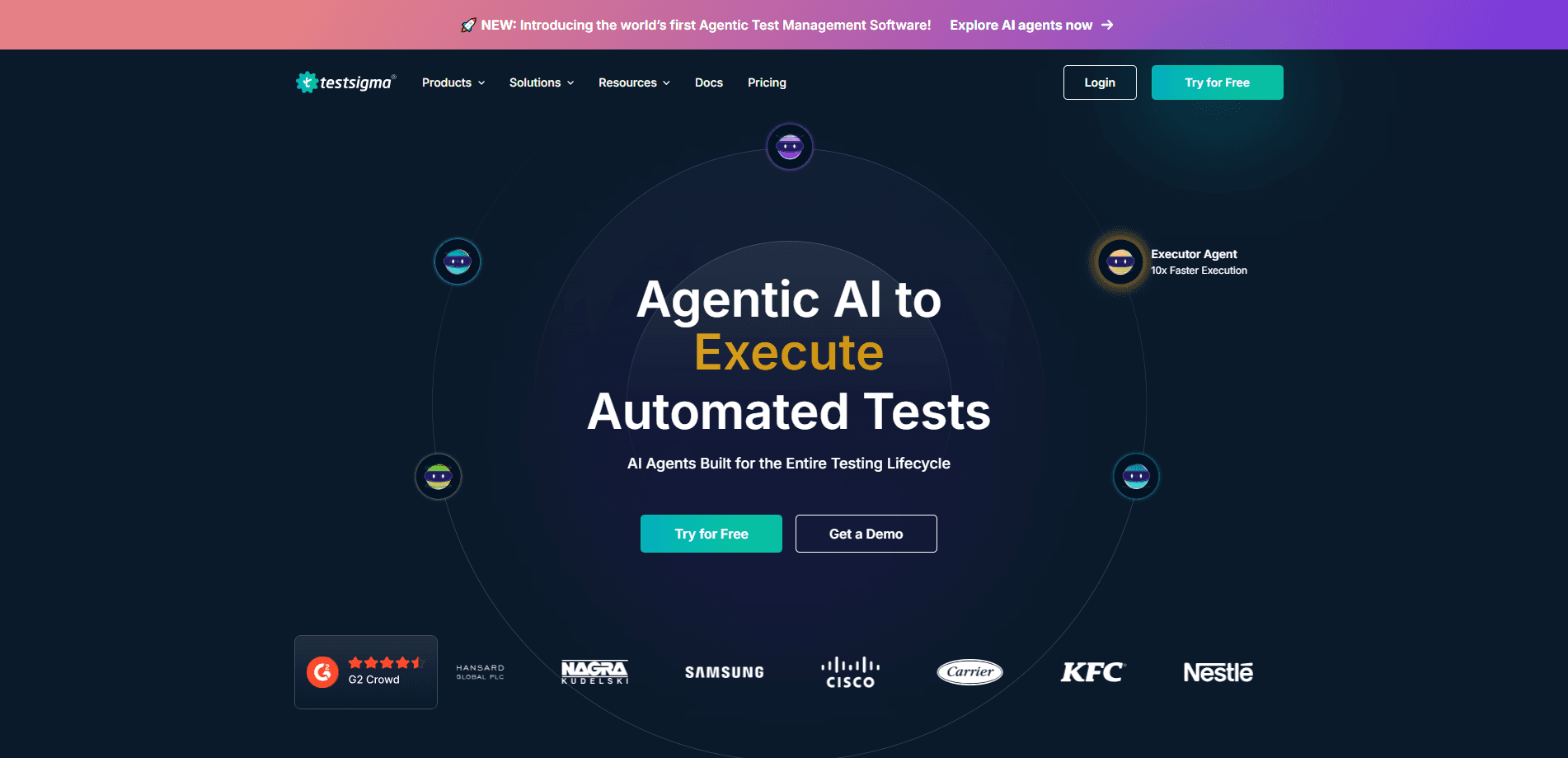
Testsigma is an agentic AI test automation platform where software agents write, run, and self-heal tests for web, mobile, API, and Salesforce apps, so QA teams ship with measurable confidence.
About Testsigma
What Is Testsigma
Testsigma is a cloud-based automated testing platform built around AI agents rather than hand-written scripts. Instead of coding Selenium or Appium tests line by line, QA teams describe what they want in plain English, and agents turn those descriptions into runnable tests. The pitch is straightforward: more coverage, less maintenance. It's the kind of codeless testing tool that lets people who don't write code contribute real tests.
The platform covers the whole testing lifecycle in one place. Authoring, execution, maintenance, and reporting all live inside the same workspace, which means you don't stitch together separate tools for writing tests and for reading the results.
The main limit is fit. Testsigma is aimed at teams that already run some automation and want to grow it fast. If you only perform occasional manual testing, the setup and the per-seat pricing won't be worth it. You also need a real application and test environment ready before the agents have anything useful to work with.
Getting Started
- Sign up for a Testsigma account and create a project for the application you want to test.
- Connect your target app, whether that's a live URL, a staging build, or a mobile app file.
- Describe your first test in plain English or record it with the Chrome extension, then let the AI agent draft the test cases.
- Review the generated steps, approve the plan, and run it against a browser or a real device.
- Turn on self-healing and CI triggers so the suite keeps running on every commit.
Product Information
A quick look at Testsigma's pricing, supported platforms, and performance.
Best for
The users, tasks, and scenarios where this tool fits best.
Users
- QA engineers
- Manual testers moving to automation
- Engineering managers
- Salesforce and SAP teams
Tasks
- Regression testing
- Test case generation
- Cross-browser testing
- API testing
- Accessibility checks
Scenarios
- Teams shipping weekly
- Nightly batch runs
- Scaling QA without adding headcount
- Enterprise release governance
Key features
AI Test Case Generation
You describe a scenario in plain English, or point an agent at a requirement or Jira ticket, and it drafts test cases including edge cases you might skip. The steps stay editable before anything is locked in, so you keep control of what runs.
Self-Healing Tests
When the UI changes and a locator breaks, the platform detects the difference and proposes a fix using similarity matching. A locator often heals automatically and only needs a one-time approval, which removes most of the maintenance backlog that plagues scripted suites.
Cross-Browser and Cross-Device Execution
Tests run in parallel across thousands of real browsers and mobile devices in the cloud, plus thousands of browser and OS combinations. Parallel lanes cut wall-clock time on big suites, so a full regression doesn't eat your whole day.
CI/CD Integration
Triggers from GitHub Actions, Jenkins, or Azure DevOps kick off runs on every commit, and results come back as pass rates, coverage, and a release gate. The gate tells you whether to ship or hold, and when coverage falls short it shows which flows are missing.
Plain-English Test Authoring
Anyone on the team can write automation by describing steps in natural language or recording them with the Chrome extension. Non-technical members can contribute tests without learning a scripting language, which widens who can help with QA.
Reporting and Coverage Analytics
Dashboards show test trends at a glance, and you can drill into execution logs, screenshots, and video for any run. Coverage and confidence scores turn raw pass rates into a number you can bring to a release review.
Salesforce and SAP Support
Built-in support for Salesforce and SAP applications means teams on those platforms can automate workflows without standing up a separate toolchain. Element capture handles these complex enterprise UIs directly.
Pros and cons
Pros
- Plain-English authoring and AI generation cut the time to create tests, even for people with no coding background.
- Self-healing keeps suites running after UI changes instead of forcing a rewrite of failed steps.
- One platform spans web, mobile, API, desktop, and enterprise apps like Salesforce and SAP, so it replaces several single-purpose tools.
- Parallel cloud execution across thousands of real devices keeps large regression runs fast.
- Coverage and confidence scores give release decisions a concrete number to point at.
Cons
- Pricing sits behind a sales quote, so you can't estimate cost from the site alone.
- The free tier is narrow, which means evaluating at real scale usually requires a paid plan.
- Deeply custom test logic still runs into a ceiling and may need scripting beyond plain English.
- Adopting the full agent workflow takes setup time before it pays off.
Frequently asked questions
Testsigma automates software testing for web, mobile, API, desktop, and enterprise apps. QA teams use it to generate test cases, run regression suites, and keep tests working as the application changes.
Related content
Explore related tools, skills, and articles for Testsigma.
Testsigma Alternatives

Odyssey 3
Odyssey · OtherOdyssey-3 is Odyssey's foundation world model. It simulates physics in real time, turns a prompt into an interactive environment, and adapts to robots, cars and games.

JarvisCore
Prescott Data · Coding · Productivity · OtherJarvisCore is an open source Python runtime where AI agents work as equal peers on an agent mesh, claim tasks from a shared ledger, and reach external services through a zero-trust broker.
Clef
Cloudflare · Business · OtherClef is Cloudflare's open-source decision model for Workers AI. It returns calibrated probabilities for typed questions, not generated text, so agents can classify, route, and act fast.