

TestSprite
TestSprite · Coding
TestSprite is an AI testing agent that explores your running app, writes end-to-end UI and API tests, runs them in the cloud, and explains each failure with a fix.
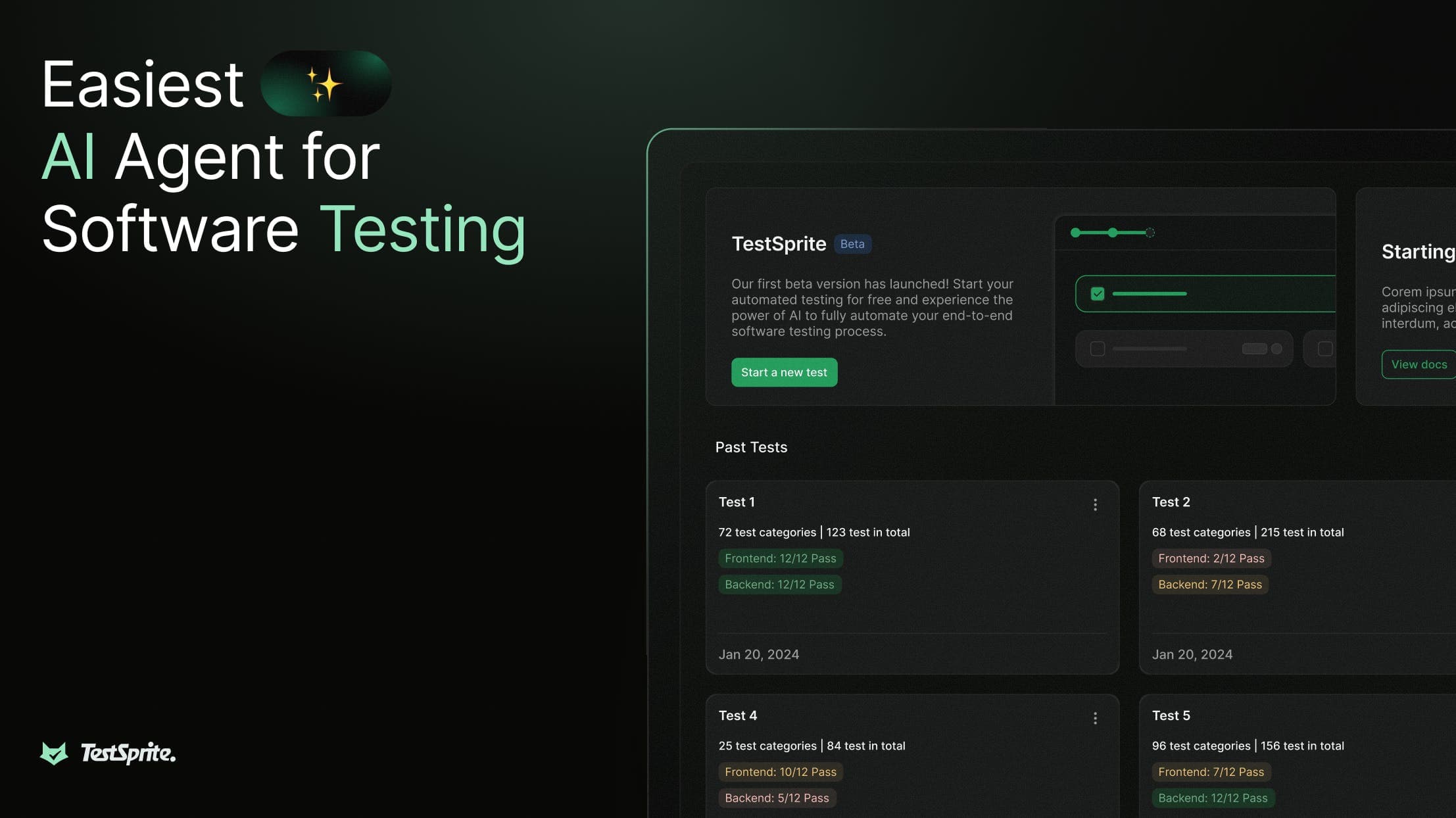
About TestSprite
What Is TestSprite
TestSprite is a software testing platform built for teams that ship code fast, often with AI help, and need proof that their app still works. Instead of asking you to write test scripts, it reads your app and your product docs, drives a real browser and hits a live API, then reports what broke and why. It's AI test automation built around the running app.
The pitch is simple. Writing code got quicker, but proving it works didn't. Unit tests pass while checkout breaks, a closed ticket isn't evidence, and one small change can quietly undo features that worked yesterday. TestSprite exists to close that gap.
The catch is that it wants a lot from you up front. You need a running staging or production URL, test credentials, and ideally a PRD. Skip the docs and the plans get thinner. It also runs your tests on its own cloud, so anything you'd never send off-site is a problem.
Getting Started
- Sign up at testsprite.com, or install the CLI or MCP server if you'd rather stay in your editor.
- Create a project and upload your PRD or product spec (markdown, PDF, and plain text all work).
- Point TestSprite at your live URL and add test-account credentials, plus API docs for backend work.
- Let the AI explore your app feature by feature, then review, trim, or edit the draft plan.
- Generate and run the suite, then schedule it nightly or on every pull request.
Product Information
A quick look at TestSprite's pricing, supported platforms, and performance.
Best for
The users, tasks, and scenarios where this tool fits best.
Users
- Solo developers and indie hackers
- Small teams without dedicated QA
- AI-coding power users
Tasks
- Catching regressions after a change
- End-to-end UI testing without selectors
- Backend API testing
- Turning a PRD into a test plan
Scenarios
- Shipping a feature on a Friday
- A UI copy or layout change
- Handing a fix to an AI agent
Key features
Parallel Exploration Fleet
TestSprite sends a fleet of agents into your live app at once, clicking through flows like real users before any test is written. Tests are generated from what the agents find, not from guessing intent from your source. That means a passing test reflects something a person could actually do.
Spec-Driven Feature Map
Upload a PRD and TestSprite extracts a structured feature map, covering flows, dependencies, and edge cases, then renders it as an editable flow graph. The map becomes the ground truth that drives plan generation, so coverage traces back to what your product is meant to do.
UI and API Testing in One Place
The same dashboard covers Playwright-driven browser tests and Python-driven API tests. For frontend and API testing, you get one workflow: frontend work gets user journeys, form validation, and auth flows, while backend work gets schema checks, error handling, and data integrity across chained calls. You don't run two tools to prove one app works.
Failure Bundles and Auto-Heal
Every failure returns one self-consistent packet: the failing step and its neighbors, screenshots, DOM snapshots, the test source, a root-cause hypothesis, and a suggested fix. Auto-Heal repairs UI tests when the page drifts, so refactors don't flood your suite with false failures.
Data Flow View and Dependency Chains
For API projects, TestSprite maps how a response feeds the next request and shows every HTTP call it made, with request, response, and timing inline. Independent tests run in parallel while dependent ones wait, and Auto-Cleanup wipes records the tests created.
CLI, MCP, and CI Integration
TestSprite lives where you work: a CLI for terminals and CI, an MCP server inside your editor, a gate on every merge, and a no-code dashboard for everyone else. One suite, one set of results, no matter who triggered the run.
Pros and cons
Pros
- Generated tests target the running app, not mocks, so a pass means the flow actually works.
- One report per failure carries cause, evidence, and a suggested fix, which cuts triage time.
- Frontend and backend coverage sit in the same dashboard, with schedules and PR gates.
- Auto-Heal and Auto-Auth keep suites usable as the app and its tokens change.
- A real free tier and a clear upgrade path make it easy to try before paying.
Cons
- The free plan caps Feature Exploration at 10 features for life, so heavy exploration pushes you to a paid tier fast.
- You need a live URL and test credentials; there's no way to test purely from source.
- Tests run in TestSprite's cloud, which rules it out for teams that can't send staging data off-site.
- The pricier tiers are per-seat and credit-metered, so cost climbs with team size and run frequency.
Frequently asked questions
It writes and runs automated frontend tests and API tests for your app, then explains each failure. As a software testing platform, TestSprite handles the loop end to end. You point it at a URL and your docs, and it handles planning, generation, execution, and reporting.
Related content
Explore related tools, skills, and articles for TestSprite.
TestSprite Alternatives

Base Code
Base44 (Wix) · Coding · ProductivityBase Code is a shared cloud development environment from Base44. Teammates describe changes to an existing GitHub codebase in chat, preview them live and send them back as pull requests.

Google EmbeddingGemma 2
Google DeepMind · Writing · Image · CodingGoogle EmbeddingGemma 2 is a 740M-parameter open model that turns text, code, images, audio, and video frames into vectors in one 768-dimension space, running on phones and laptops.

GitGlow
GitGlow · Coding · ProductivityGitGlow is a local-first desktop Git client that lets independent developers review their own code and their AI agents' changes in one place before shipping.