

Text Speech Net
Text Speech Net · Voice & Language
Text Speech Net is a free browser-based text to speech tool that reads typed or pasted text out loud in a natural-sounding voice. You pick a language and either a male or female voice, drag the speed slider to taste, and hit play. There's no word limit, no account, and no download.
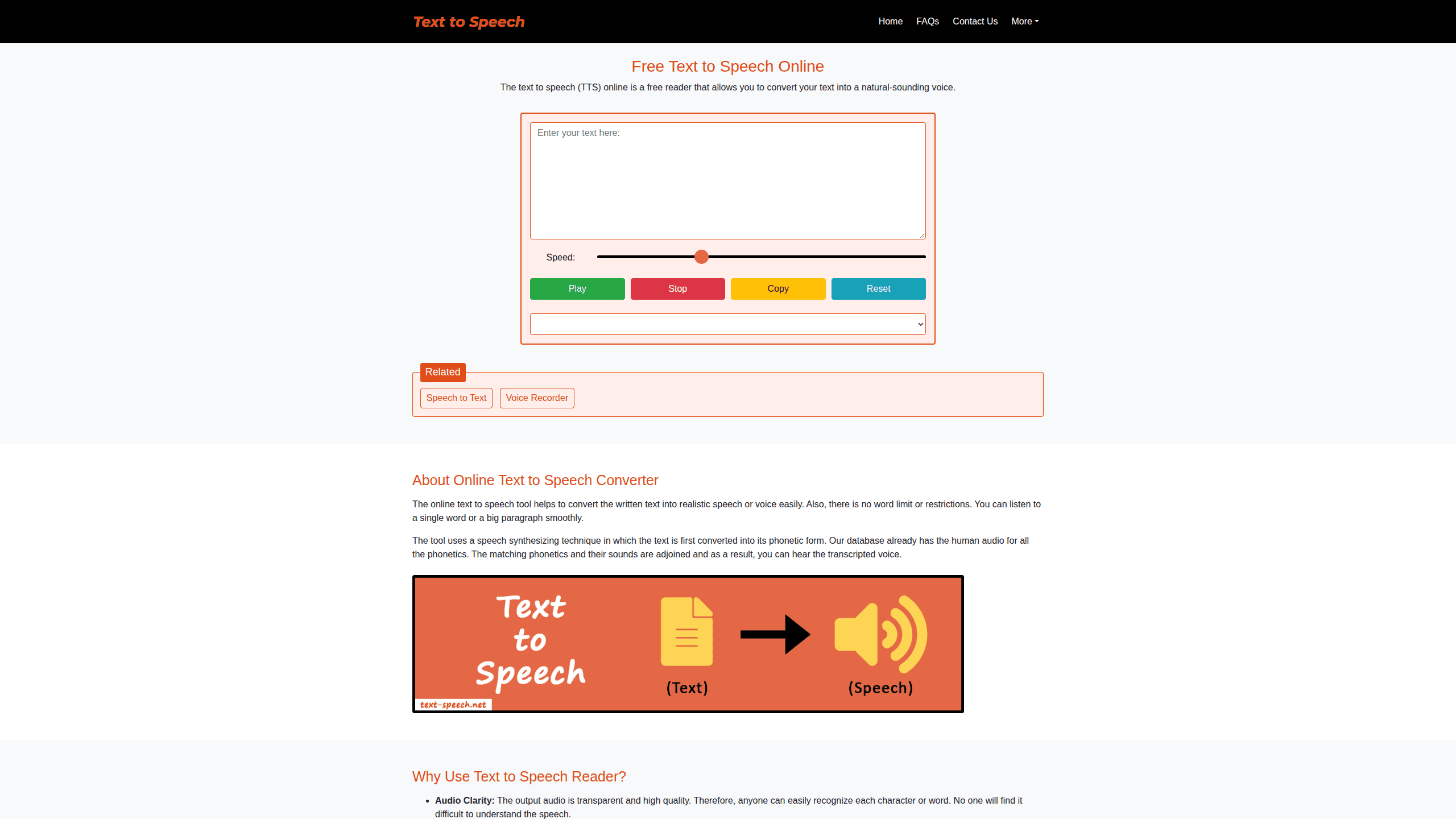
About Text Speech Net
What Is Text Speech Net
Text Speech Net is an online text to speech (TTS) converter that runs entirely in your web browser. You paste in words, choose a voice and speed, and it speaks the result back to you within about a second. It bills itself as a free text to speech reader for anyone who'd rather listen than read, and it doesn't ask you to sign up, log in, or install anything.
Under the hood it leans on the speech synthesis feature built into your browser rather than a remote API. Your text gets broken into phonetic units, matched against stored audio, and stitched back together as speech. That's why the free text to speech conversion feels instant and why it works the same on a phone, tablet, or desktop.
The catch is that it's a reader, not an audio-file maker. The site states plainly that it stores no personal data, and because nothing is saved on its servers, there's no download button. So the text to voice output plays live only. If you need a reusable MP3, you'd record the playback with a separate tool.
Getting Started
- Open the Text Speech Net website in a modern browser; Edge gives you the widest range of voices.
- Type or paste your text into the large input box at the top of the page.
- Drag the speed slider right to talk faster or left to slow things down.
- Pick a language and a male or female voice from the dropdown.
- Press Play to listen, then use Pause/Resume or Stop whenever you want.
Product Information
A quick look at Text Speech Net's pricing, supported platforms, and performance.
Best for
The users, tasks, and scenarios where this tool fits best.
Users
- Students and language learners
- Content creators
- Anyone with reading fatigue or low vision
Tasks
- Checking pronunciation
- Proofreading by ear
- Quick voiceover drafts
Scenarios
- Cramming before a deadline
- Accessibility on the go
- Dialect practice
Key features
Free Text to Voice Conversion
Every part of the tool is free. Single words, whole paragraphs, it doesn't matter. There's no word limit and no hidden paywall, which is unusual for an online voice converter. You get the full experience without handing over a credit card or an email.
Natural-Sounding Voices with Gender Options
The reader returns human-like speech rather than a robotic drone. A dropdown lets you switch between male and female voices and change the language, so you can match the tone to the task. Want a calm narrator for a long article and a brighter voice for a quick clip? Swap between them in one click. Edge unlocks the largest voice selection.
Adjustable Speaking Speed
A single slider controls how fast the text is read. Drag right for quick playback when you're skimming, drag left when you need every word to land. Slow it way down and even dense technical prose becomes easy to follow; speed it up and you can skim a long article in a fraction of the time. That one control covers most of the pacing you'll want day to day.
Instant Conversion, No Signup
Conversion typically finishes in under a second, depending on your connection. You don't create an account, log in, or install software. Open the page, paste, and play. Simple as that. The whole thing stays lightweight enough to run smoothly even on a slow connection.
Play, Pause, Resume, and Stop
Playback controls mirror a simple media player. You can start the reading, pause to take notes, resume where you left off, or stop and start over. Missed a sentence? Rewind and replay just that part instead of sitting through the whole passage again. It's a small touch, but it makes long passages far easier to sit through.
Mobile-Friendly and Cross-Browser
The text to speech reader works on smartphones, tablets, and iPads as smoothly as on a desktop, and because every browser already ships its own speech engine, all you really need is a modern browser and a decent connection to get natural-sounding playback on any device you happen to pick up. It runs across most browsers, and the layout adapts to small screens. No app download is required to use it on the move.
Pros and cons
Pros
- Completely free with no word limit, signup, or login required
- Voice language and male/female gender options let you match the output
- Speed slider gives quick control over playback pace
- Instant, lightweight conversion that runs on almost any browser or device
- Play/pause/resume/stop controls make long text easier to follow
Cons
- No download or MP3 export, so you can't save the audio; you'd have to record it separately
- Voice quality depends on your browser's speech engine, so it can vary across devices
- No API for developers who want to add speech to their own apps
Frequently asked questions
Yes. The tool is free with no word limit, and you don't need an account or payment details. The site charges nothing for reading text aloud.
Related content
Explore related tools, skills, and articles for Text Speech Net.
Text Speech Net Alternatives

Foley
Hanamori Labs, LLC · Voice & Language · Productivity · AI AssistantFoley is a voice to-do list that turns a spoken sentence into a filed task, complete with project, date and time, then helps you plan the day around what is already there.

HireKey
HireKey · Voice & Language · Productivity · LeaningHireKey is an AI job search copilot built by a former tech recruiter. It checks role fit, tailors resumes, runs interview practice and tracks every application.

Fluence
Yay Software (Yannick Huchard) · Writing · Voice & Language · ProductivityFluence is an Android app that reads PDFs, EPUBs, Word files and web articles aloud, follows each sentence as it speaks, and answers questions about the text on the phone itself.