
Headstarter
Headstarter Inc. · Coding · Business
Headstarter is a browser-based agentic engineering platform that connects your GitHub repos to AI agents for code edits, pull requests, and voice-guided reviews.
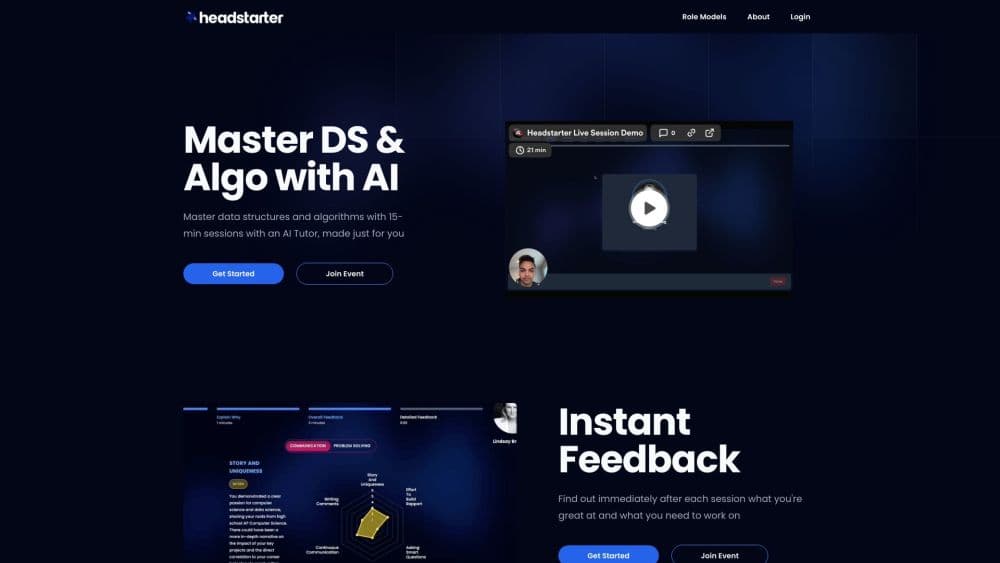
About Headstarter
What Is Headstarter
Headstarter is a browser workspace built around AI coding agents. You connect a GitHub repository, and the agent reads files, writes new ones, runs shell commands, and opens pull requests without a local setup. The company started as a seven-week software engineering fellowship in 2024 and turned that audience into a platform plus a network of about 15,000 engineers.
The pitch is that you spend your time deciding what to build instead of wiring tooling. A voice mentor walks you through debugging and architecture. A multi-repo workspace lets one agent coordinate changes across several projects at once. ProfileRank scores your GitHub and LinkedIn profiles from S to D, which is aimed at people who want a public signal of their skill rather than another certificate.
The limits matter more than the demos. Everything runs through GitHub, so teams on GitLab or Bitbucket are out. There's no published price list, and the terms of service describe a subscription model with possible free trials, so you won't know the real cost until you sign up. Long agent builds also happen in a browser tab, which is a thin lifeline on a flaky connection.
Getting Started
- Create an account at headstarter.co with email or Google, then sign in to unlock the workspace.
- Connect a GitHub repository from the repo explorer, or paste a repo URL. Grant access to the account or organization that owns the code.
- Open the agent panel and describe the change you want in plain English. The agent proposes edits, runs commands, and reports what it changed.
- Review the diff in the browser IDE, then commit to a branch or open a pull request with an auto-generated message.
- Optional: run ProfileRank on your GitHub and LinkedIn profiles to see where your portfolio sits, then work through the gaps it lists.
Product Information
A quick look at Headstarter's pricing, supported platforms, and performance.
Best for
The users, tasks, and scenarios where this tool fits best.
Users
- Computer science students with side projects
- Early-career engineers prepping interviews
- Engineers maintaining several repos
- Self-taught developers without a team
Tasks
- Shipping a small feature from a borrowed laptop
- Understanding an unfamiliar codebase
- Syncing a change across services
- Prototyping a full-stack idea
Scenarios
- A week before an onsite interview
- A weekend side project
- A small team testing agent workflows
Key features
Repo Explorer and Agentic Code Editing
Connect a GitHub repository and the agent gets a file tree, a code viewer, and permission to edit. It reads files, creates new ones, searches the codebase, runs shell commands, and checks its own work. When a test fails, it reads the error and tries again. JavaScript, TypeScript, Python, Go, Rust, and Java all work, so the agent isn't tied to one stack.
Talk to Your Code by Voice
A real-time voice mentor answers questions about the files in front of you. It uses Socratic questioning, which means it asks what you think a function does before telling you, and it tracks your edits so the conversation follows the code. This is the feature that separates Headstarter from a chat window bolted onto an editor. Think of it as an AI code review that asks questions instead of quietly rewriting your file. It's also the one that needs headphones and a quiet room.
Multi-Project Workspace
The workspace opens several repositories in one tab with split view, project tabs, and keyboard shortcuts for switching. A single agent sees every project, so you can ask for a cross-repo change rather than repeating the prompt five times. A floating panel can be dragged anywhere and accepts @-mentions for files from any project. An activity feed logs edits, commits, and pull requests as they happen.
One-Click GitHub Pull Requests
Commits and pull requests go out from the browser, with generated commit messages and PR descriptions. You pick the branch, review the diff, and merge on GitHub as usual. The value is speed on small changes: a typo fix or a config tweak takes one prompt instead of a clone, a branch, and a push.
ProfileRank Scoring
ProfileRank reads your LinkedIn and GitHub profiles and grades technical skills, experience, education, activity, and projects on an S to D scale. Each repository gets complexity, completeness, and originality scores, so the overall grade has a paper trail. Treat it as a second opinion on how your portfolio reads, not as a hiring decision.
Browser IDE, Sandboxes, and System Design
The editor is Monaco, the engine behind VS Code, with syntax highlighting, IntelliSense, and live diagnostics. Node.js runs in the browser through StackBlitz WebContainers, while Python and multi-language projects spin up cloud sandboxes on E2B. A drawing canvas built on Excalidraw turns architecture sketches into code, and the agent reads the components and connections you drew before it writes anything.
Pros and cons
Pros
- GitHub is the only setup step, so a borrowed laptop with a browser is enough to ship a pull request.
- The multi-repo workspace handles cross-project edits in one conversation, which is rare among browser coding tools.
- Voice mentoring with Socratic questions suits learners better than an autocomplete that silently fixes the code.
- ProfileRank backs an S to D grade with per-repository scores, giving you something concrete to improve.
- The network of about 15,000 engineers lists companies and universities, and the outcome data covers 3,974 affiliated members.
Cons
- No pricing page exists, and the terms only say Headstarter runs on subscriptions, so you can't budget before signing up.
- GitHub is the only supported host, which rules out teams on GitLab, Bitbucket, or a self-hosted server.
- Agent sessions and long builds live in a browser tab, and a dropped connection ends the run.
- There's no public API, so you can't script the agent or wire it into CI.
Frequently asked questions
Headstarter is an agentic engineering platform that runs in the browser. You connect GitHub repositories, and AI agents read the code, make edits, run commands, and open pull requests. The same account includes voice code reviews, skill scoring, workshops, and a directory of software engineers.
Related content
Explore related tools, skills, and articles for Headstarter.
Headstarter Alternatives

Base Code
Base44 (Wix) · Coding · ProductivityBase Code is a shared cloud development environment from Base44. Teammates describe changes to an existing GitHub codebase in chat, preview them live and send them back as pull requests.

Google EmbeddingGemma 2
Google DeepMind · Writing · Image · CodingGoogle EmbeddingGemma 2 is a 740M-parameter open model that turns text, code, images, audio, and video frames into vectors in one 768-dimension space, running on phones and laptops.

GitGlow
GitGlow · Coding · ProductivityGitGlow is a local-first desktop Git client that lets independent developers review their own code and their AI agents' changes in one place before shipping.