

Thunder Compute
Thunder Compute · Other
Thunder Compute is a serverless GPU cloud for developers. It rents A100 and H100 instances by the minute and spins up sandboxes by the second.
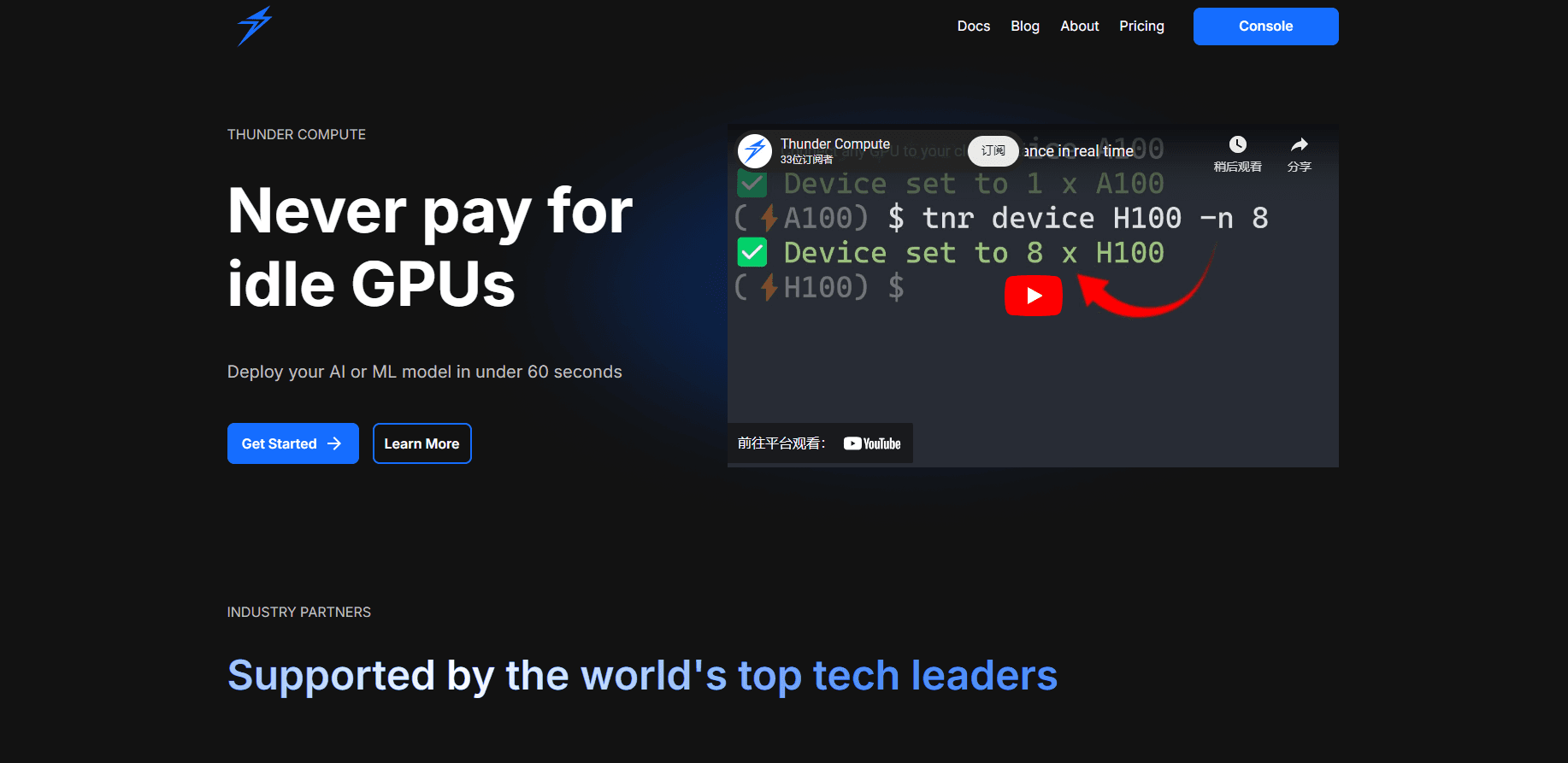
About Thunder Compute
What Is Thunder Compute
Thunder Compute is a cloud GPU provider built for people who train models, run evaluations, or let agents burn through compute. You don't provision a machine months ahead or reserve a rack. You ask for a GPU, get it in under a minute, run your code, and stop paying when the job stops. That's the pitch in one line. No queue, no idle hardware.
The company started as a systems research lab. The founders met at Georgia Tech, where researchers booked GPU time weeks in advance through a shared spreadsheet, which meant experiments stalled whenever someone else held the reservation. That bottleneck became the product: Thunder Compute virtualizes GPUs so hardware stays busy instead of sitting idle between reservations. Y Combinator backed the team in its Summer 2024 batch.
Cloud GPU pricing is the pitch as much as the technology. Most providers round you up to the hour and charge for data on the way out. Not here. So what does that actually save you? It depends on how much idle time you currently eat.
The service splits into two products. Instances are persistent GPU machines you connect to and keep, billed per minute while running. Sandboxes are short-lived, isolated jobs you can fan out by the hundreds from a few lines of Python, billed per second. Both run on the same fleet, which matters if you care about A100 rental and H100 GPU cloud capacity staying available when you need it. The main limit is scope: this is infrastructure for people who can already write code. There's no drag-and-drop builder, and if your workload fits on a laptop GPU, renting by the hour rarely makes sense. Know what you're buying.
Getting Started
- Sign up at the console and add a payment method, since billing starts the moment a GPU boots.
- Pick an editor or interface: the VS Code extension, the command line, the web console, or the MCP server for agent workflows.
- Create an instance with a single command like
tnr create --gpu a100, or open a sandbox from Python with thethunder_sandboxlibrary. - Connect from VS Code, the CLI, or your browser and run your existing code against the GPU.
- Snapshot the disk when you're done if you want to keep your environment, then shut the instance down to stop the meter.
Product Information
A quick look at Thunder Compute's pricing, supported platforms, and performance.
Best for
The users, tasks, and scenarios where this tool fits best.
Users
- Machine learning engineers
- AI researchers running evaluations
- Startup teams watching runway
- Agent developers
Tasks
- Training and fine-tuning models
- Running RL environments and evals at scale
- Short bursty jobs
- Prototyping model code
Scenarios
- A research lab that currently books shared GPU time weeks in advance.
- An agent that needs a GPU for a few minutes during a long reasoning loop.
- A solo developer testing whether a larger model fits their pipeline before committing to a big cloud contract.
Key features
Per-minute and per-second billing
Instances bill by the minute while running, and sandboxes bill by the second. That gap matters: a job that finishes in 90 seconds costs you 90 seconds, not a rounding-up-to-the-hour charge. Extra vCPUs and disk follow the same clock, and snapshot storage is the only piece billed separately until you delete it. Easy to overlook. Big on the invoice.
Instances you keep and snapshot
An instance is a persistent GPU machine you connect to and stay on. You pick the GPU (RTX A6000, L40, A100 80GB, or H100 SXM), set vCPUs, RAM, and disk, then snapshot the disk when you're done. The snapshot keeps your environment between runs, so the next session starts configured instead of rebuilding the same dependency stack every single time you sit down to work. Handy when a setup script takes longer than the job itself.
GPU sandboxes for parallel work
Sandboxes are isolated jobs that scale up and down to zero. You spin them up from Python with the thunder_sandbox library, set a timeout, and fan out hundreds in parallel. Each can carry its own GPU, or run CPU-only for lighter tasks. They're wiped when they end, which keeps isolated environments clean. For evals and reinforcement learning, that fan-out is the whole point. One machine can't keep up with hundreds of rollouts. Dozens can.
Multiple ways in
You can drive Thunder Compute from a VS Code or Cursor extension, the command line, a web console, or an MCP server. The CLI keeps setup to a couple of commands. The MCP server lets coding agents request GPUs on their own. Pick the surface that matches how you already work.
No egress fees
Data leaving the platform costs nothing. For teams moving large datasets or model checkpoints in and out, that's often a bigger bill than the GPUs themselves at other providers. Thunder Compute drops the line item entirely. If you've ever downloaded a 200 GB checkpoint and watched a surprise charge appear, you'll appreciate this one. Free means free.
Reserved capacity for larger jobs
When one GPU isn't enough, reserved capacity offers 8 to 512+ GPUs at a discount over the on-demand rate. An A100 reservation starts at $1.49 per GPU-hour versus $1.09 on-demand, and H100 reserved sits at $3.20 per GPU-hour. It's aimed at teams with steady, large training runs rather than occasional jobs. Small one-off tests should stay on-demand.
Pros and cons
Pros
- Per-minute and per-second billing means you only pay while workloads are actually running.
- No data egress fees, which removes a cost that adds up fast on large model transfers.
- Four interfaces (VS Code, CLI, console, MCP server) suit different workflows, including agent-driven ones.
- Setup takes one command, and a GPU is ready in under a minute.
- Published price comparison shows it undercutting Lambda, Runpod, and the big cloud providers on similar GPUs.
Cons
- There's no free tier, so you can't test the platform without adding a payment method first.
- It's built for developers who write code; there's no visual no-code interface for non-technical users.
- Reserved multi-GPU capacity starts at 8 GPUs and requires contacting sales, which rules out small one-off jobs and makes the discount hard to reach unless you already run large training workloads.
Frequently asked questions
It rents cloud GPUs for AI work: training and fine-tuning models, running evaluations and reinforcement learning environments, and giving agents compute on demand. You run your existing code on the GPU instead of rebuilding it for the platform.
Related content
Explore related tools, skills, and articles for Thunder Compute.
Thunder Compute Alternatives

Odyssey 3
Odyssey · OtherOdyssey-3 is Odyssey's foundation world model. It simulates physics in real time, turns a prompt into an interactive environment, and adapts to robots, cars and games.

JarvisCore
Prescott Data · Coding · Productivity · OtherJarvisCore is an open source Python runtime where AI agents work as equal peers on an agent mesh, claim tasks from a shared ledger, and reach external services through a zero-trust broker.
Clef
Cloudflare · Business · OtherClef is Cloudflare's open-source decision model for Workers AI. It returns calibrated probabilities for typed questions, not generated text, so agents can classify, route, and act fast.