

Thunderbit
Thunderbit Inc. · Coding · Productivity
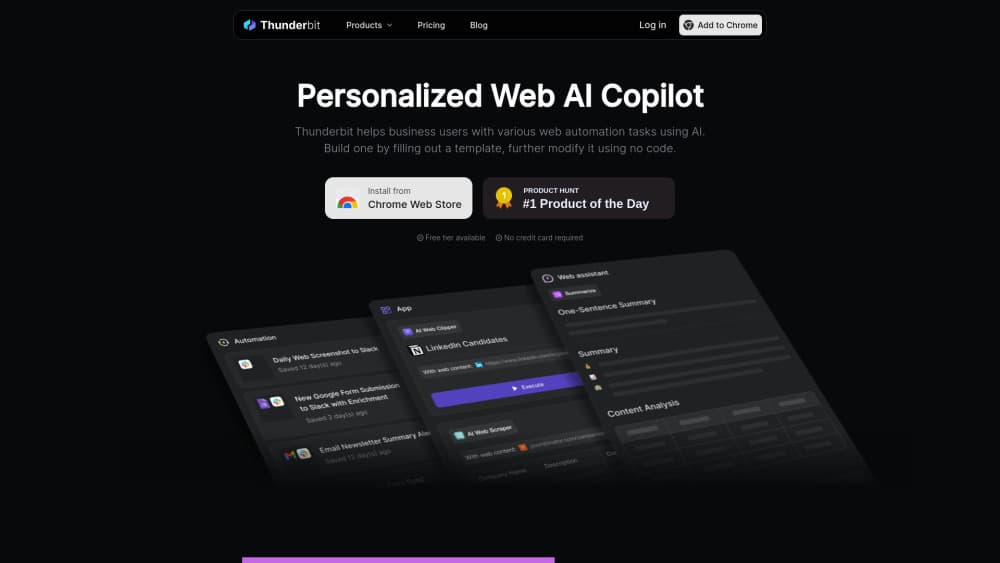
Thunderbit is an AI web scraper Chrome extension for sales and ops teams that pulls data from any site and exports it to Sheets, Notion, or Excel.
About Thunderbit
What Is Thunderbit
Thunderbit is a no-code web scraper that runs as a web scraping Chrome extension. You point it at a page, describe the fields you want in plain English, and it builds the extraction for you. No CSS selectors. No drag-and-drop mapping. That matters if you're in sales or operations and just need a spreadsheet of leads, prices, or contacts by the end of the day.
It was built for GTM teams first. Reading the site, the common jobs are harvesting contact details, watching buying signals like hiring or funding news, and enriching a list before outreach. Output lands in Google Sheets, Airtable, Notion, or Excel, so it slots into whatever stack you already run. Need to scrape a website to Google Sheets? That's the default path.
The catch is scope. Thunderbit lives in the browser, so it works on what a logged-in browser can see. It's not a headless scraping framework for crawling millions of pages overnight, and heavy jobs burn AI credits. Want industrial-scale crawling that runs unattended for days? Look elsewhere. There are better-suited tools for that job.
Getting Started
- Install the Thunderbit extension from the Chrome Web Store and sign in.
- Open the page you want to scrape and click One Click Extract, or pick a pre-built template for sites like Amazon, eBay, or Google Maps.
- Describe the fields you need in plain English; the AI suggests columns and fills them from the page.
- Add optional AI steps such as summarize, categorize, or translate while the data is collected.
- Export the table to Google Sheets, Airtable, Notion, or Excel.
Product Information
A quick look at Thunderbit's pricing, supported platforms, and performance.
Best for
The users, tasks, and scenarios where this tool fits best.
Users
- Sales teams
- Operations staff
- Marketers
- Researchers and analysts
Tasks
- Lead generation
- Contact scraping
- Buying signal tracking
- Data enrichment
- Formatting and calculation
Scenarios
- Building an outreach list for a new territory before a sales push.
- Monitoring competitor prices weekly and logging them for a pricing review.
- Collecting product and seller details from a marketplace for a market study.
- Pulling long-form article text or transcripts into a doc for content research.
Key features
One Click Extract
The core move: open a page, click once, and let the AI propose the useful fields. It reads the layout and suggests columns such as name, price, rating, or seller, then fills them from what's visible. That's it. For people who never learned selectors, this is the whole product in one button.
Pre-Built Templates
AI isn't the only route. For popular sites like Amazon, eBay, and Google Maps, a template returns the same fields every time, instantly, and without spending AI credits. If your target is a mainstream marketplace or directory, a template usually beats a fresh AI run on both speed and cost. Simple as that.
AI Field Suggestions
When a page is unusual, you describe what you want in plain language and the scraper works out which elements match. This is the part that saves time on one-off sites where no template exists, because you're not tracing element paths or guessing at class names before you can pull a single column. It also means the quality depends on how clearly you phrase the request.
Summarize, Categorize, and Translate
Thunderbit can restructure output while it scrapes. Add a summary column, sort rows into categories, or translate fields into another language as part of the same run. Handy when the raw page text is messy and you'd otherwise clean it by hand afterward.
Data Export and Integrations
Results go to Google Sheets, Airtable, Notion, or Excel, or you copy-paste them elsewhere. Because the data lands in tools your team already uses, there's less glue work between scraping and acting on it, which is often where manual workflows quietly lose their afternoons.
Web Scraper API
Beyond the extension, Thunderbit offers an API for piping its scraping into your own applications and internal workflows. This is the path for teams that want the extraction to run inside a product rather than a browser tab, where nobody has to remember to click a button while looking at the right page. Exact limits depend on your plan.
Pros and cons
Pros
- No coding or CSS selectors needed; plain-English prompts handle most extractions.
- Pre-built templates for major sites cut cost and time when they apply.
- Output connects directly to Sheets, Airtable, Notion, and Excel.
- Free to start, so you can test it on a real page before paying.
- API available for teams that want to embed scraping in their own tools.
Cons
- Runs only as a Chrome extension, so you're tied to a logged-in browser session.
- Complex or heavy jobs consume AI credits, which caps how much you can pull on lower plans.
- Not built for large-scale crawling across millions of pages; it's a browser tool, not a crawler.
- Business pricing is custom, so costs for bigger teams aren't public until you talk to sales.
Frequently asked questions
It's a Chrome extension that scrapes data from websites and turns it into tables. You describe the fields you want, and its AI builds the extraction, then exports the result to Sheets, Notion, Airtable, or Excel.
Related content
Explore related tools, skills, and articles for Thunderbit.
Thunderbit Alternatives

Base Code
Base44 (Wix) · Coding · ProductivityBase Code is a shared cloud development environment from Base44. Teammates describe changes to an existing GitHub codebase in chat, preview them live and send them back as pull requests.

Google EmbeddingGemma 2
Google DeepMind · Writing · Image · CodingGoogle EmbeddingGemma 2 is a 740M-parameter open model that turns text, code, images, audio, and video frames into vectors in one 768-dimension space, running on phones and laptops.

GitGlow
GitGlow · Coding · ProductivityGitGlow is a local-first desktop Git client that lets independent developers review their own code and their AI agents' changes in one place before shipping.